
Create text-rich visuals with production control
Last verified: July 24, 2026
Dense multilingual text inside polished, complex compositions is the defining leap OpenAI documented for GPT Image 2, helping creators produce campaign graphics and infographics with less manual typesetting. OpenAI released the model on April 21, 2026 for image generation and editing; its documented consumer-facing name is ChatGPT Images 2.0.
OpenAI highlights stronger instruction following, enhanced world knowledge, heightened realism, and greater control over detailed layouts compared with earlier GPT-4o image deployments. Its launch examples span multilingual advertising, dense educational graphics, coherent comic pages, photorealistic editorial work, and print-oriented designs.
The model also uses image-specific safeguards across prompts, image inputs, and generated outputs. Requests that conflict with applicable content policies may be blocked before a result is returned, so production workflows should allow time for compliant revisions.
Explore GPT Image's Models
Image controls and input limits
Unmarked values are selectable here; “OpenAI studio note” flags creator-documented behavior beyond these page controls.
Output resolution
1K, 2K, 4K
Canvas ratios
1:1, 2:3, 3:2, 3:4, 4:3, 9:16, 16:9
Reference-image count
1-14 images
Reference uploads
JPG, JPEG, PNG, or WebP; up to 10 MB each
Prompt capacity
Up to 2048 characters
Input fidelity
Automatic high-fidelity processing for every image input — OpenAI studio note
Text-to-Image Ideas Worth Trying
Starting points that lean into legible type, layout precision, and photoreal detail, ready to paste and tweak.
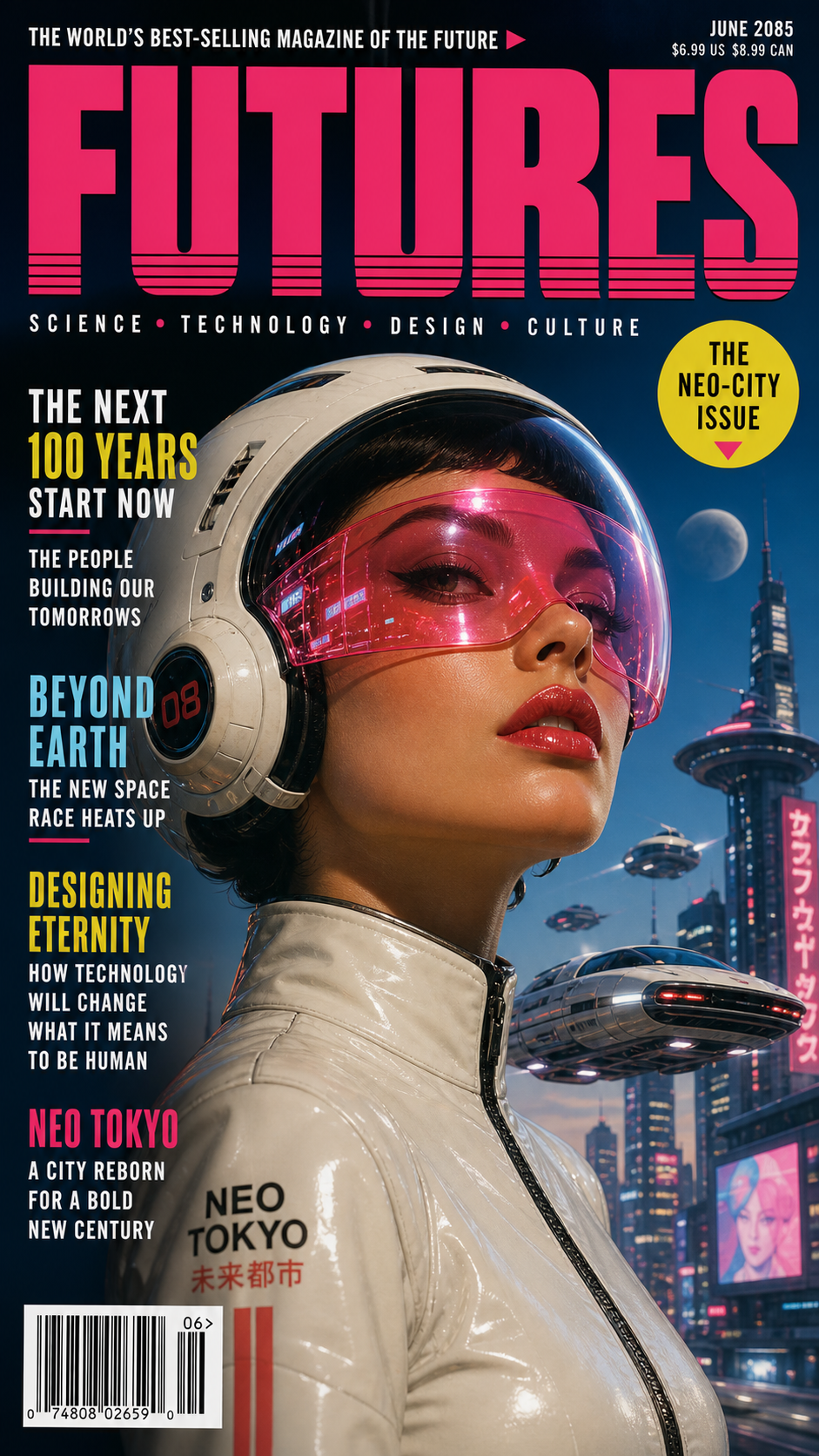
"A retro-futuristic magazine cover with cover lines, a bold masthead, and a small barcode, glossy print finish, portrait format."
Try this prompt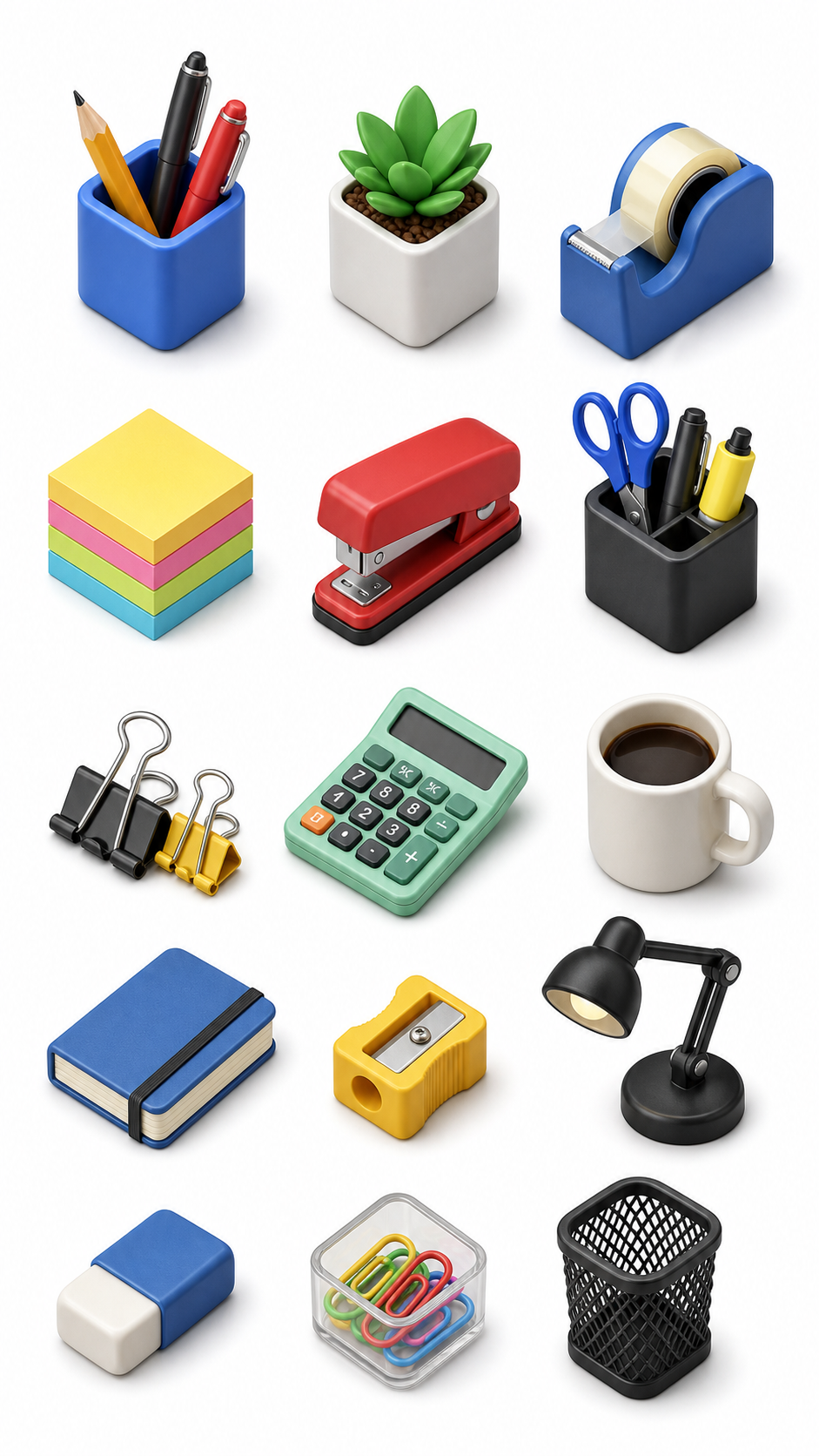
"An isometric 3D icon set of desk tools on a clean white background, colorful tactile materials, no text, square format."
Try this prompt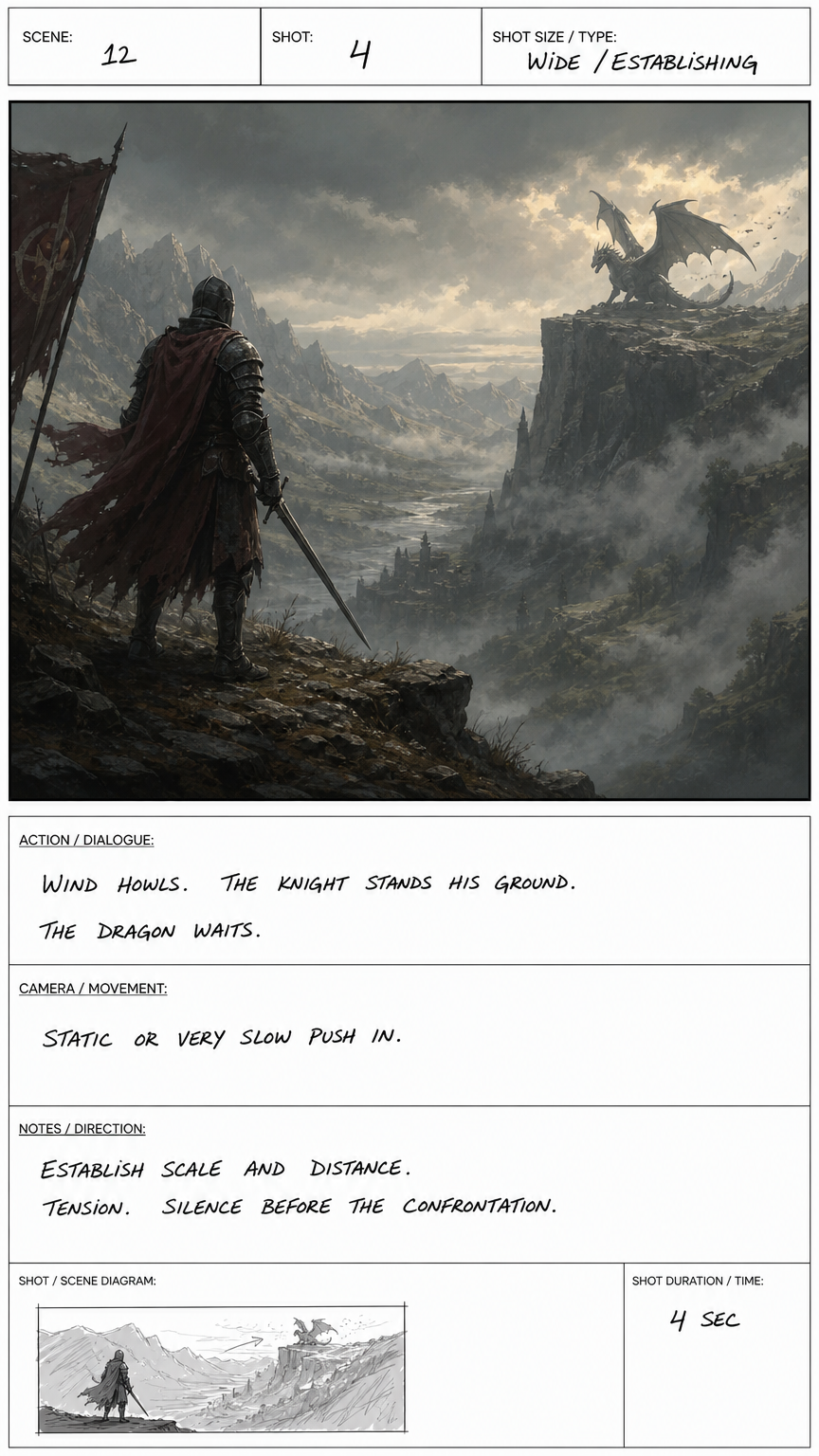
"A storyboard frame of a lone knight facing a distant dragon across a misty valley, cinematic wide shot, painterly concept-art style."
Try this prompt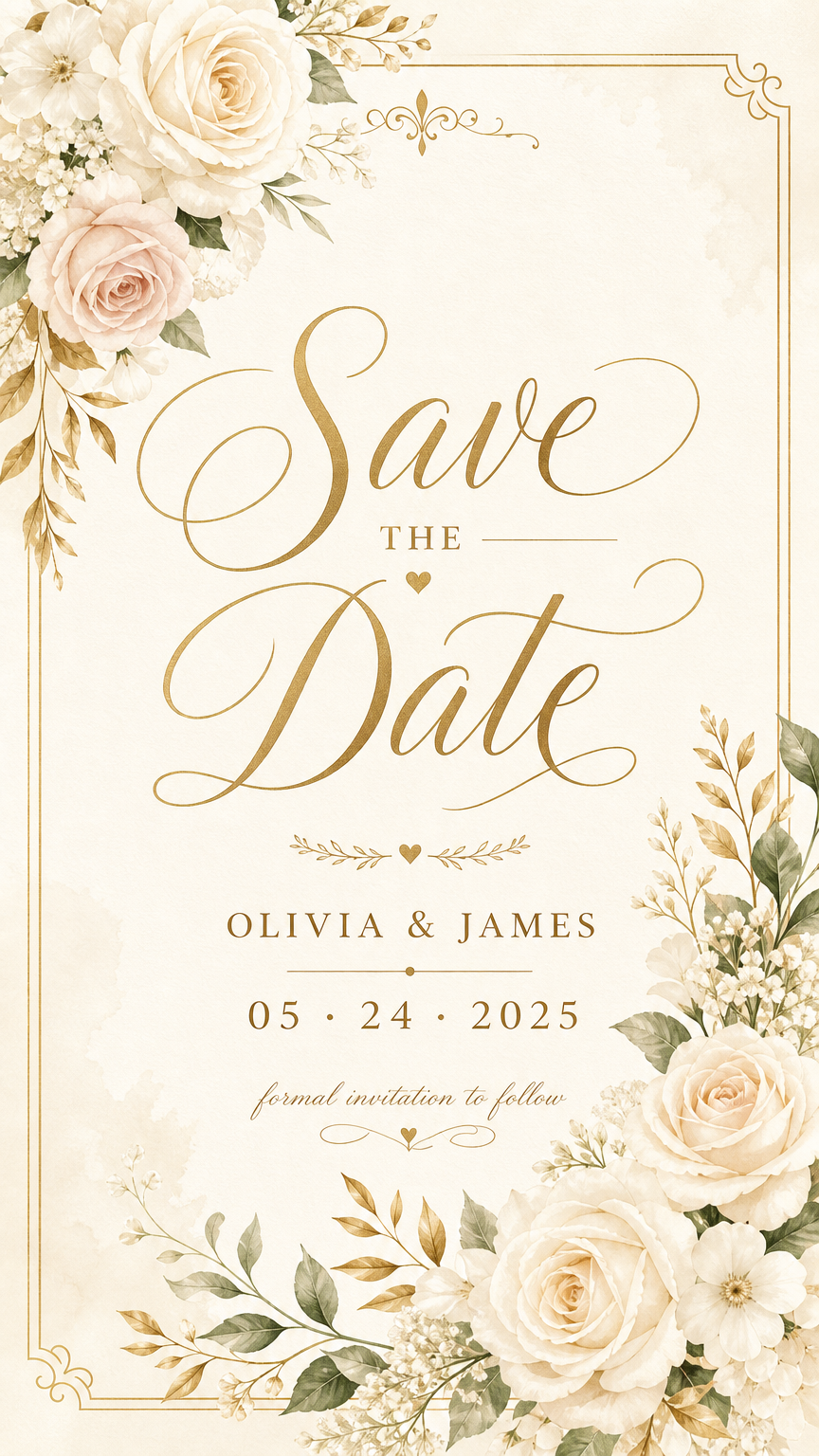
"An elegant wedding save-the-date card with flowing script reading 'Save the Date', soft floral border, cream and gold palette."
Try this prompt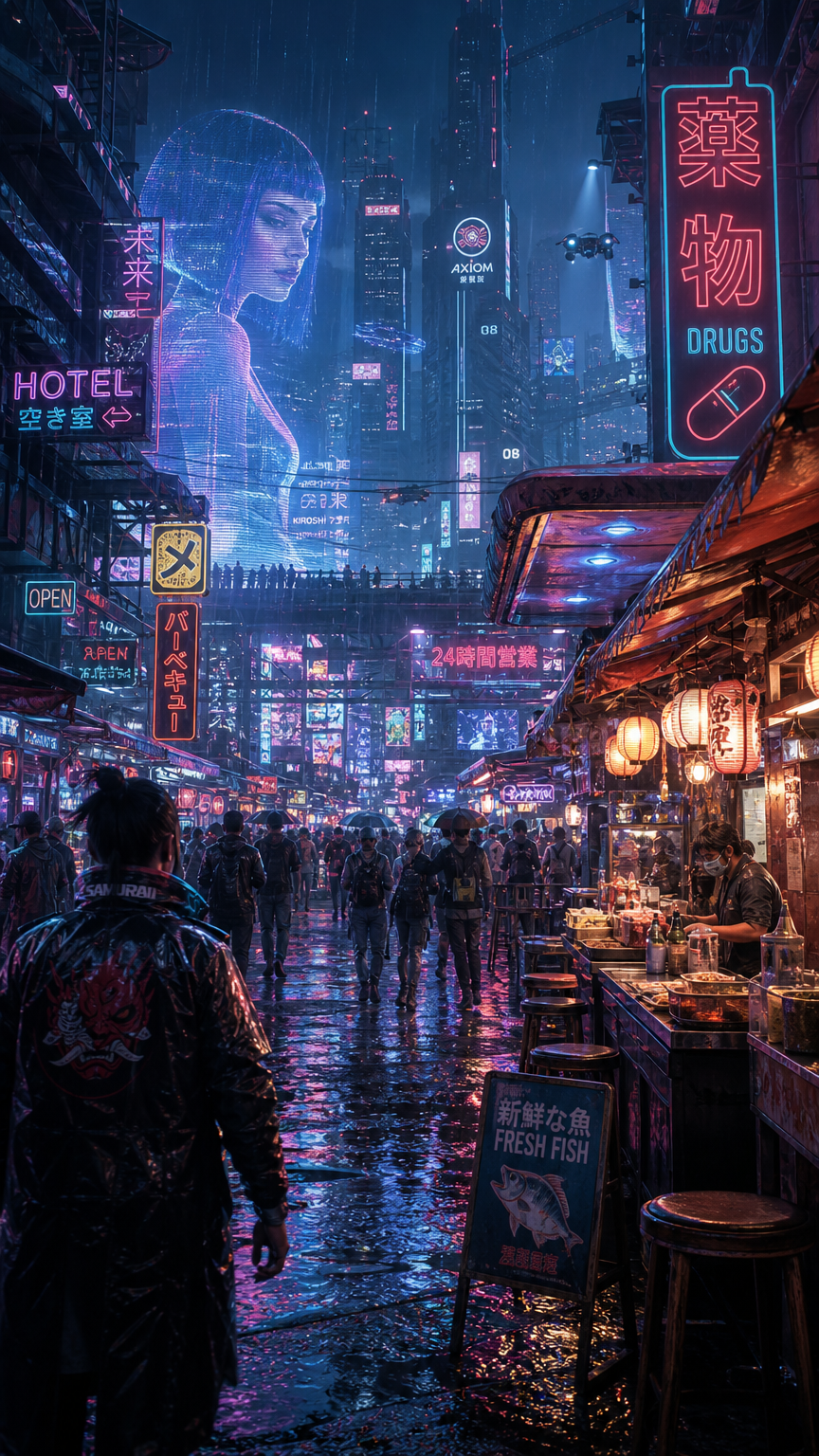
"A rain-soaked cyberpunk night market with glowing holographic signage, layered neon reflections, dense atmospheric detail, 16:9."
Try this prompt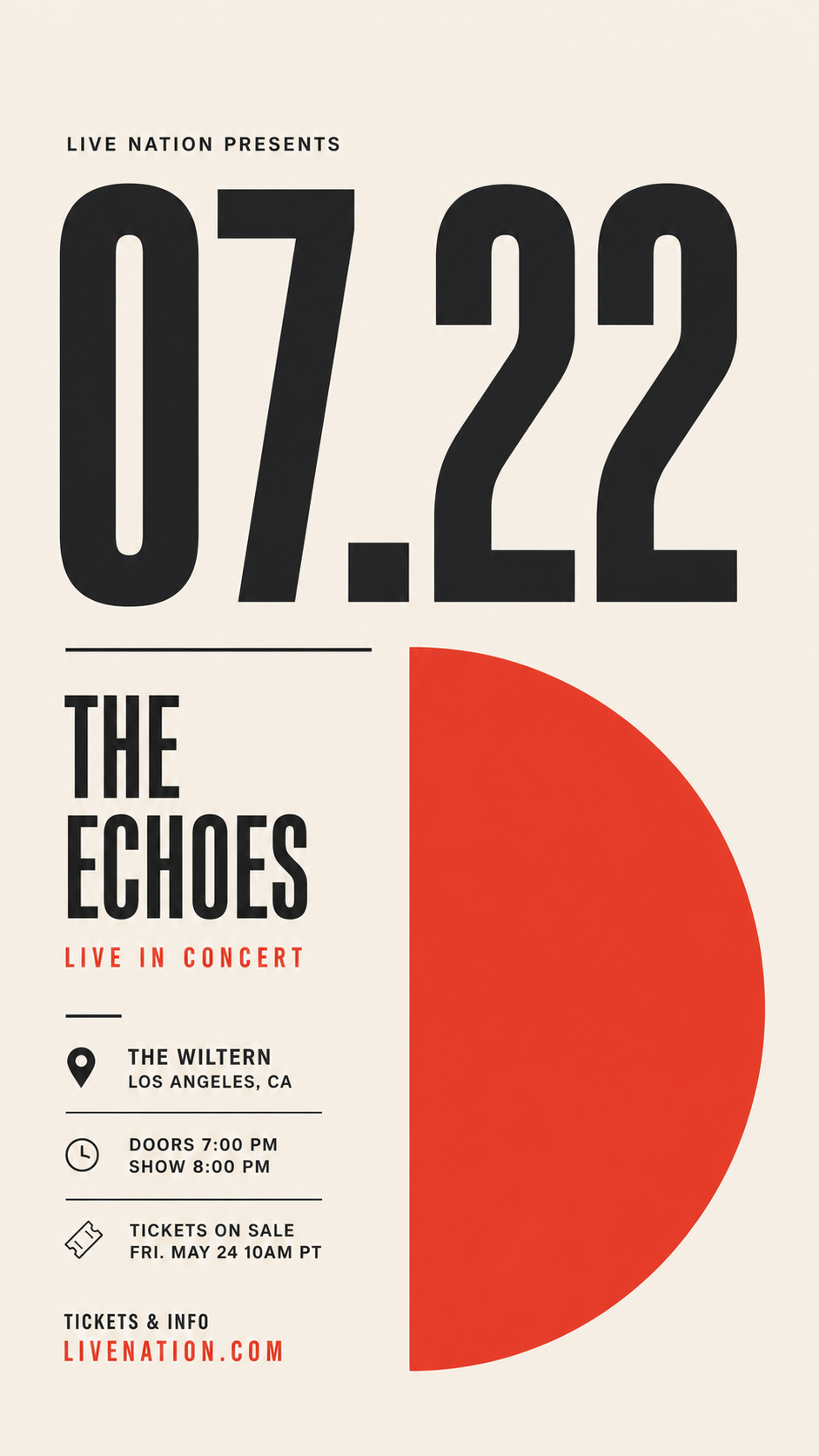
"A minimalist concert poster with a huge date '07.22', a single bold accent shape, generous negative space, modern grid layout."
Try this prompt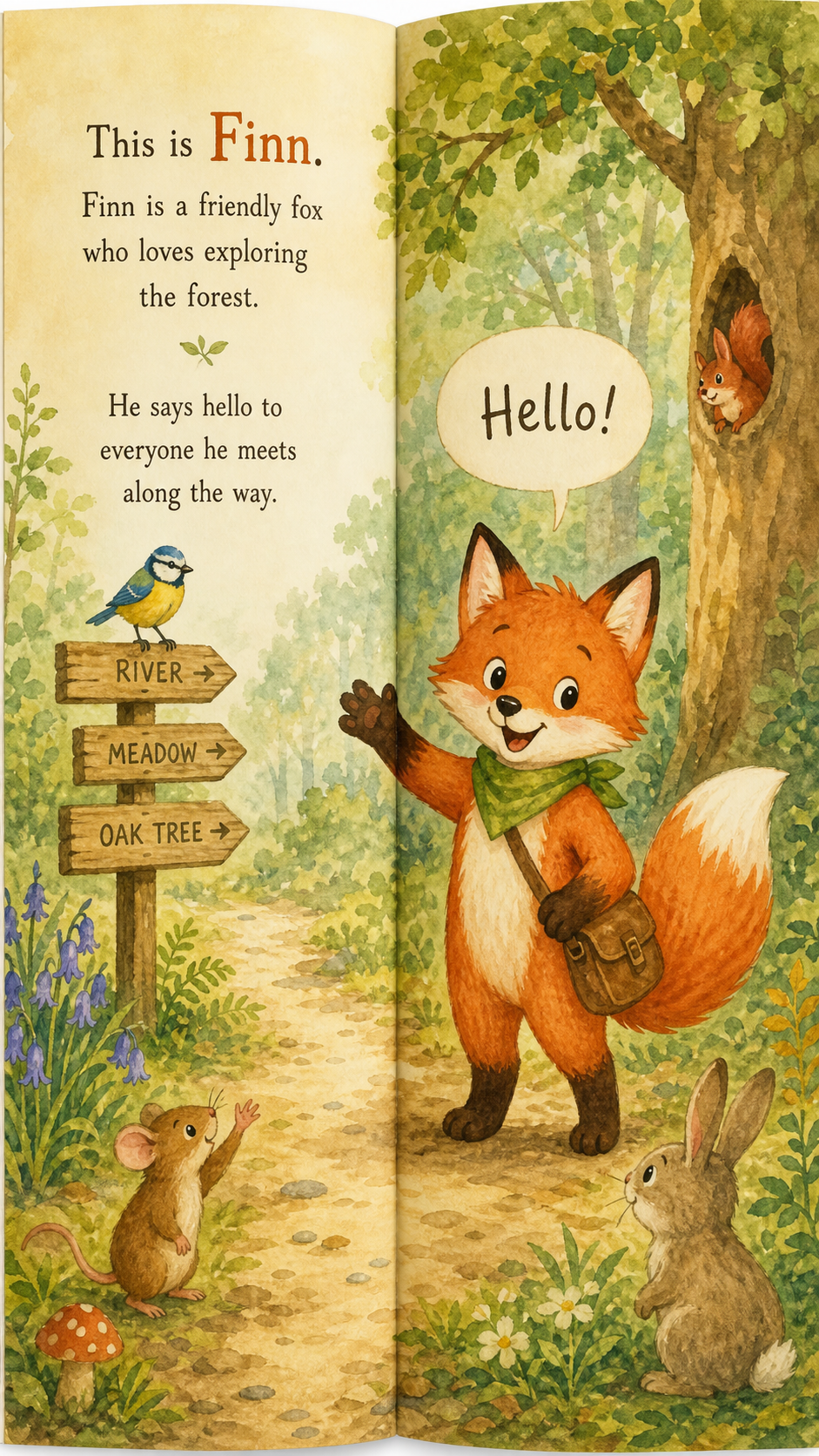
"A children's picture-book spread featuring a friendly fox in a forest, consistent character design, warm watercolor illustration."
Try this prompt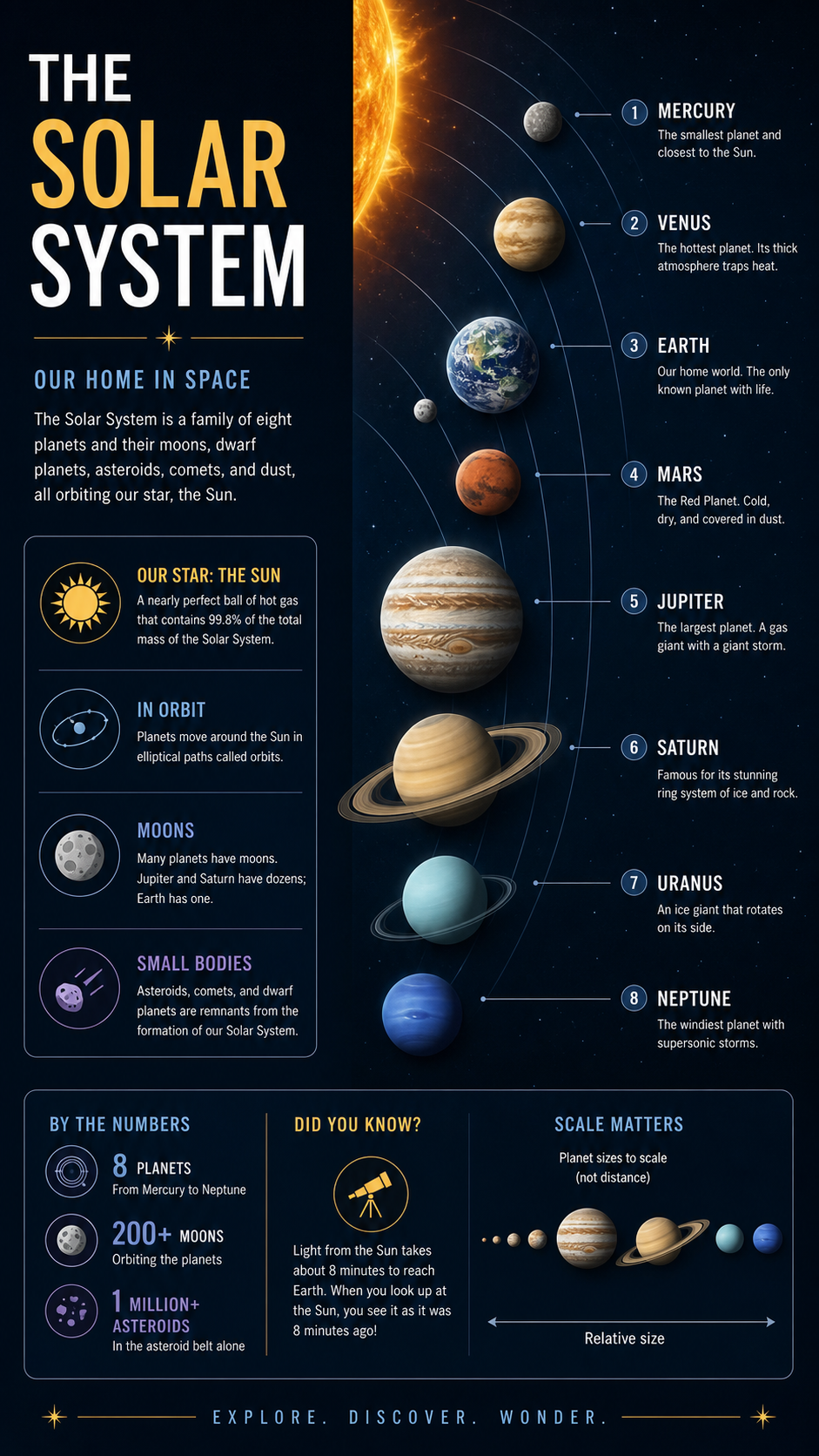
"A museum infographic panel about the solar system with labeled planets, orbital arcs, and tidy captions, deep-space palette."
Try this promptSet up a clean first generation
Check the source mode, layout, copy, and output settings before generating to prevent avoidable rework.
Choose the correct creation mode
Start with text-to-image for a new composition or image-to-image when specific products, people, or visual details must guide the result.
Curate the reference set
Use 1-14 compatible images, remove conflicting angles, and keep each file within the 10 MB upload limit.
Lock the destination shape
Select the intended social, editorial, portrait, or landscape ratio before describing the composition so important subjects stay inside the final crop.
Match resolution to the pass
Choose among 1K, 2K, and 4K based on whether you are testing a concept or preparing a detail-sensitive final asset.
Front-load exact copy
The prompt field accepts up to 2048 characters, so place required headlines, spelling, language, and hierarchy before secondary styling notes.
Plan an opaque backdrop
OpenAI's creator documentation does not support transparent backgrounds for this model; specify a clean solid background when planning downstream cutouts.
Put Text, Layout, and Art Direction in One Frame
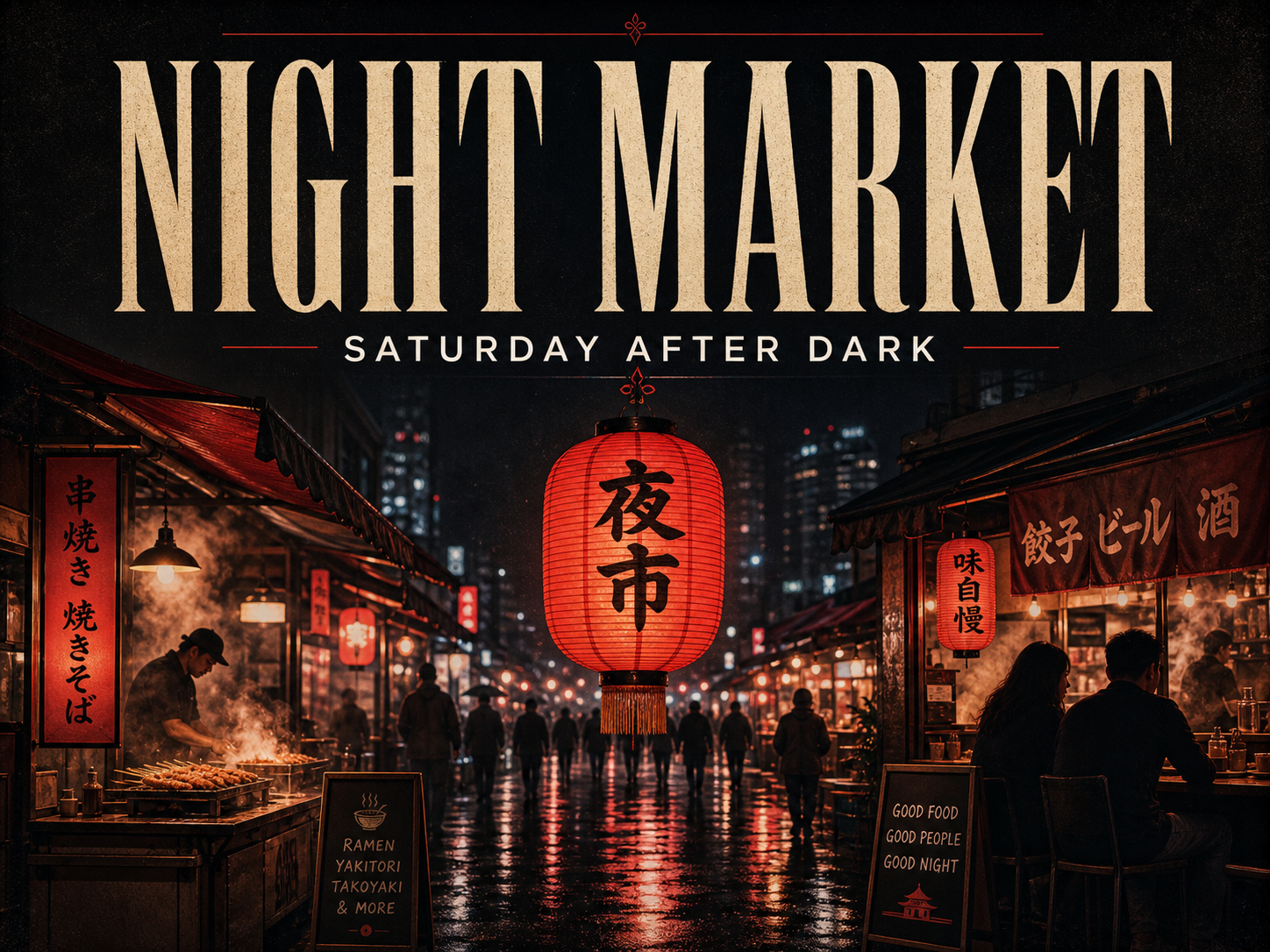
"Create a premium 4:3 campaign poster for an evening street-food festival. A glowing crimson paper lantern hangs above a rain-wet market lane filled with subtle silhouettes, steam, and reflections; the composition feels elegant, not crowded. Render the exact headline "NIGHT MARKET" in large cream condensed serif lettering at the top, then place "SATURDAY AFTER DARK" beneath it in small clean sans-serif type. Use cinematic red, charcoal, and warm amber lighting, tactile print grain, precise spacing, sophisticated editorial art direction, and a clear visual path from headline to lantern to market scene."
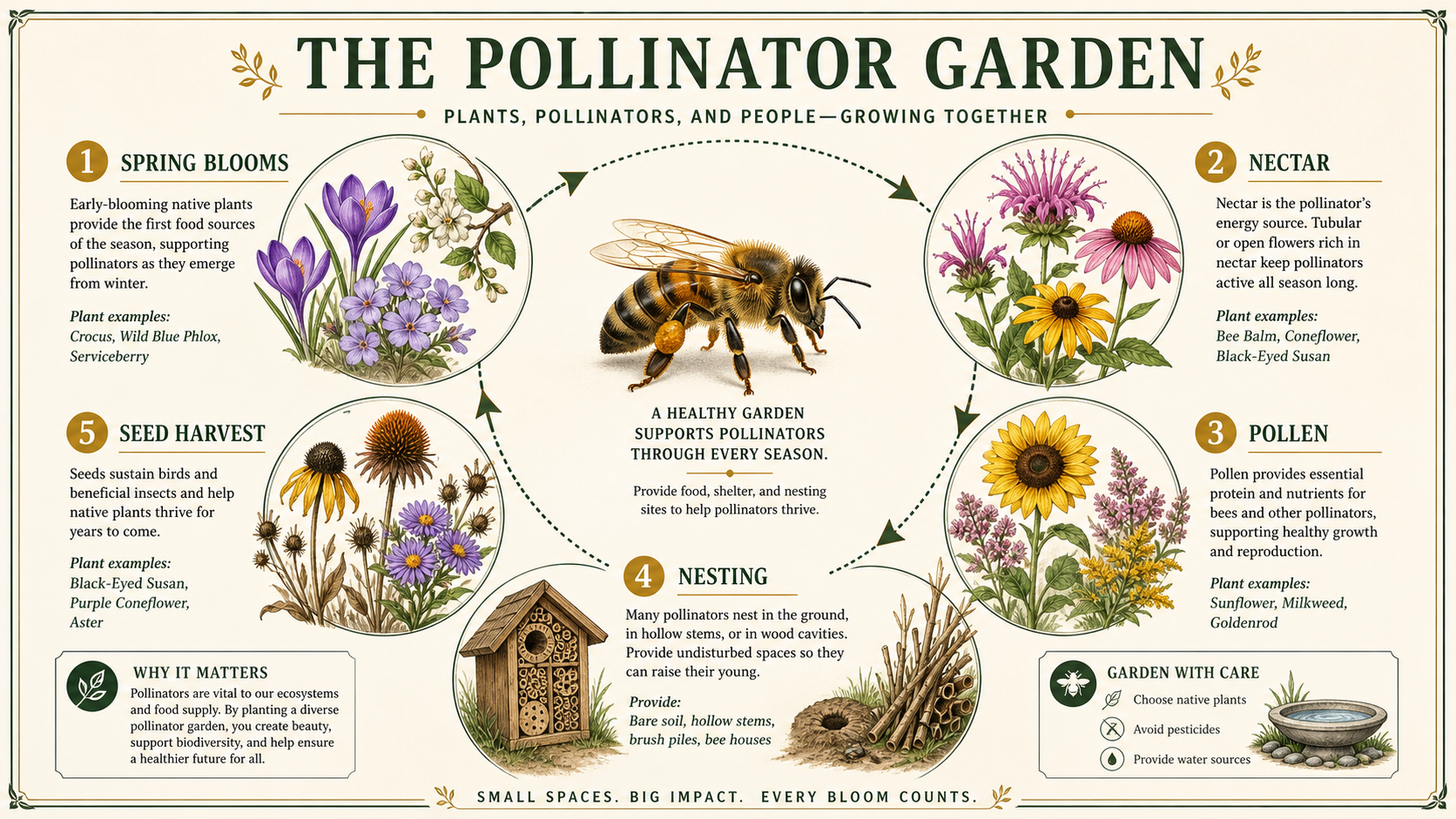
"Create a polished vertical educational infographic titled "THE POLLINATOR GARDEN". Show a central honeybee moving through a circular ecosystem with clearly separated, labeled sections for "SPRING BLOOMS," "NECTAR," "POLLEN," "NESTING," and "SEED HARVEST," each supported by accurate-looking botanical illustrations. Use a refined natural-history editorial style, warm ivory paper, deep green foliage, mustard accents, clean information hierarchy, thin rule lines, legible typography, balanced negative space, and print-quality detail suitable for a museum exhibit panel."
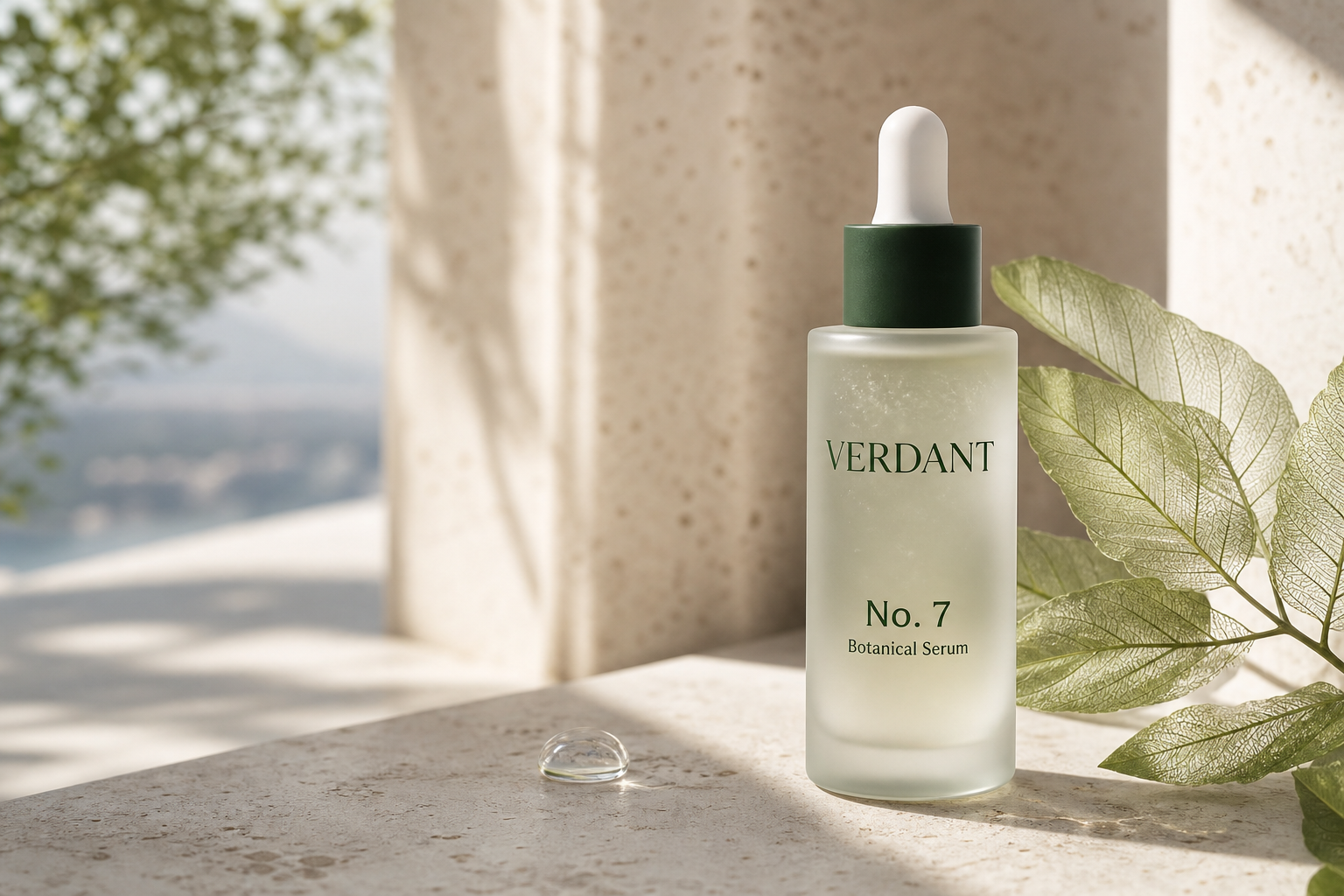
"Create a photorealistic 3:2 luxury skincare campaign image for a fictional botanical serum called "VERDANT No. 7." A frosted glass dropper bottle stands on pale travertine beside translucent green leaves and a single bead of water, with early morning sun casting soft architectural shadows. The label must read "VERDANT" and "No. 7 Botanical Serum" in restrained dark-green typography. Use high-end beauty photography, realistic glass refraction, fine material detail, shallow depth of field, quiet editorial color grading, and deliberate space for the bottle to remain the dominant subject."
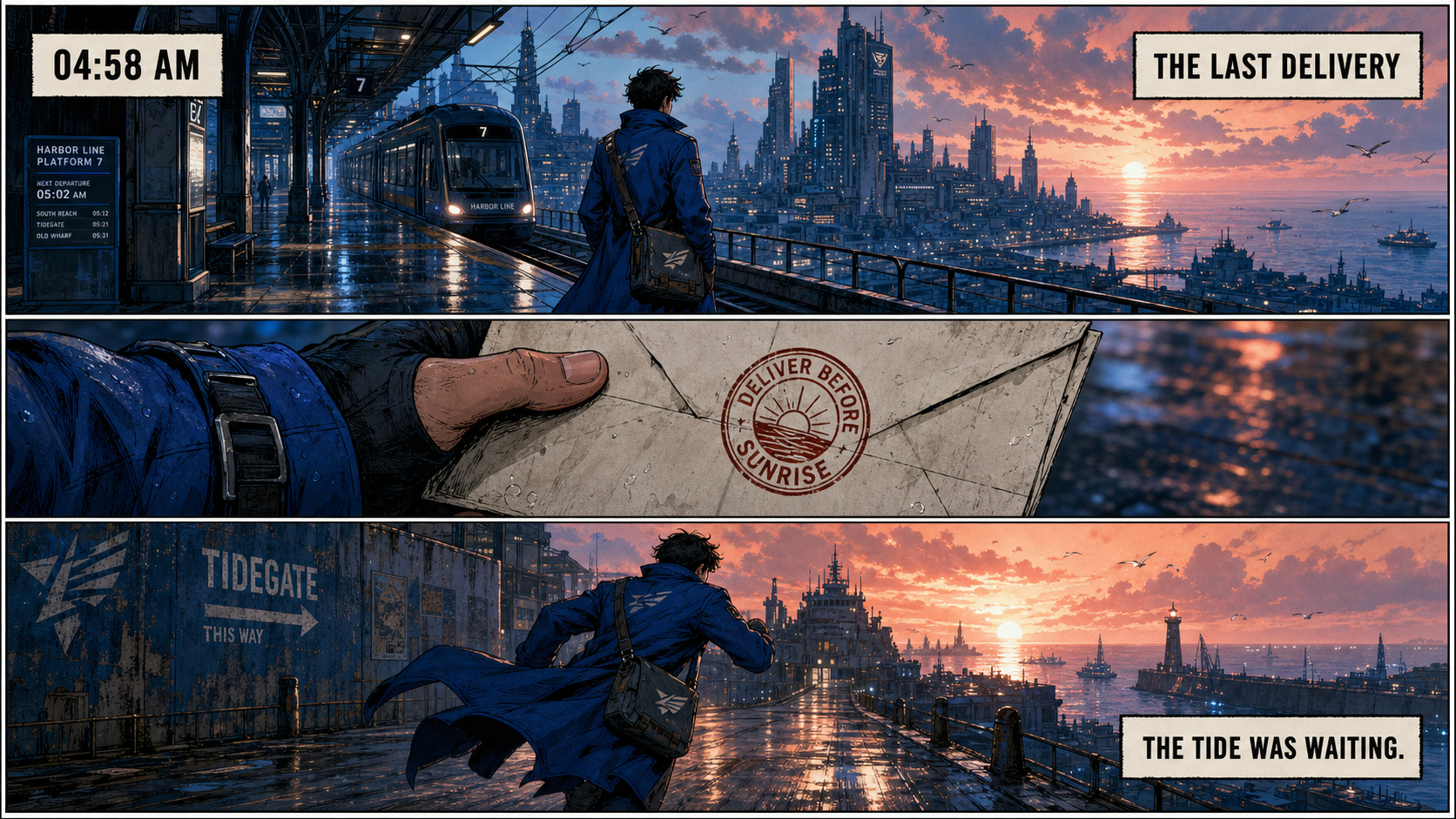
"Create a cinematic 16:9 three-panel graphic novel page about a young courier in a long cobalt coat crossing a futuristic coastal city at dawn. Panel one shows a wide elevated tram platform, panel two shows a close-up of a folded letter stamped "DELIVER BEFORE SUNRISE," and panel three shows the courier running toward a glowing harbor. Add restrained, readable caption boxes: "04:58 AM," "THE LAST DELIVERY," and "THE TIDE WAS WAITING." Use precise panel gutters, rain-slick reflections, soft coral sunrise against deep blue architecture, expressive inked linework, textured color, and coherent character design across every panel."
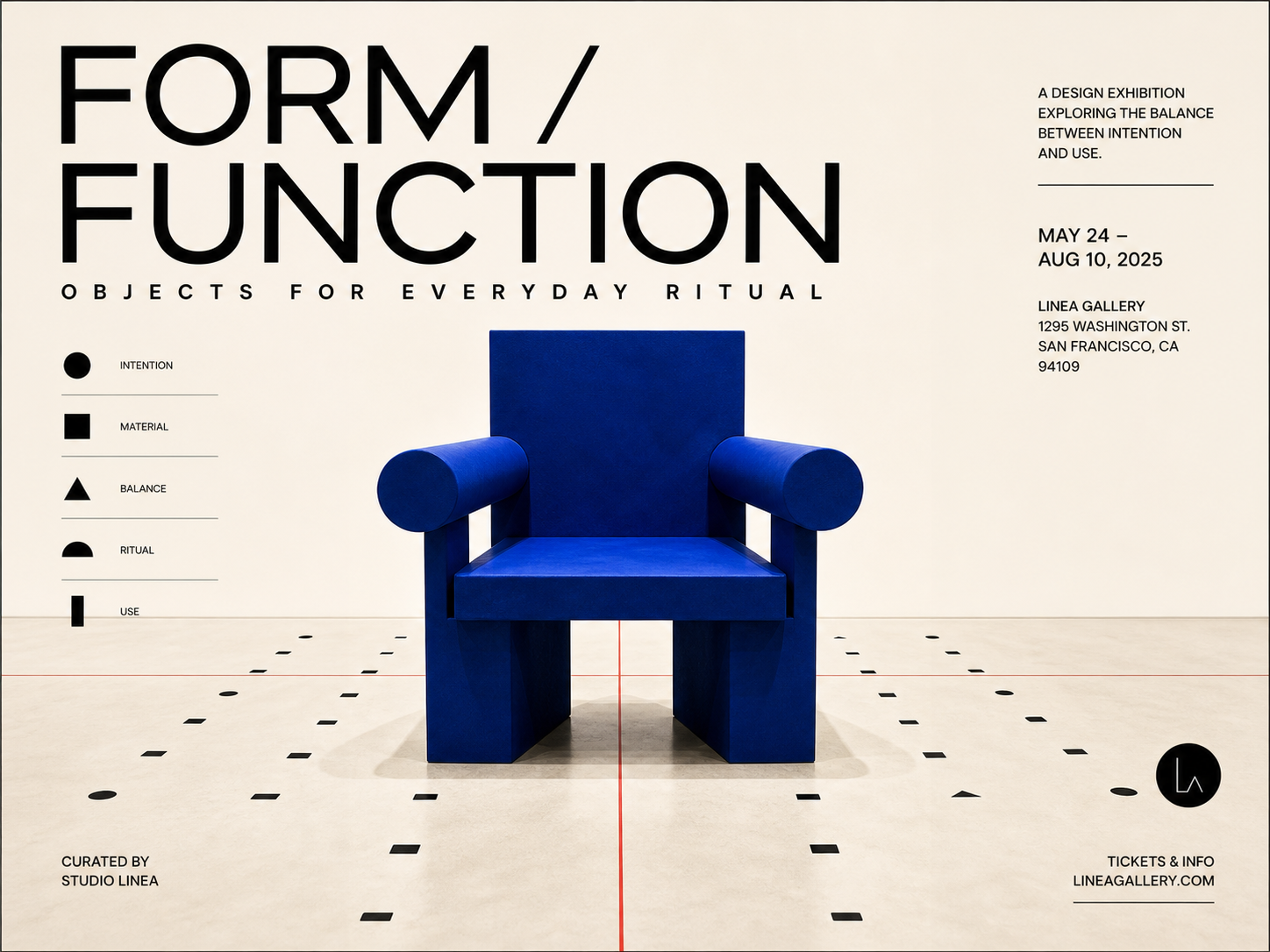
"Create a refined square exhibition poster for a fictional design show called "FORM / FUNCTION." Center a monumental cobalt-blue sculptural chair on a cream gallery floor, surrounded by a subtle grid of small black geometric marks and a thin red alignment line. Place "FORM / FUNCTION" in large black modernist typography with "OBJECTS FOR EVERYDAY RITUAL" below in smaller letterspaced text. Use Bauhaus-inspired editorial design, realistic gallery lighting, carefully controlled whitespace, crisp edges, balanced asymmetry, and a premium Swiss-poster finish."
Choose GPT Image 2 vs Nano Banana 2 for Production
The middle column starts with controls available on this page; “OpenAI studio note” marks broader creator-side behavior that is not an extra control here. Compare the models by creation path, canvas control, reference handling, and copy-heavy output.
| Feature/Spec | GPT Image 2 | Nano Banana 2 |
|---|---|---|
| Creation workflows | Text-to-image and image-to-image editing | Text-to-image generation and conversational image editing |
| Supported media path | Text and image input; image output | Text, image/PDF, and video input; image and text output |
| Selectable output resolution | 1K, 2K, 4K (OpenAI studio note: custom valid sizes with a maximum 3840 px edge in OpenAI's developer offering) | 0.5K, 1K, 2K, 4K |
| Canvas-shape control | 1:1, 2:3, 3:2, 3:4, 4:3, 9:16, 16:9 (OpenAI studio note: custom valid dimensions may extend to a 3:1 long-edge ratio) | 1:1, 1:4, 1:8, 2:3, 3:2, 3:4, 4:1, 4:3, 4:5, 5:4, 8:1, 9:16, 16:9, 21:9 |
| Reference-image mix | 1-14 JPG, JPEG, PNG, or WebP images; up to 10 MB each | Up to 14 reference images, including up to 10 object references and up to 4 character references |
| Text inside generated images | Enhanced dense and multilingual text rendering | Advanced stylized text rendering with improved international-language support |
| Launch either text-rich image workflow here | OpenAI image workflow is usable directly on Vidofy.ai | Google image workflow is also usable directly on Vidofy.ai |
Match the model to the asset you need
Copy-heavy creative production
OpenAI's documentation puts unusual emphasis on dense copy, multilingual lettering, complex visual hierarchy, and realistic art direction. Google's model also documents advanced text rendering, so test the same approved copy in both when spelling, typographic personality, and information density determine whether an asset is usable.
Grounded context and unconventional source media
Google documents web and image-search grounding plus video-to-image context for its exact variant. The supplied page controls do not establish an equivalent OpenAI workflow here, so users who require grounded visual research, video-derived posters, or extreme panoramic formats should verify that the relevant Google controls are exposed before generating.
Choose by copy density, references, and source context
Use this quick guidance to pick the best option for your workflow.
When to choose each: Choose the OpenAI model for copy-heavy posters, multilingual campaigns, educational graphics, comic pages, and polished photorealism. Choose Nano Banana 2 when its documented Search grounding, video context, or unusually narrow and wide canvases are central to the brief, subject to the controls available here.
Create a finished visual in four steps
Move from your production brief to a review-ready image through four focused decisions.
Step 1: Choose a creation path
Open the generator on Vidofy and select text-to-image for a new scene or image-to-image for reference-guided production.
Step 2: Write the visual brief
Describe the subject, required copy, composition, lighting, and style; use the prompt helper when you want a more structured direction.
Step 3: Set the canvas
Choose the aspect ratio and resolution that match the final placement before starting the generation.
Step 4: Generate and inspect
Review spelling, visual hierarchy, identities, hands, fine details, and crop safety, then refine the brief or references for another pass.