















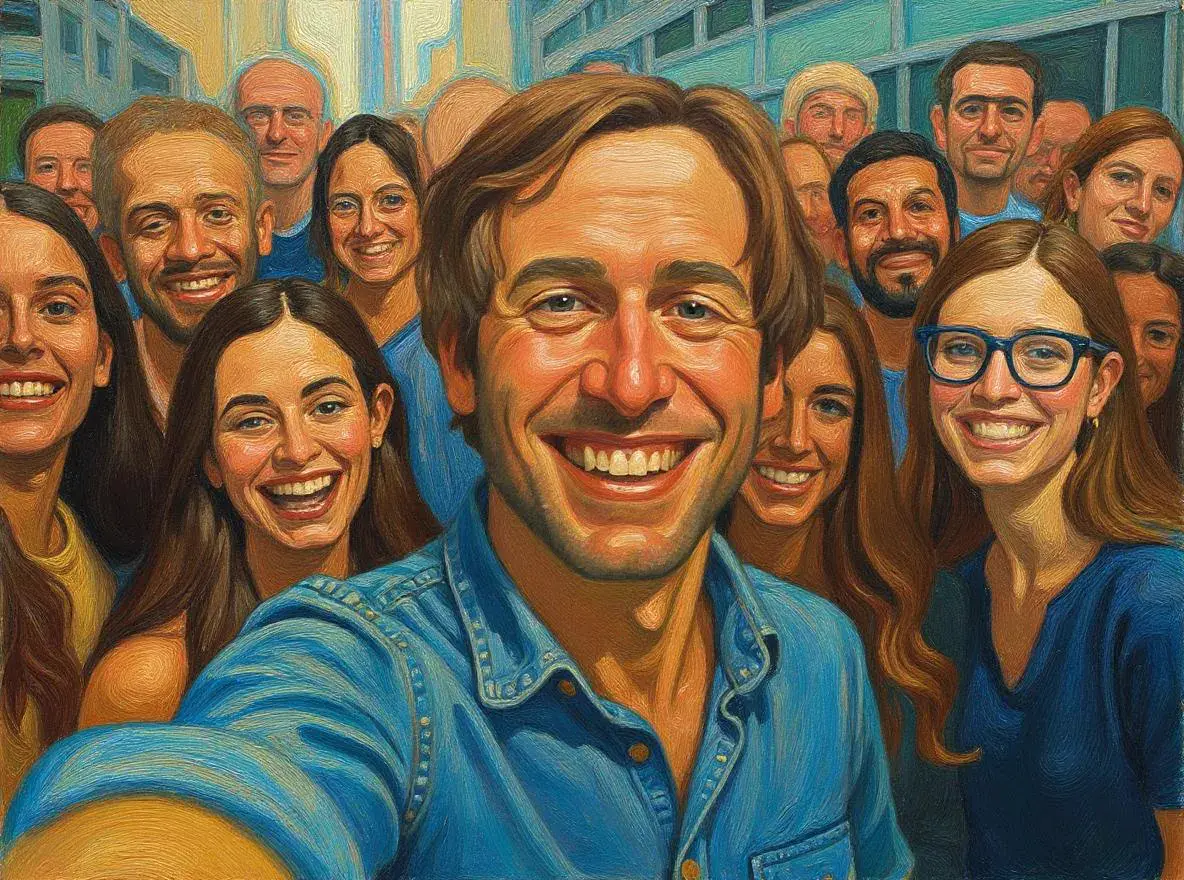


Transform Your Photos with Professional AI Photo Effects
Last verified: January 4, 2026
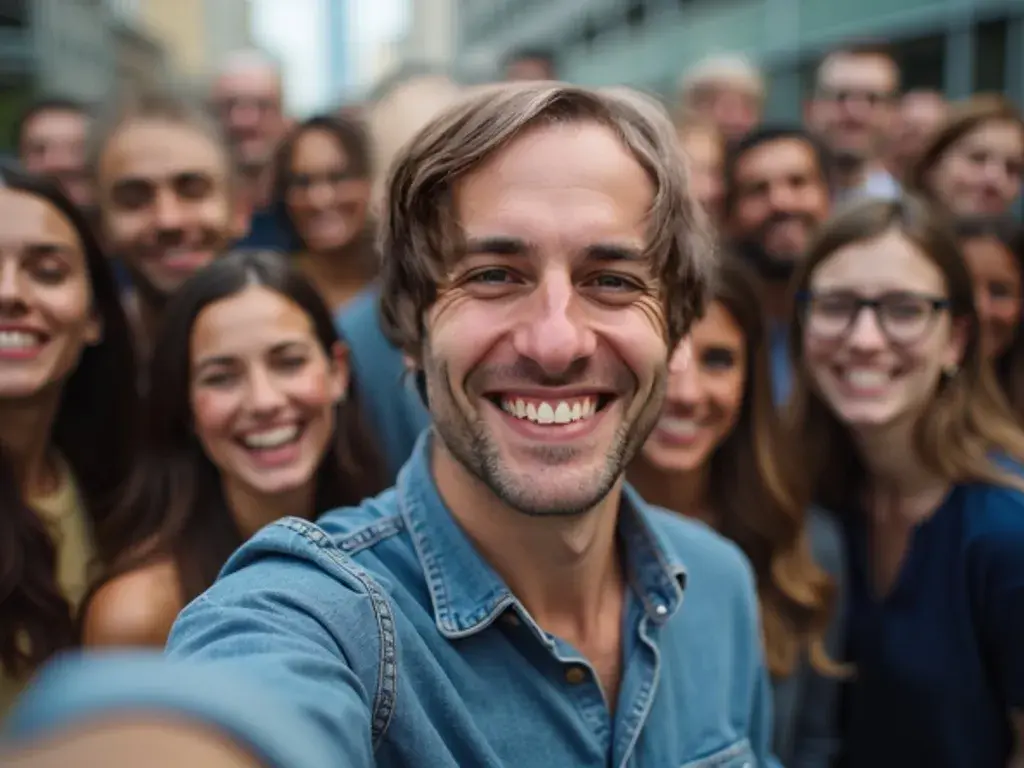
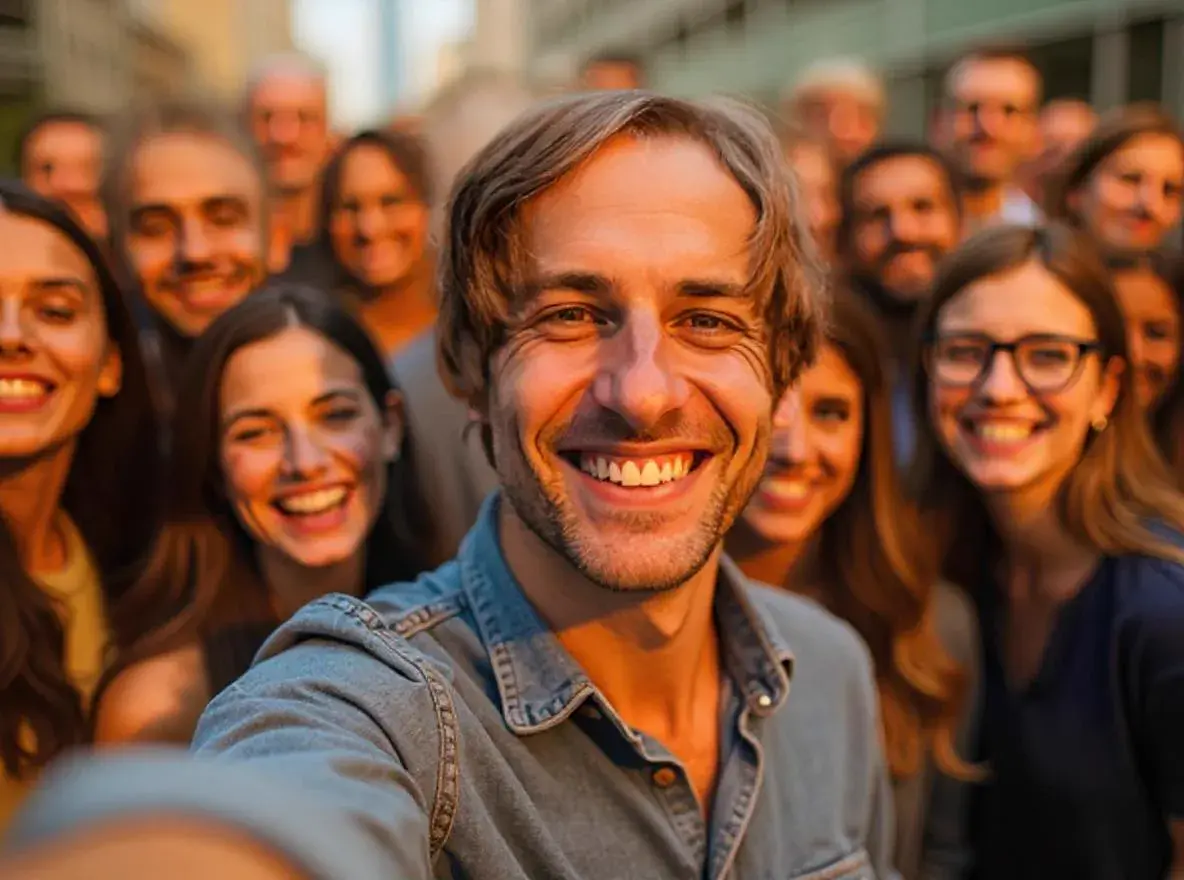
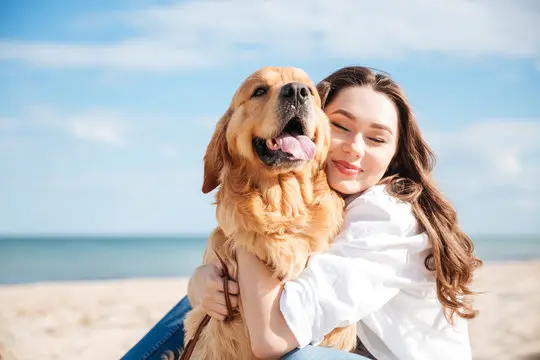
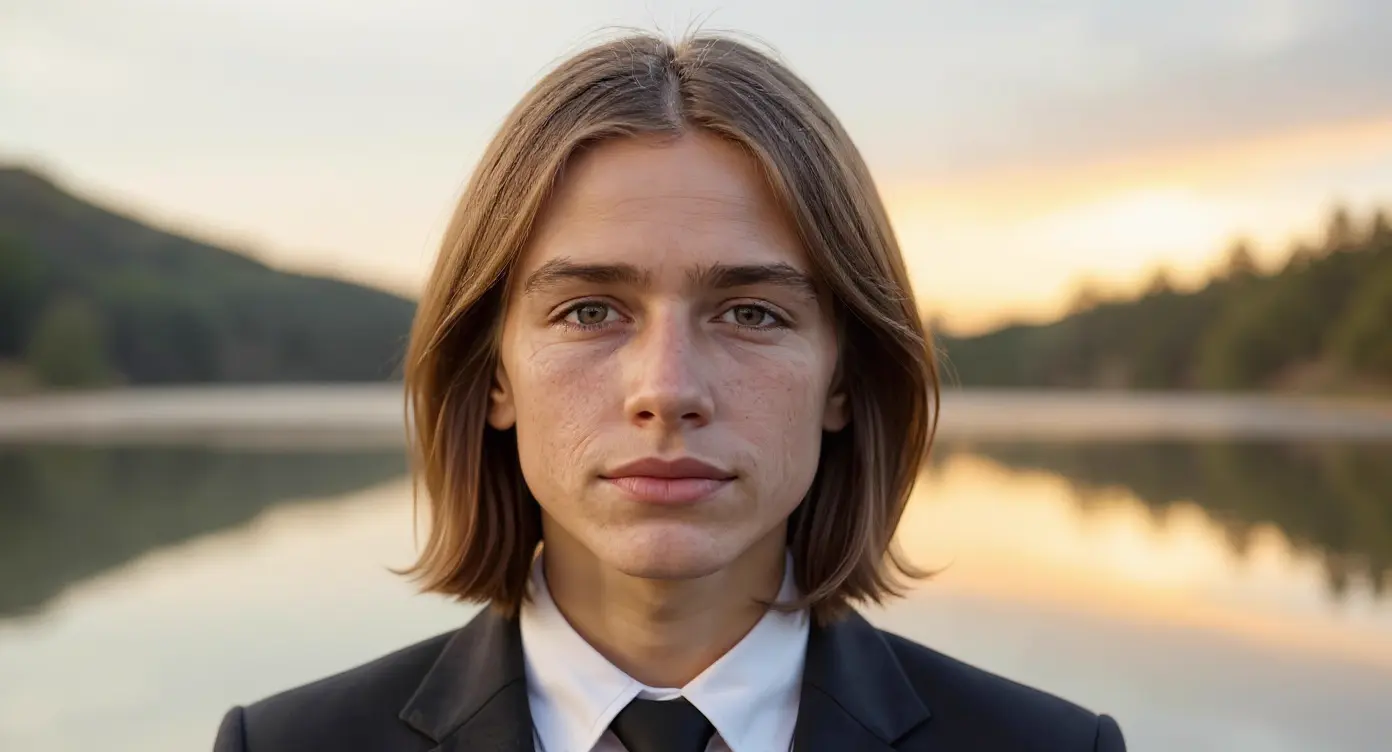
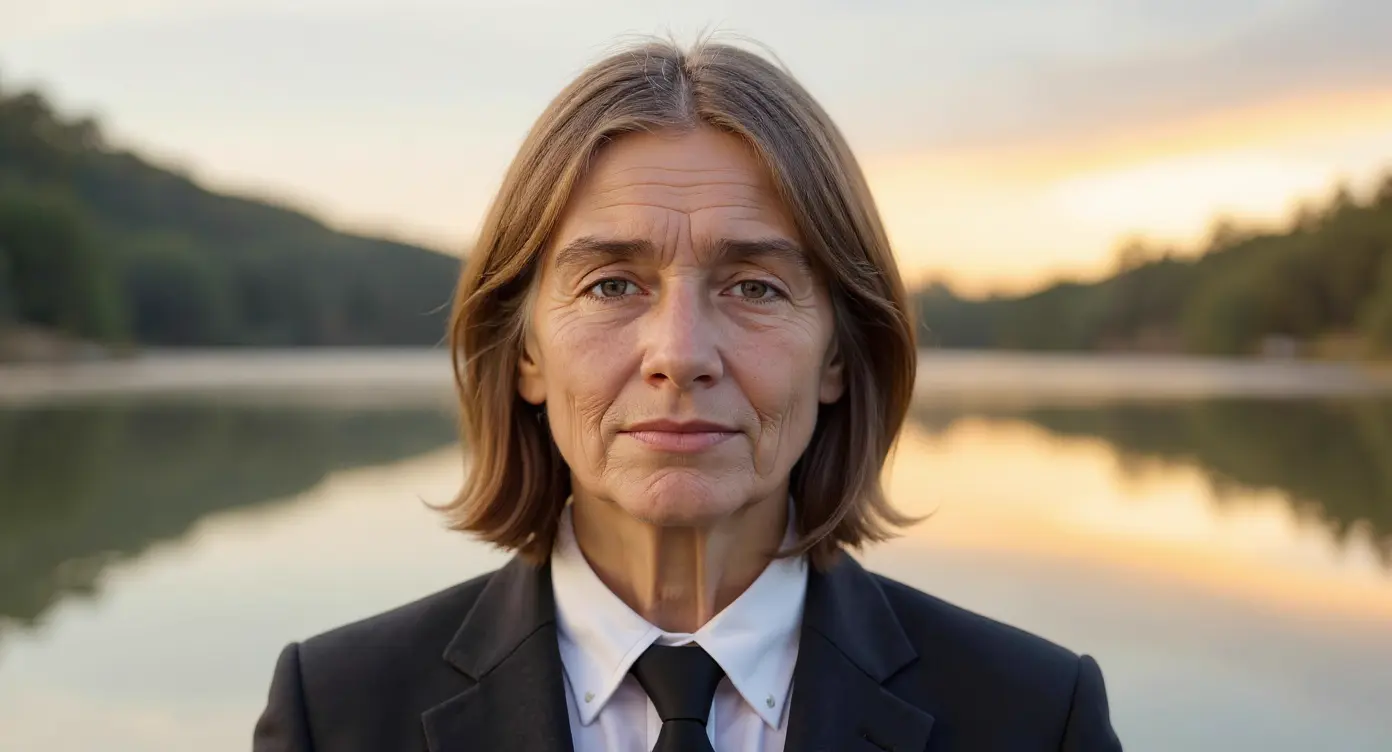
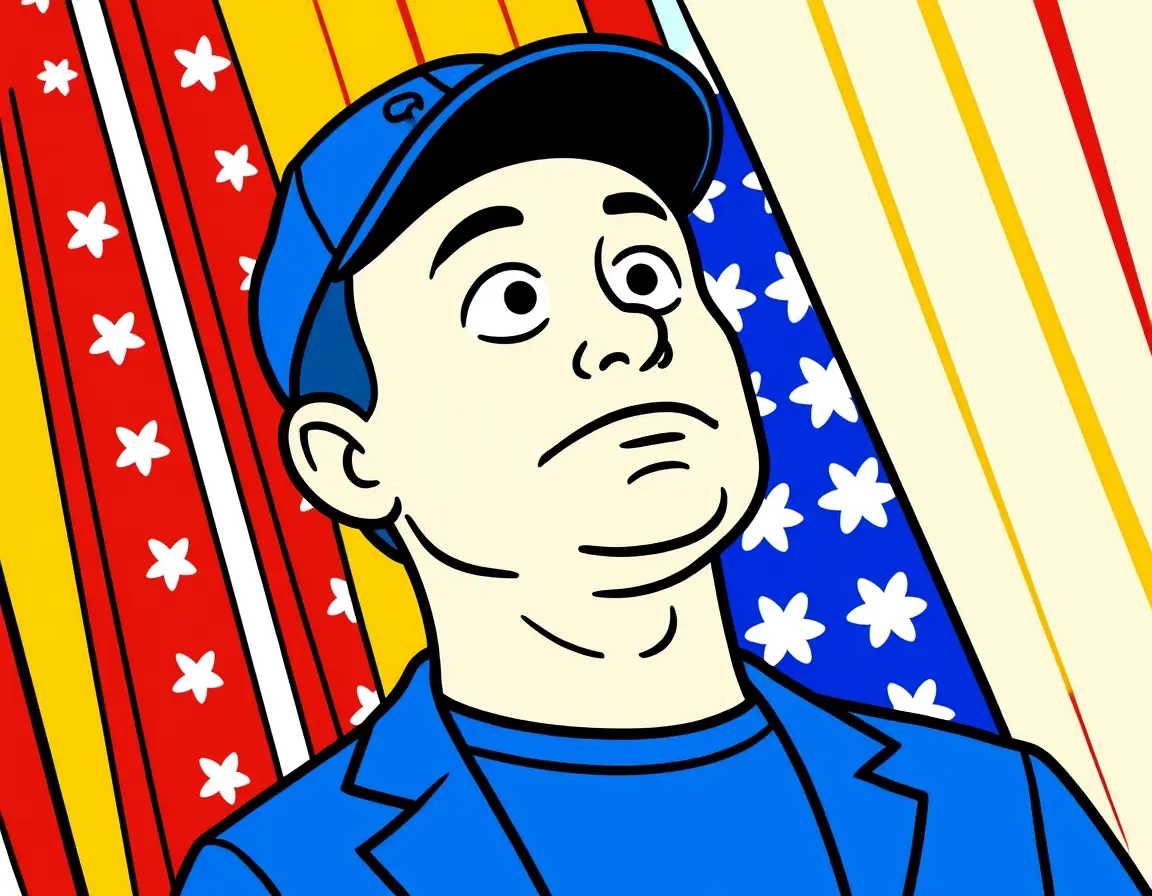
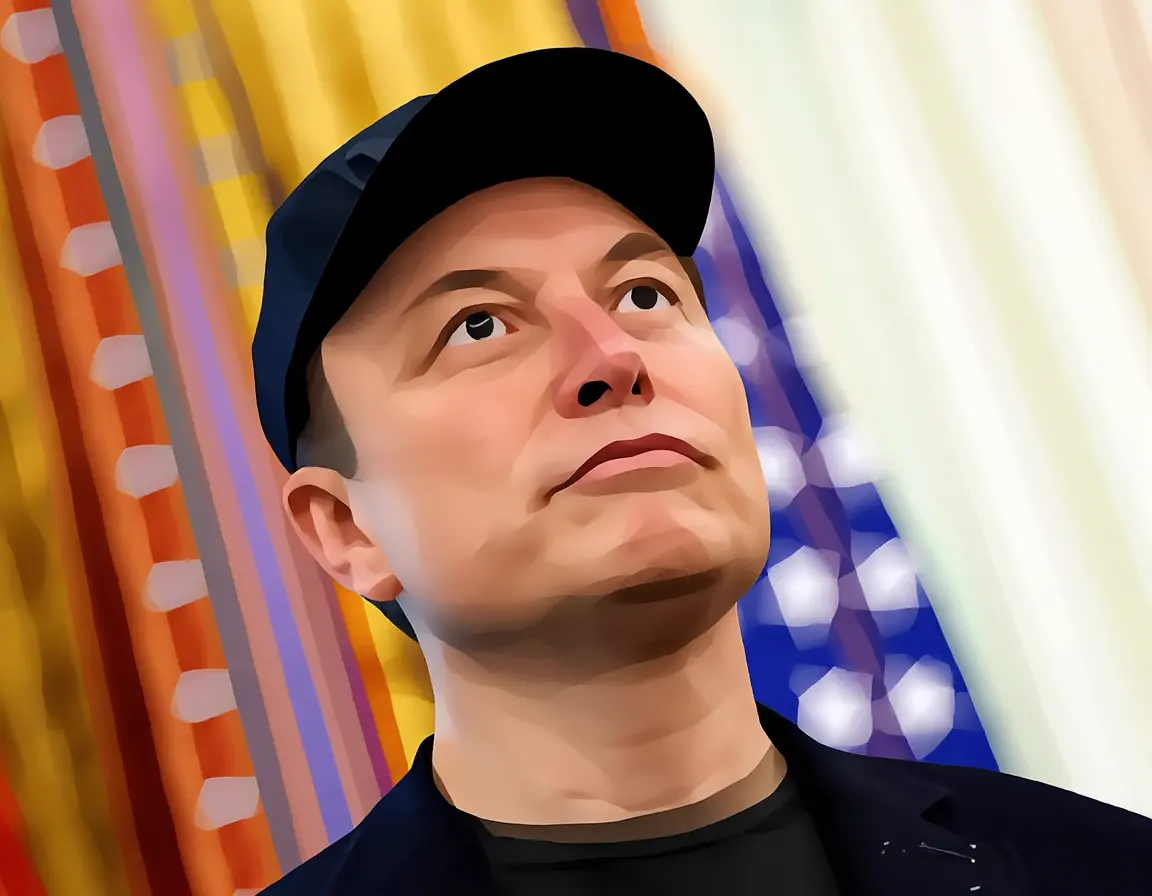
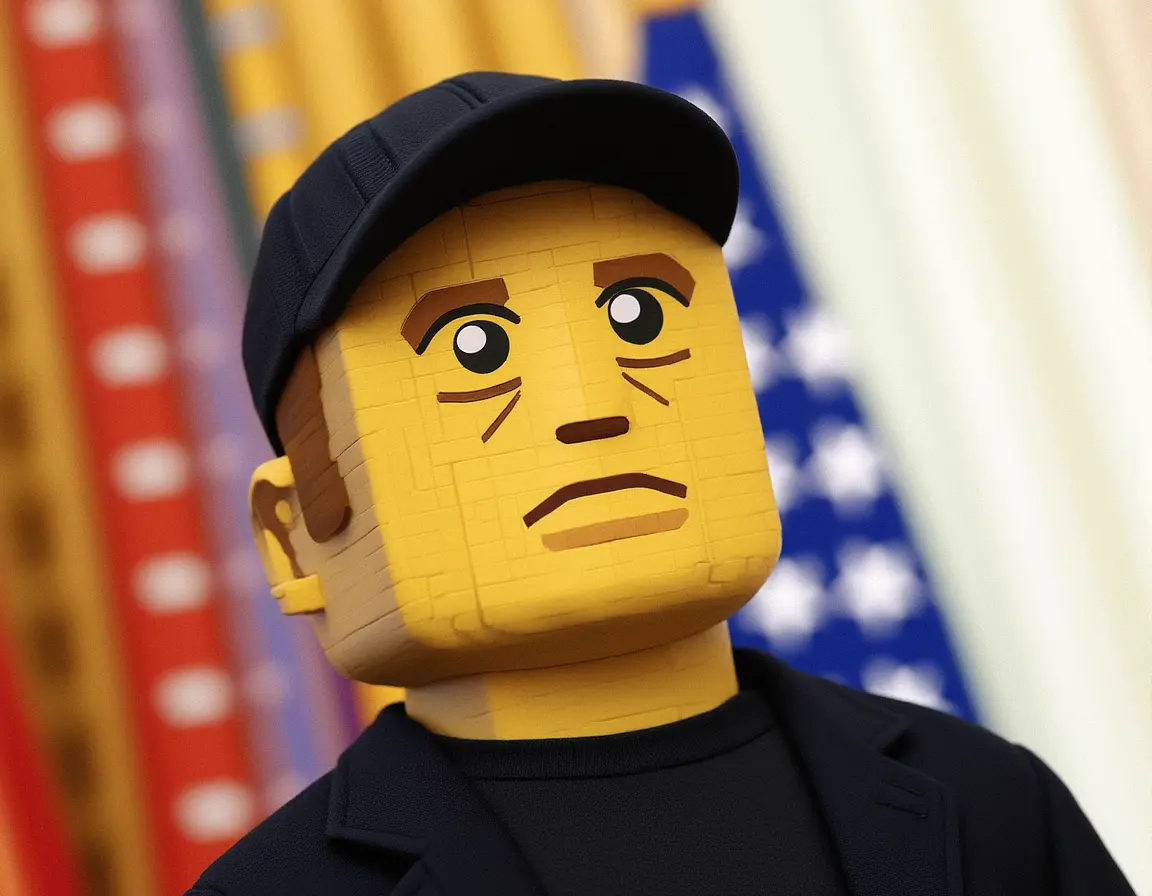
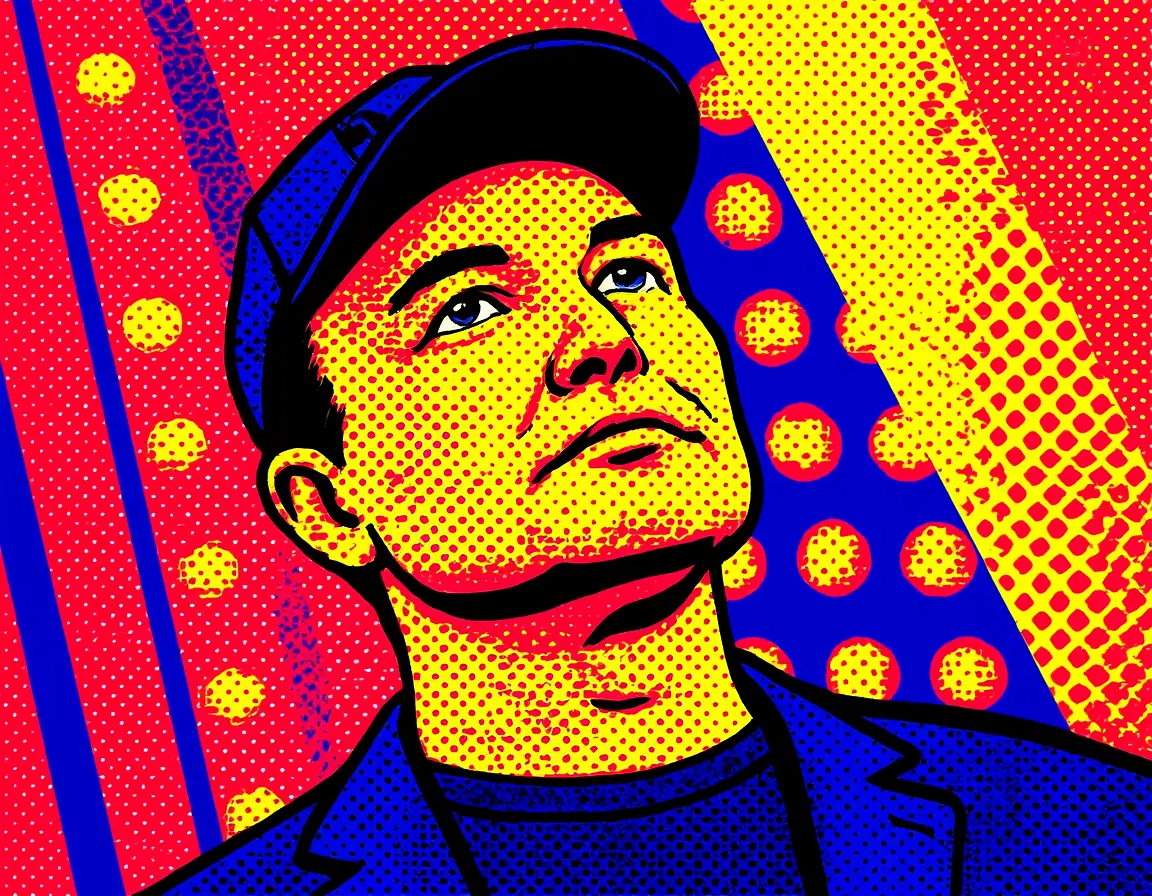
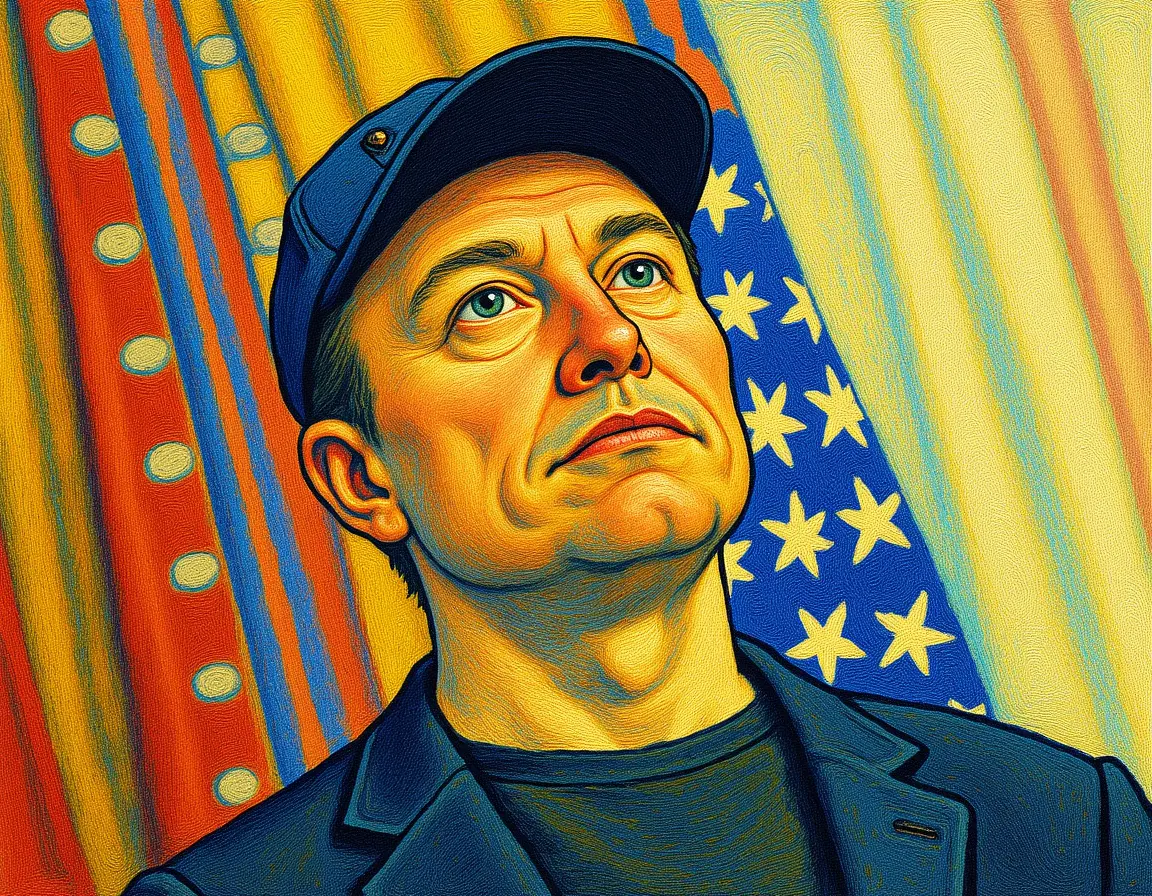
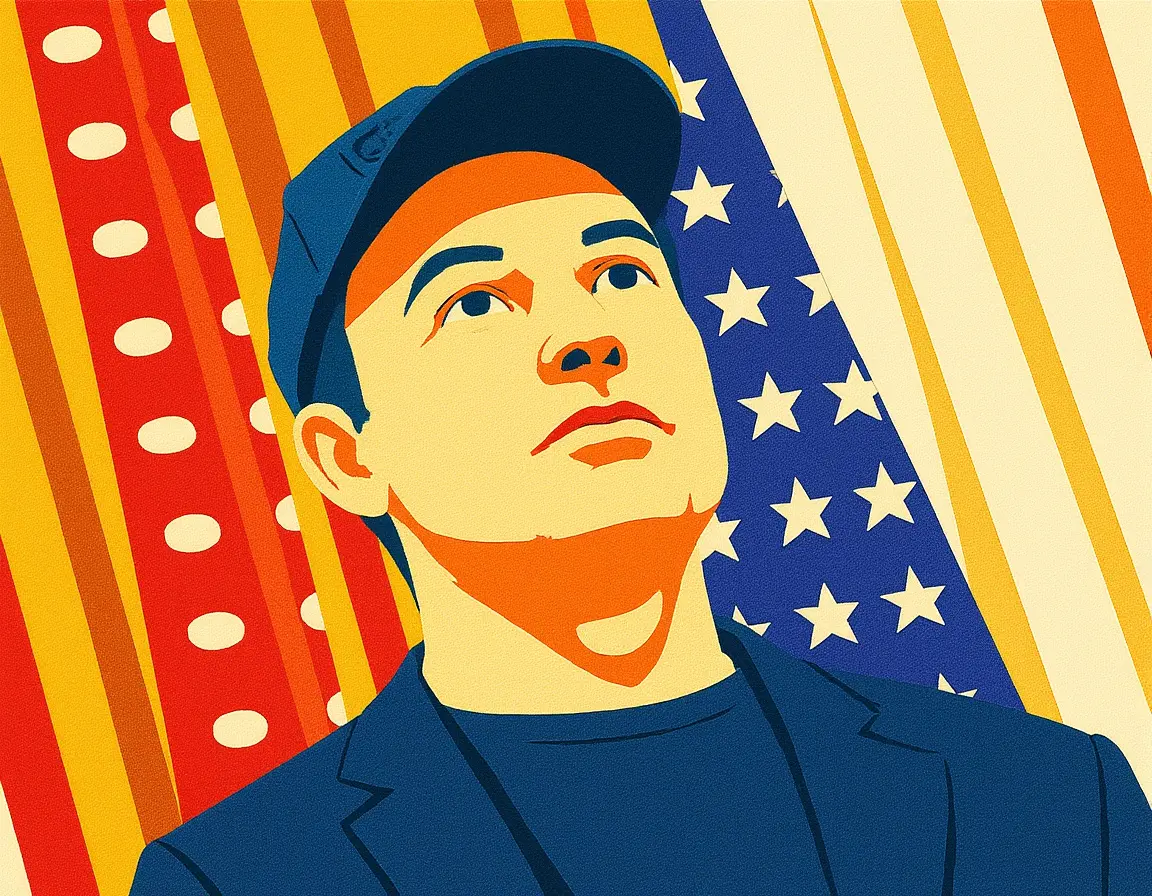
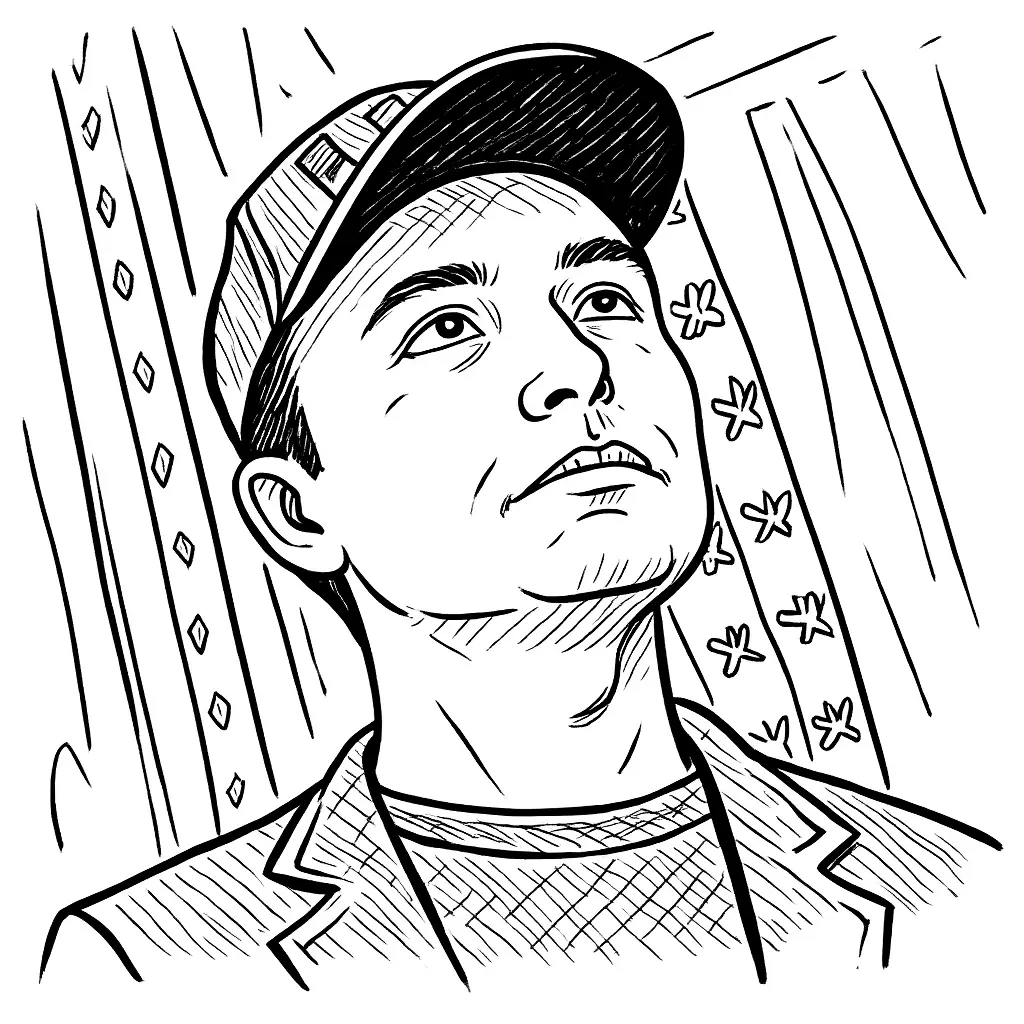
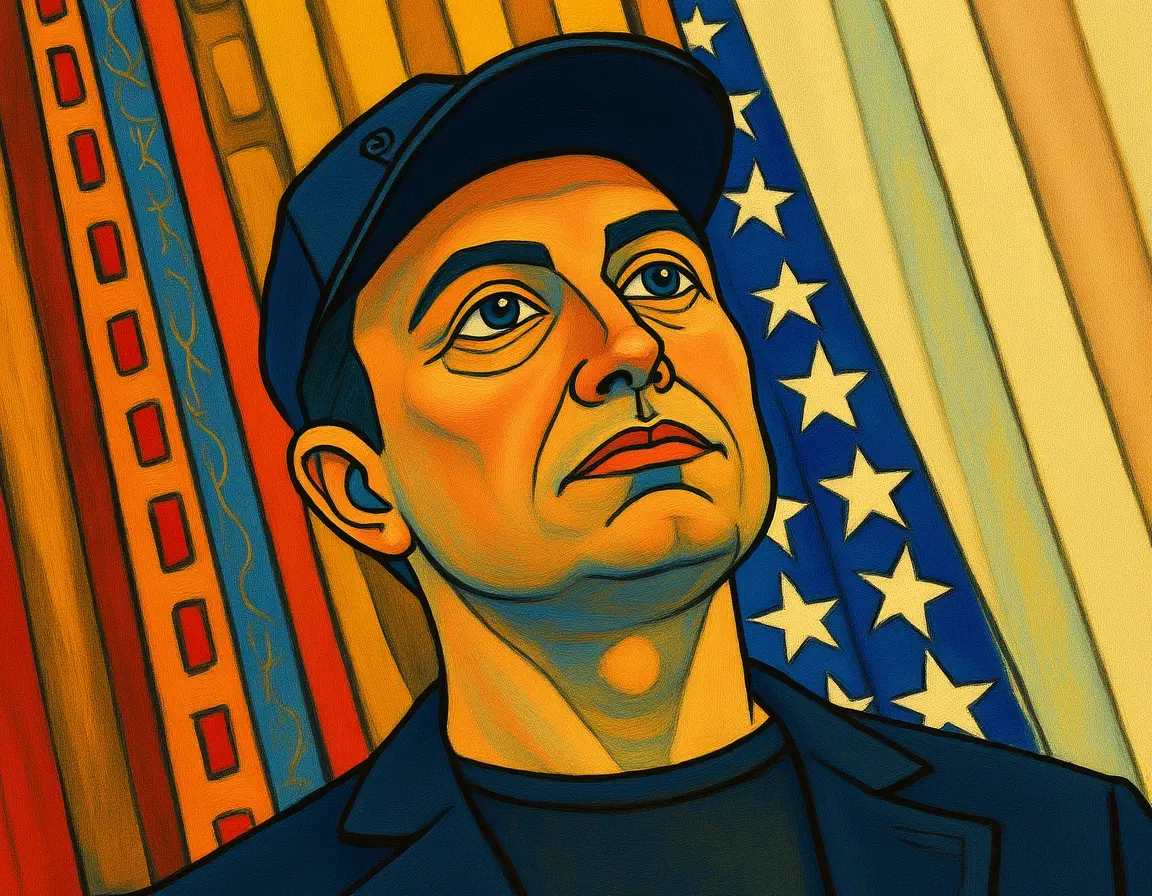
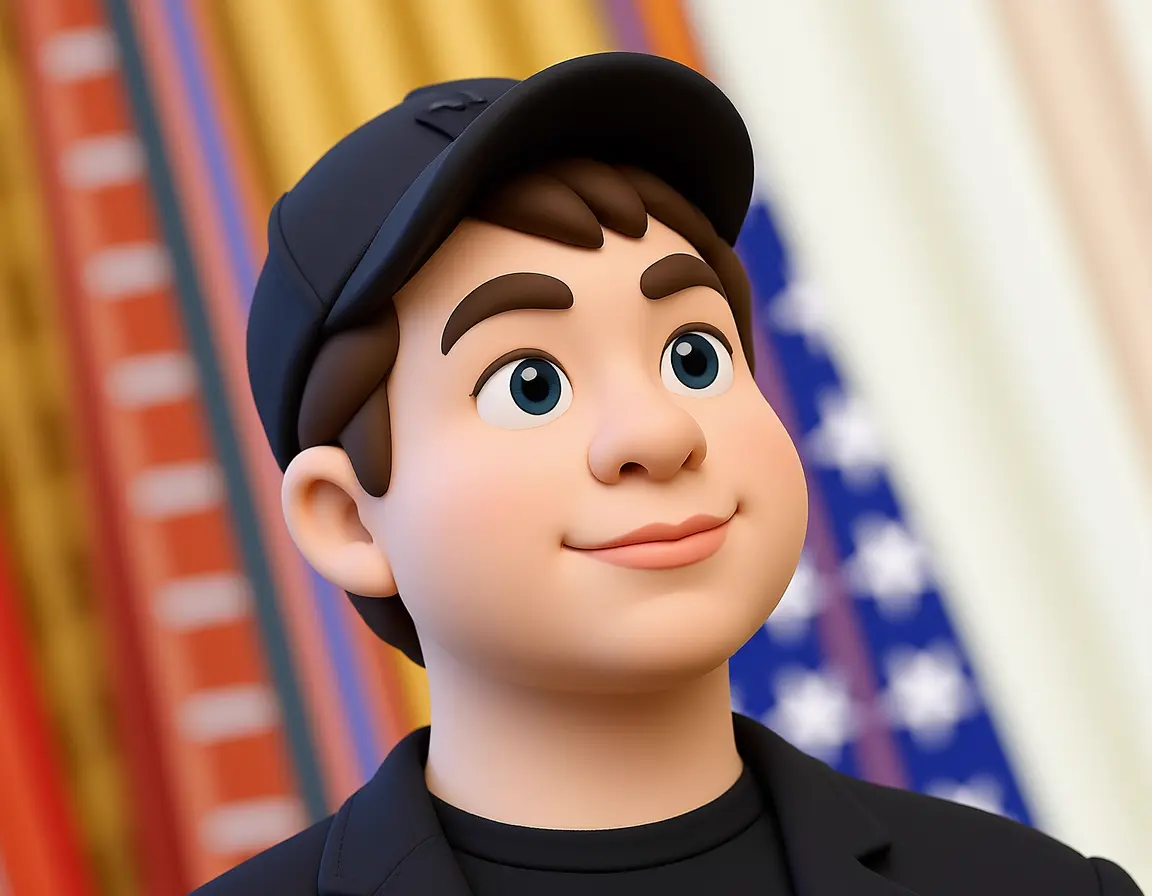
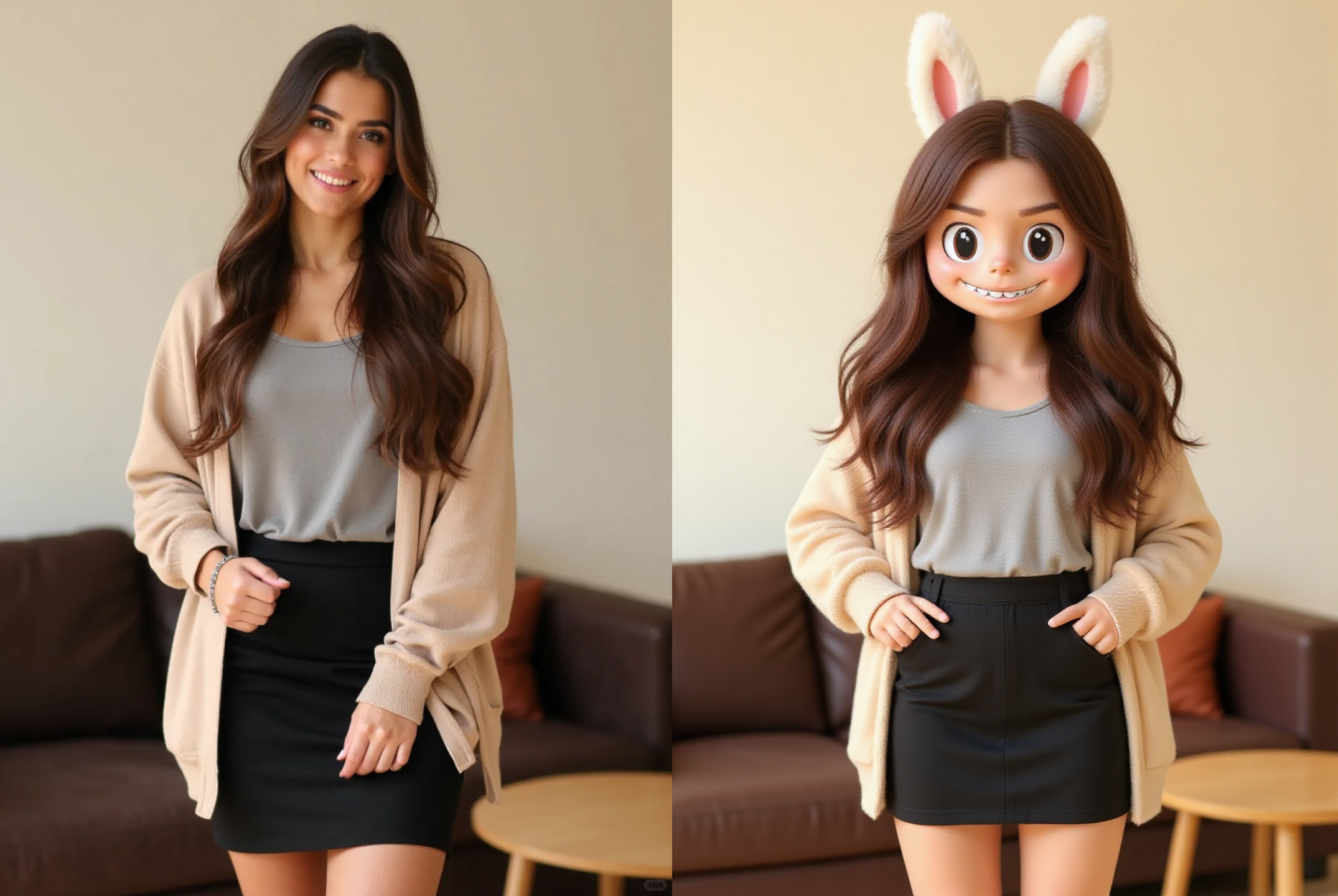
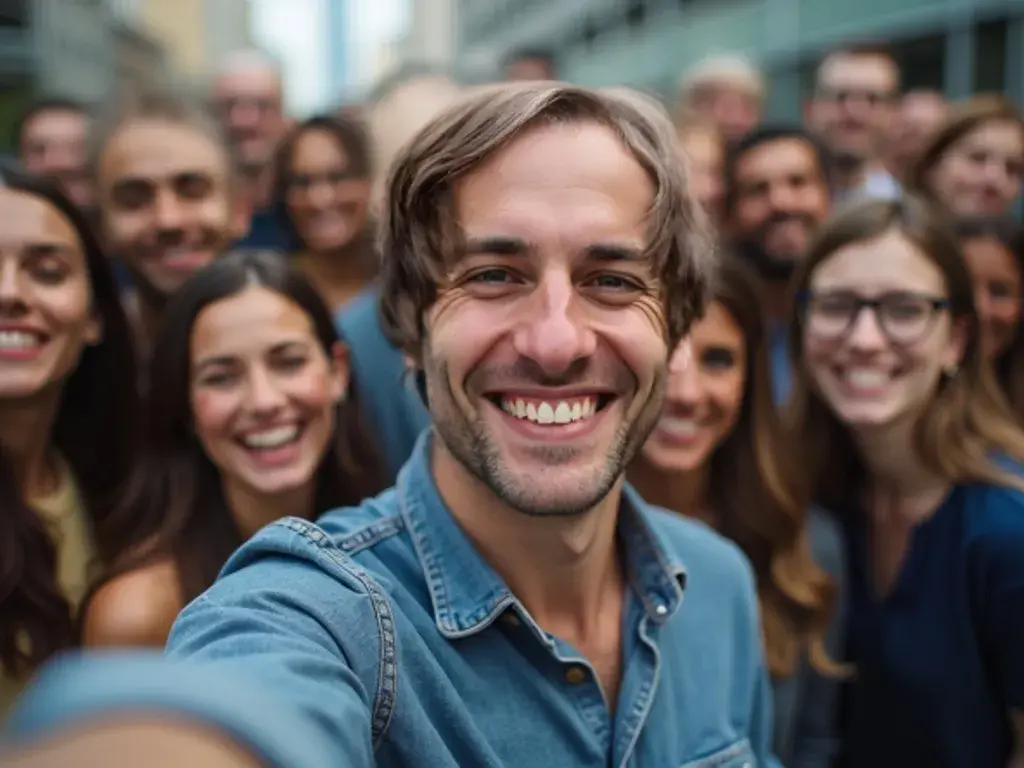
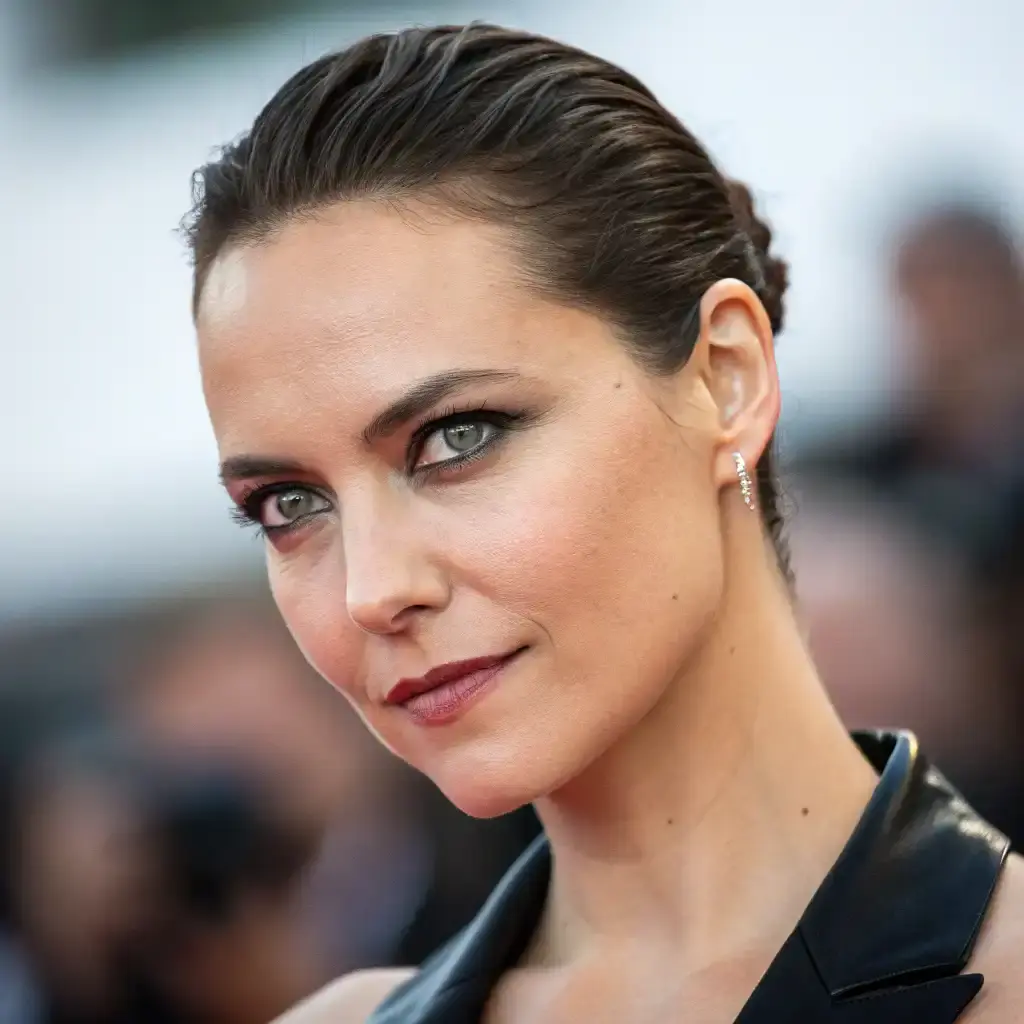
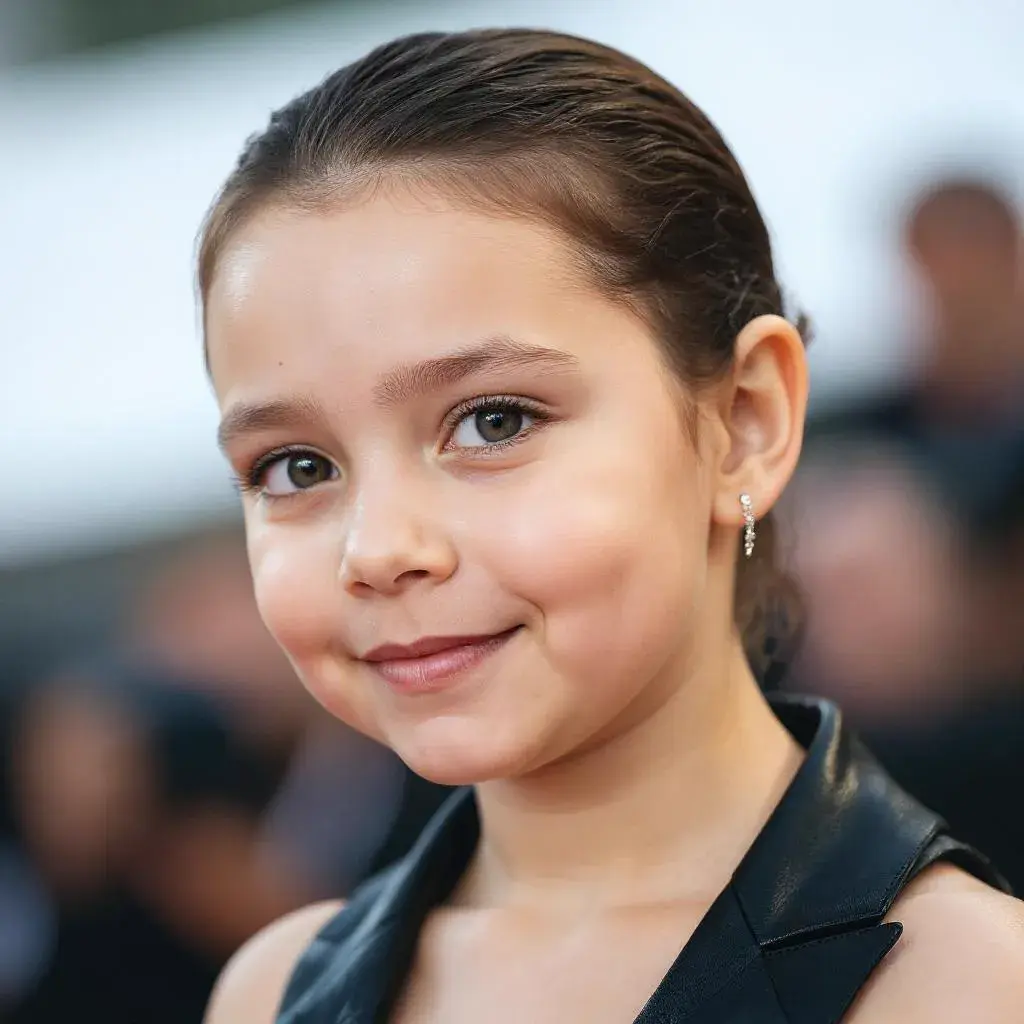
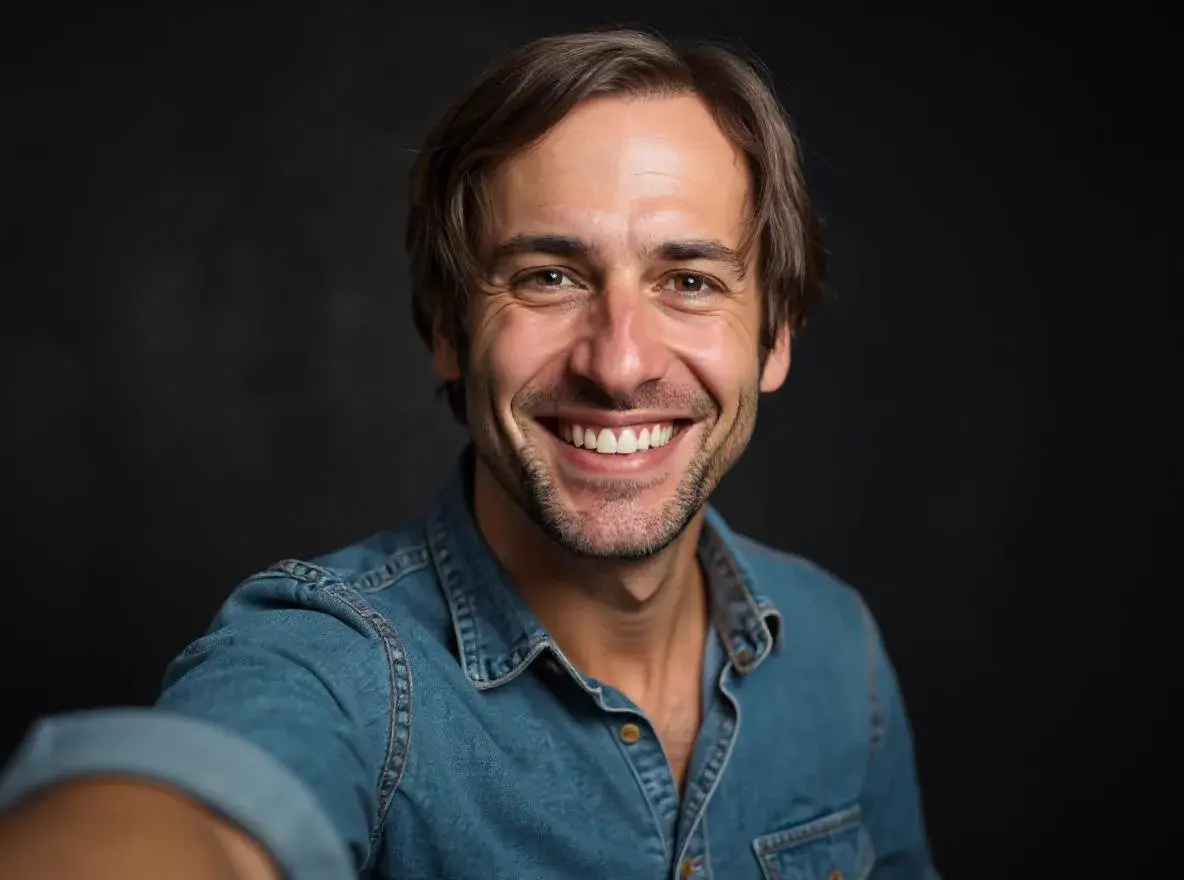
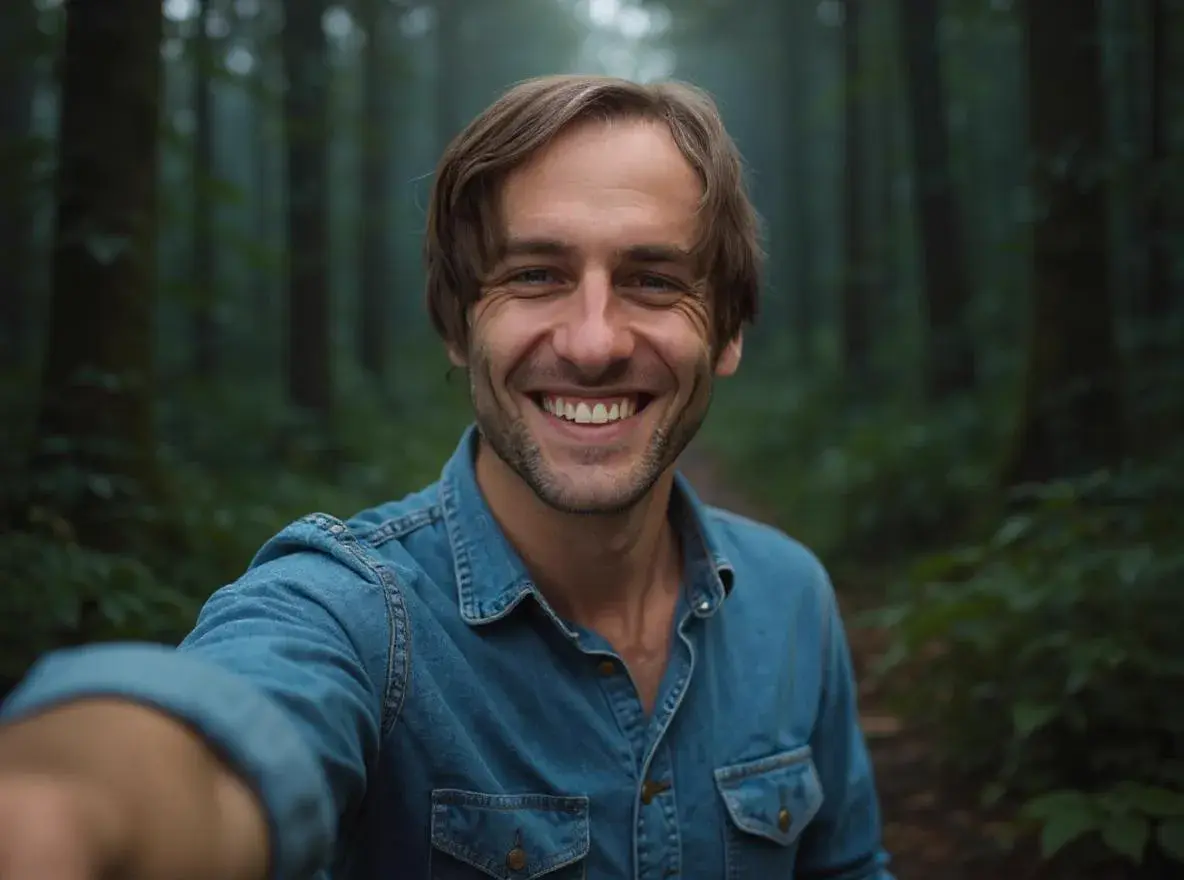
AI photo effects have changed the game completely, transforming average photos into stunning images in seconds and handling everything from basic touch-ups to complex edits automatically. What once required hours of manual work in Photoshop—applying artistic filters, adjusting lighting, creating HDR effects, or converting images to different styles—now happens with a single click.
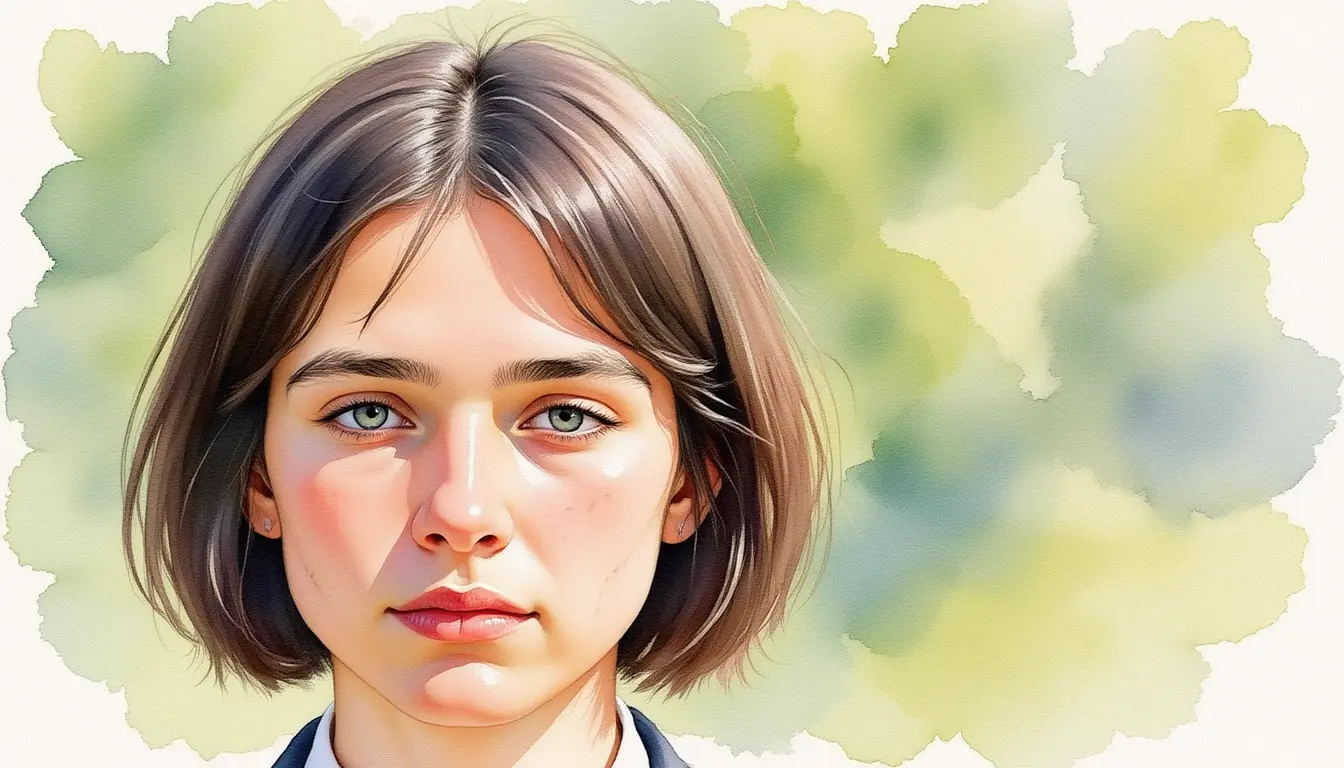
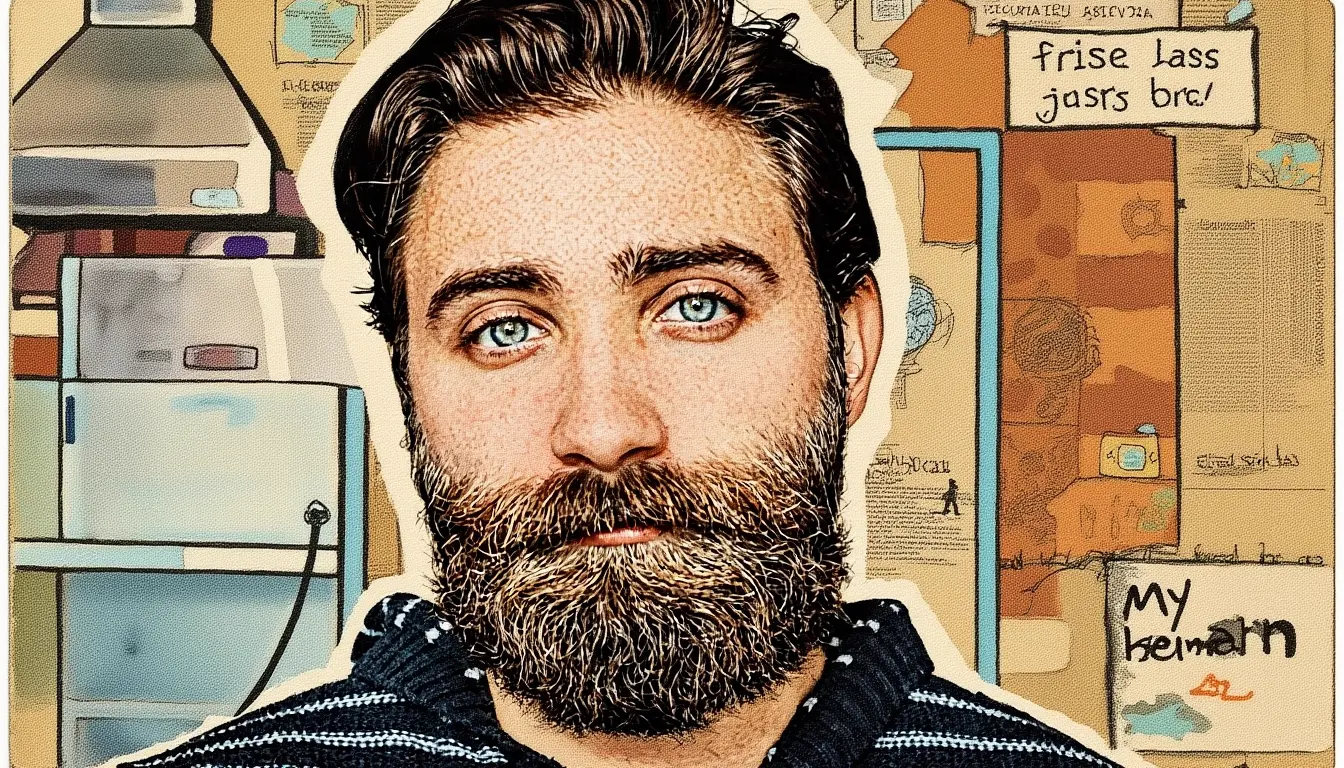
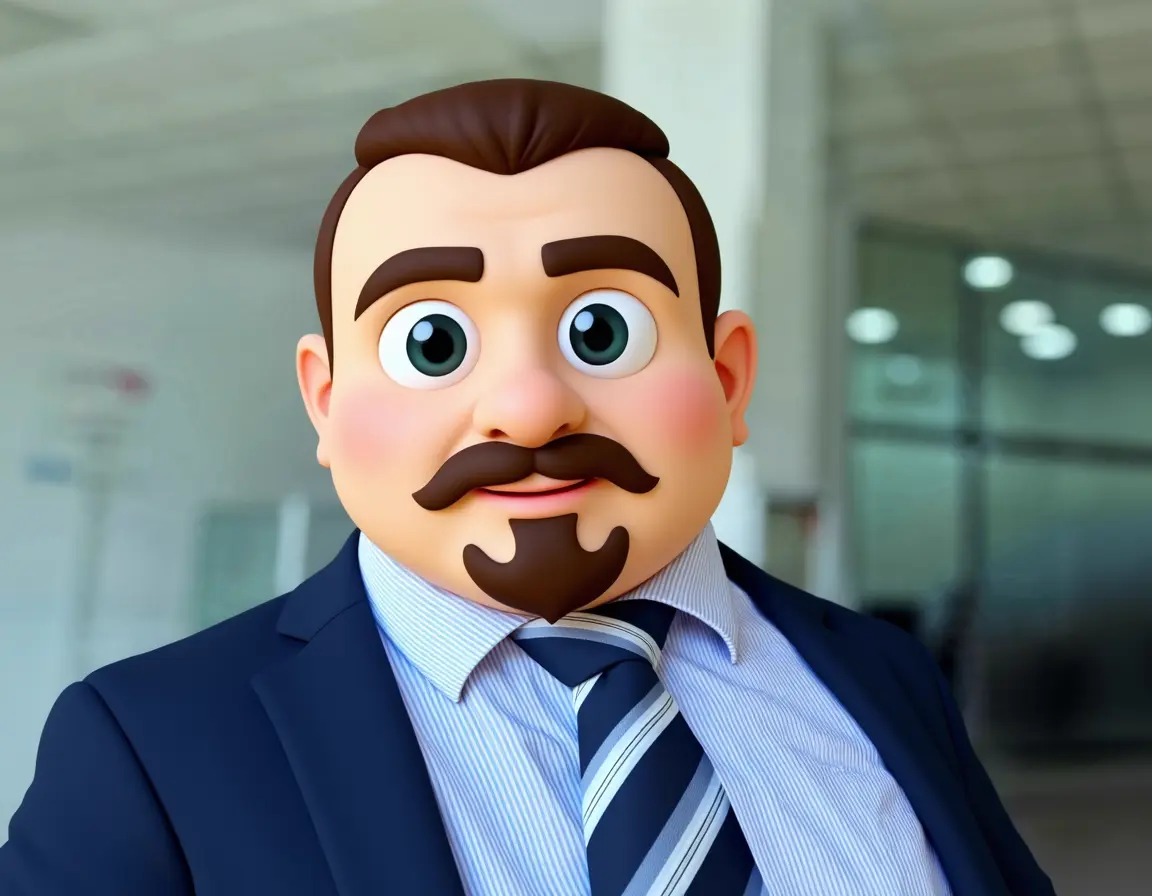
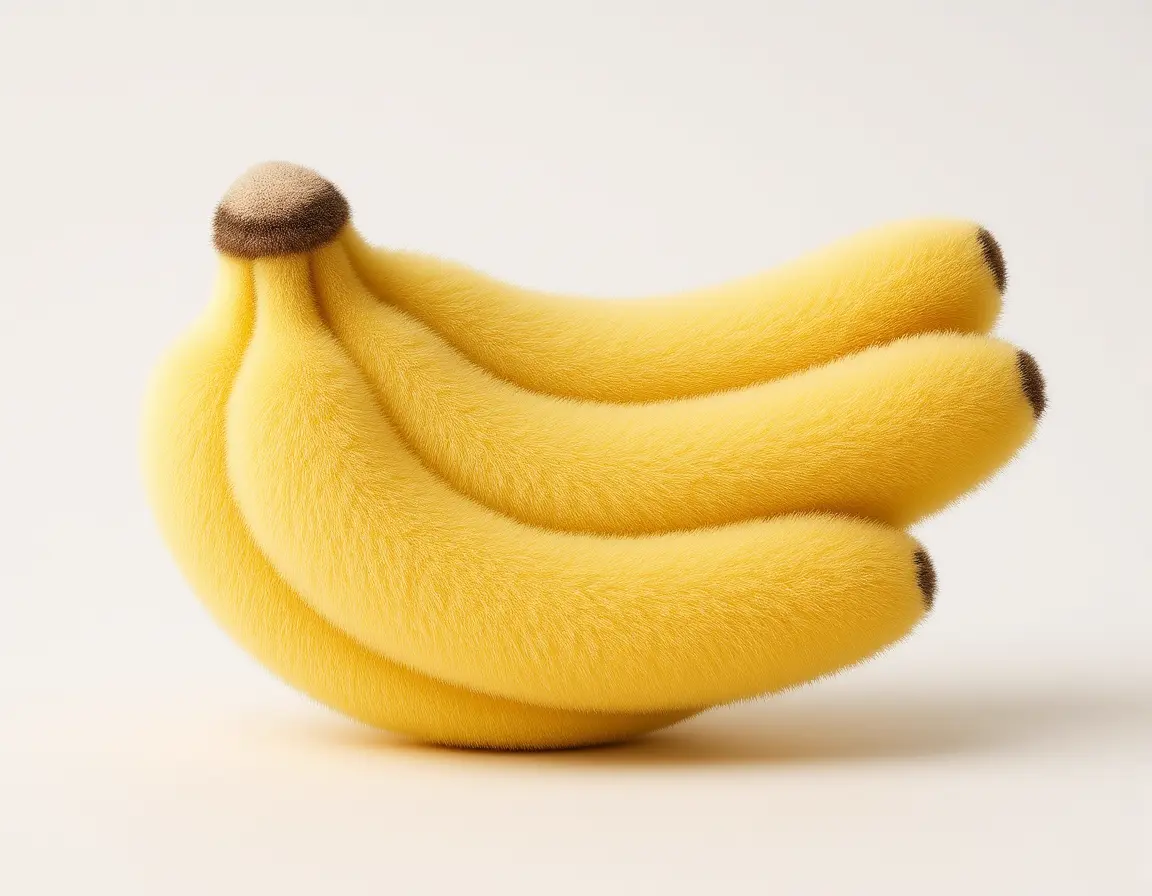
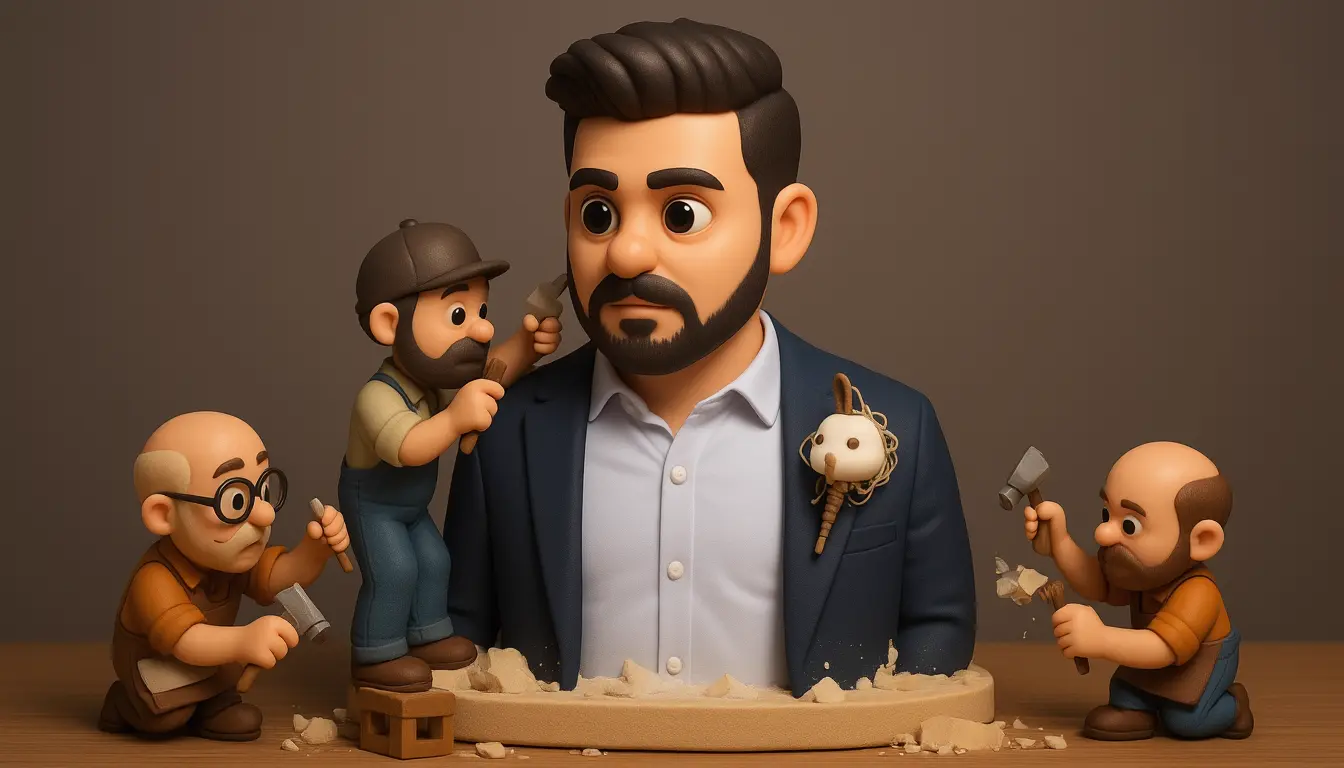
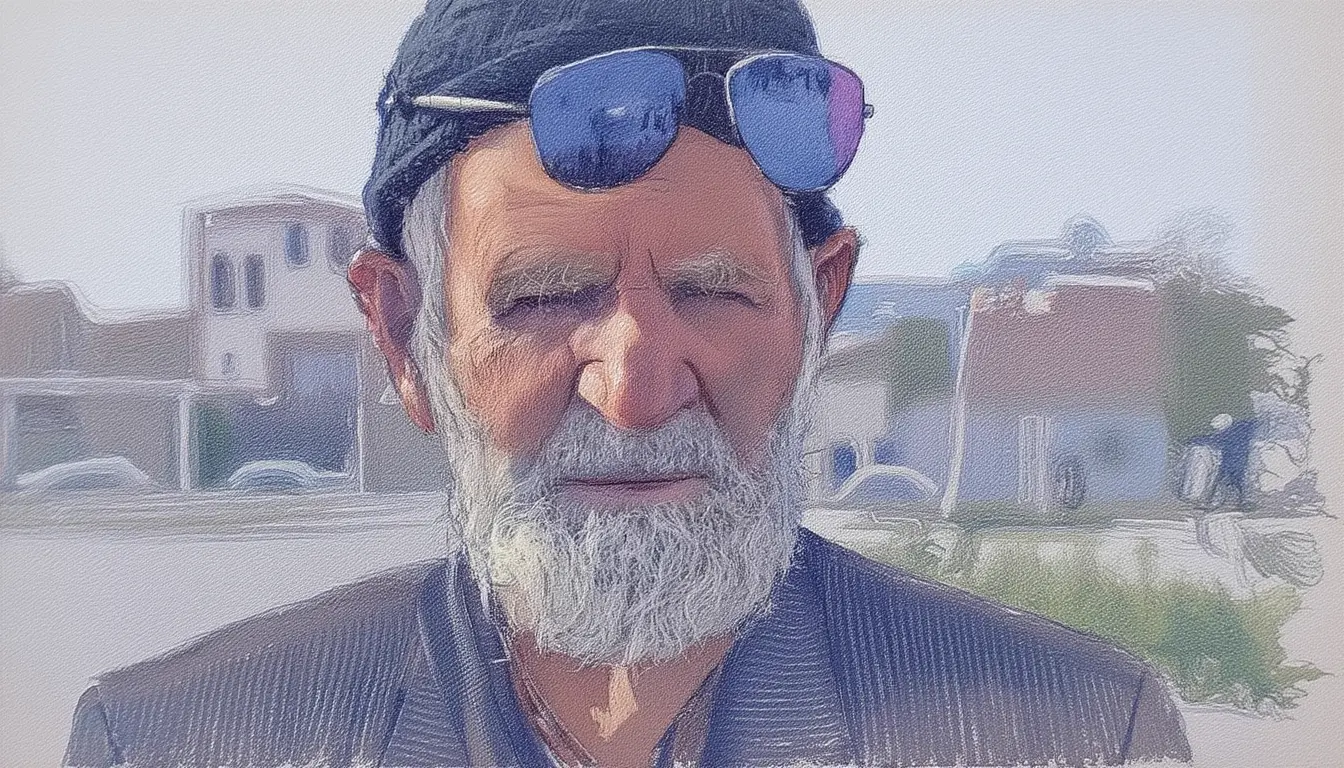
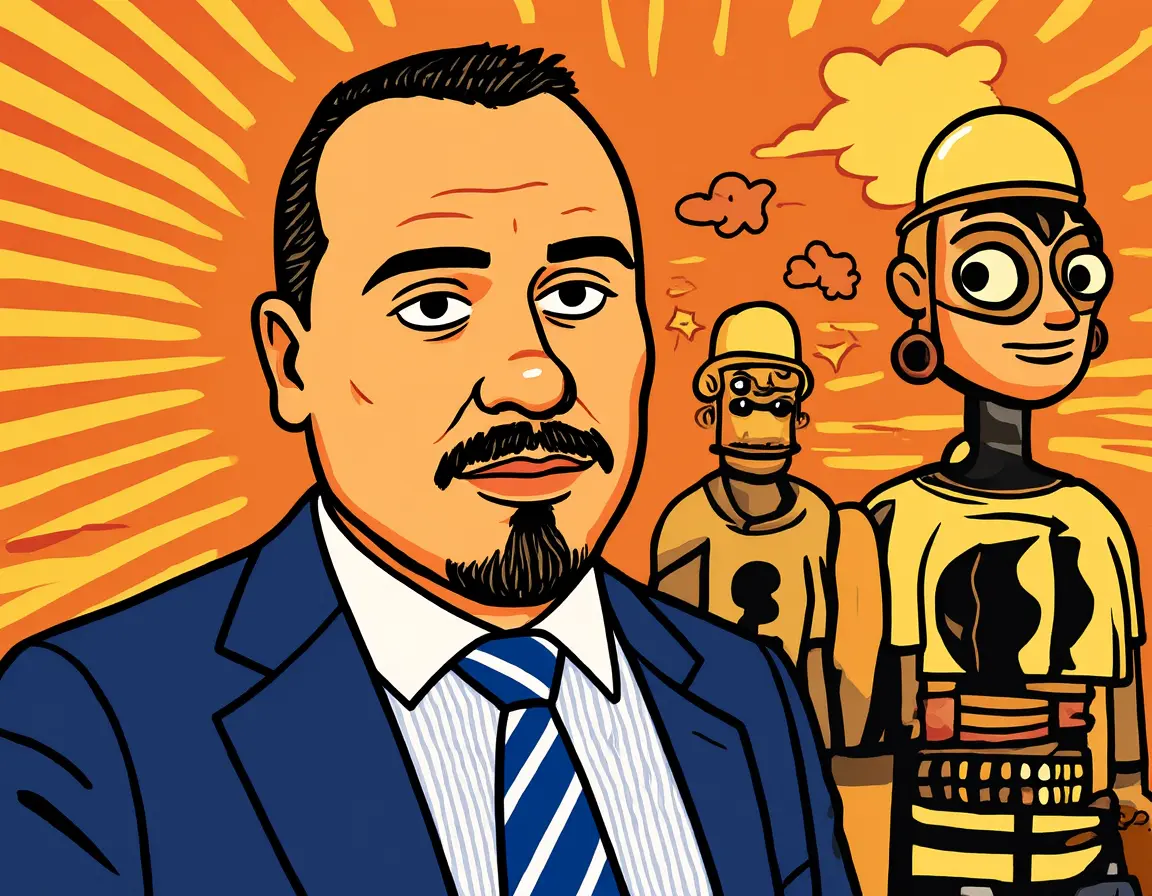
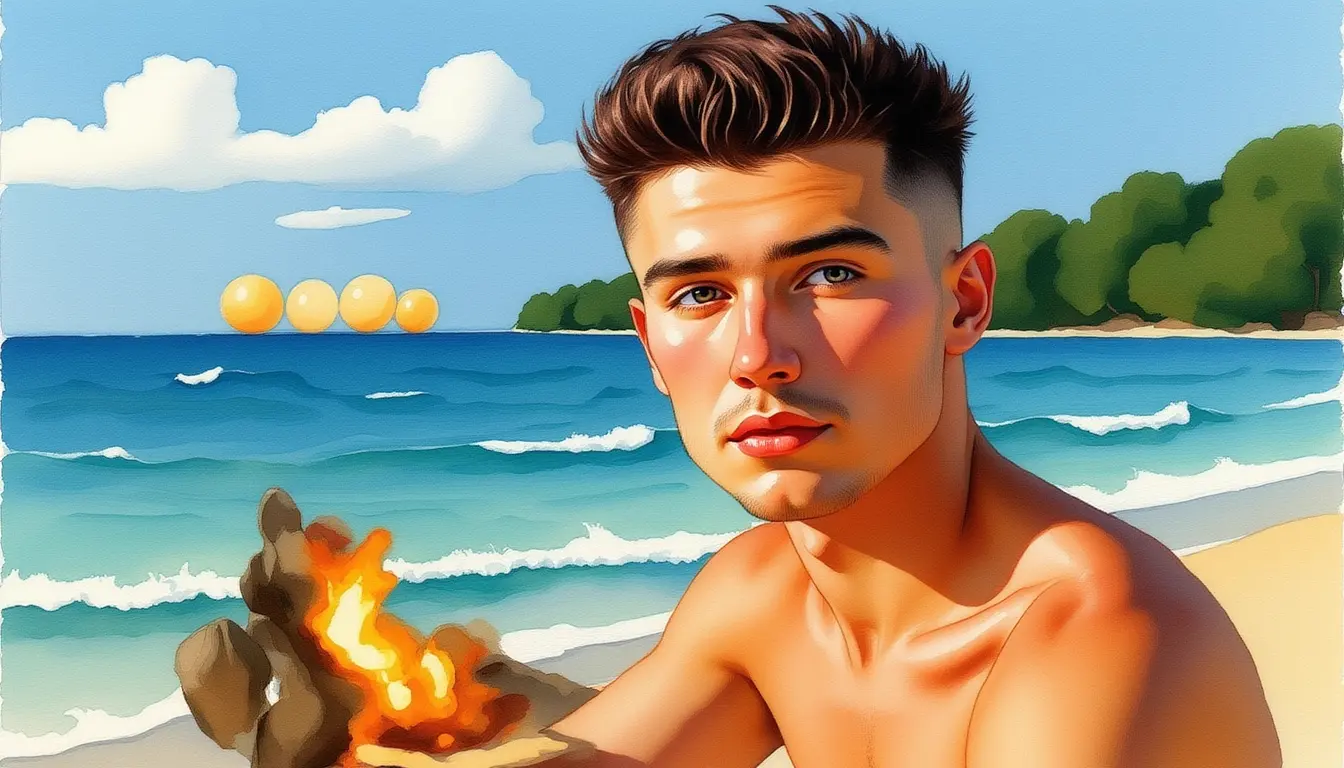
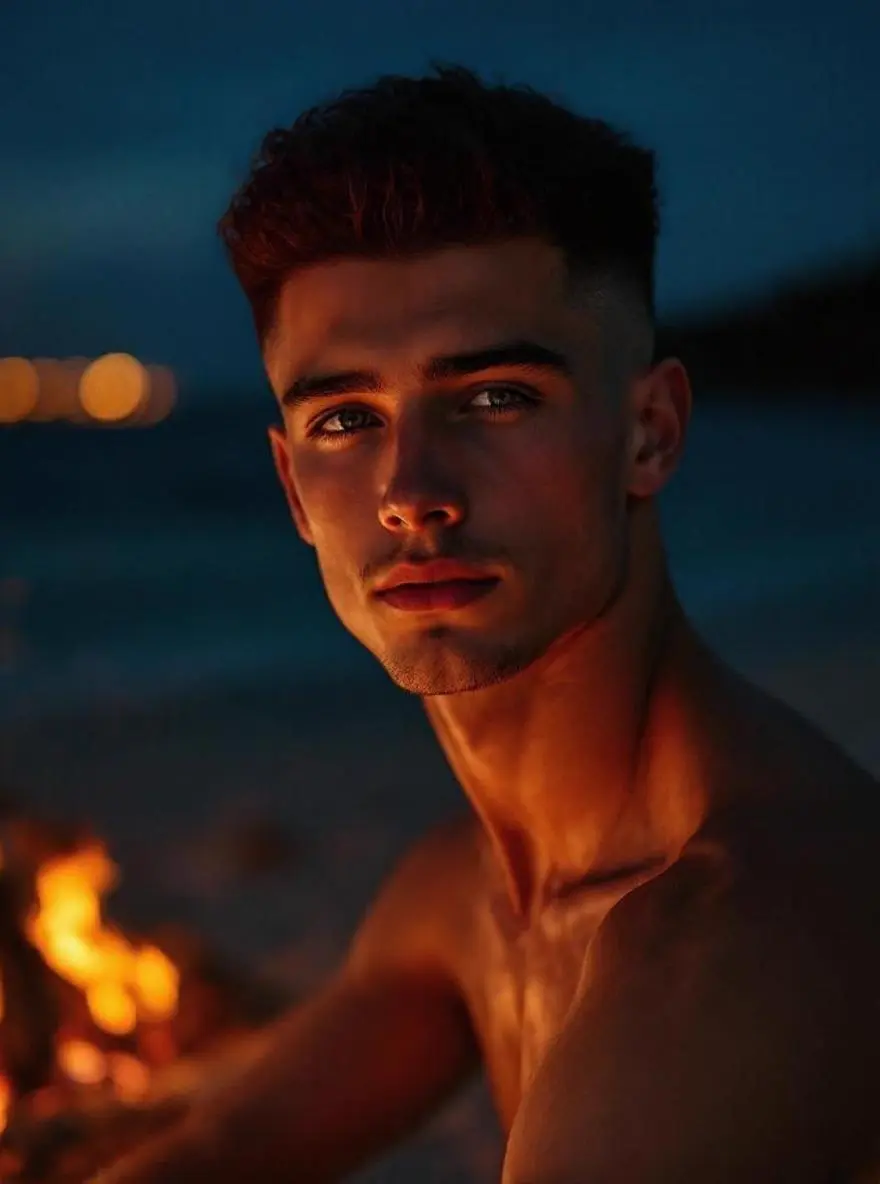
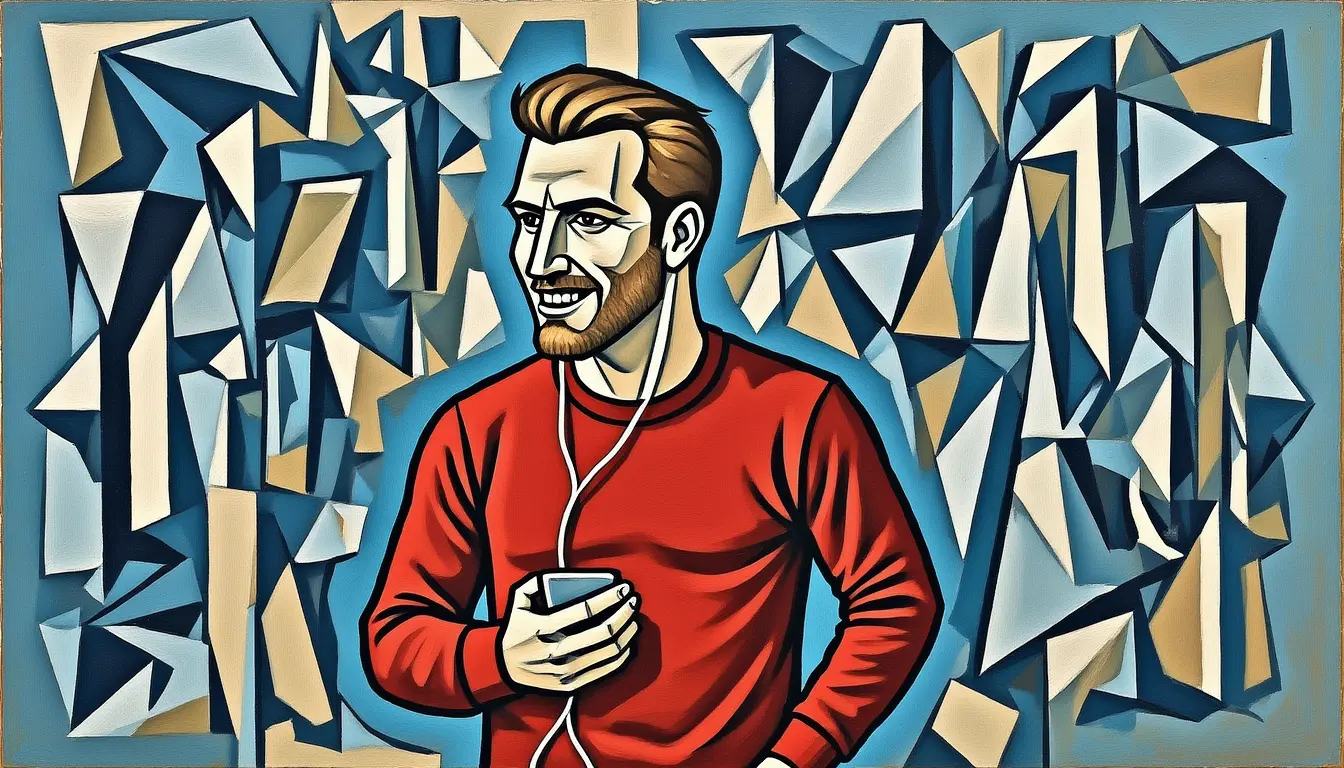
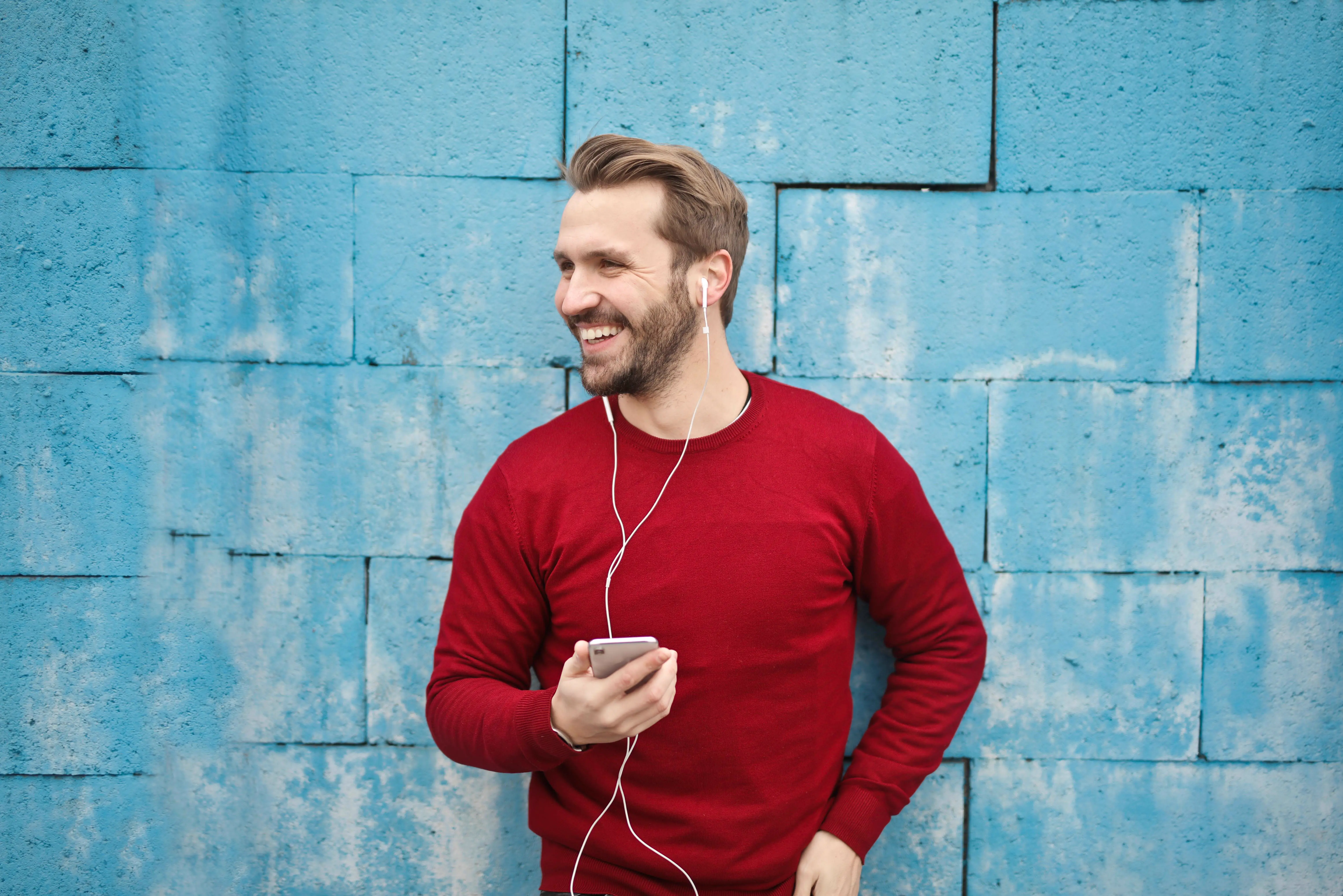
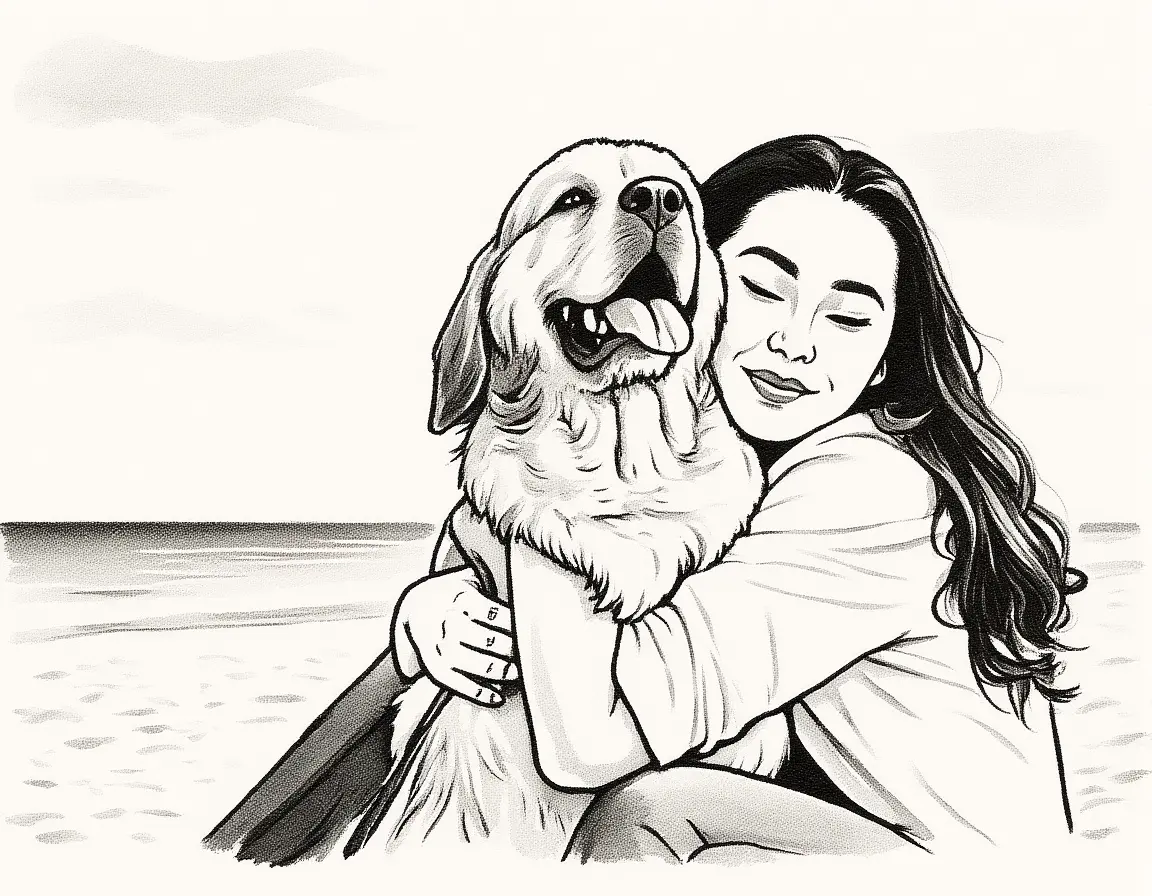
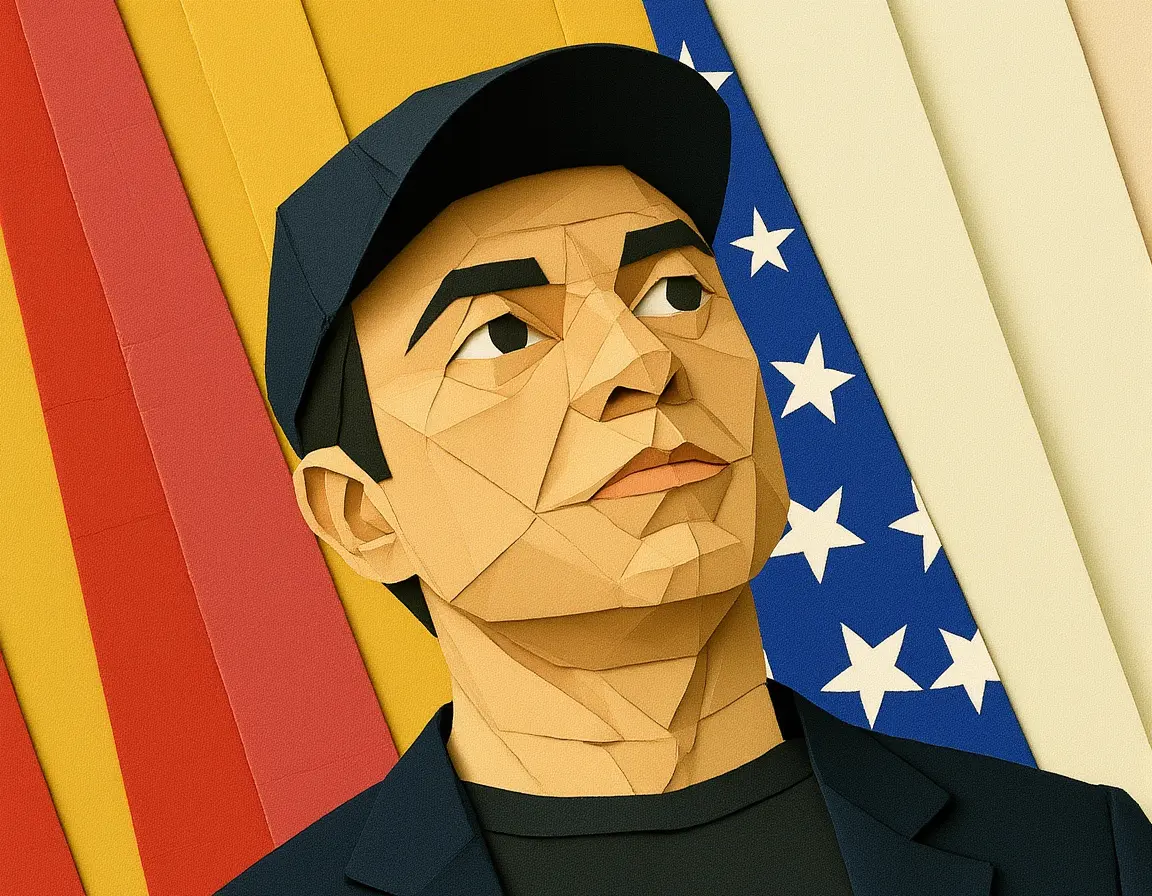
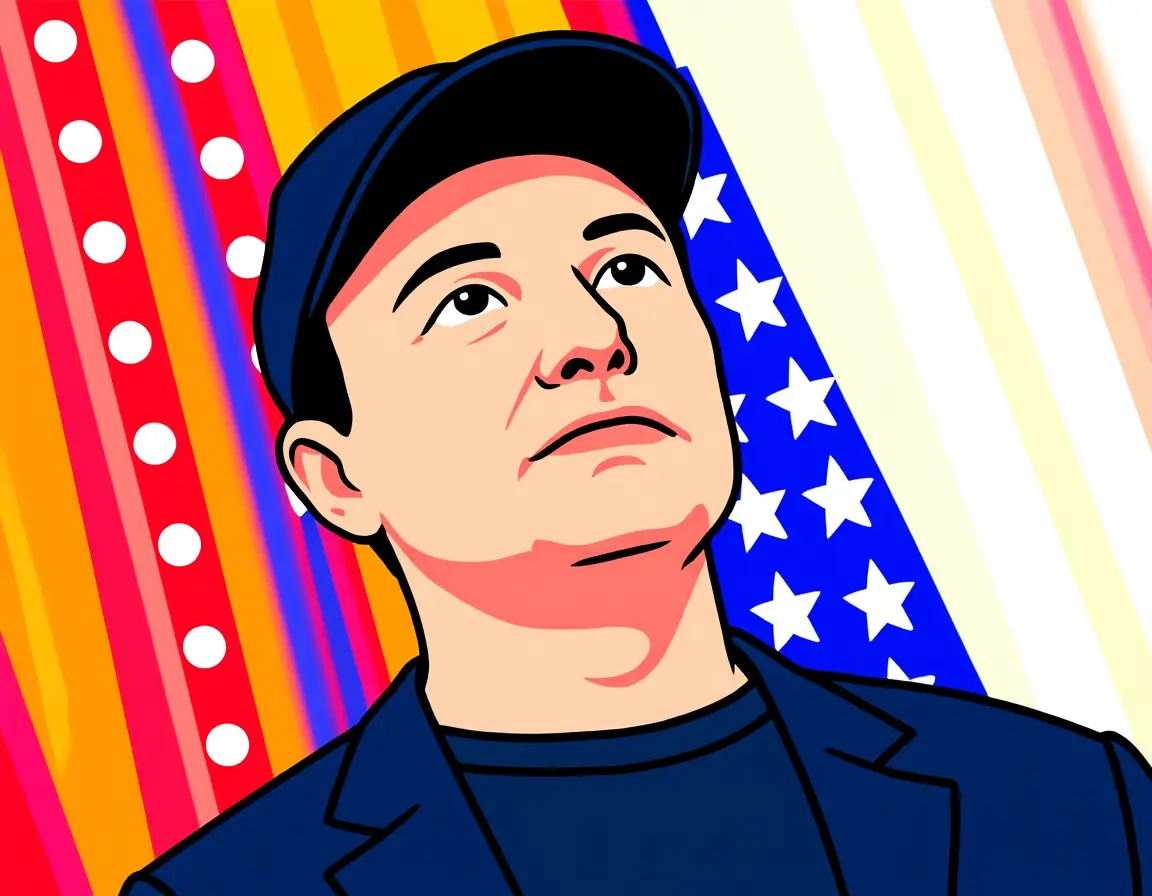
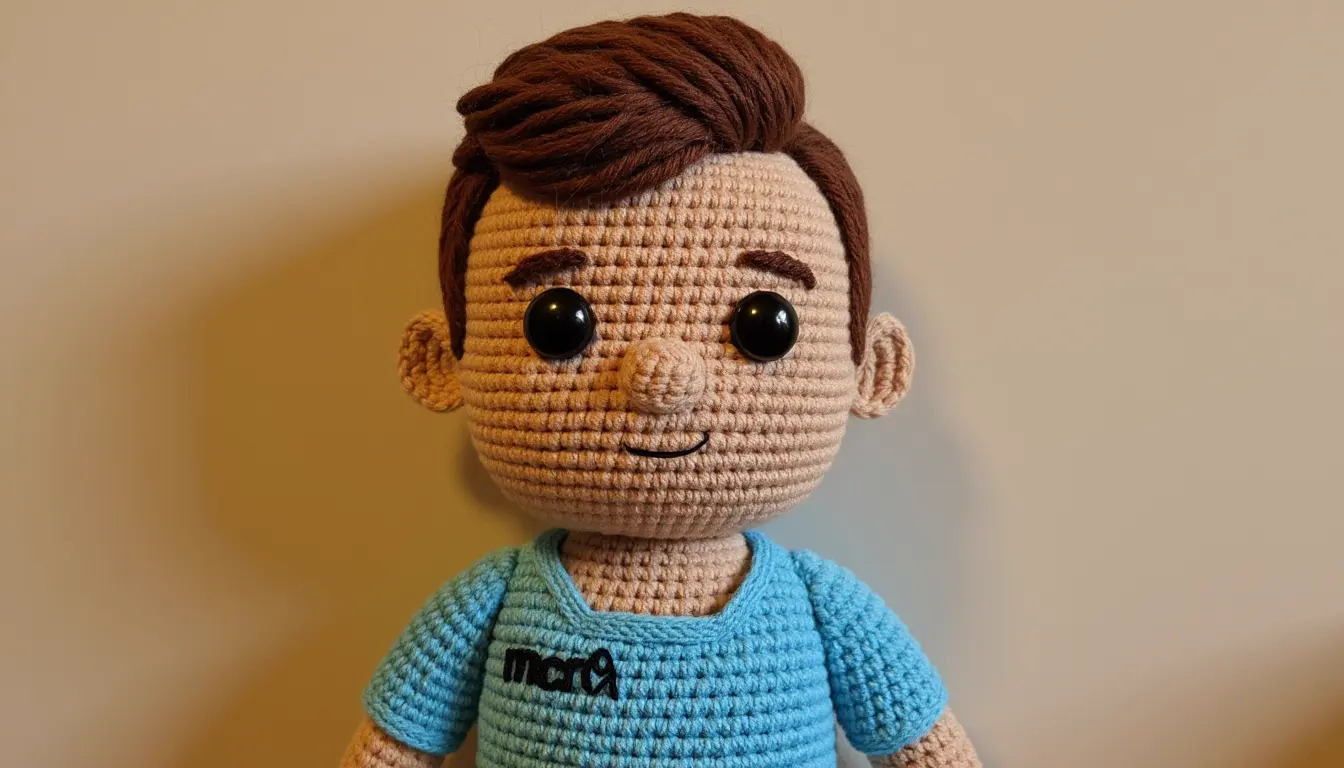
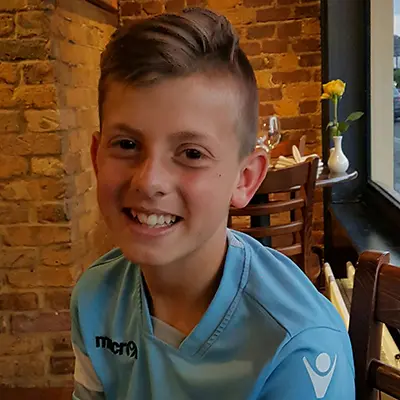
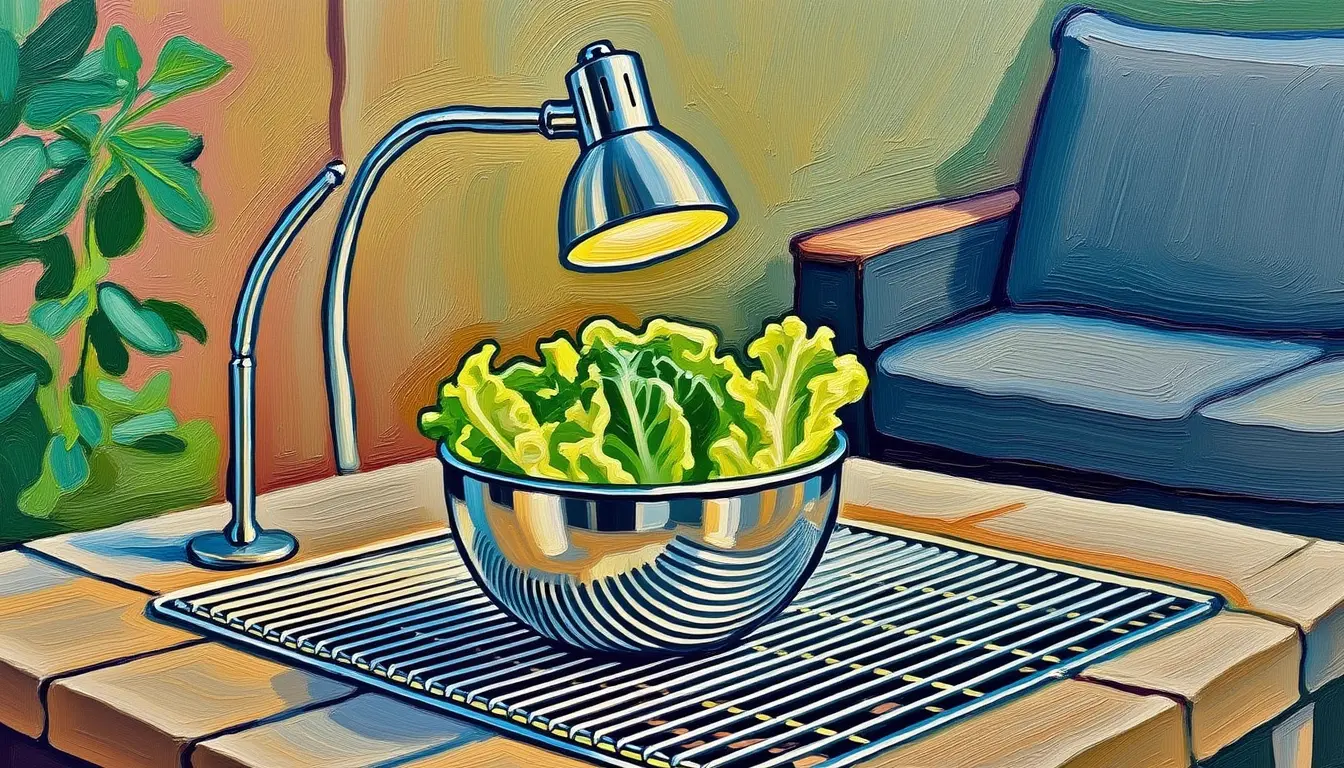
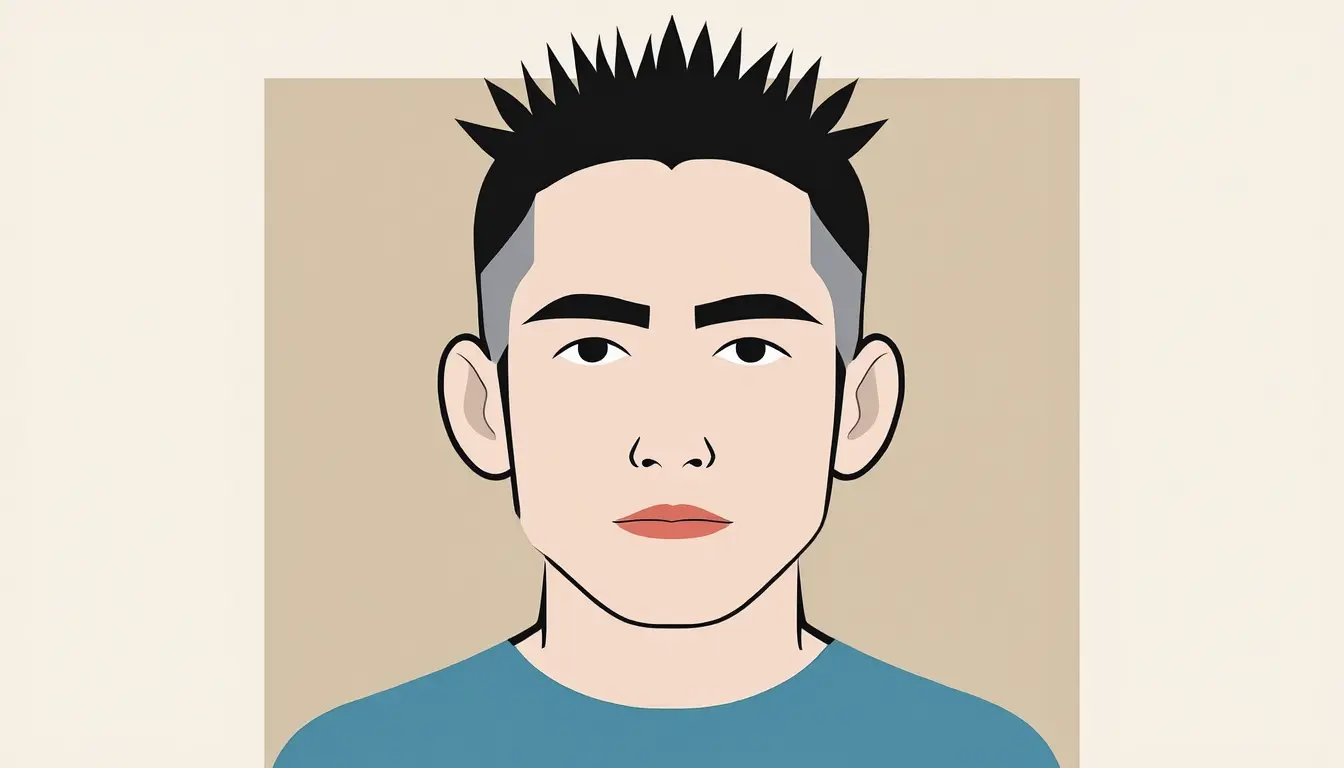
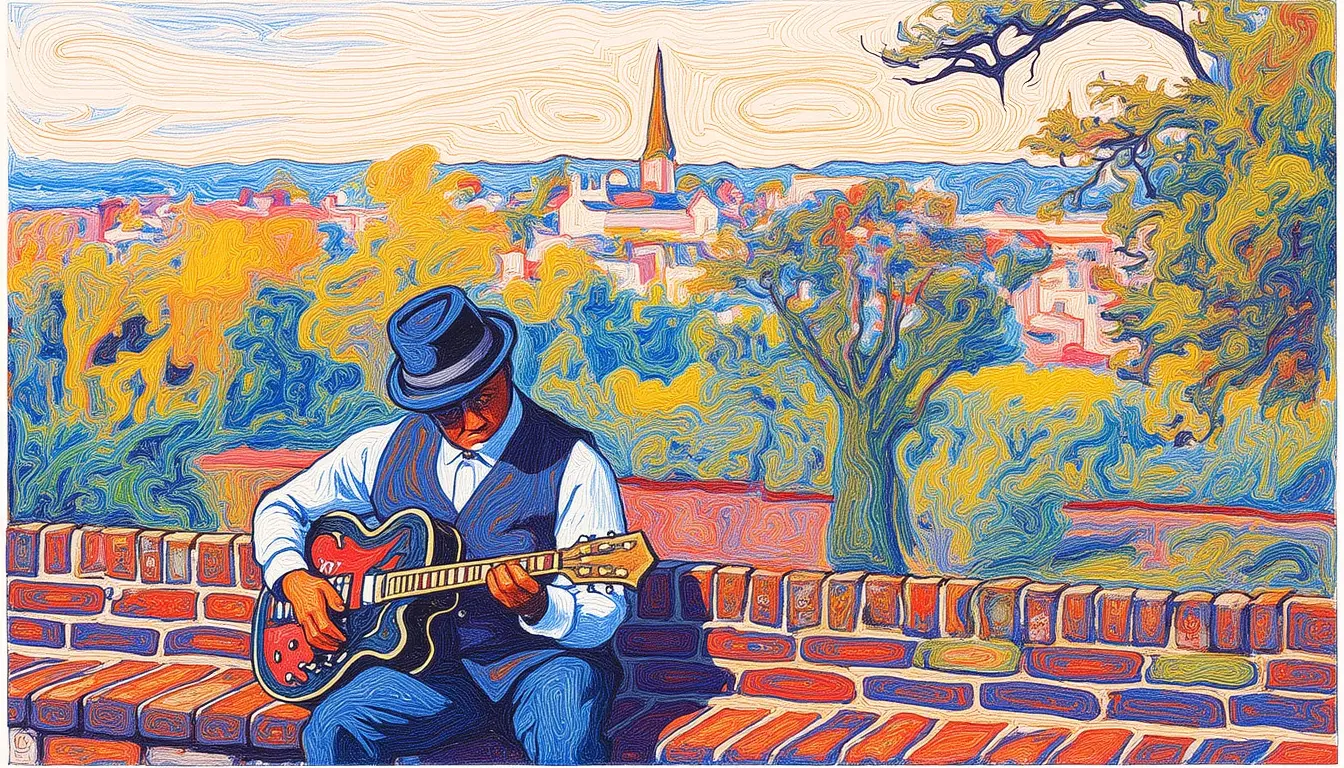
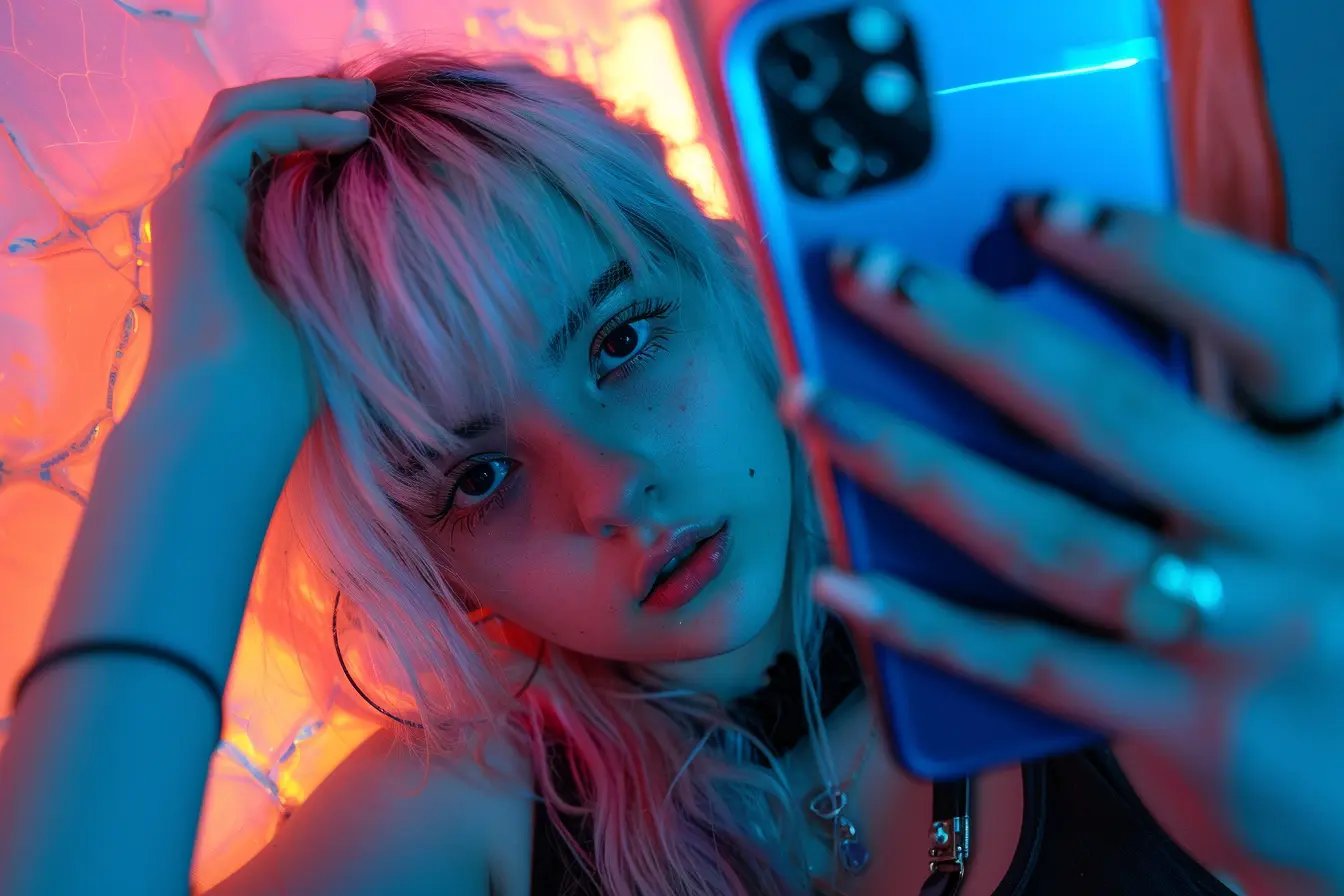
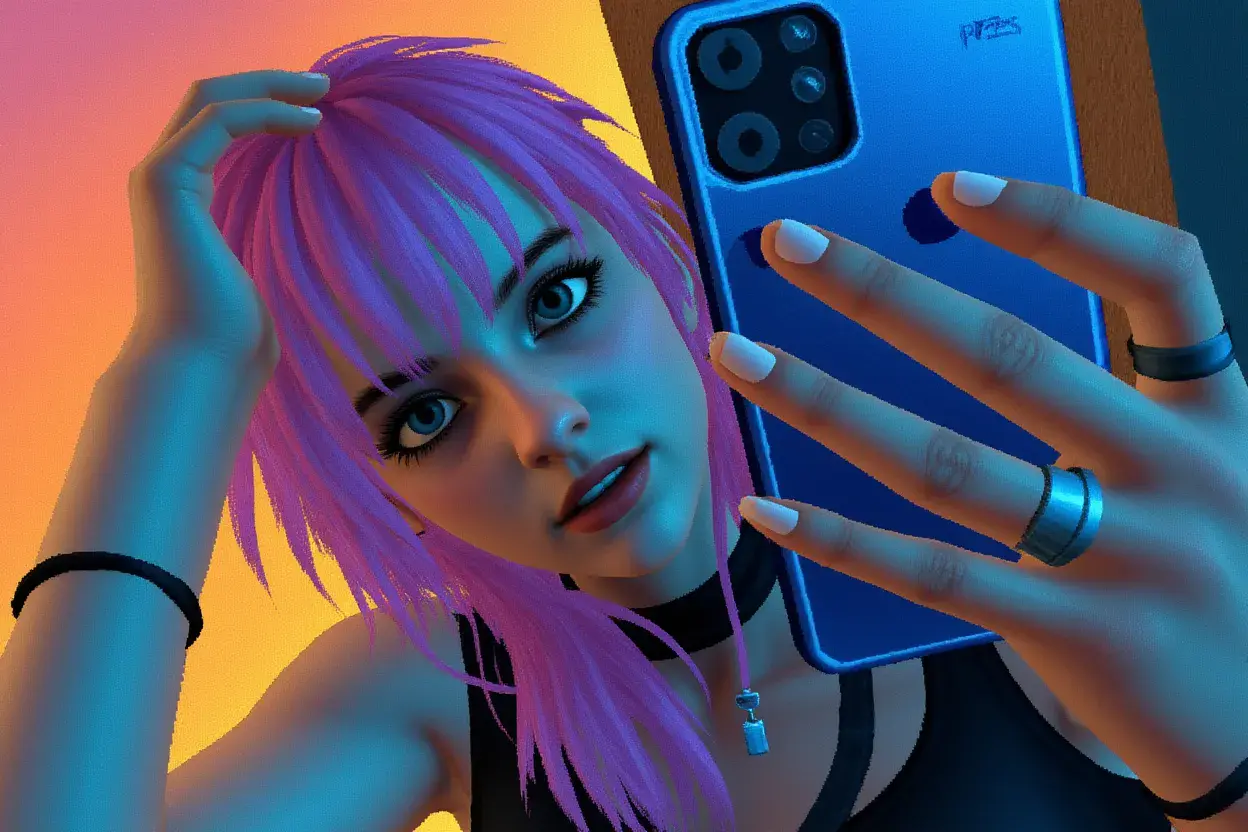
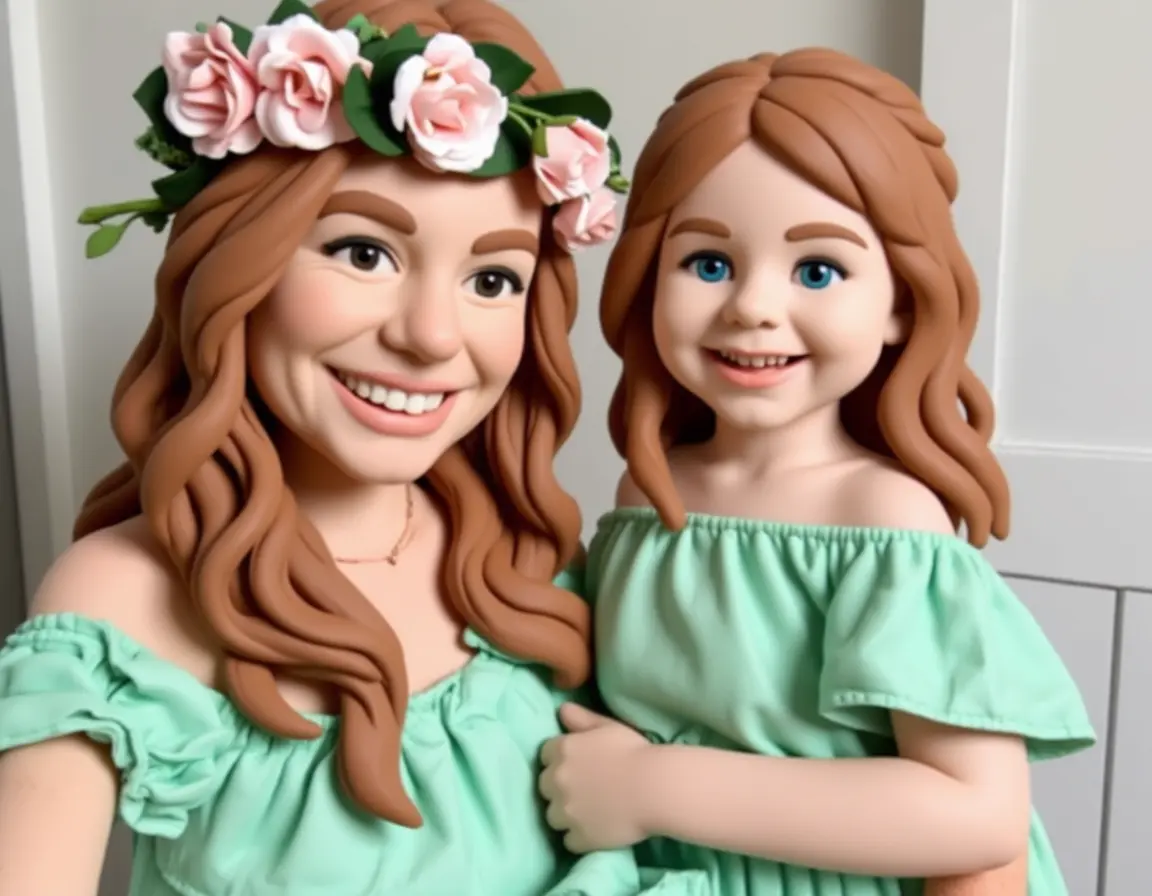
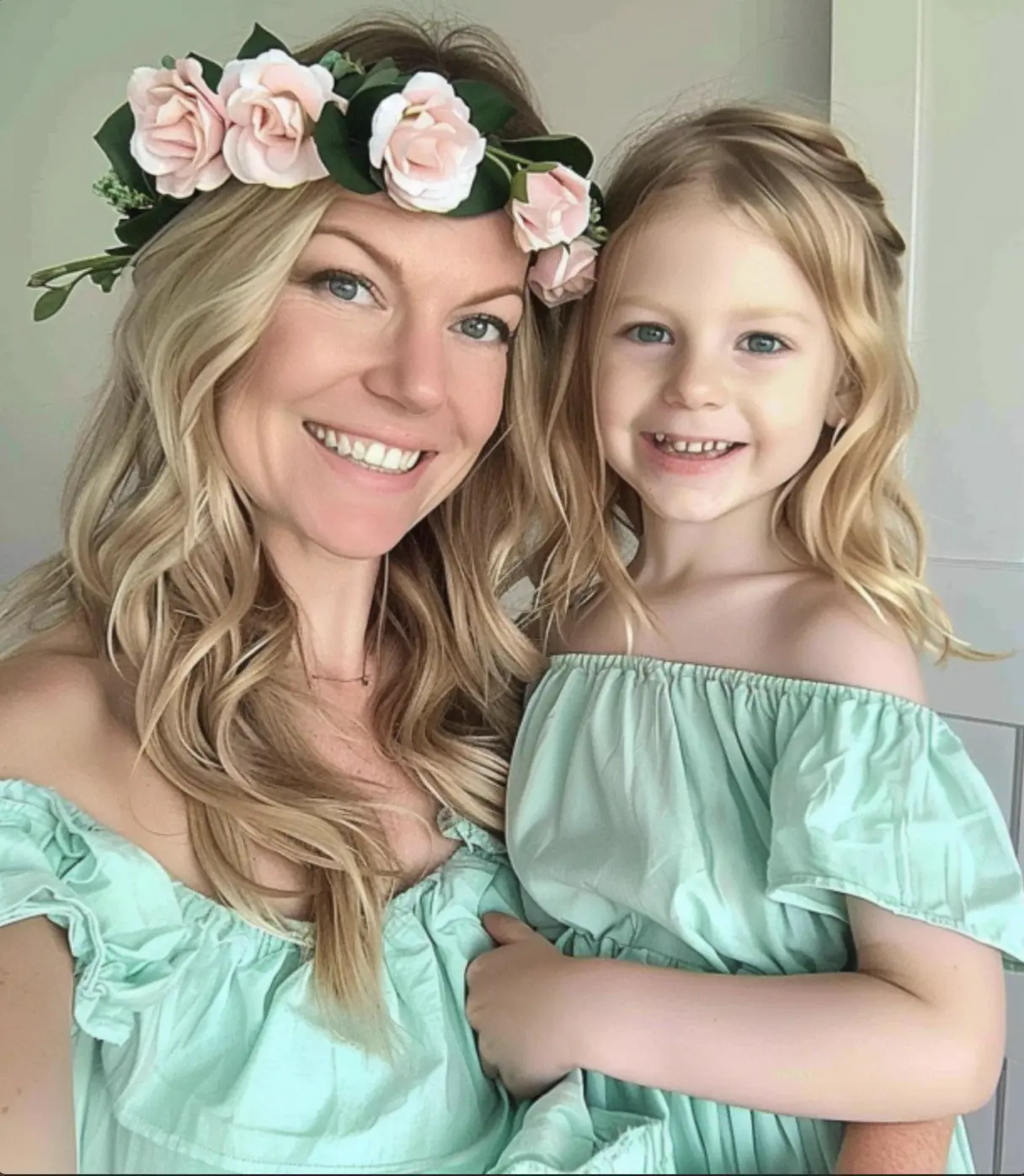
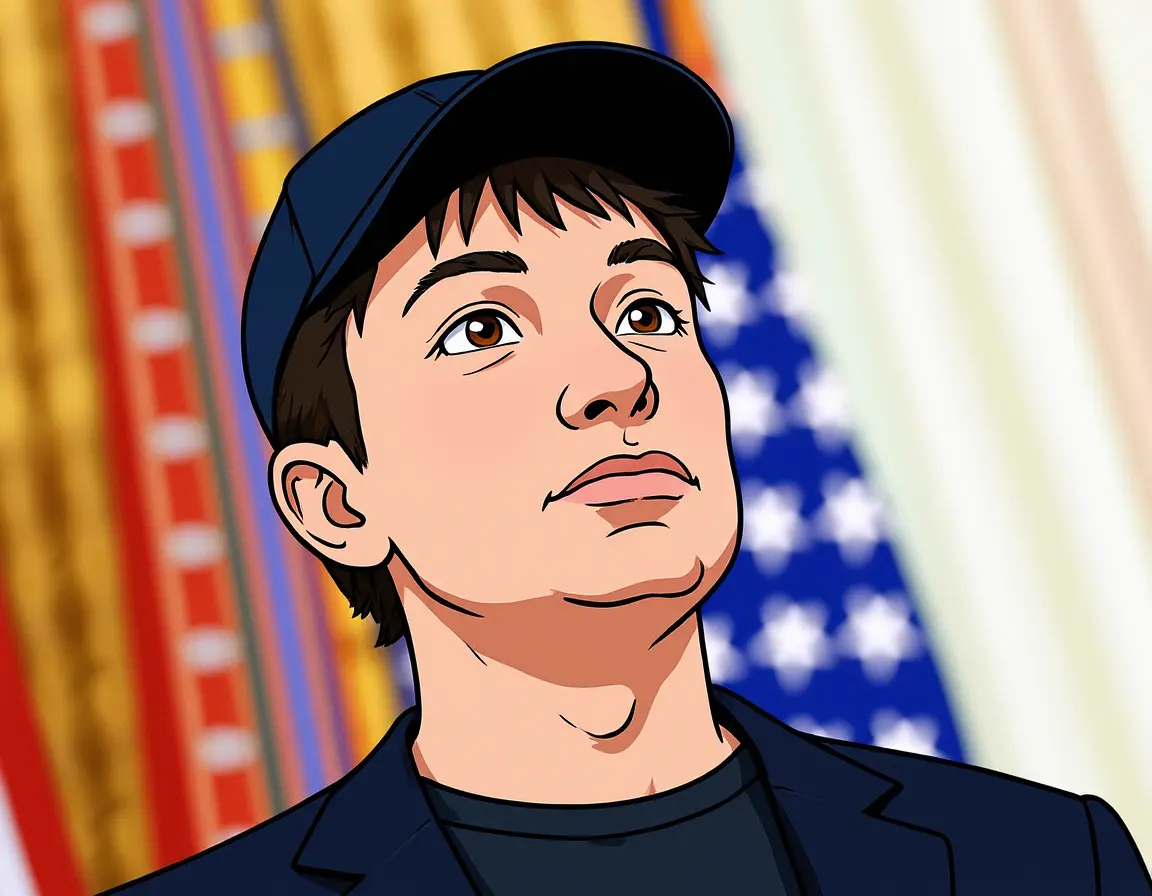
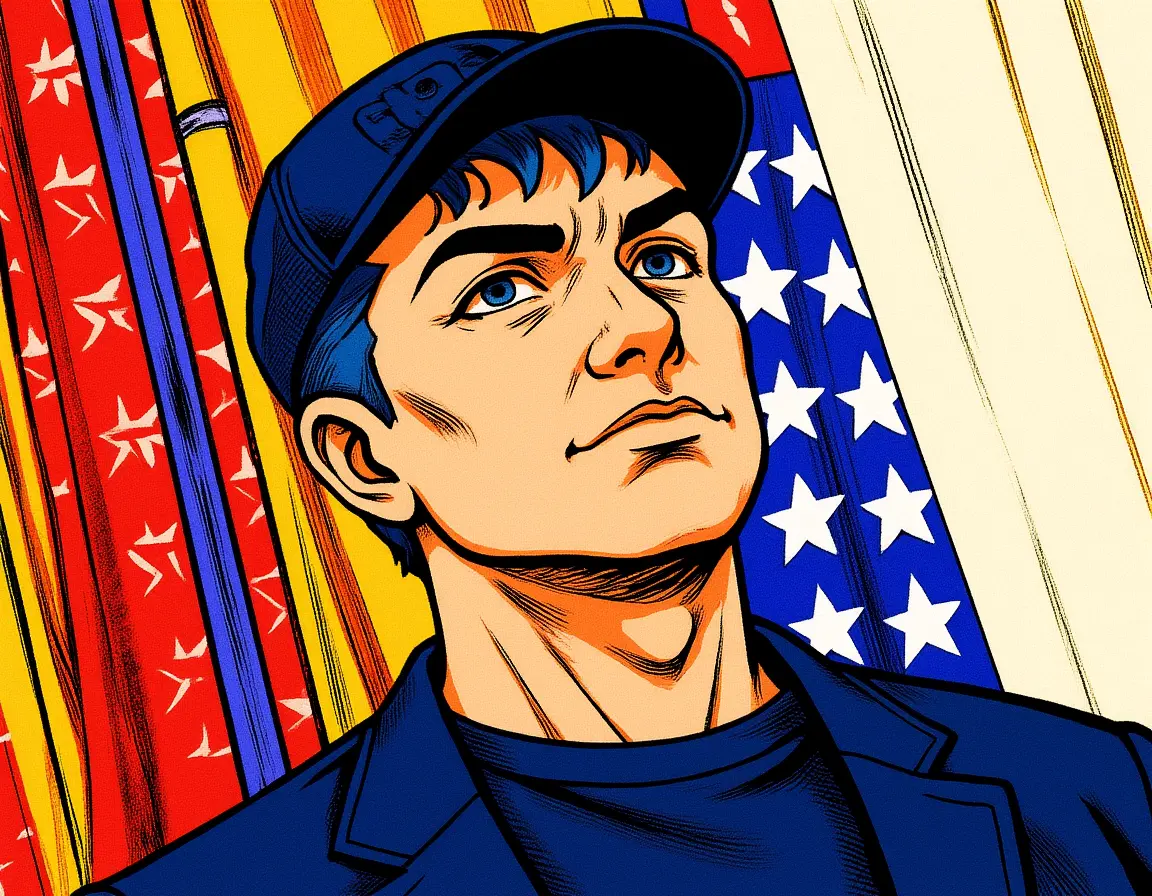
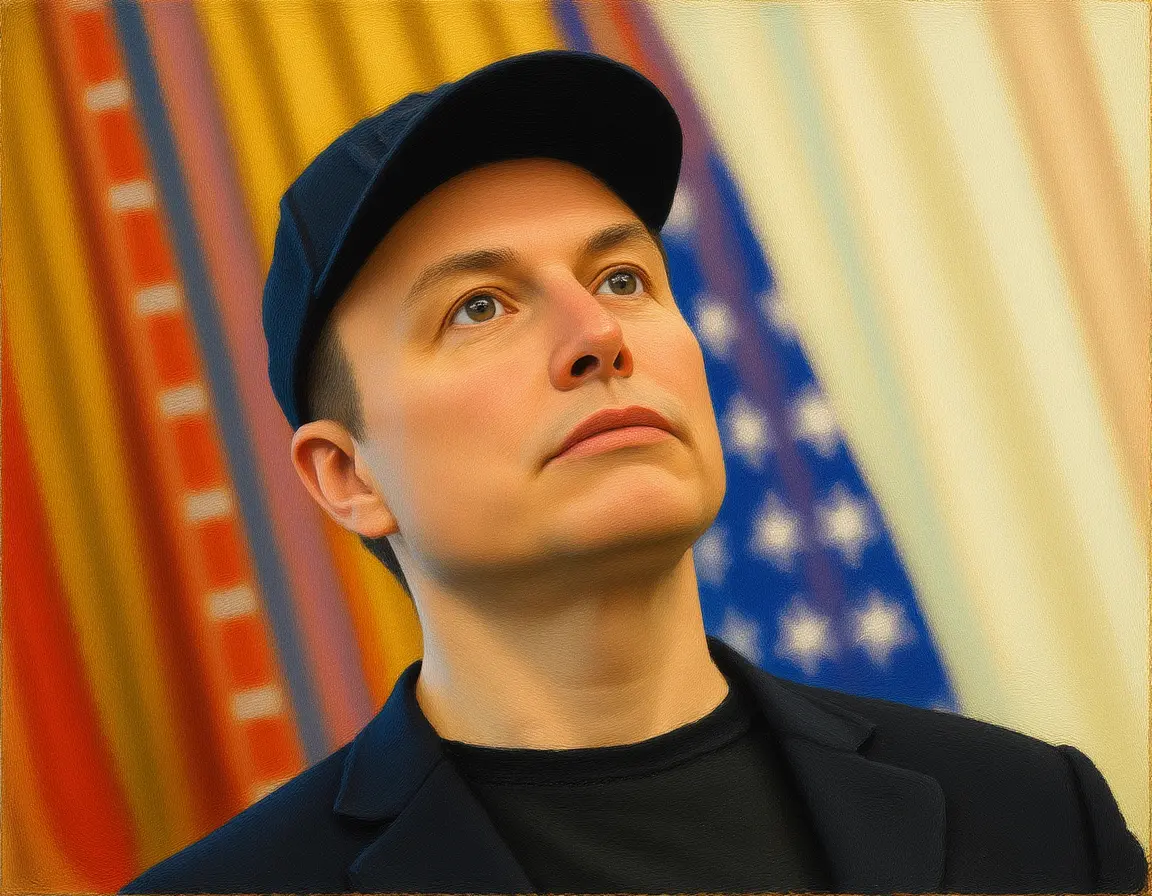
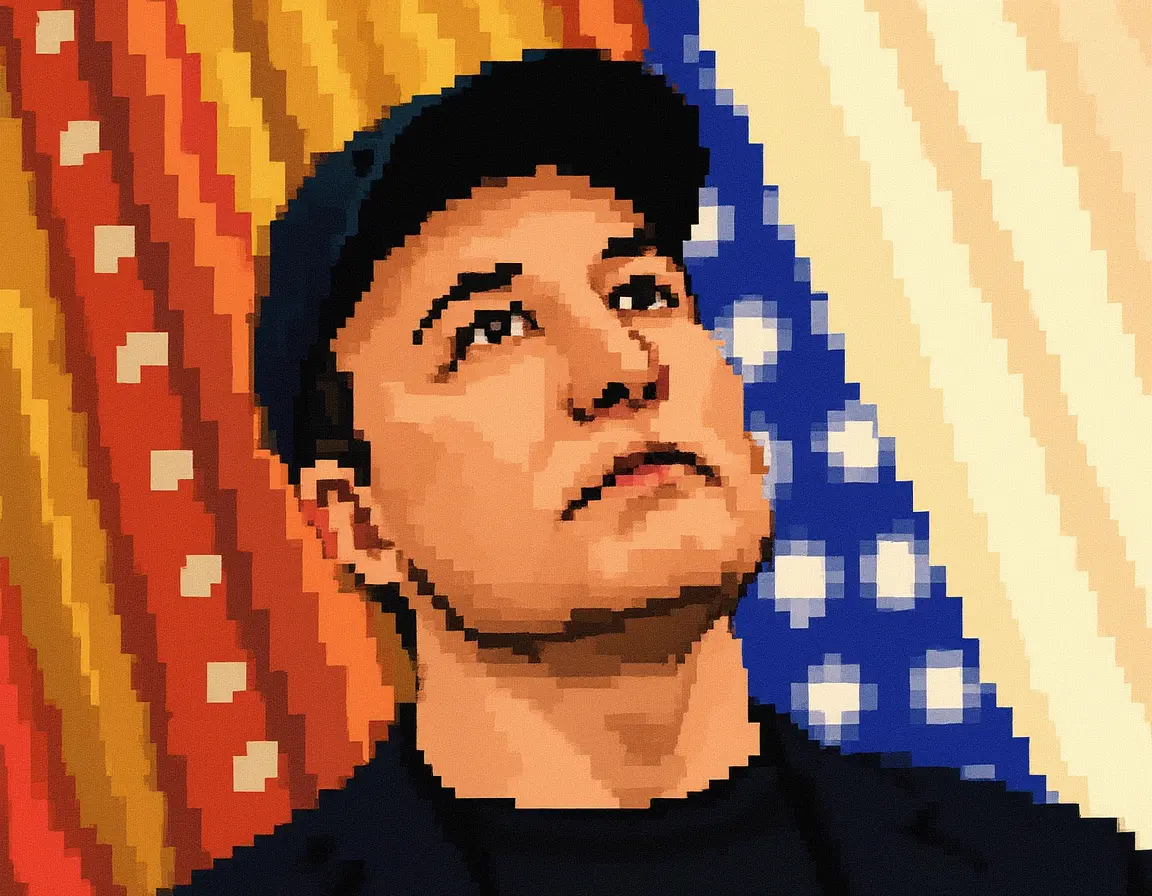
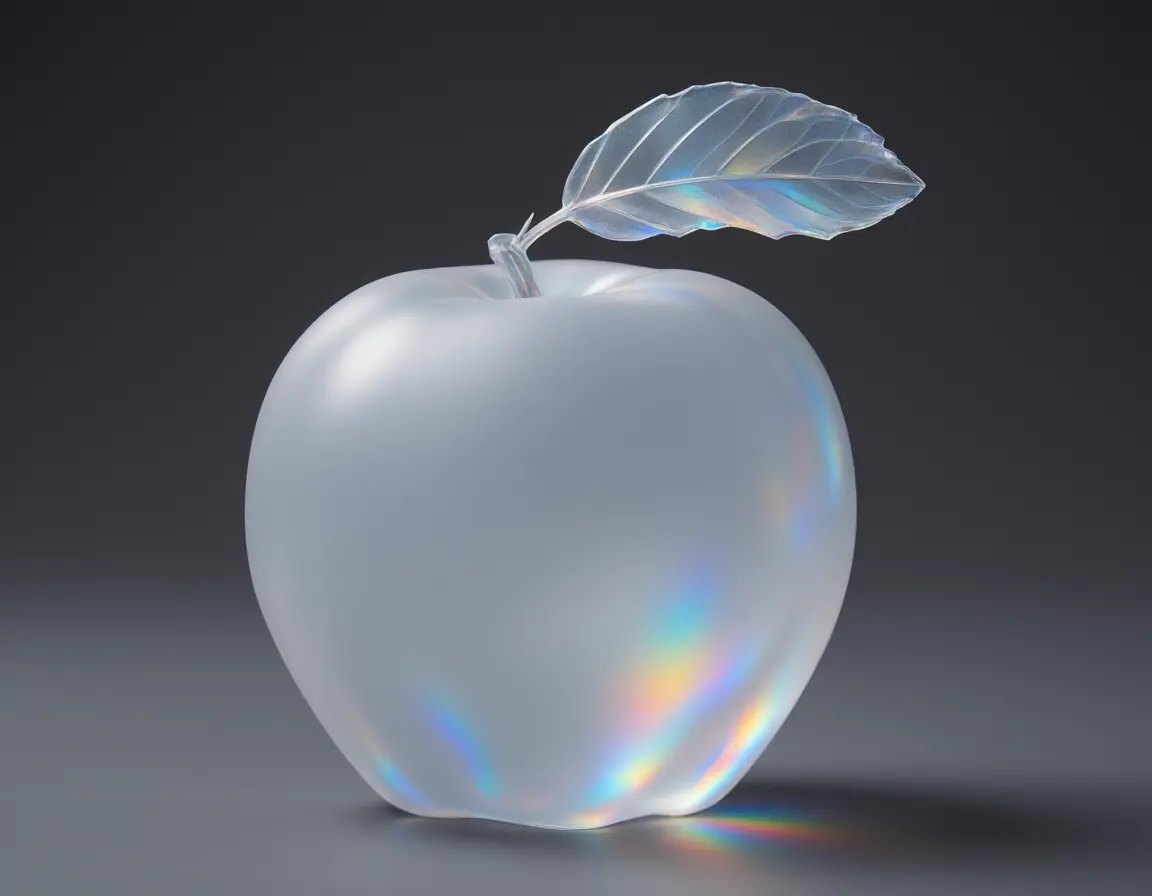
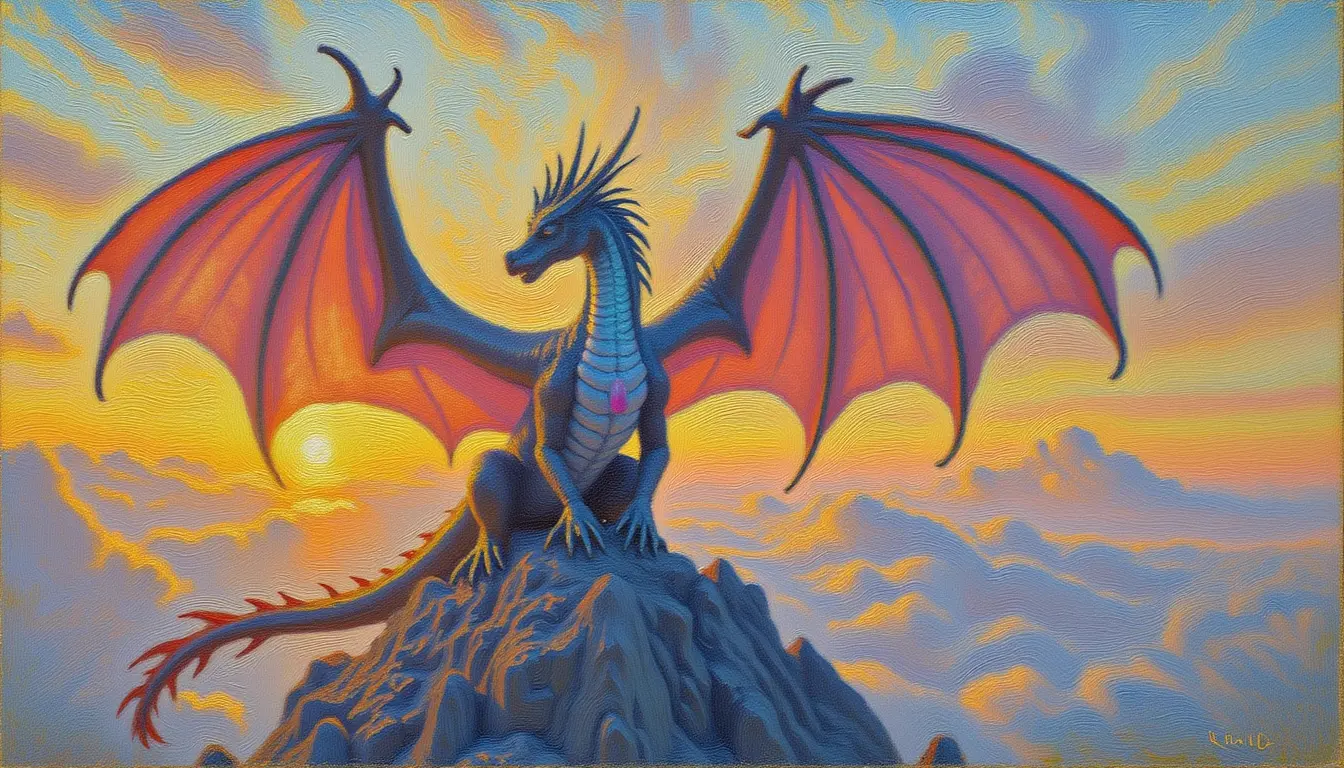
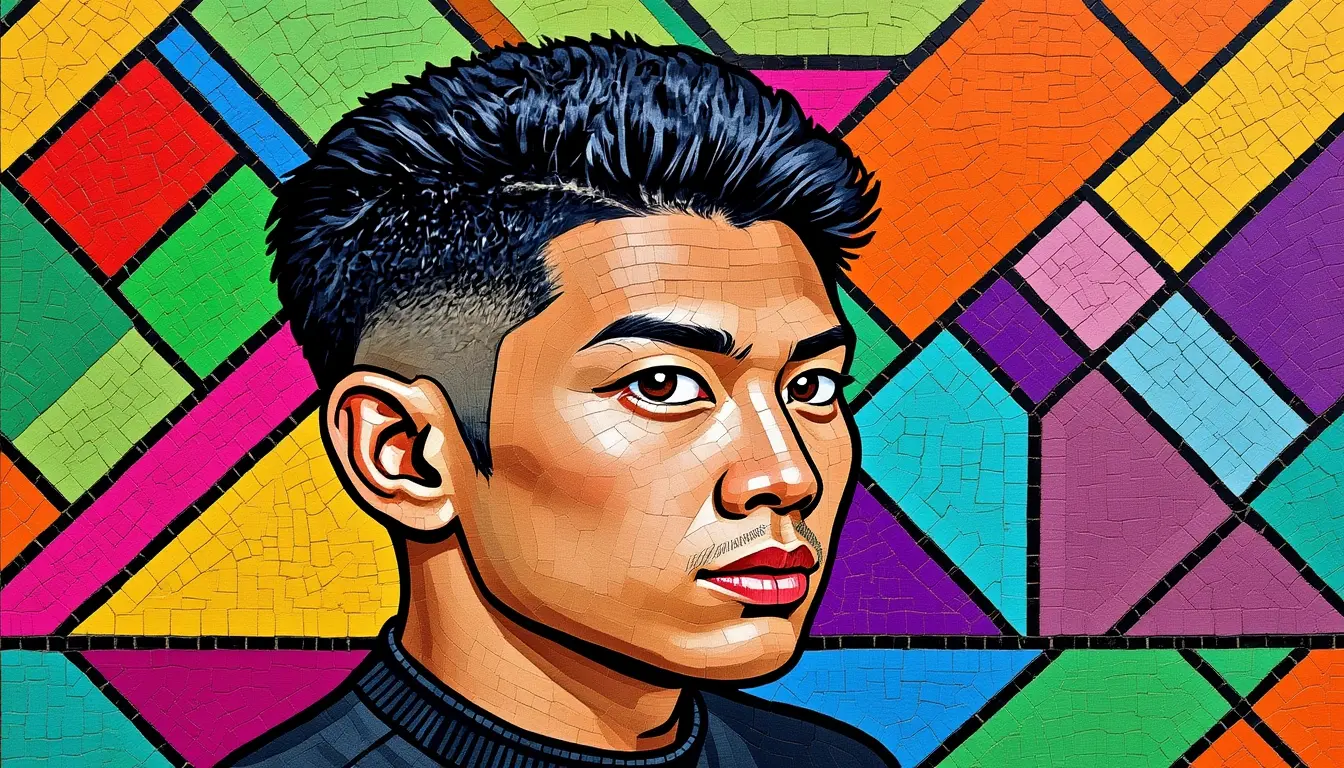
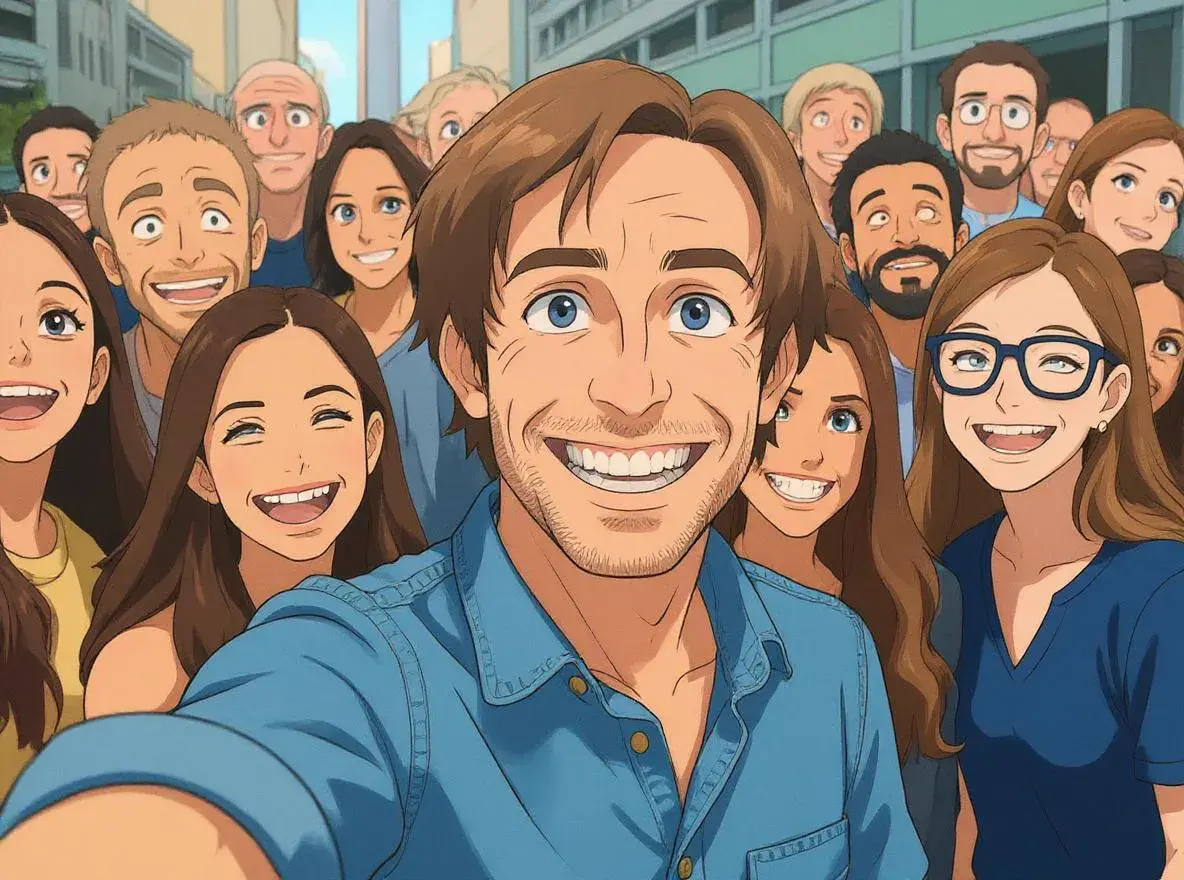
Modern AI photo effects offer a creative spectrum, enhancing images with various styles, moods, and visual enhancements to elevate and transform the overall aesthetic. From vintage film looks to futuristic cyberpunk vibes, from watercolor paintings to anime transformations, today's AI can intelligently recognize subjects, backgrounds, and lighting conditions to apply effects that look natural and professional. AI photo effects in 2025 unlock new creative possibilities and democratize advanced editing, making high-quality editing accessible to all skill levels.
Vidofy.ai brings these cutting-edge capabilities directly to your browser. No expensive software licenses, no steep learning curves, no powerful GPU required. Whether you're a content creator building your brand, a marketer crafting eye-catching visuals, or simply someone who wants their photos to look extraordinary, our AI photo effects platform delivers professional results in seconds—completely free to start.
100+ Professional-Grade Effects at Your Fingertips
Intelligent Context-Aware Processing
Browser-Based Speed Without Compromise
Get Your Result in 3 Simple Steps
Follow these 3 simple steps to complete your task quickly.
Step 1: Upload Your Photo
Drag and drop your image or click to browse. Vidofy supports all common formats (JPG, PNG, HEIC, WebP) and handles files up to 50MB. Your photo is processed securely and never stored without permission.
Step 2: Choose Your Effect
Browse our categorized effect library or search for specific styles. Preview effects in real-time before applying. Adjust intensity, strength, and specific parameters with intuitive sliders to customize the look to your exact vision.
Step 3: Download & Share
Export your transformed image in high resolution without watermarks (free tier). Choose your preferred format and quality settings. Share directly to social platforms or save to your device. Apply the same effect to multiple photos with batch processing.
Frequently Asked Questions
Is Vidofy's AI Photo Effects tool completely free to use?
Yes! Vidofy offers a generous free tier that includes access to all basic photo effects, standard resolution exports, and no watermarks on your images. You can process multiple photos per day without any cost. Premium plans unlock advanced effects, higher resolution exports (up to 4K), batch processing for unlimited images, and priority processing speeds, but the free version is fully functional for most users' needs.
Can I use AI-enhanced photos commercially for my business or client work?
Absolutely. All photos you process through Vidofy with your own uploaded images are yours to use commercially. Free tier users retain full commercial rights to their processed images. This includes using them for product listings, marketing materials, social media advertising, client deliverables, and print sales. We don't claim any ownership of your content—you upload it, you own the results.
What image quality and file sizes does Vidofy support?
Vidofy accepts all common image formats including JPG, PNG, HEIC, WebP, and TIFF. Free users can upload images up to 50MB and export at resolutions up to 4096x4096 pixels. Premium users get increased limits up to 100MB uploads and support for RAW formats (CR2, NEF, ARW). The AI effects work on any resolution, but higher quality inputs naturally produce better results. For best outcomes, upload images at least 1920x1080 pixels.
How long does it take to apply effects to my photos?
Most effects process in 3-8 seconds depending on image size and complexity. Simple filters like vintage or color grading apply almost instantly (2-3 seconds), while complex artistic transformations like oil painting or anime conversion take 5-8 seconds. Premium users get priority processing during peak times. Batch processing handles multiple images sequentially, typically processing 10 photos in under a minute.
Do the AI photo effects work on mobile devices and tablets?
Yes! Vidofy is fully responsive and works seamlessly on iPhone, iPad, Android phones and tablets, and any device with a modern web browser. No app download required—just visit Vidofy.ai from your mobile browser. The interface adapts to touchscreens with easy tap-to-select effects and pinch-to-zoom previews. Processing speed is identical across devices since all computation happens on our cloud servers, not your device.
Can I adjust the intensity of effects or customize them?
Yes! Every effect includes adjustable parameters. Use the intensity slider to control how strongly the effect is applied (from subtle 10% to dramatic 100%). Many effects also include specific customization options—for example, the vintage effect lets you adjust grain amount, color temperature, and vignette strength independently. Save your favorite combinations as custom presets for instant reapplication. This level of control ensures you get exactly the look you want, not a one-size-fits-all filter.