
Get High-Fidelity Results with Hunyuan Image 3.0—Without the Local Setup
Hunyuan Image 3.0 is an open-source text-to-image model developed by Tencent’s Hunyuan team, open-sourced on September 28, 2025 . Unlike common diffusion-transformer (DiT) image generators, it uses a unified autoregressive native multimodal architecture that combines multimodal understanding and image generation in a single framework . Officially, it is described as a Mixture-of-Experts model with 64 experts and 80 billion parameters, with 13 billion activated per token —positioning it for high-capacity, high-detail generations, strong prompt adherence, and world-knowledge reasoning .
On Vidofy, you can access Hunyuan Image 3.0 instantly—so you focus on composition, lighting, material realism, and typography rather than drivers, multi-GPU orchestration, or inference scripts. This is especially valuable for workflows where you need the model to stay faithful to a dense creative brief: product visuals with strict brand cues, editorial illustrations with precise staging, or poster-style images where readable in-image text matters.
Because Hunyuan Image 3.0 is built for both semantic accuracy and visual aesthetics via dataset curation and reinforcement-learning post-training , it’s a strong fit for creators who want “creative control” without the usual trial-and-error spiral. In Vidofy, you can iterate quickly, keep your best generations organized, and move from concept to export in a single streamlined workflow.
Made with Hunyuan Image 3.0: Inspiration Gallery
Browse advanced prompt ideas designed to showcase texture, lighting, composition control, and readable text-in-image layouts.
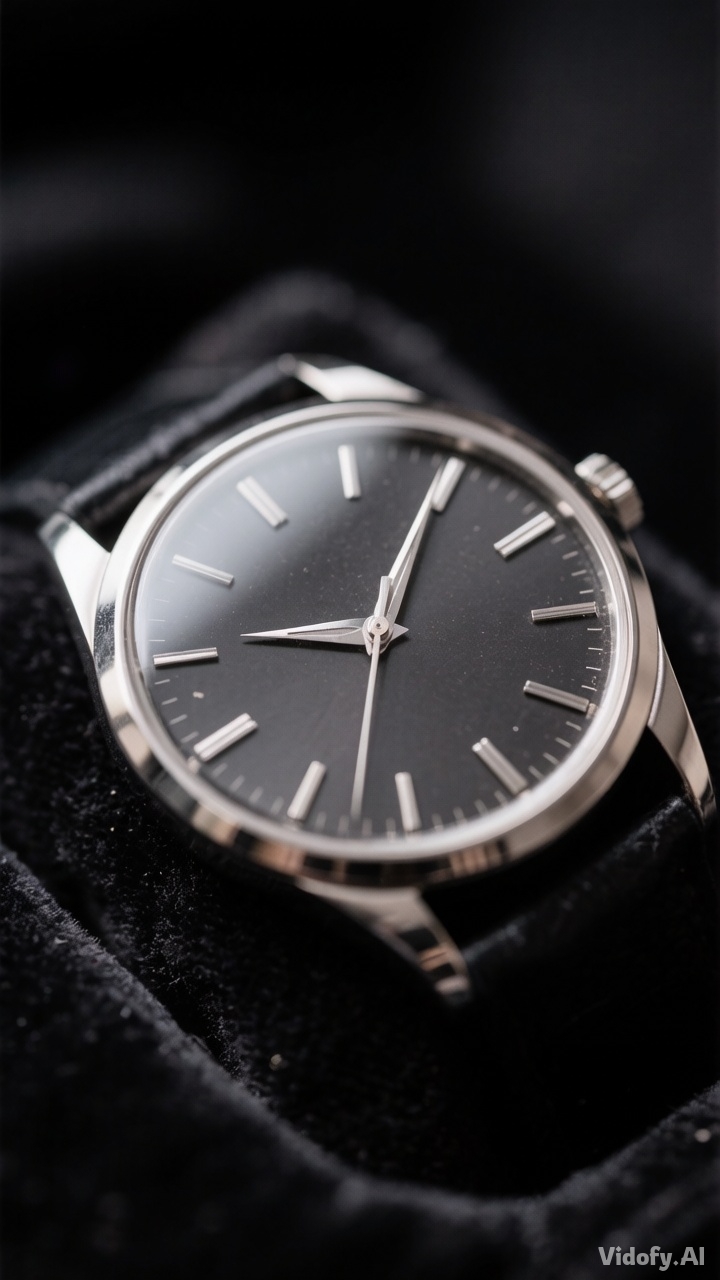
"Luxury watch macro photo on black velvet, sharp engraved metal, subtle dust specks, controlled reflections, studio lighting"
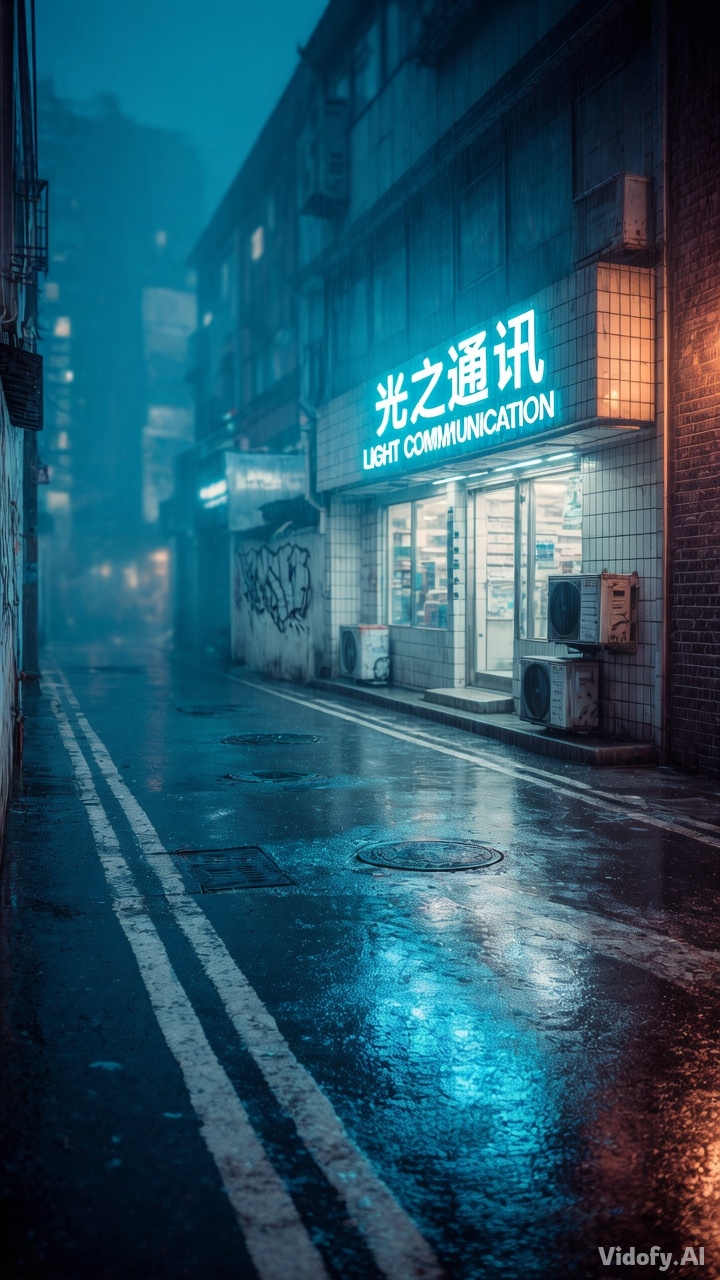
"Rainy neon alley with readable bilingual storefront sign, wet reflections, moody fog, cinematic realism"
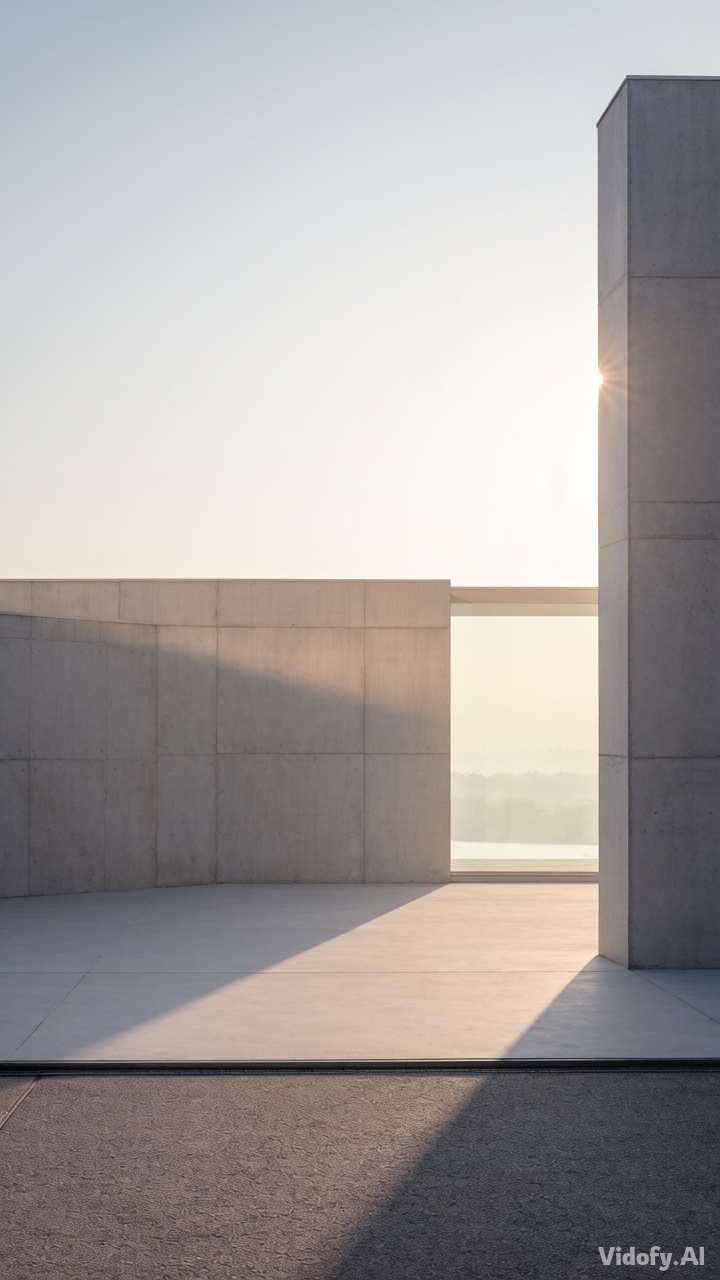
"Minimalist architecture exterior at sunrise, soft haze, concrete texture, clean lines, editorial composition"
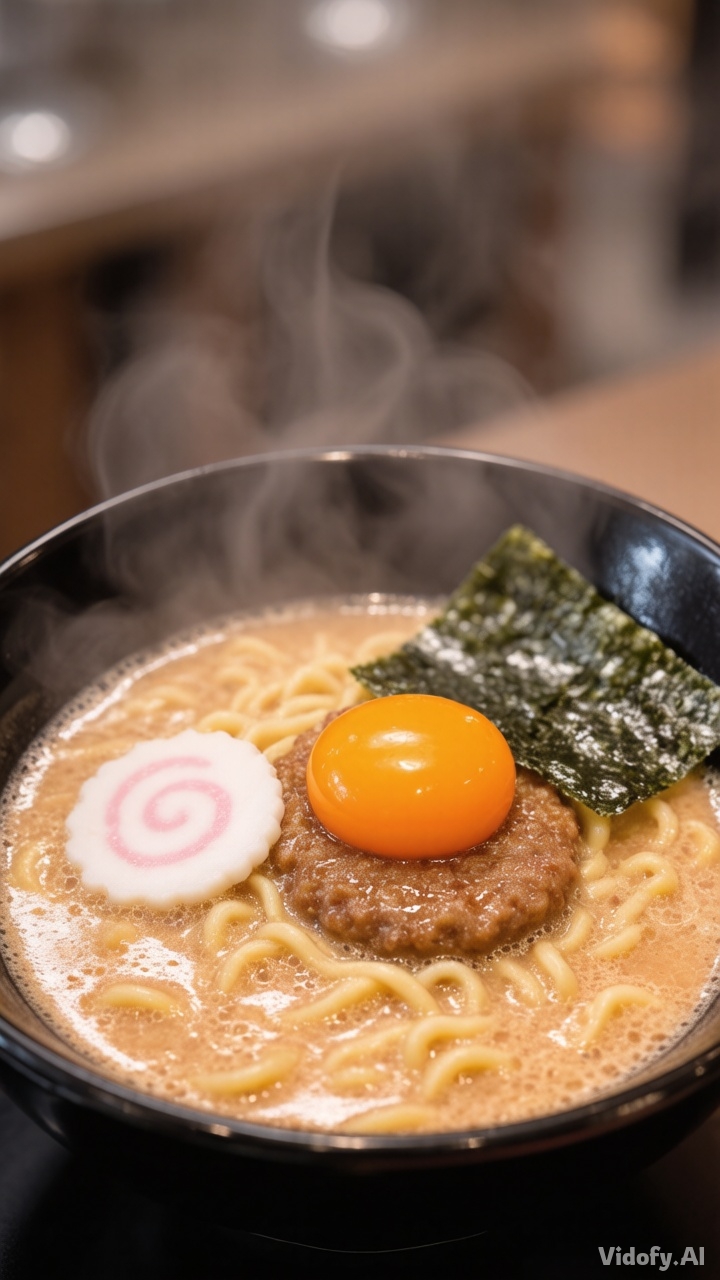
"Food photography of ramen bowl, steam, glossy broth highlights, realistic noodles, restaurant mood lighting"
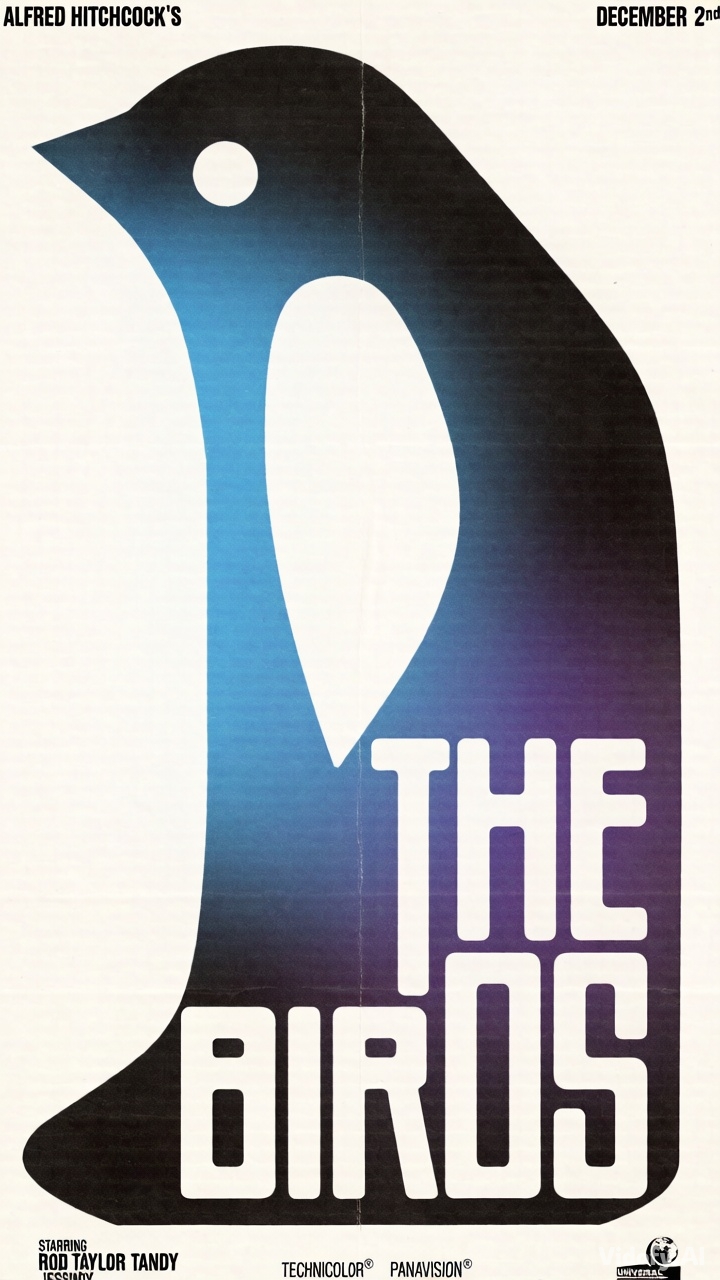
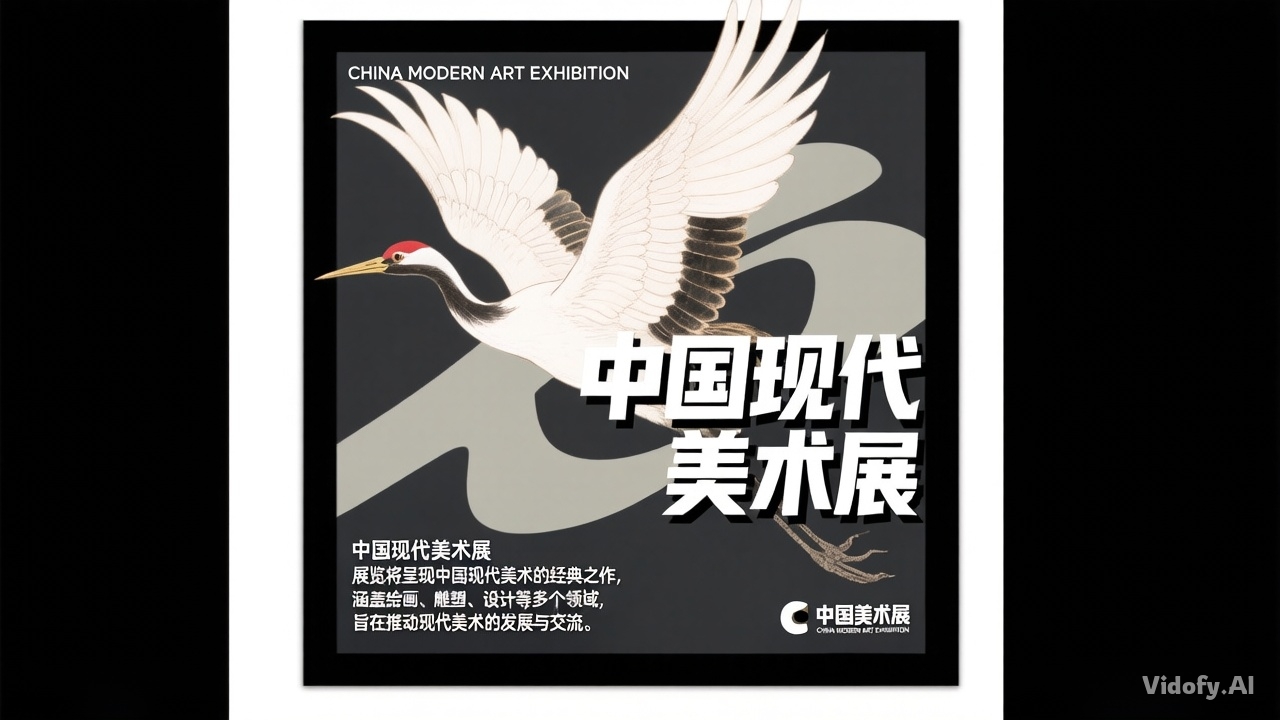
"Poster layout with a central bird silhouette, bold negative space, sharp headline typography integrated into design"
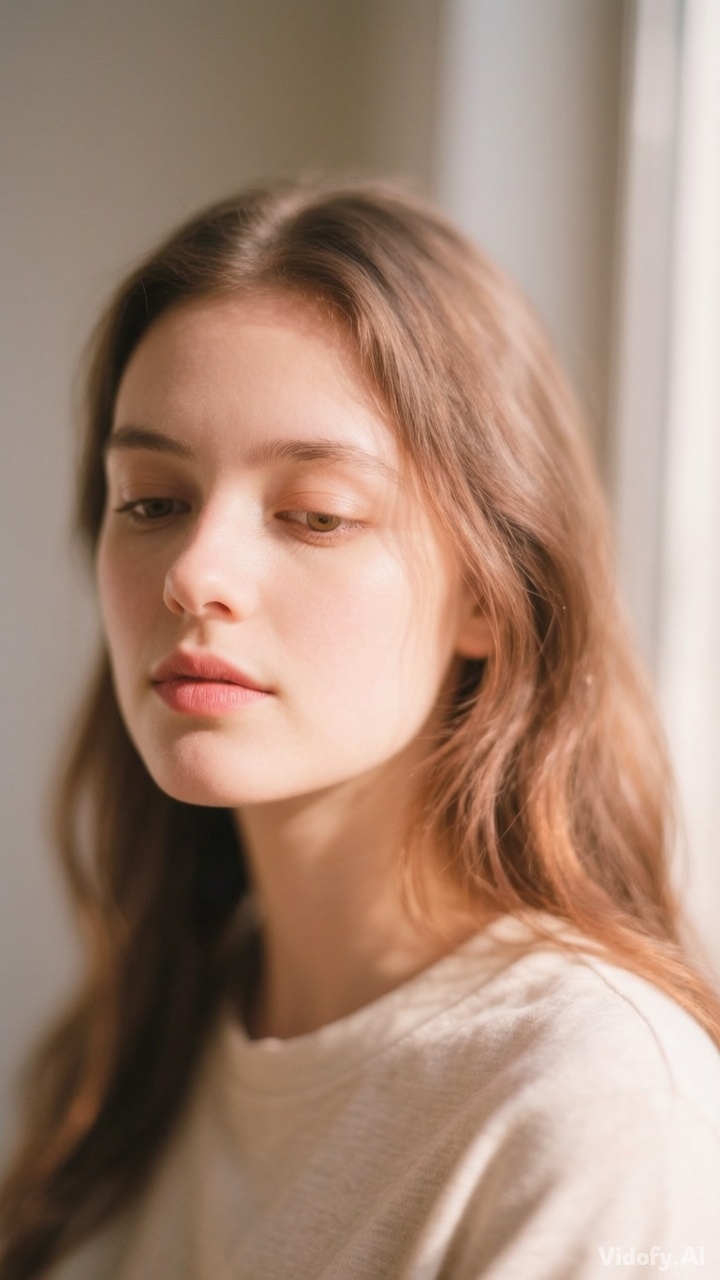
"Natural portrait in window light, lifelike skin texture, soft shadows, subtle film color grading, calm mood"
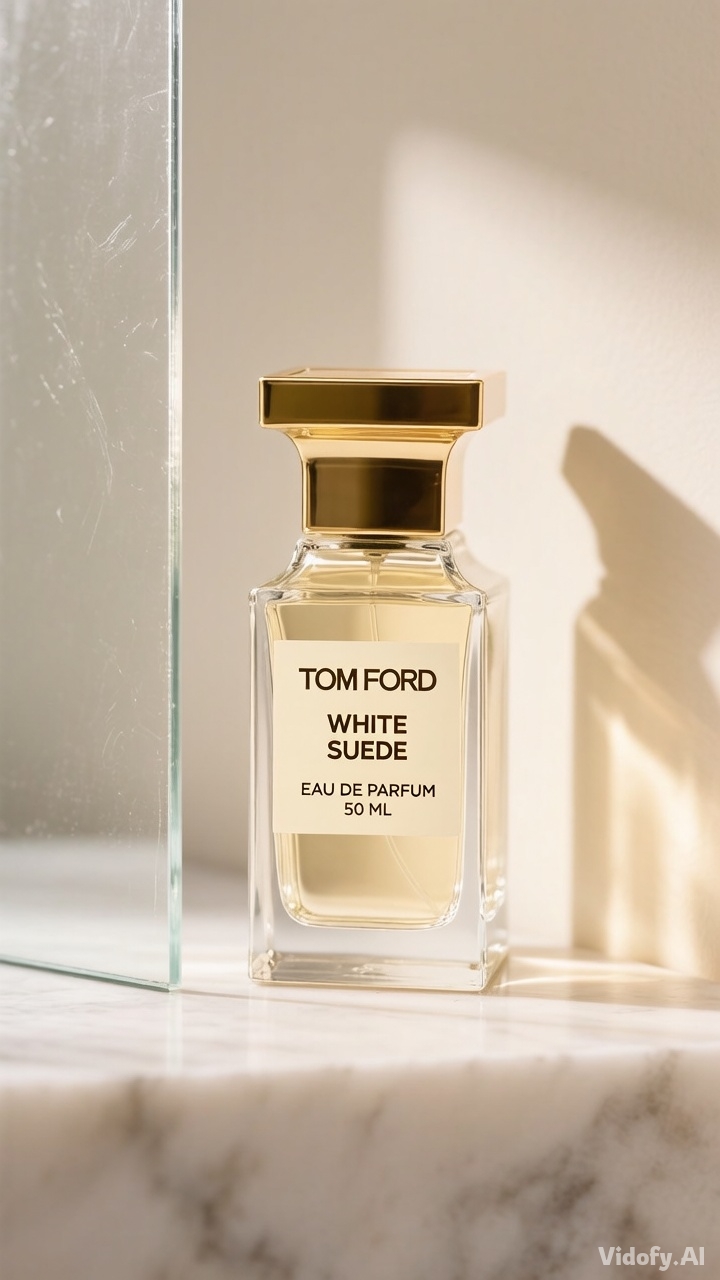
"Product mockup of a perfume bottle on marble, micro-scratches on glass, soft rim light, premium ad feel"
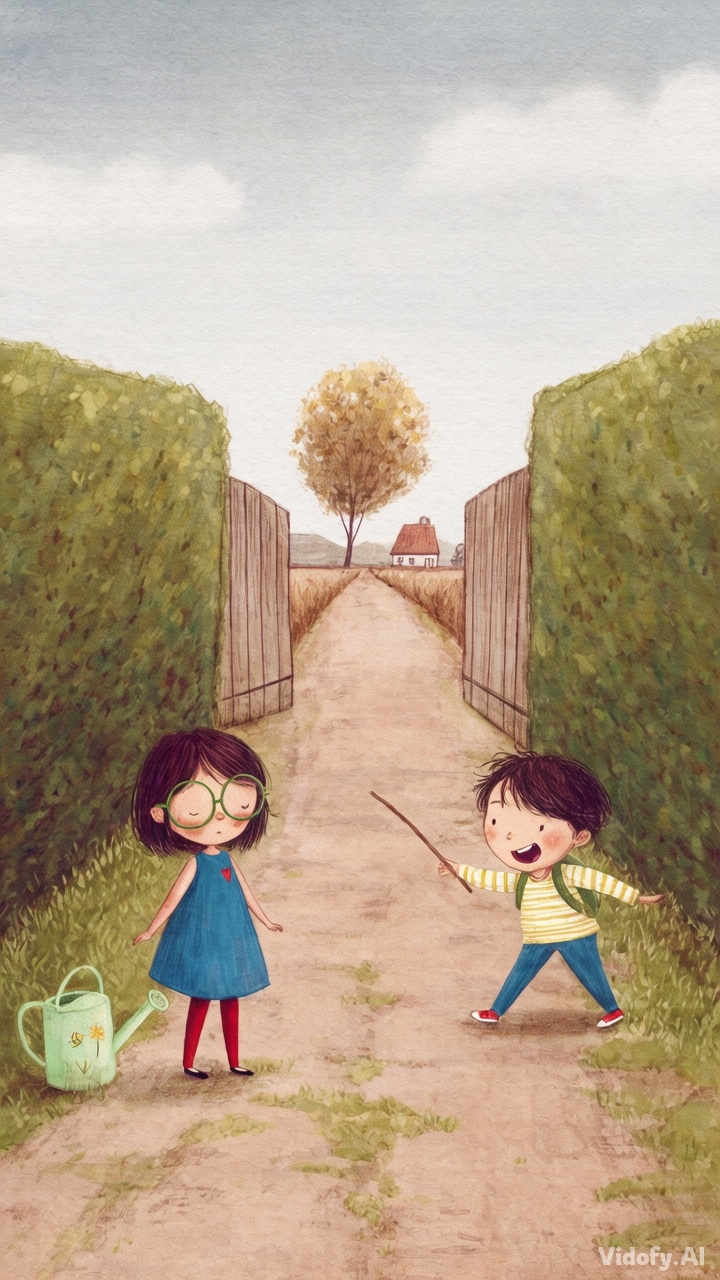
"Illustrated storybook scene in watercolor style, textured paper grain, gentle lighting, consistent character features"
Hunyuan Image 3.0 in Action: Prompt Showcase
| Prompt | Result |
|---|---|
|
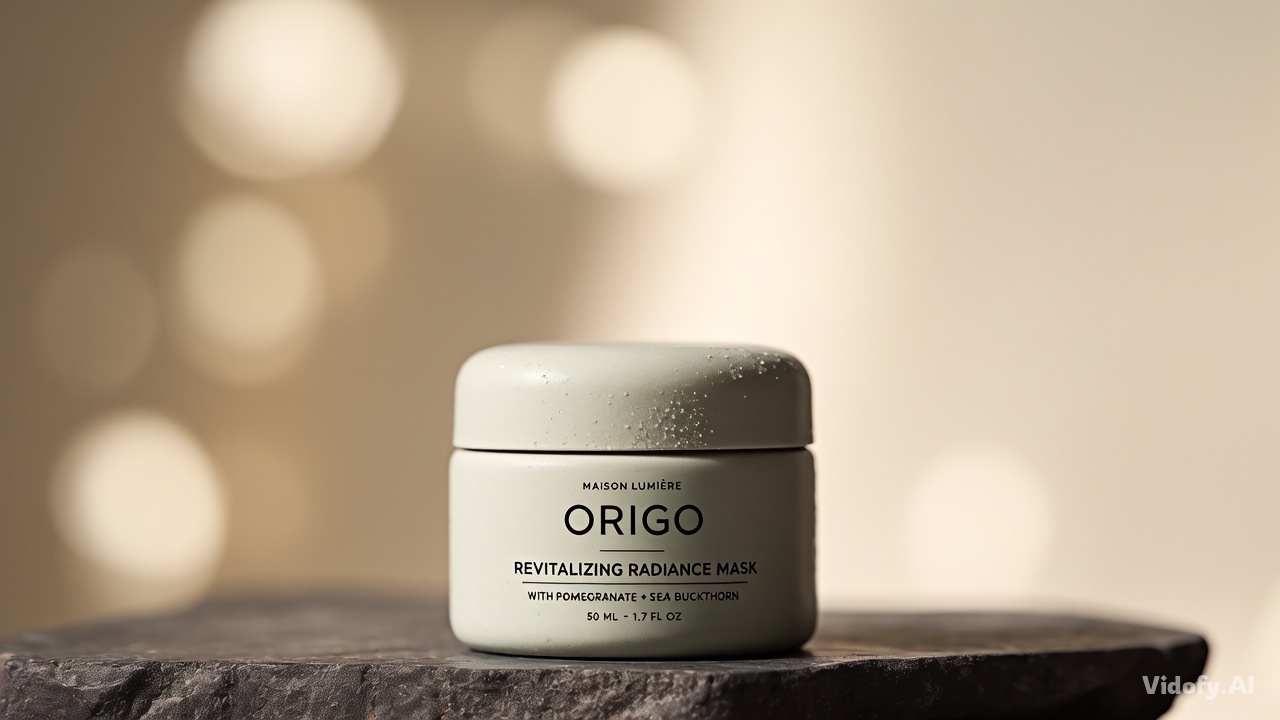
"Photoreal studio product image of a matte ceramic skincare jar on a dark stone slab, soft rim lighting, subtle condensation on the jar, crisp embossed label, shallow depth of field with creamy bokeh, luxury editorial styling, realistic surface micro-texture, clean negative space for ad layout, color-accurate neutrals." |
|
|
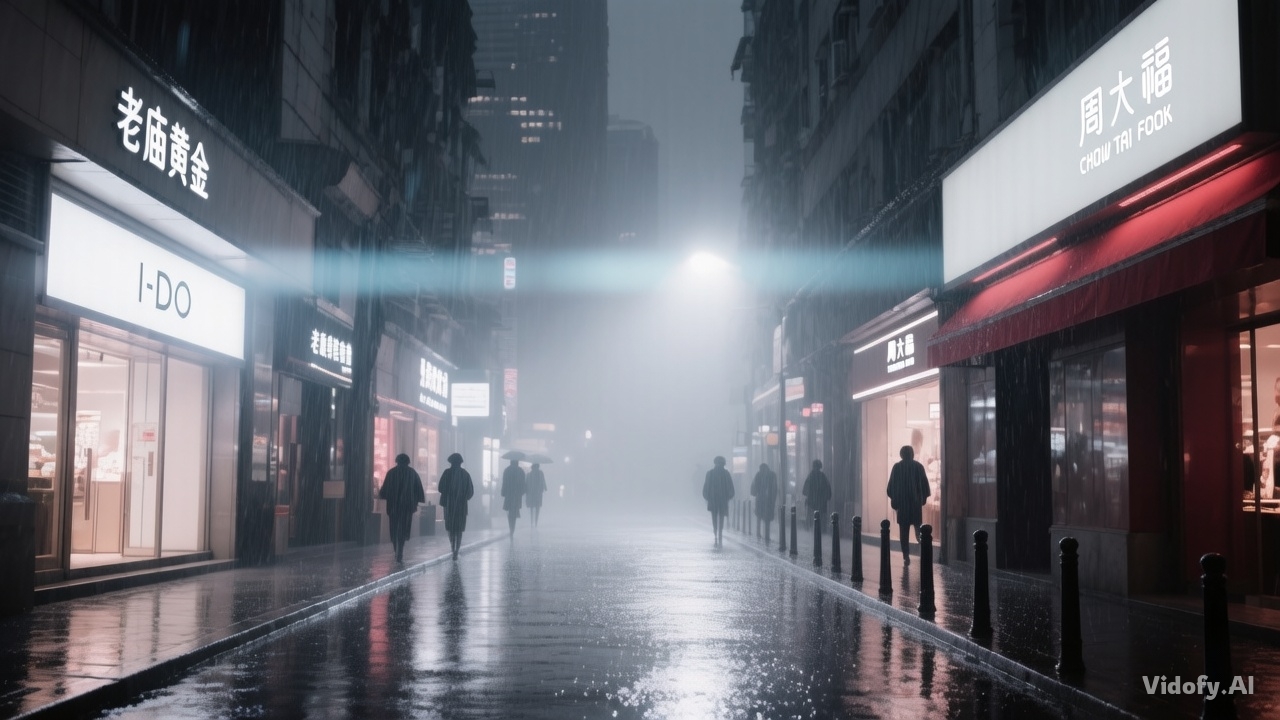
"Cinematic rainy street at night, wet asphalt reflections, neon shop signage with clearly readable Chinese and English brand text, moody fog, realistic raindrops, natural lens flare, pedestrians as soft silhouettes, strong composition with leading lines, high contrast but preserved shadow detail." |
|
|
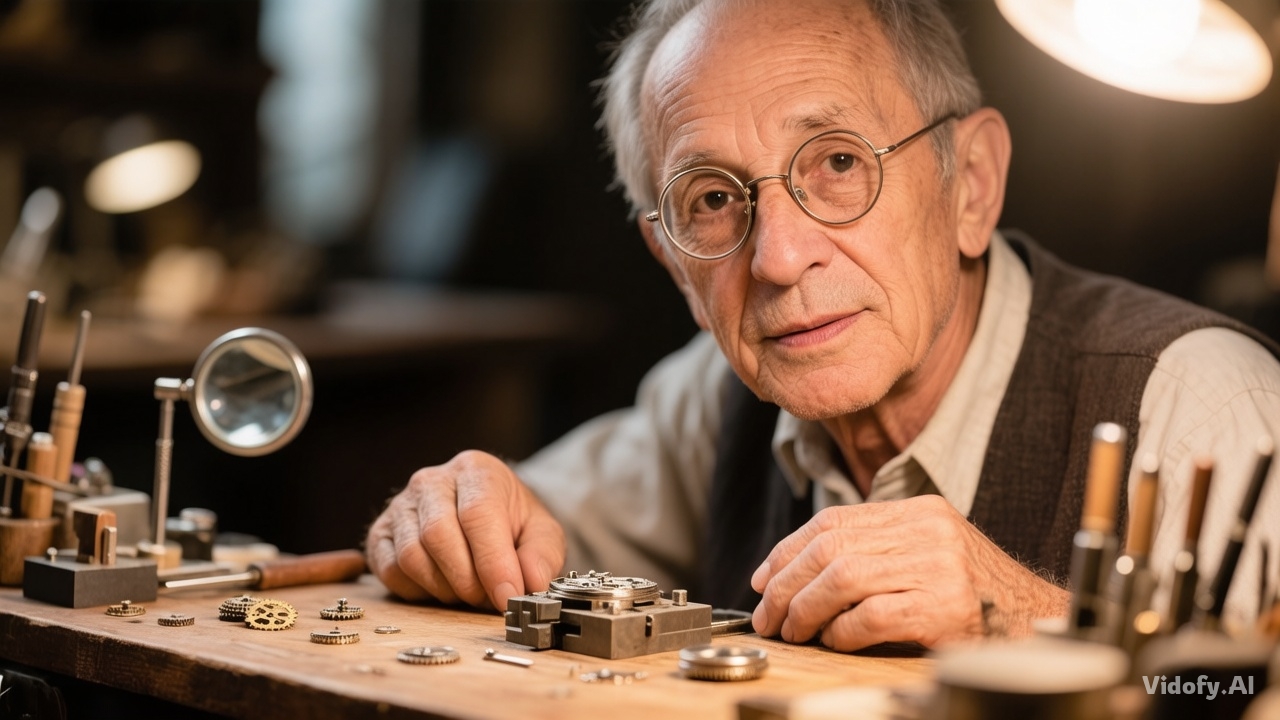
"Museum-quality portrait photo of an elderly watchmaker at a wooden bench, detailed skin texture and hands, tiny metal gears and tools in sharp focus near the subject, warm tungsten light, gentle falloff into shadow, documentary realism, authentic clutter without chaos, calm expression, lifelike eye reflections." |
|
|
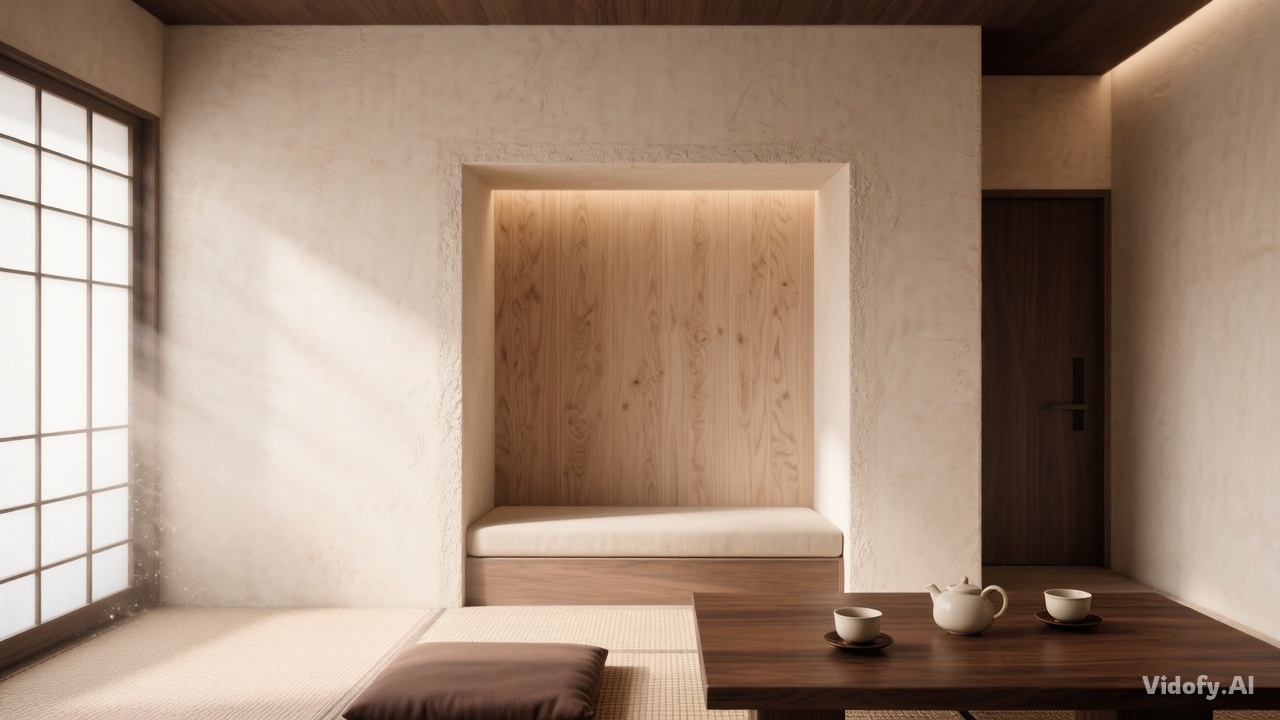
"Architectural interior visualization of a minimalist tea room, natural plaster walls, wood grain detail, woven tatami texture, soft daylight through a paper screen, dust motes in the light beam, balanced composition, realistic global illumination, quiet atmosphere, no people." |
|
|
"Graphic poster design with a bold central subject (a white crane in flight) rendered in a refined ink-and-wash style, high-contrast layout, clean grid composition, and a headline rendered as sharp, readable typography integrated into the poster space, print-ready look, controlled color palette." |
|
|
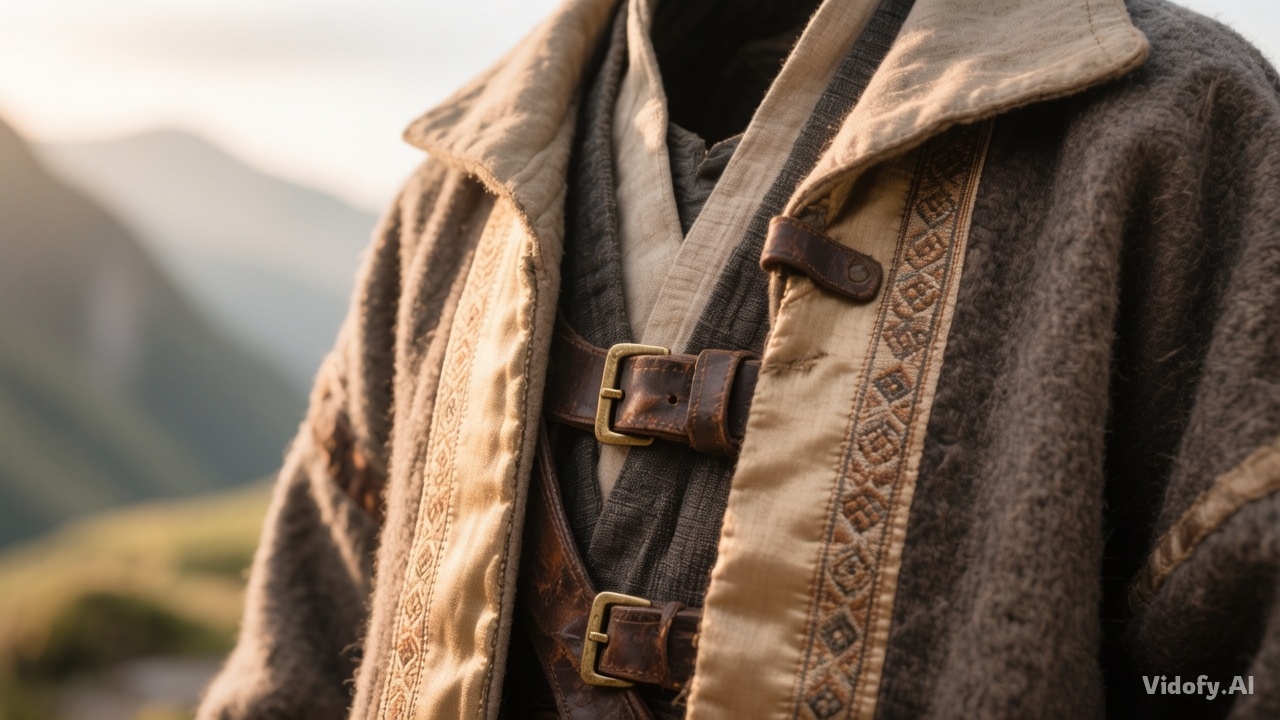
"Ultra-detailed fantasy concept art of a traveler’s coat made from layered textiles: rough wool, embroidered silk trim, worn leather straps, and metal fasteners; dramatic side lighting to reveal fabric weave and stitching; background is a windy mountain pass with atmospheric haze; cohesive color grading and strong silhouette readability." |
|
Scale vs. Efficiency: Hunyuan Image 3.0 vs Z-Image on Vidofy
Hunyuan Image 3.0 and Z-Image both target high-quality text-to-image generation, but they come from very different technical philosophies: Hunyuan Image 3.0 emphasizes massive MoE scale within a unified autoregressive multimodal framework, while Z-Image emphasizes efficiency via a single-stream diffusion transformer design. Here’s how they compare when you use them on Vidofy.
| Feature/Spec |
Hunyuan Image 3.0
Recommended
|
Z-Image |
|---|---|---|
| Model type | Text-to-image (native multimodal image generation) | Text-to-image (image generation foundation model) |
| Core architecture | Unified autoregressive native multimodal framework (explicitly positioned as moving beyond DiT-based architectures) | Scalable Single-Stream DiT (S3-DiT) diffusion transformer architecture |
| Parameter count | 80B total parameters; 13B activated per token; 64-expert MoE | 6B parameters |
| Default/standard inference steps (base checkpoint) | 50 diffusion inference steps (default in official CLI) | 50 steps listed for Z-Image in the official model zoo table |
| Local hardware footprint (official guidance) | Disk space: 170GB for model weights; GPU memory: ≥ 3 × 80 GB (4 × 80 GB recommended) | Not verified in official sources (latest check) |
| Text rendering & language handling (officially stated) | Multilingual text rendering via a multi-language character-aware encoder (languages not enumerated in the official repo text) | Bilingual text rendering (English & Chinese) highlighted as a strength (notably for Z-Image-Turbo) |
| Editing / image-to-image availability (project-level) | Image-to-image generation and creative editing are provided via the HunyuanImage-3.0-Instruct checkpoint (separate variant) | Image editing is provided via Z-Image-Edit (separate variant) |
| Accessibility | Instant on Vidofy | Also available on Vidofy |
Detailed Analysis
Analysis: Why Hunyuan Image 3.0 Feels “Heavier”—and When That’s an Advantage
Hunyuan Image 3.0 is officially positioned as a large Mixture-of-Experts model with a unified autoregressive multimodal design . In practical creator terms, this tends to show up as stronger performance on prompts that require deep semantic alignment: complex scene intent, nuanced constraints, and “world-knowledge” details that go beyond surface aesthetics.
If your workflow looks like art direction—tight composition instructions, multiple objects with specific attributes, and typography that must integrate cleanly—Hunyuan Image 3.0 is built for that high-control style of prompting.
Analysis: The Vidofy Advantage—Skip Infrastructure, Keep the Control
Official guidance for running Hunyuan Image 3.0 locally describes a heavyweight environment (large disk footprint and multi high-memory GPU requirements) . Vidofy removes that operational burden: you can access the model from a clean interface, iterate quickly, and stay focused on creative decisions instead of deployment complexity.
Meanwhile, Vidofy also offers Z-Image—so teams can choose the best tool per task: Hunyuan Image 3.0 for maximum semantic depth and detail, and Z-Image when efficiency-focused diffusion workflows are the better fit.
Verdict: Choose Hunyuan Image 3.0 When Prompt Fidelity Matters Most
Use this quick guidance to pick the best option for your workflow.
Get Your Result in 3 Simple Steps
Follow these 3 simple steps to complete your task quickly.
Step One: Choose Hunyuan Image 3.0 on Vidofy
Open Vidofy, pick Hunyuan Image 3.0 from the model library, and start a new generation session.
Step Two: Write a High-Control Prompt
Describe the subject, materials, lighting, composition, and any on-image text you need. For poster-style work, explicitly specify placement and readability.
Step Three: Generate, Iterate, and Export
Create variations, refine the prompt based on what you see, then export your best image for campaigns, concepts, or production-ready assets.
Frequently Asked Questions
What is Hunyuan Image 3.0?
Hunyuan Image 3.0 is an open-source text-to-image model from Tencent’s Hunyuan team, described as a native multimodal model that unifies multimodal understanding and generation within an autoregressive framework .
Is Hunyuan Image 3.0 an image generator or a video generator?
It is an image generation model (text-to-image). The official repository presents it as an image generation model with text-to-image support .
Does Hunyuan Image 3.0 support image editing or image-to-image?
The official project includes separate checkpoints/variants (such as HunyuanImage-3.0-Instruct) that provide image-to-image generation for creative editing, which is distinct from the base Hunyuan Image 3.0 checkpoint .
What is the maximum output resolution for Hunyuan Image 3.0?
Not verified in official sources (latest check)
Can I use Hunyuan Image 3.0 outputs commercially?
Usage depends on the terms of the Tencent Hunyuan Community License Agreement included with the project. Review the license before commercial deployment .
Do I need a powerful computer to use Hunyuan Image 3.0?
For local inference, the official repo lists heavyweight requirements (including 170GB disk space for model weights and GPU memory ≥ 3 × 80 GB, with 4 × 80 GB recommended) . Using Vidofy lets you run the model without managing local hardware or setup.