
Create Production-Ready Images 4x Faster with GPT Image 1.5
GPT Image 1.5 is OpenAI's latest image generation and editing model, released in December 2025, developed as the successor to DALL-E and native to ChatGPT. Unlike earlier systems using separate models for text and images, GPT Image 1.5 uses an autoregressive approach with native multimodal architecture where text and images are processed in the same neural network. The model delivers image generation up to 4× faster with improved instruction following that changes what you ask for while keeping elements like lighting, composition, and likeness consistent across edits.
GPT Image 1.5 can generate readable text within images, including small text, dense paragraphs, and complex layouts like infographics or presentation slides. The model's region-aware editing can modify specific parts of an image while leaving everything else untouched, identifying which pixels should change and which should remain constant. This breakthrough enables professional workflows from marketing materials to UI mockups that were previously impossible with AI image generators.
Image inputs and outputs are 20% cheaper in GPT Image 1.5 compared to GPT Image 1, making enterprise-scale deployment economically viable. Experience this revolutionary model instantly on Vidofy.ai—no complex setup, no GPU requirements, just professional-grade image generation at your fingertips.
GPT Image 1.5 in Action: From Concept to Creation
| Optimized Prompt | Generated Result |
|---|---|
|
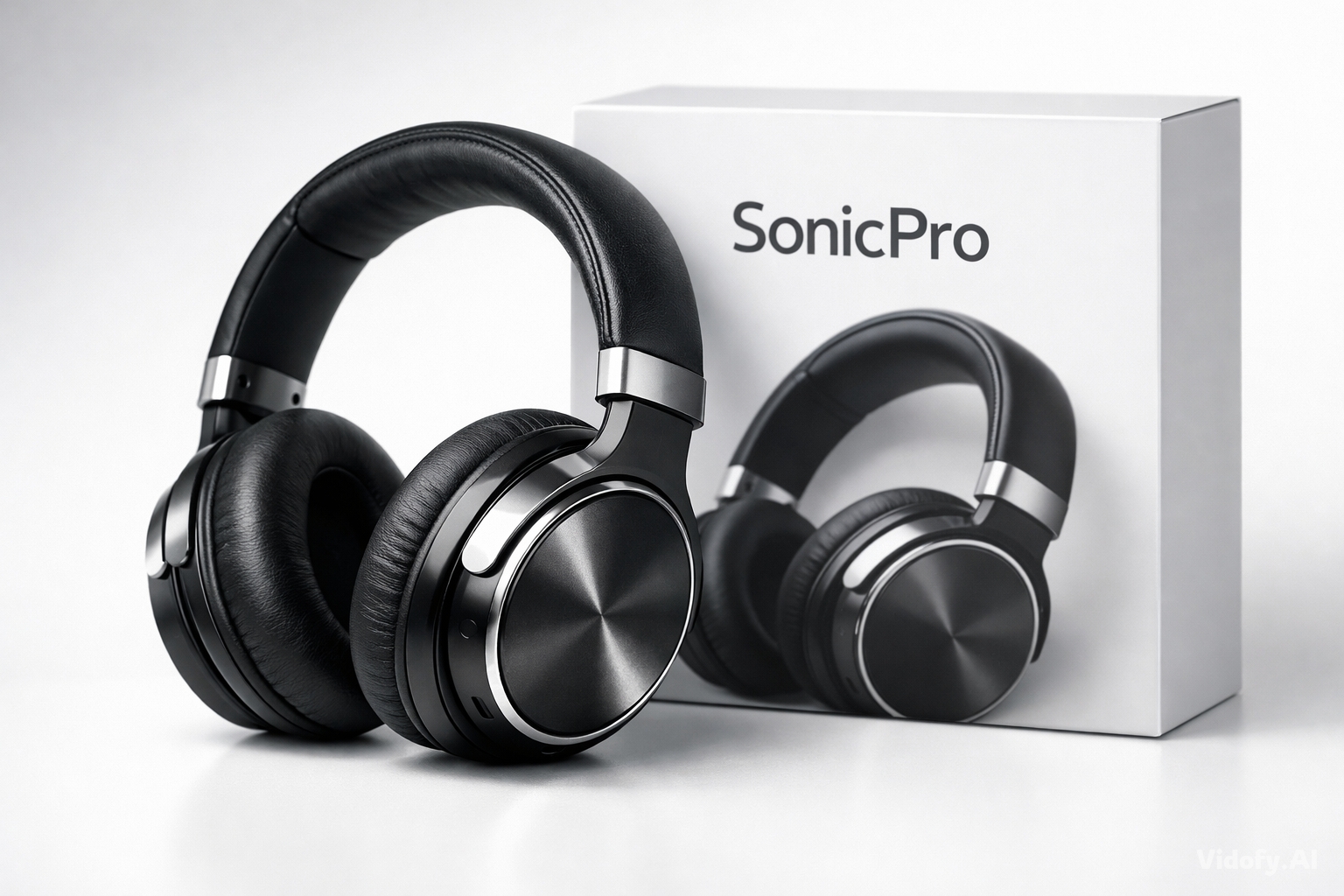
"A professional product photography shot of a sleek wireless headphone on a minimalist white surface with subtle gradient lighting from upper left, creating soft shadows. Metallic accents catching highlights, ultra-clean background, studio quality, shallow depth of field. Product name 'SonicPro' displayed in modern sans-serif on the packaging visible in frame." |
|
|
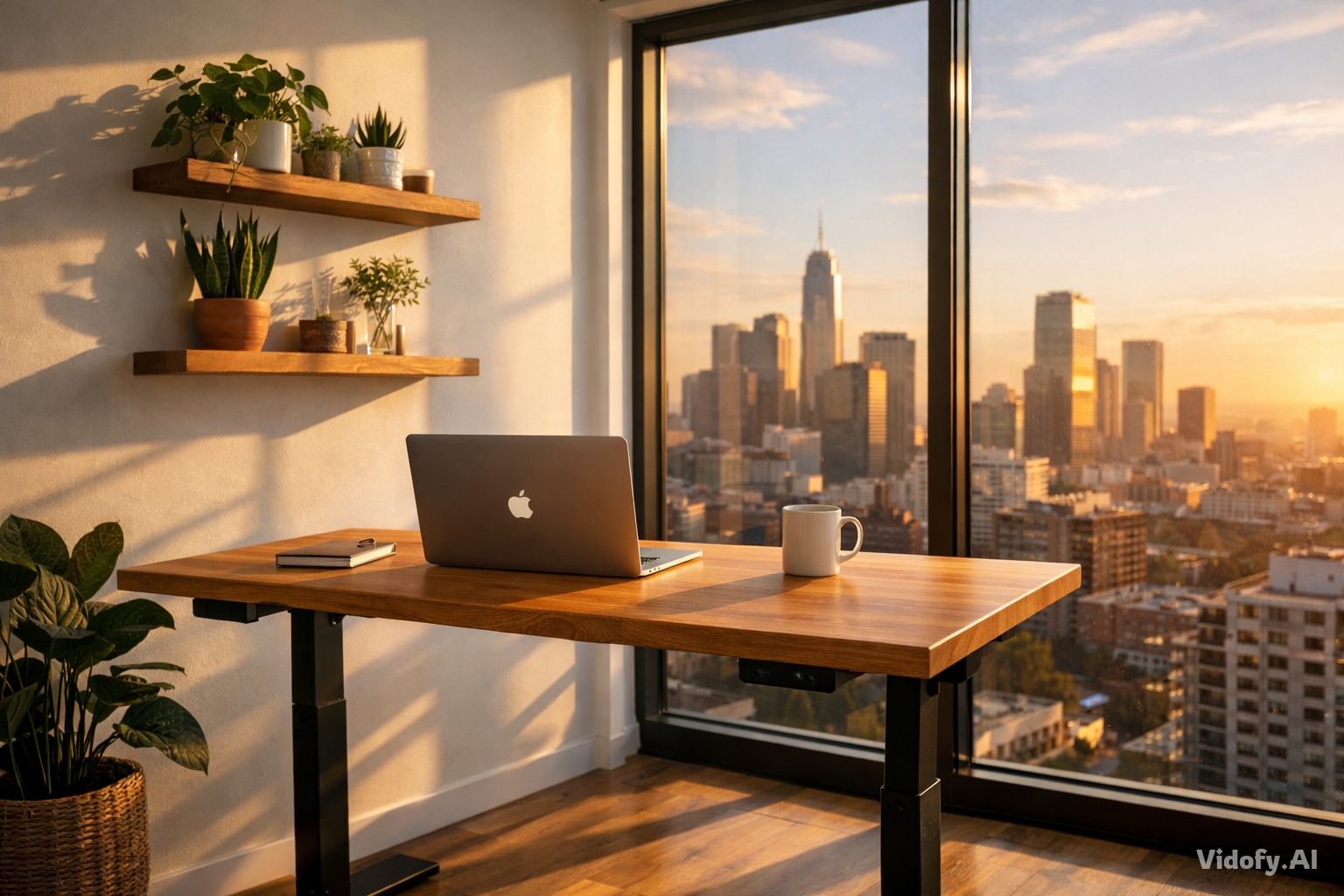
"Modern home office interior with standing desk positioned near large floor-to-ceiling window showing city skyline at golden hour. Warm afternoon sunlight streaming in, creating natural shadows. Indoor plants on floating shelves, minimalist aesthetic with natural wood desk, white walls, MacBook and coffee mug on desk surface. Shot with 35mm lens, architectural photography style." |
|
|
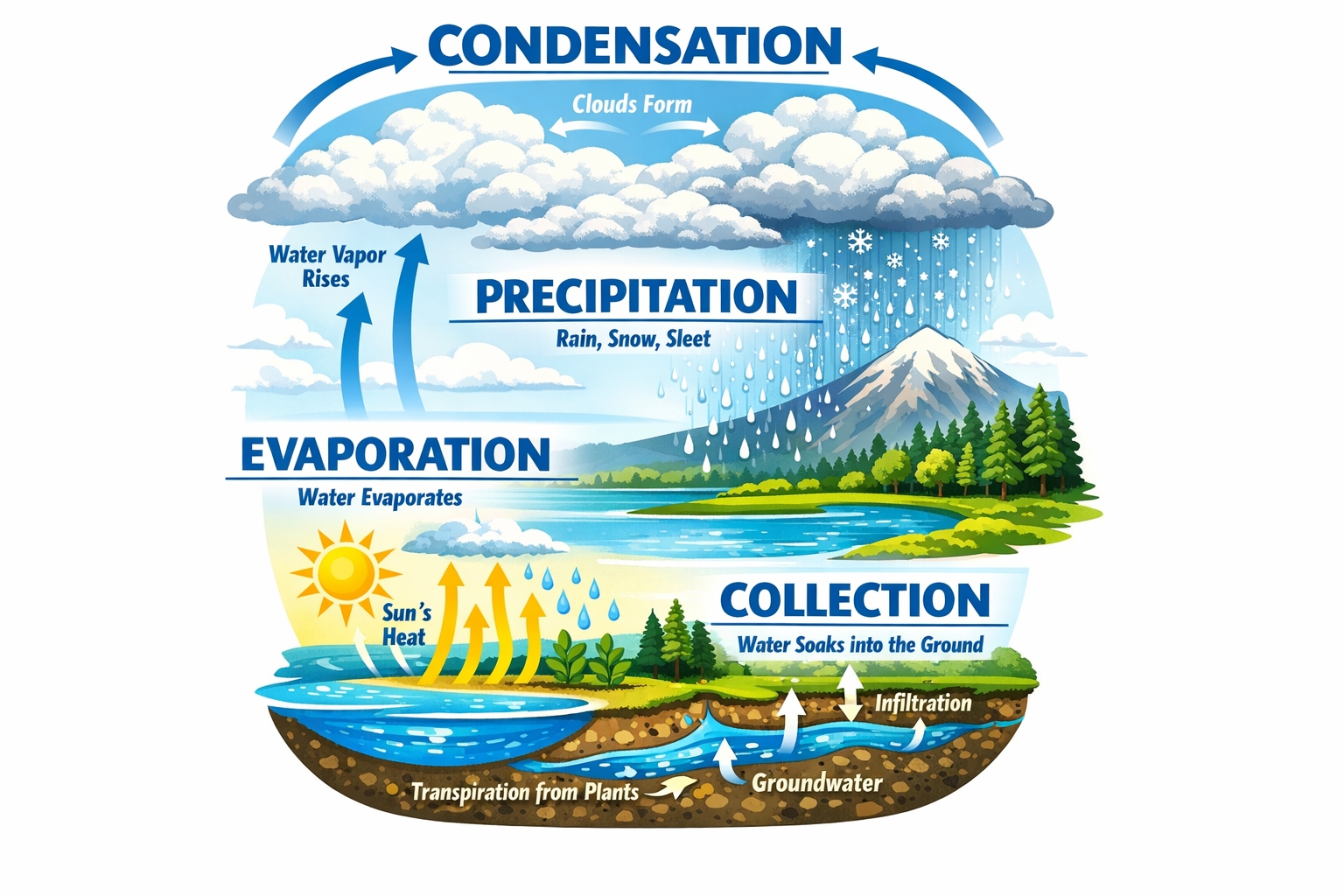
"Detailed infographic poster explaining the water cycle: cloud formation at top with arrows, rainfall in center section, ground absorption and evaporation at bottom. Clean diagram layout with labeled sections in bold blue typography: 'EVAPORATION', 'CONDENSATION', 'PRECIPITATION', 'COLLECTION'. Educational illustration style, high contrast colors, readable text on light background." |
|
|
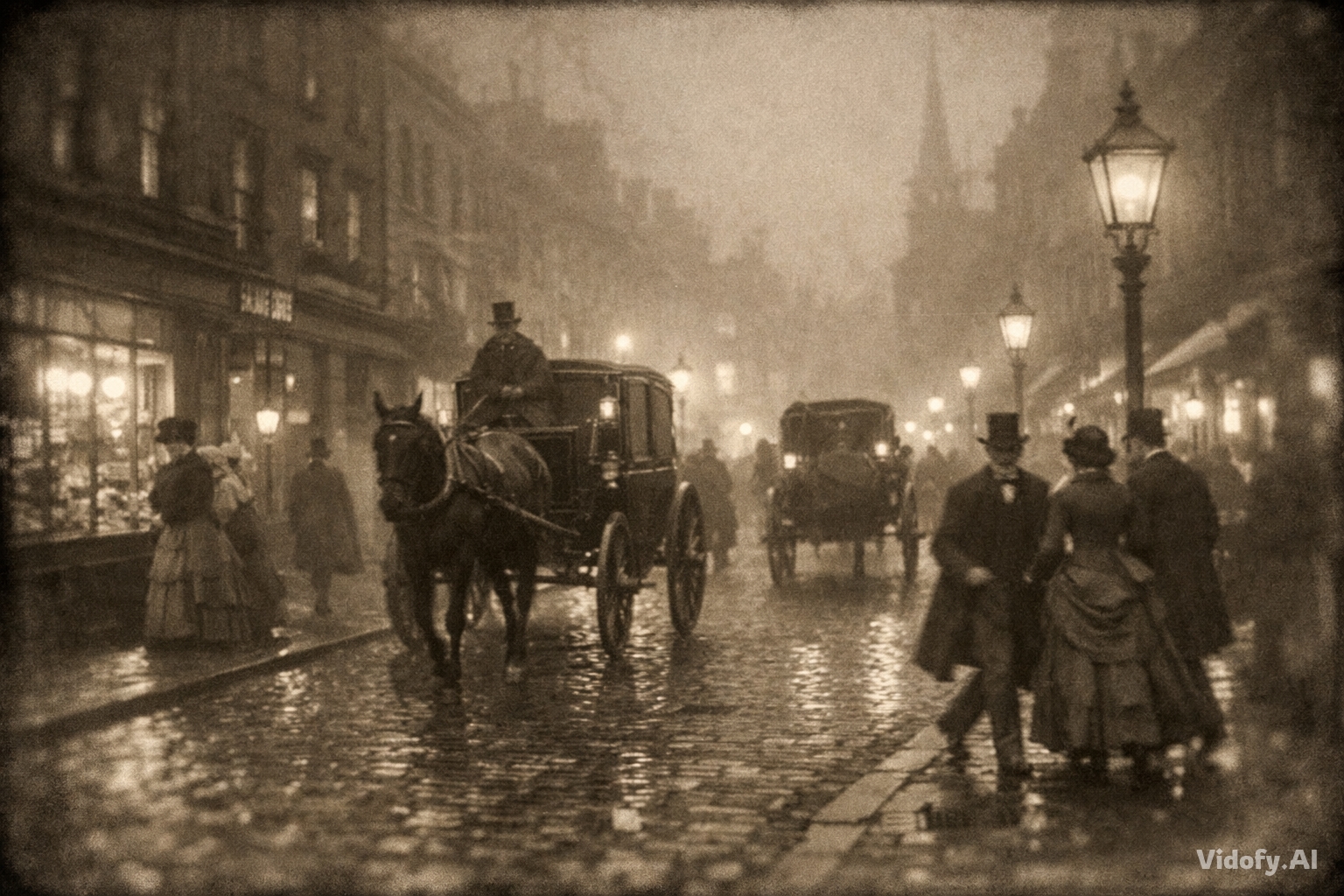
"Victorian-era London street on a foggy evening circa 1880s, gas lamps creating pools of amber light on cobblestones. Horse-drawn carriages with period-accurate details, people in authentic Victorian clothing (top hats, long coats, bustled dresses) hurrying past shop windows displaying vintage goods. Atmospheric and cinematic, captured with period photography aesthetic—slight sepia tone, soft focus edges." |
|
|
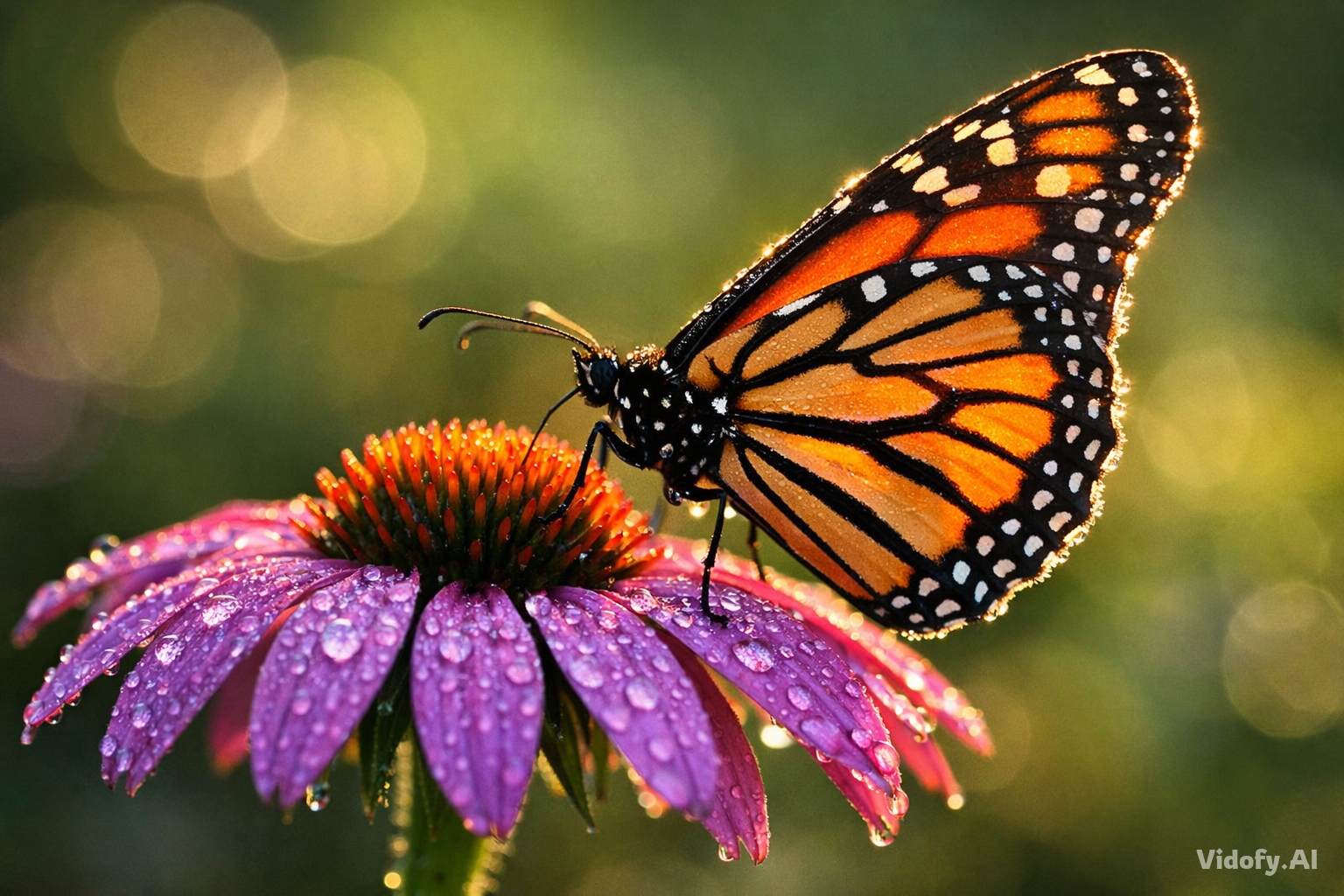
"Macro photograph of a monarch butterfly perched on a vibrant purple echinacea flower, morning dewdrops visible on petals. Shot with 100mm macro lens at f/2.8, shallow depth of field with soft bokeh background showing blurred garden greenery. Natural sunlight from the side creating rim lighting on butterfly wings, showcasing intricate orange and black pattern details." |
|
|
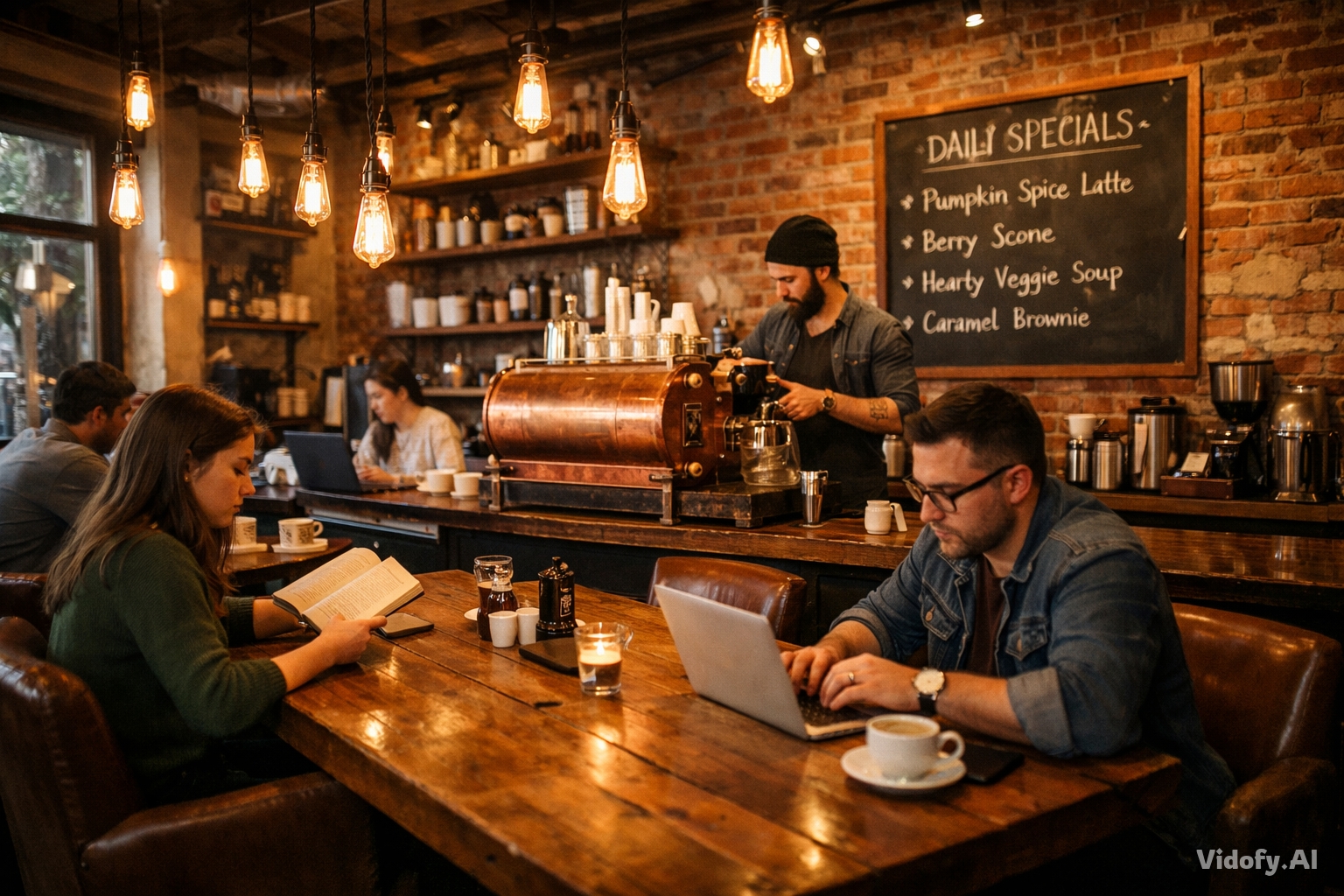
"Cozy independent coffee shop interior: exposed brick wall with hanging Edison bulbs, wooden communal table in center, customers reading books and working on laptops in comfortable leather chairs. Barista preparing espresso behind vintage copper machine, chalkboard menu on wall with handwritten daily specials. Warm ambient lighting, shot from corner angle to capture full atmosphere, 24mm wide lens, photojournalistic style." |
|
GPT Image 1.5 vs FLUX.2 Flex: The Battle for Production-Grade Image Generation
Both models represent cutting-edge AI image generation technology, yet they approach the problem from fundamentally different angles. GPT Image 1.5 from OpenAI emphasizes speed, conversational editing, and multimodal integration, while FLUX.2 Flex from Black Forest Labs offers surgical control over generation parameters and exceptional typography. Let's examine how these powerhouses compare across the metrics that matter for professional creators.
| Feature/Spec |
GPT Image 1.5
Recommended
|
FLUX.2 Flex |
|---|---|---|
| Developer | OpenAI | Black Forest Labs |
| Release Date | December 16, 2025 | November 2025 |
| Architecture | Autoregressive with native multimodal architecture | Latent flow matching with 32B parameter rectified flow transformer coupled with Mistral-3 24B VLM |
| Supported Resolutions | 1024×1024, 1536×1024, 1024×1536 | Up to 4MP with flexible input/output ratios |
| Generation Speed | 8-12 seconds typical (4x faster than predecessor) | Variable: 6-50 steps adjustable, trading detail for latency |
| Text Rendering | Readable text with proper spelling, alignment, kerning, and font weights in complex layouts | Complex typography for infographics and UI mockups with reliable rendering |
| Editing Capabilities | Region-aware editing that modifies specific parts while leaving everything else untouched, preserving lighting and composition | Image editing from text and multiple references up to 4MP while preserving detail and coherence |
| Multi-Reference Support | Multiple input images for compositing and style reference | Up to 10 reference images for editing |
| API Pricing (Low Quality) | ~$0.01 per image | $0.06/megapixel |
| Parameter Control | Quality and fidelity settings (low/medium/high) | Adjustable inference steps (10-50) and guidance scale for quality-speed balance |
| Accessibility | Instant on Vidofy | Also available on Vidofy |
Detailed Analysis
Analysis: Speed vs Control Trade-offs
GPT Image 1.5's architectural advantage delivers consistent speed—most images generate in 8-12 seconds regardless of complexity, making it ideal for rapid iteration workflows. This 4x improvement over its predecessor isn't just about impatience; it fundamentally changes what creative workflows become practical. A designer can now test ten variations in two minutes rather than seven, keeping creative momentum alive.
FLUX.2 Flex takes a different approach: surgical control. By exposing inference steps and guidance scale parameters, it lets you decide how much computational power each image deserves. Need quick drafts? Run 6 steps. Final production asset? Dial up to 50 steps for maximum typography accuracy and fine detail. This flexibility is particularly valuable for teams balancing quality requirements against budget constraints—use low steps for exploration, high steps only for approved finals.
Analysis: Editing Precision and Multi-Modal Integration
GPT Image 1.5's native multimodal architecture delivers unprecedented editing precision. When you ask to 'change the jacket color,' it changes only the jacket—facial features, lighting, background, and composition stay exactly the same. This region-aware editing treats faces and critical elements as anchored tokens that persist across the generation process, mathematically similar to how transformer architectures preserve semantic meaning. The result? You can make 5+ consecutive edits without losing visual consistency.
FLUX.2 Flex's strength lies in its multi-reference system—accepting up to 10 images simultaneously. Each reference contributes specific attributes (character likeness, style elements, brand colors), which the model synthesizes into coherent outputs. Combined with up to 4MP editing resolution, this makes FLUX.2 Flex particularly powerful for brand work requiring absolute consistency across product catalogs or marketing campaigns. The trade-off is a steeper learning curve: you're managing reference slots and parameter tuning rather than conversational refinement.
The Verdict: Choose Based on Your Workflow
Use this quick guidance to pick the best option for your workflow.
Get Your Result in 3 Simple Steps
Follow these 3 simple steps to complete your task quickly.
Step 1: Describe Your Vision
Write a natural language prompt describing what you want to create. GPT Image 1.5's native multimodal architecture understands context, spatial relationships, and even historical references. Be specific about composition, lighting, style, and any text elements. The model processes your intent holistically, not just picking keywords.
Step 2: Generate in Seconds
Hit generate and watch GPT Image 1.5 create your image in 8-12 seconds. Choose quality settings based on your needs: low for rapid exploration, medium for iteration, high for production finals. The 4x speed improvement over previous models means you can test multiple variations quickly without breaking creative flow.
Step 3: Refine Through Conversation
Make targeted edits using natural language: 'Change the lighting to sunset,' 'Add a coffee mug on the desk,' 'Make the text bolder.' GPT Image 1.5's region-aware editing modifies only what you specify while preserving composition, lighting, and identity. Iterate 5+ times without losing consistency—then download your production-ready result.
Frequently Asked Questions
Is GPT Image 1.5 free to use on Vidofy?
Vidofy offers flexible access to GPT Image 1.5. Free ChatGPT users can create approximately 2 images per day, with this limitation resetting every 24 hours. Free users receive the same quality outputs as paid subscribers—the images are identical in resolution, detail, and capability, with the only difference being quantity, not quality. For professional workflows requiring higher volume, Vidofy offers paid tiers with expanded generation limits. Check our pricing page for current options that fit your creative needs.
What image sizes and formats does GPT Image 1.5 support?
GPT Image 1.5 can generate images in three sizes: 1024×1024 (1:1 square), 1536×1024 (3:2 landscape), and 1024×1536 (2:3 portrait) pixels. All images are delivered in high-quality PNG or JPEG format depending on your workflow needs. While these resolutions work well for web use and many print applications, the model maxes out at 1536×1024 pixels, which is sufficient for web use and many print applications but not for large-format printing or high-resolution requirements. For larger outputs, you can upscale generated images using specialized tools post-generation.
Can I use GPT Image 1.5 images commercially?
Yes, images you generate with GPT Image 1.5 on Vidofy are yours to use commercially, subject to OpenAI's usage policies. You retain rights to the outputs you create. However, ensure you have proper rights to any reference images you upload for editing. If generated images include recognizable people, verify you have model releases if planning commercial use. Always review current terms of service for the most up-to-date usage guidelines, as AI image generation rights continue to evolve.
How does GPT Image 1.5 handle text rendering?
GPT Image 1.5 can generate readable text within images, including small text, dense paragraphs, and complex layouts like infographics or presentation slides, with proper spelling, correct alignment and kerning, appropriate font weights, and readable text in multi-layered designs. For best results, put your exact copy in 'quotes' in the prompt and describe the typography style ('bold sans-serif, centered, high contrast'). While text rendering is significantly improved, text rendering remains most reliable for Latin characters and common English words; complex typography, handwritten styles, or non-Latin scripts may still produce inconsistent results. Very small text (below 18pt equivalent) may require iteration for clean results.
How fast is image generation with GPT Image 1.5?
At typical generation times of 8-12 seconds per image (down from 30-45 seconds with GPT Image 1), iterative refinement becomes viable. The model delivers image generation up to 4× faster than its predecessor through architectural optimizations including reduced sampling steps, optimized attention mechanisms, and better model quantization. Generation time is affected by quality tiers (low, medium, high, auto), with the 4x speed claim applying primarily to auto and medium settings; high quality for production assets takes closer to 15-20 seconds. On Vidofy, you get this industry-leading speed without managing infrastructure.
Can GPT Image 1.5 maintain consistency across multiple edits?
Yes, this is one of GPT Image 1.5's breakthrough capabilities. The model's region-aware editing can modify specific parts of an image while leaving everything else untouched, identifying which pixels should change and which should remain constant. When you ask for edits to an uploaded image, the model adheres to your intent more reliably—down to the small details—changing only what you ask for while keeping elements like lighting, composition, and people's appearance consistent across inputs, outputs, and subsequent edits. You can make 5+ consecutive edits—changing clothing, adjusting lighting, modifying backgrounds—without losing facial identity or composition consistency. This makes iterative creative workflows practical for the first time in AI image generation.