


AI Photo Effects & Templates
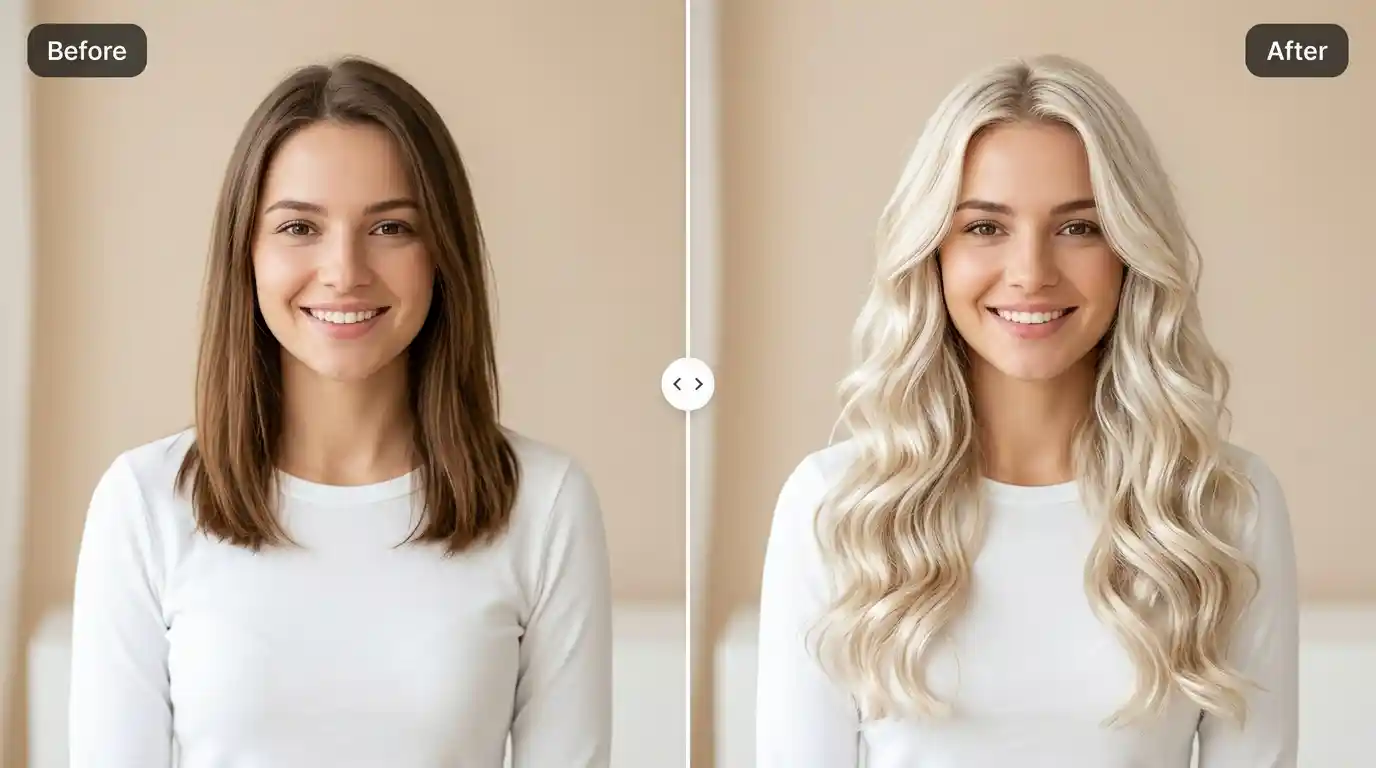
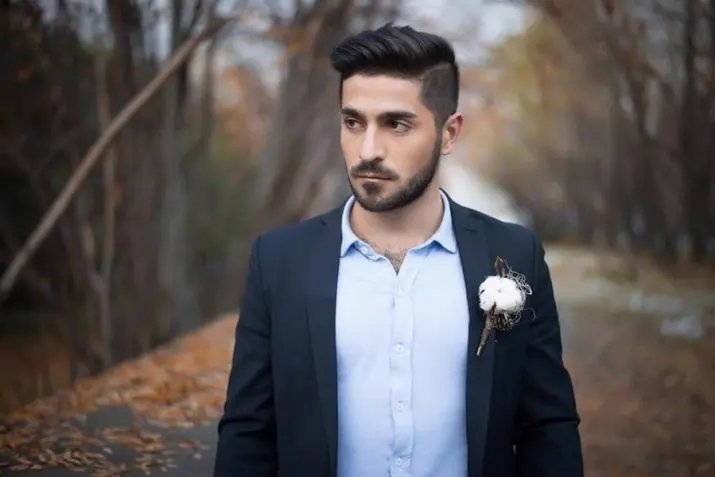
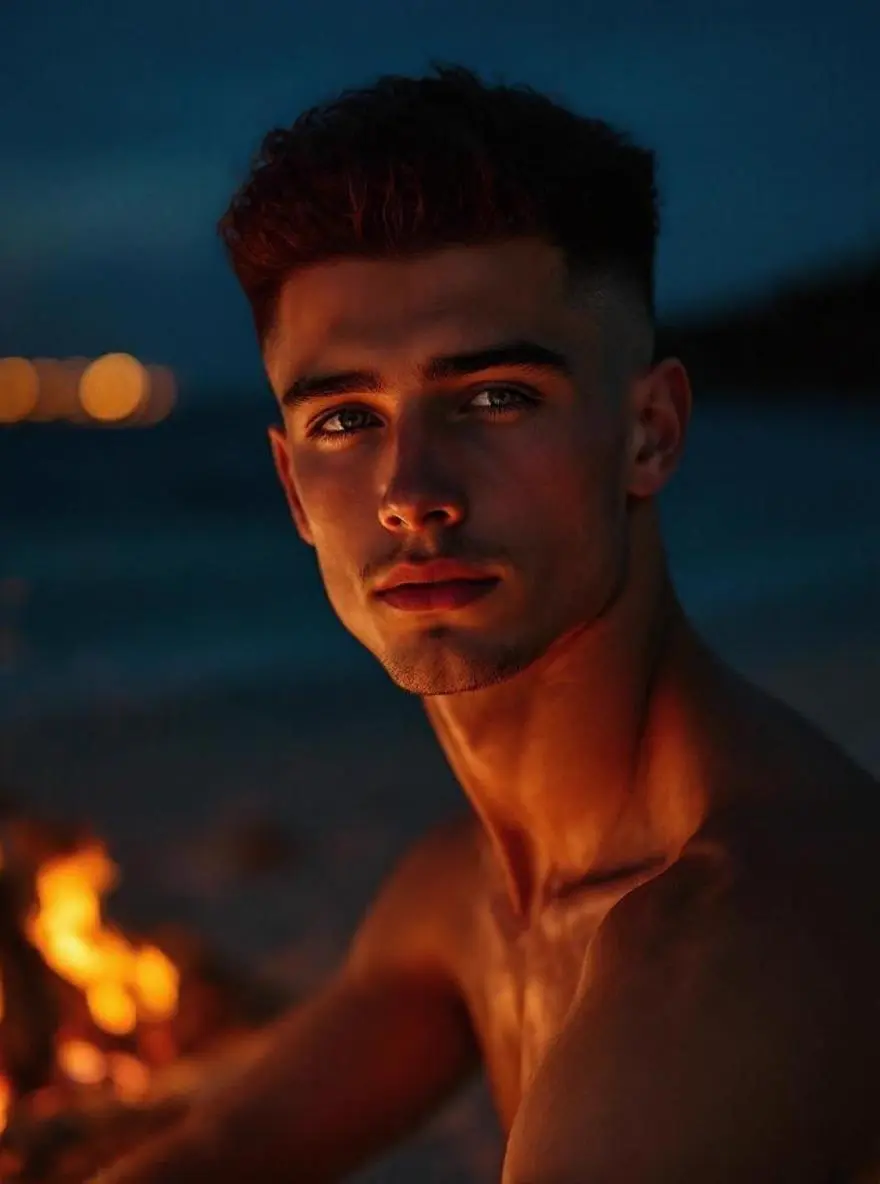
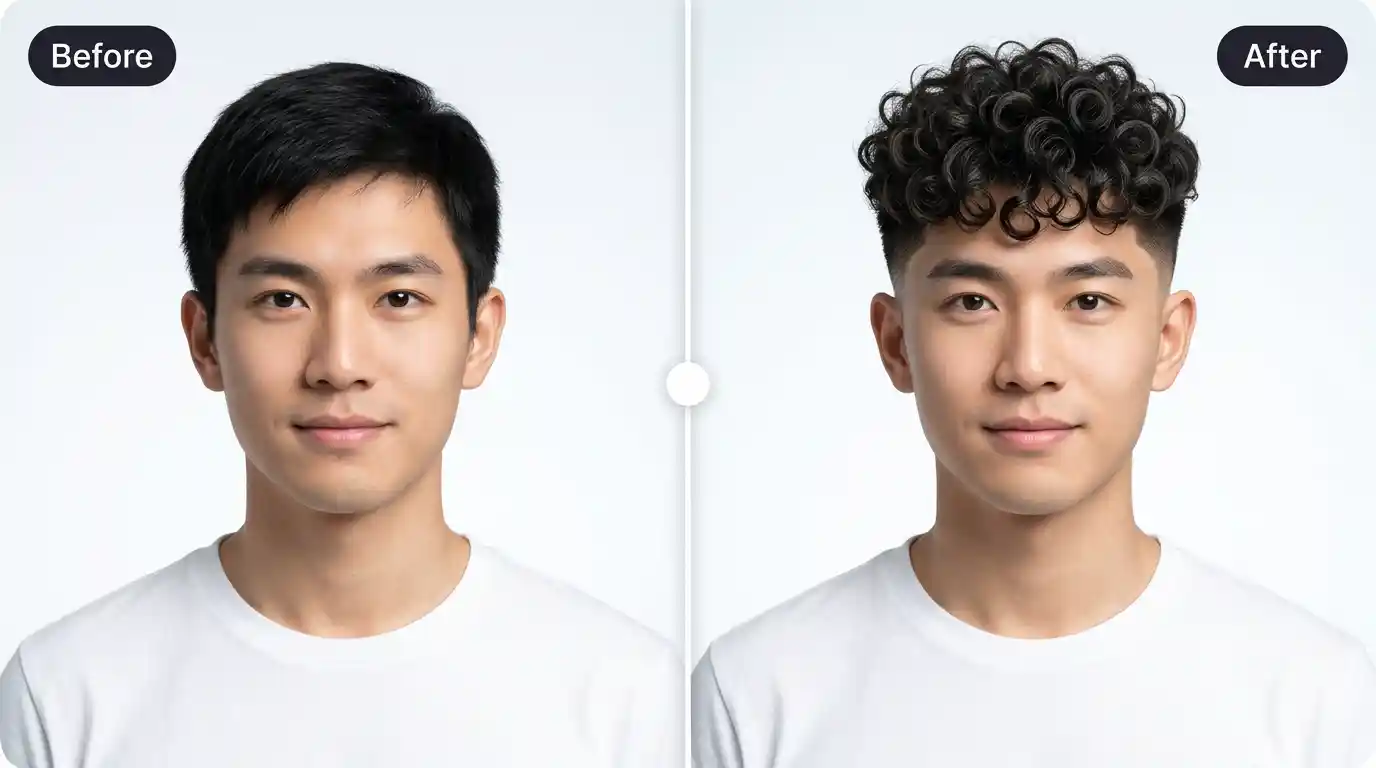
AI Hairstyle Changer
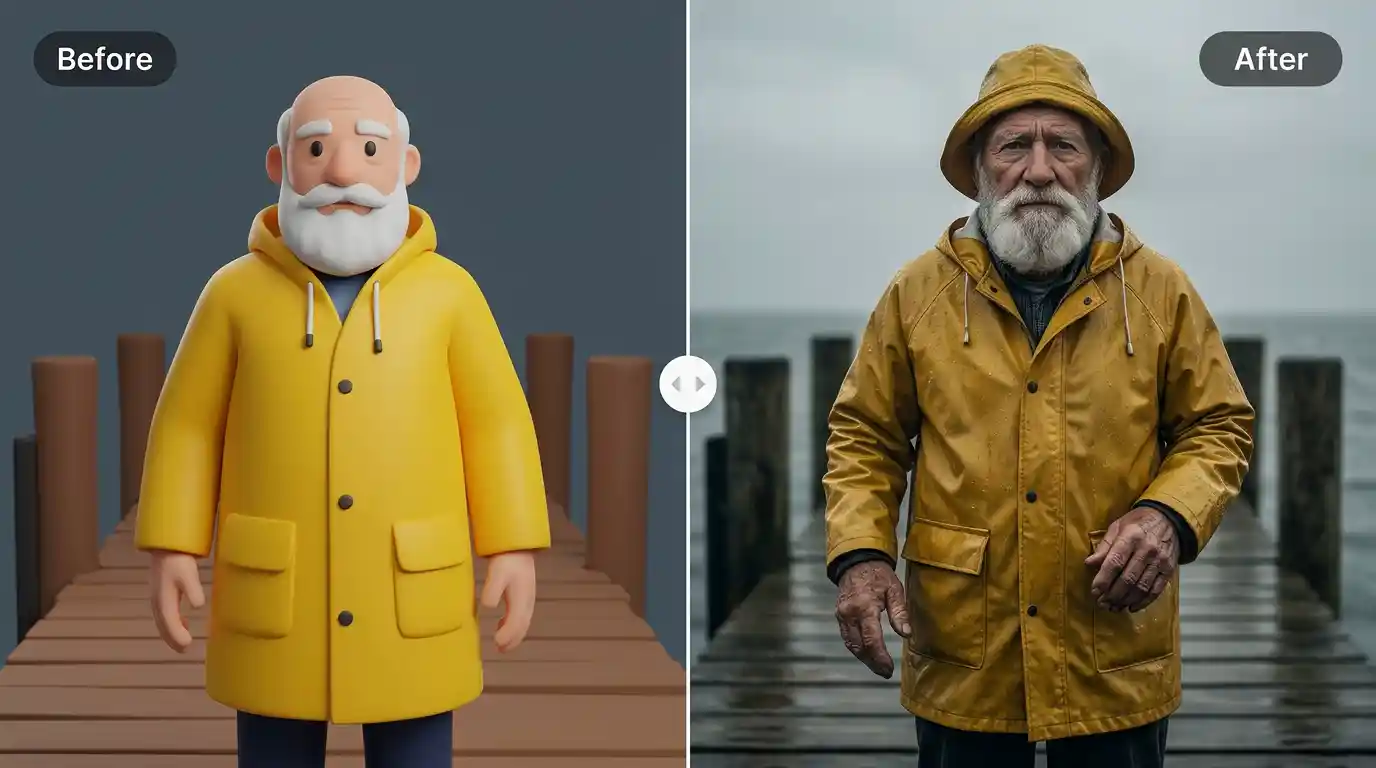
AI Realistic Photo Filter
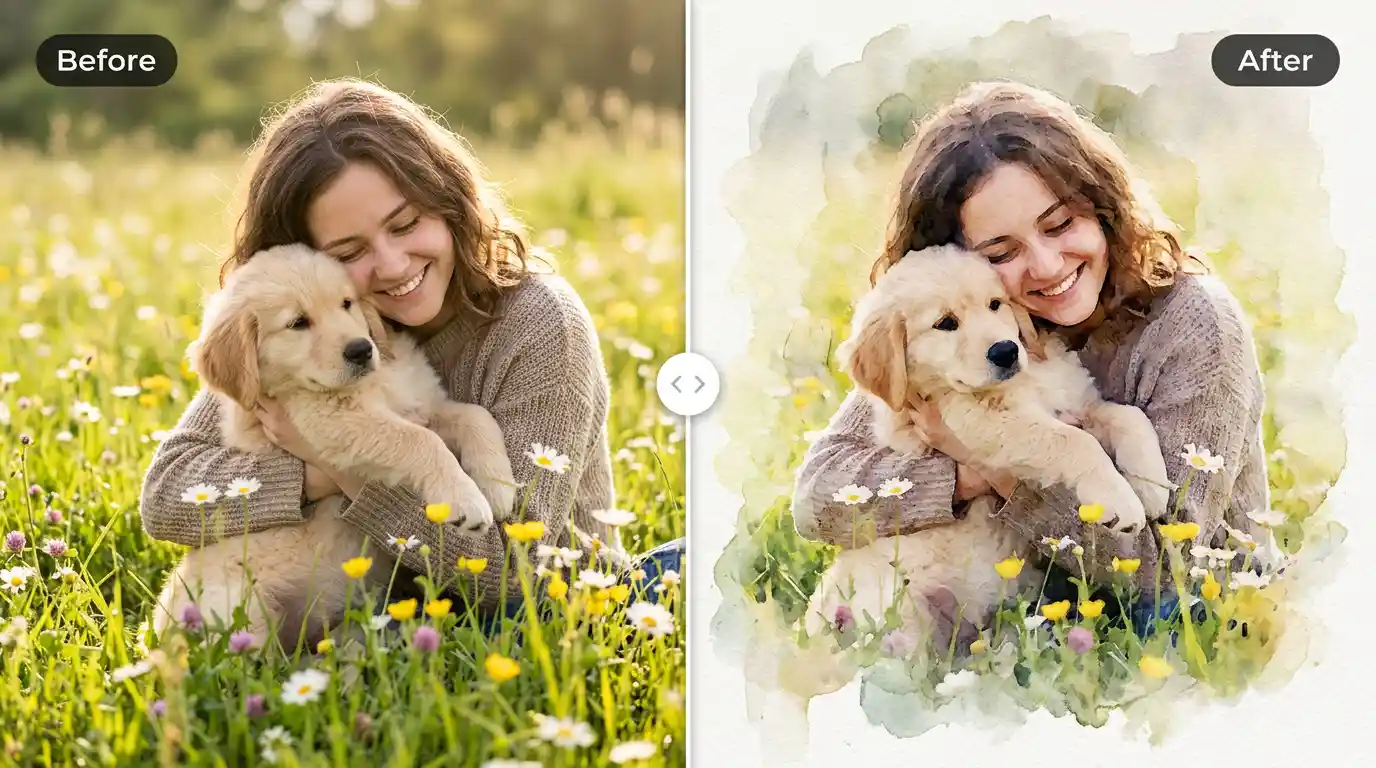
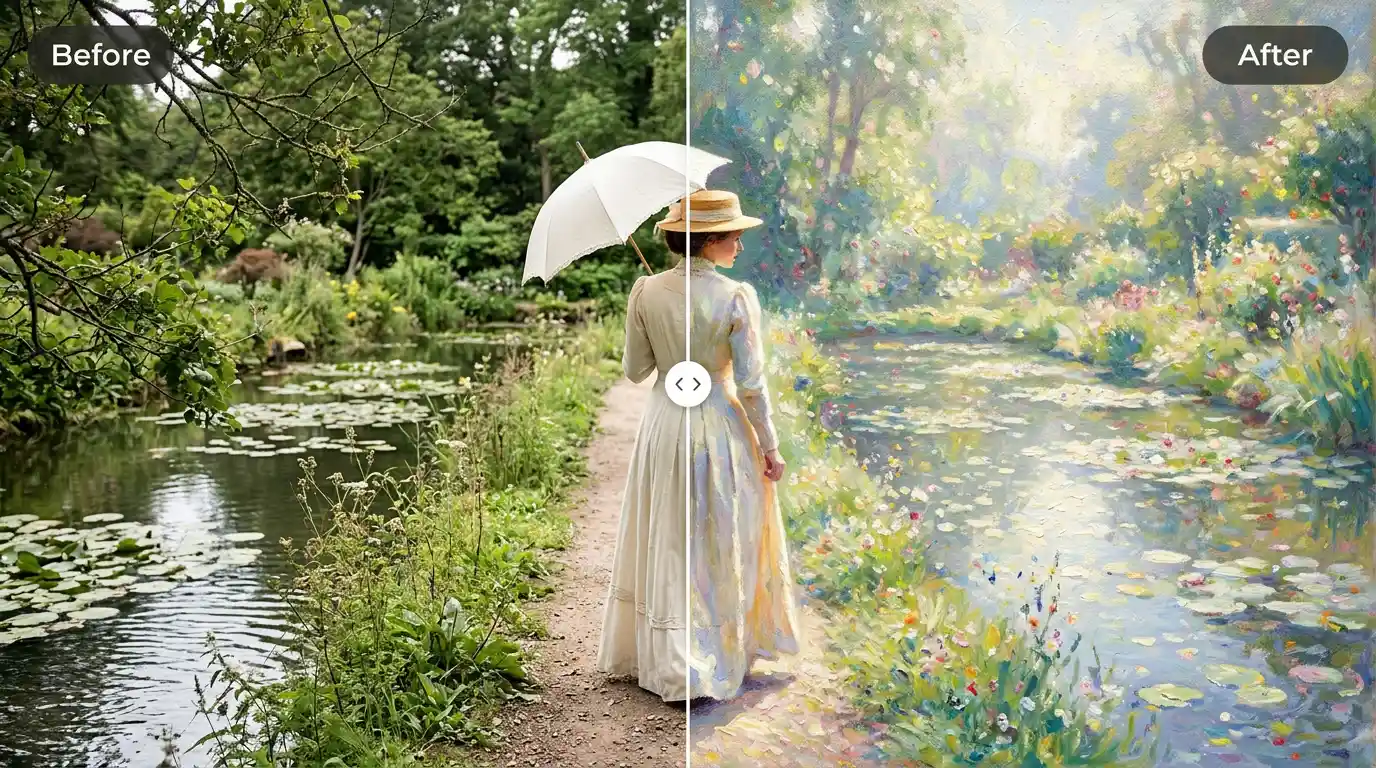
Photo to Watercolor
Photo to Watercolor
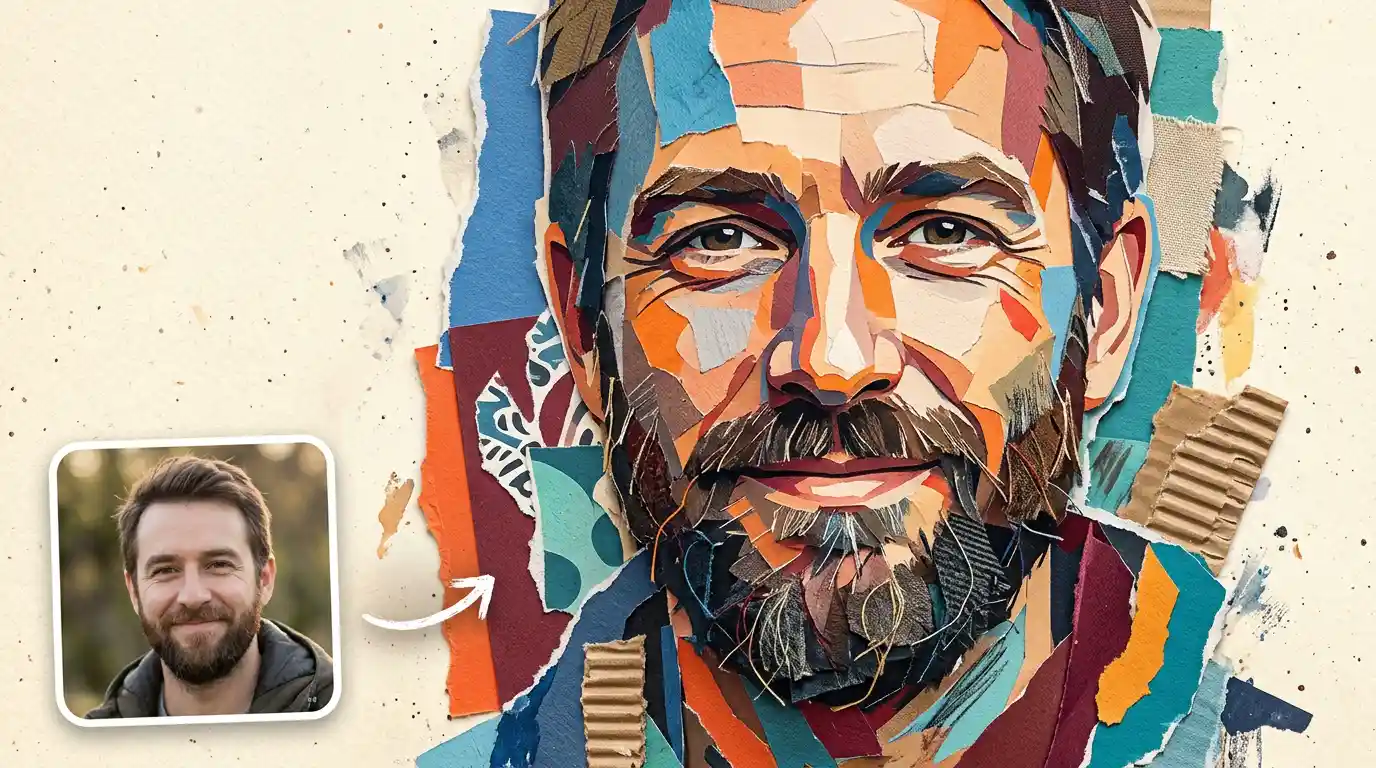
Collage Art Filter
Collage Art Filter
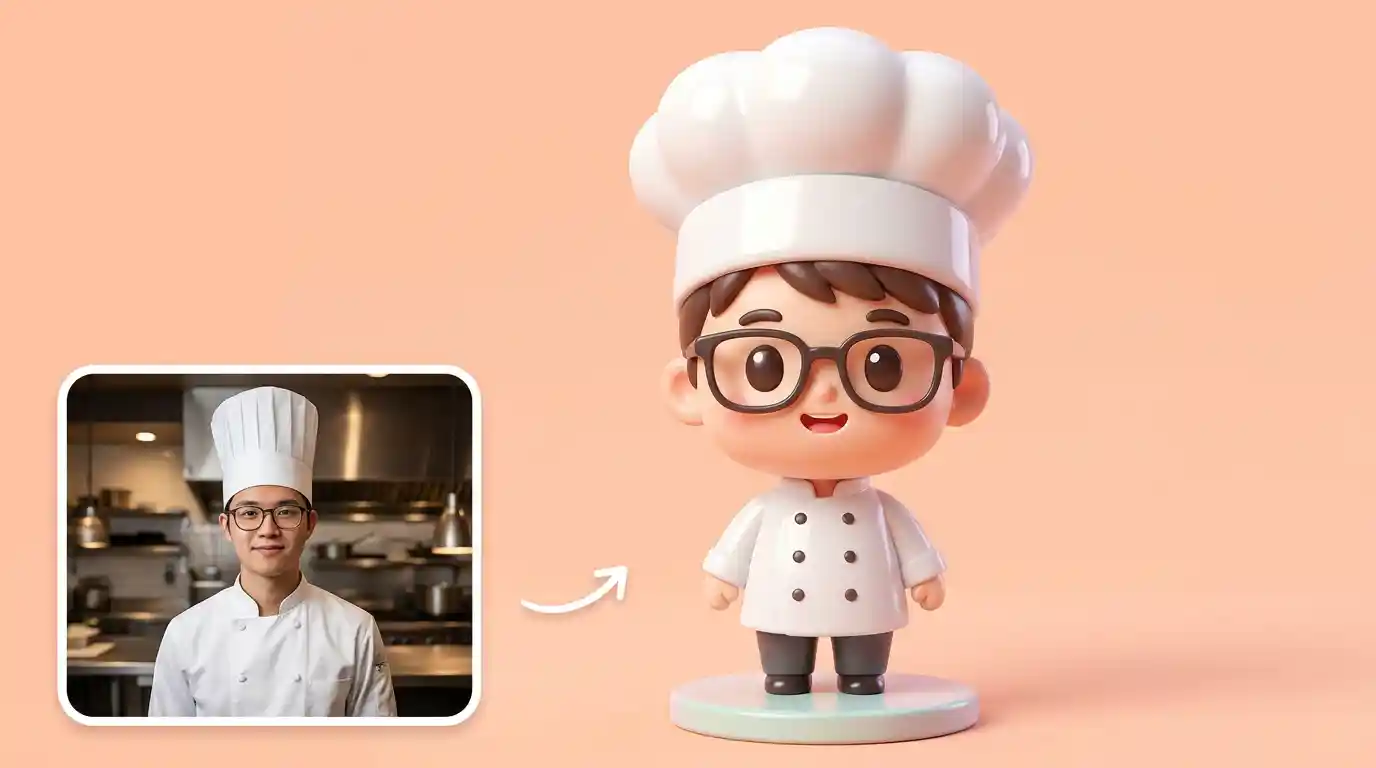
AI 3D Chibi Filter
AI 3D Chibi Filter
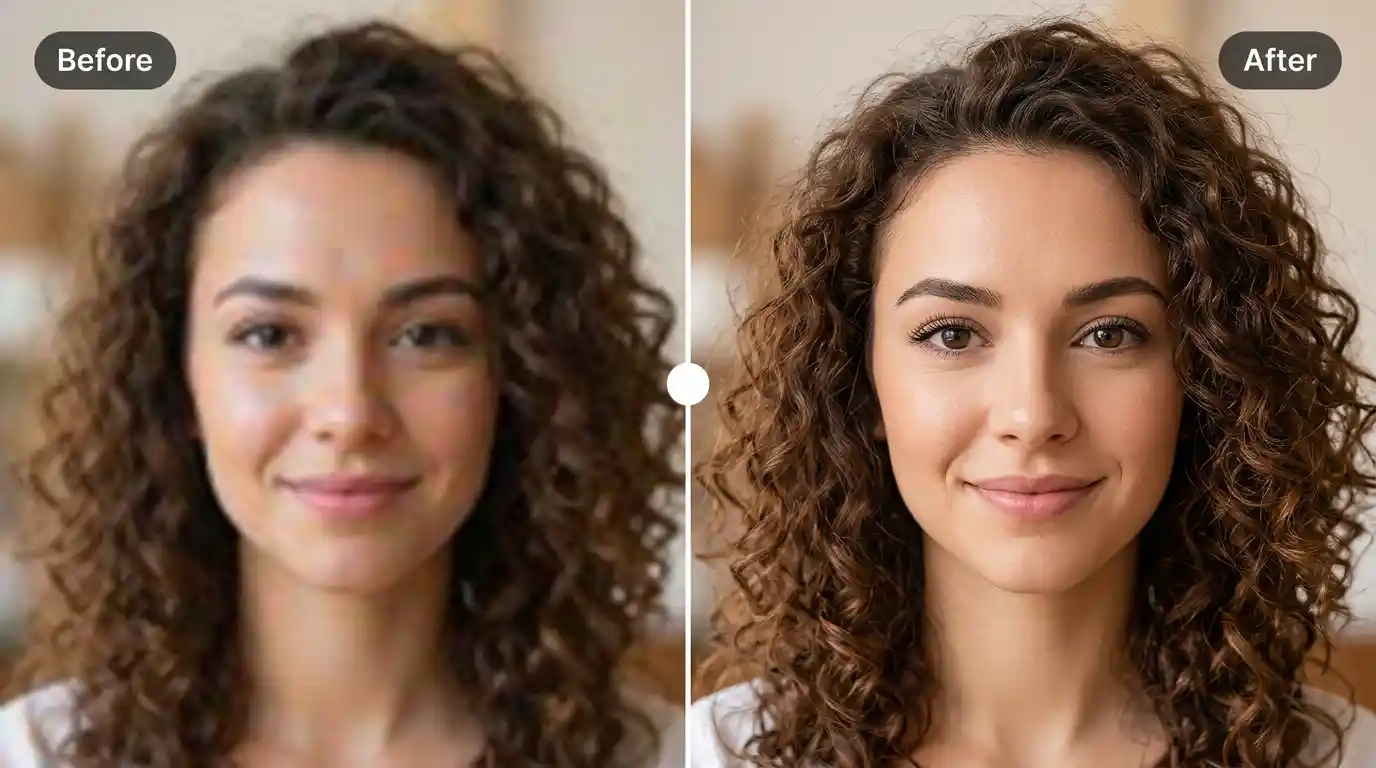
AI Face Enhancer
AI Face Enhancer
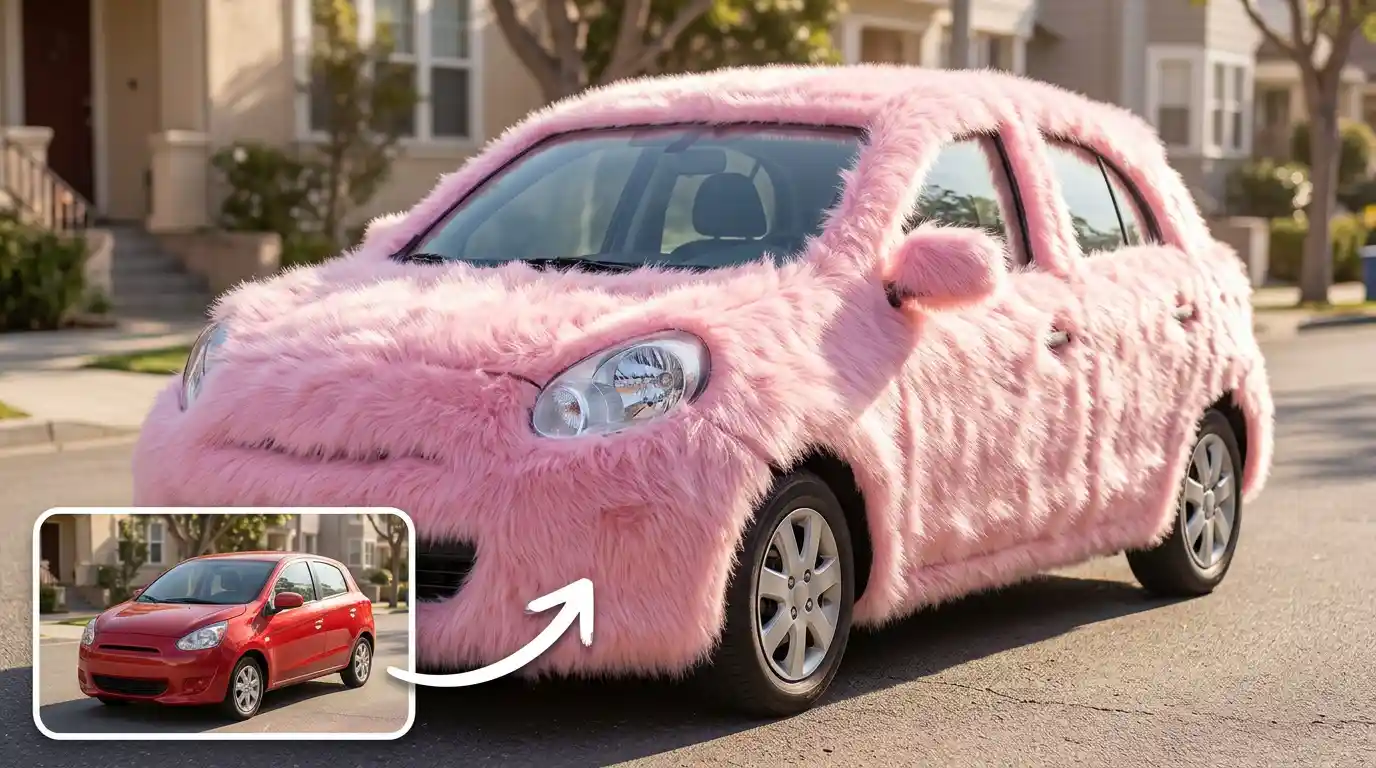
Fluffy Texture Filter
AI Sculpture Filter
AI Sculpture Filter
Gouache Painting Filter
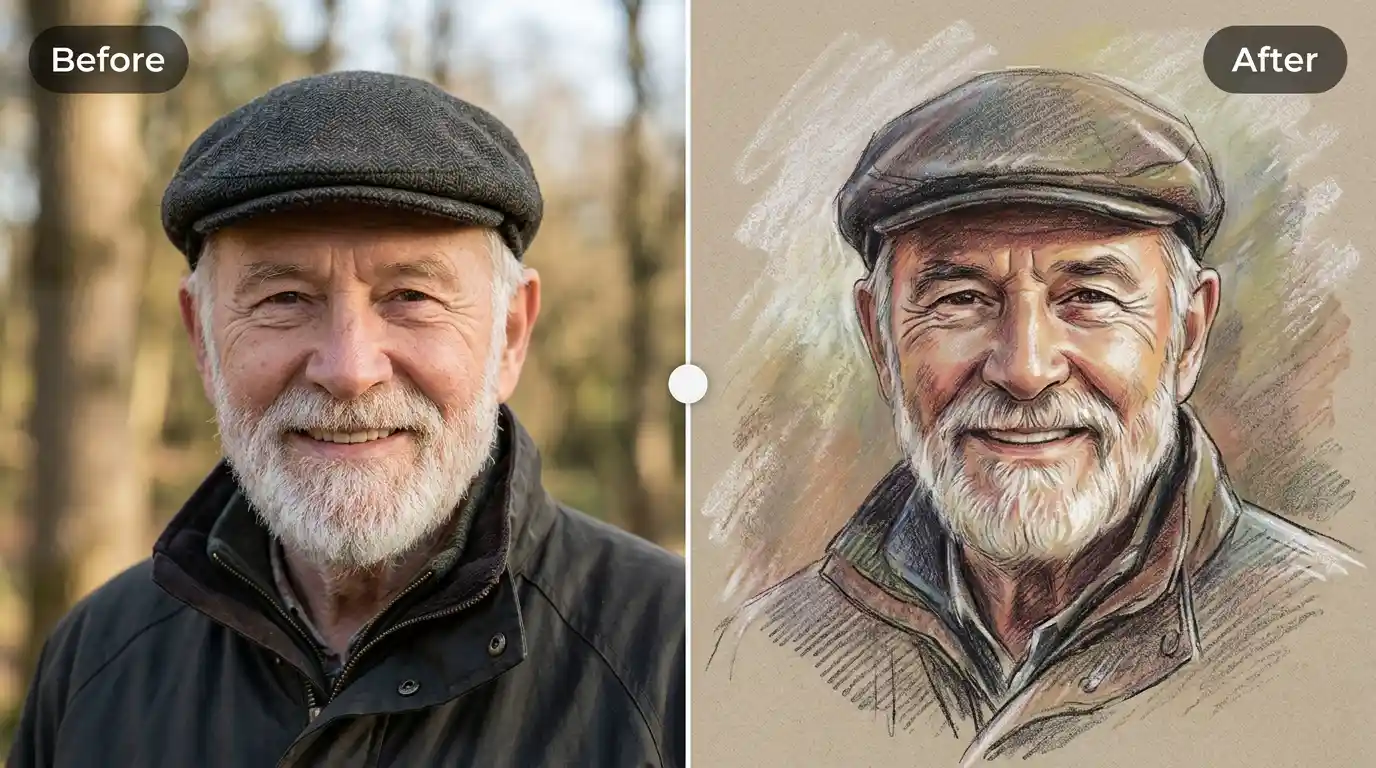
Pastel Drawing Filter
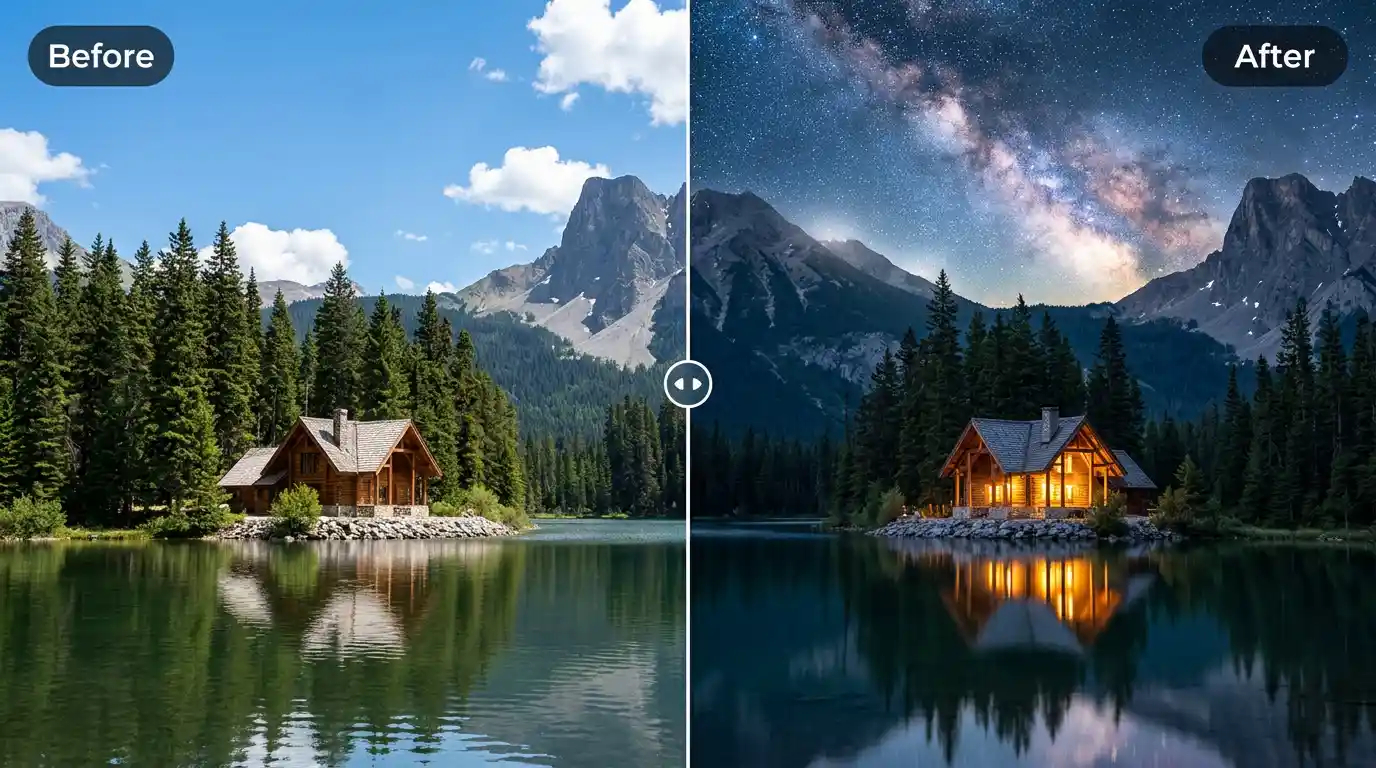
AI Time of Day Changer
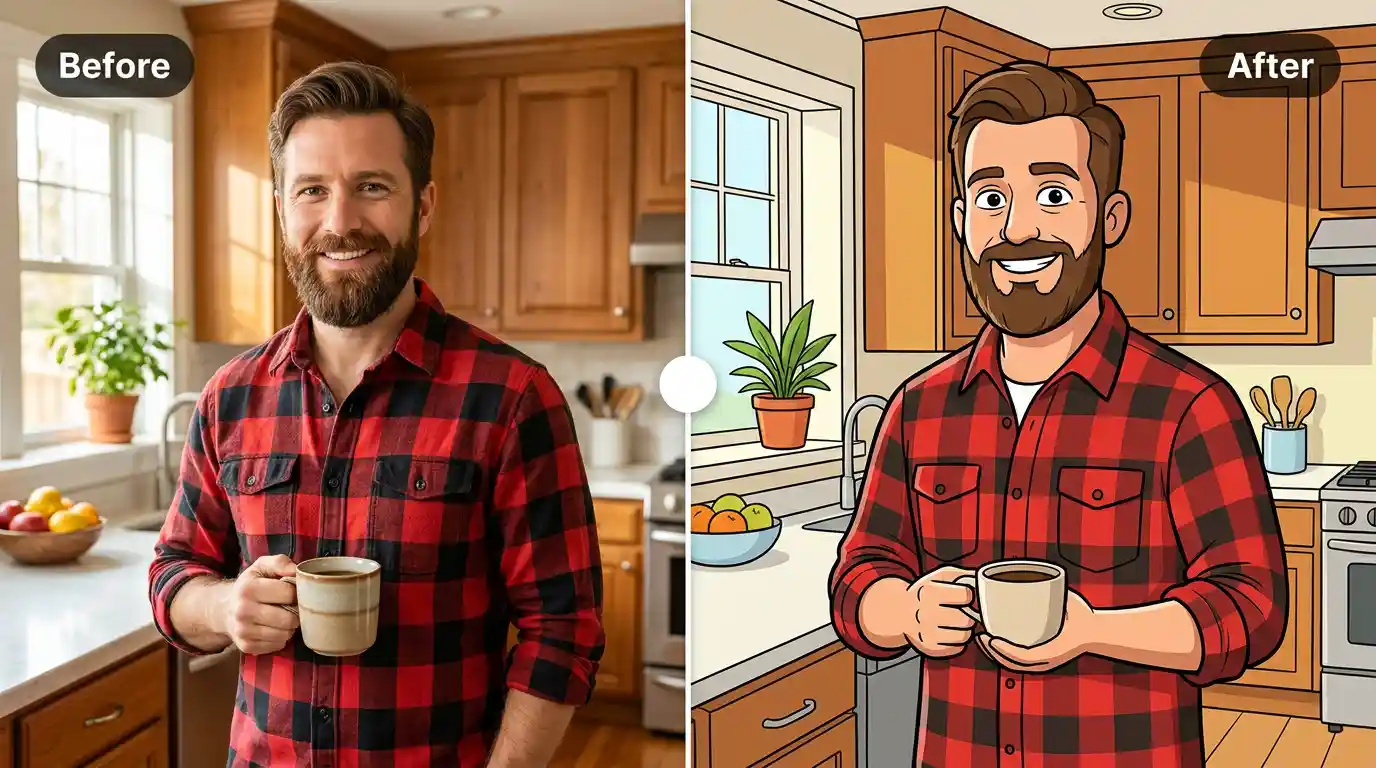
American Cartoon Filter
Cubist Art Filter
Cubist Art Filter
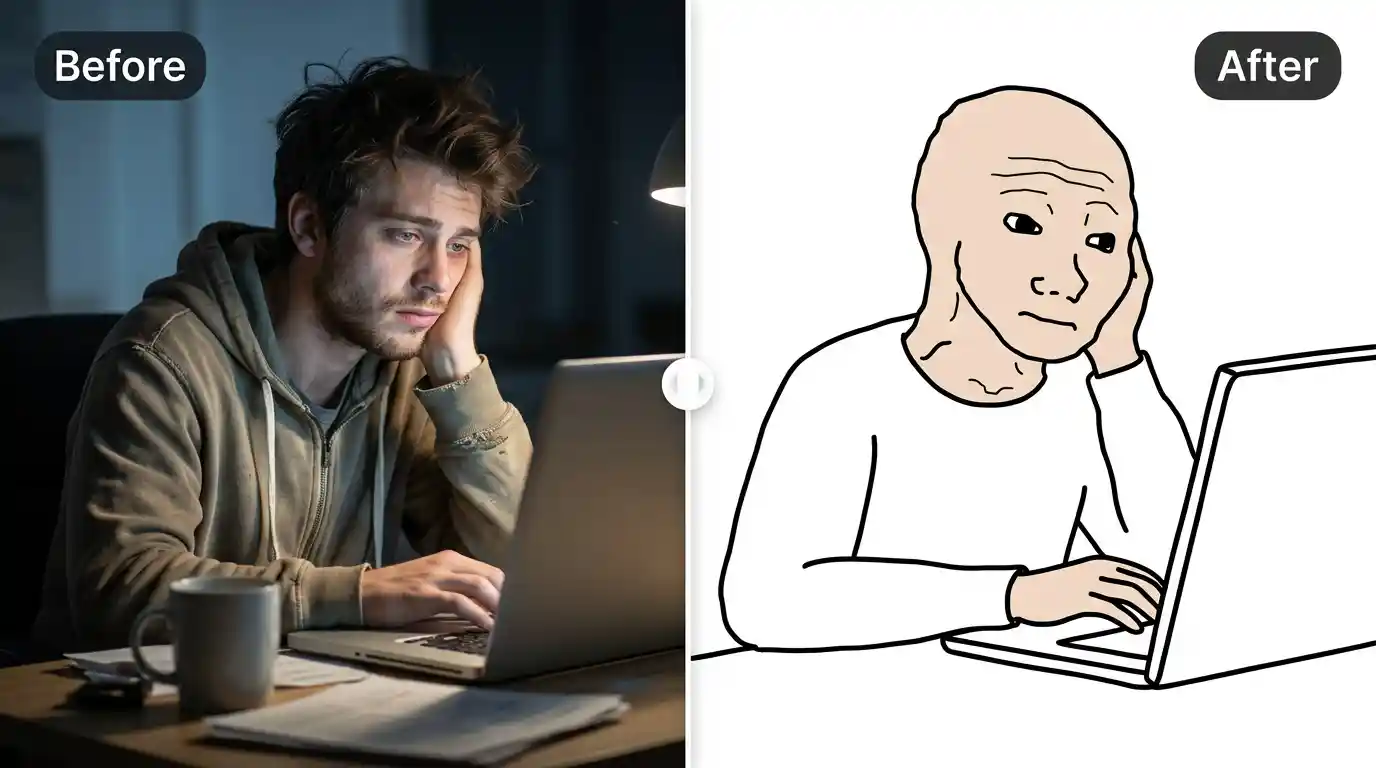
Wojak Filter
Wojak Filter
Chinese Ink Painting Filter
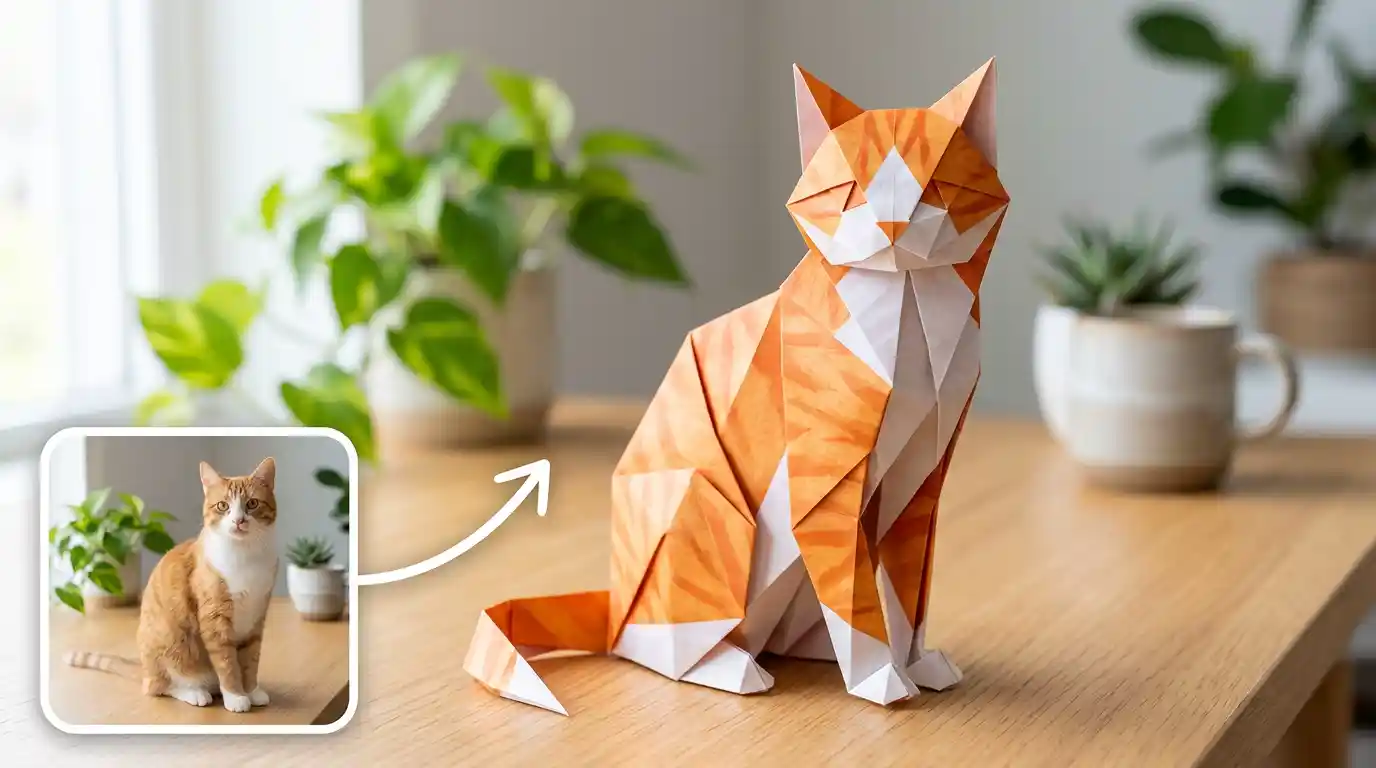
AI Origami Filter
AI Origami Filter
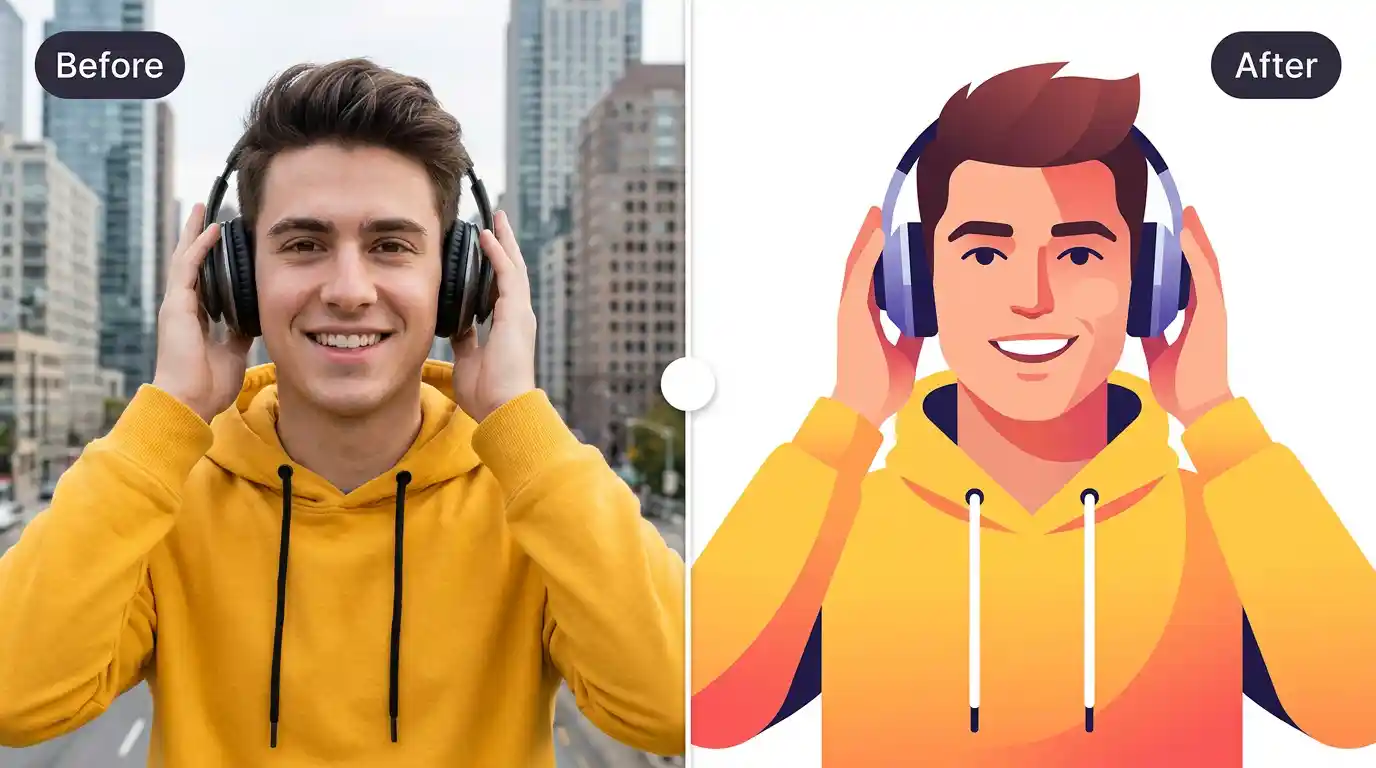
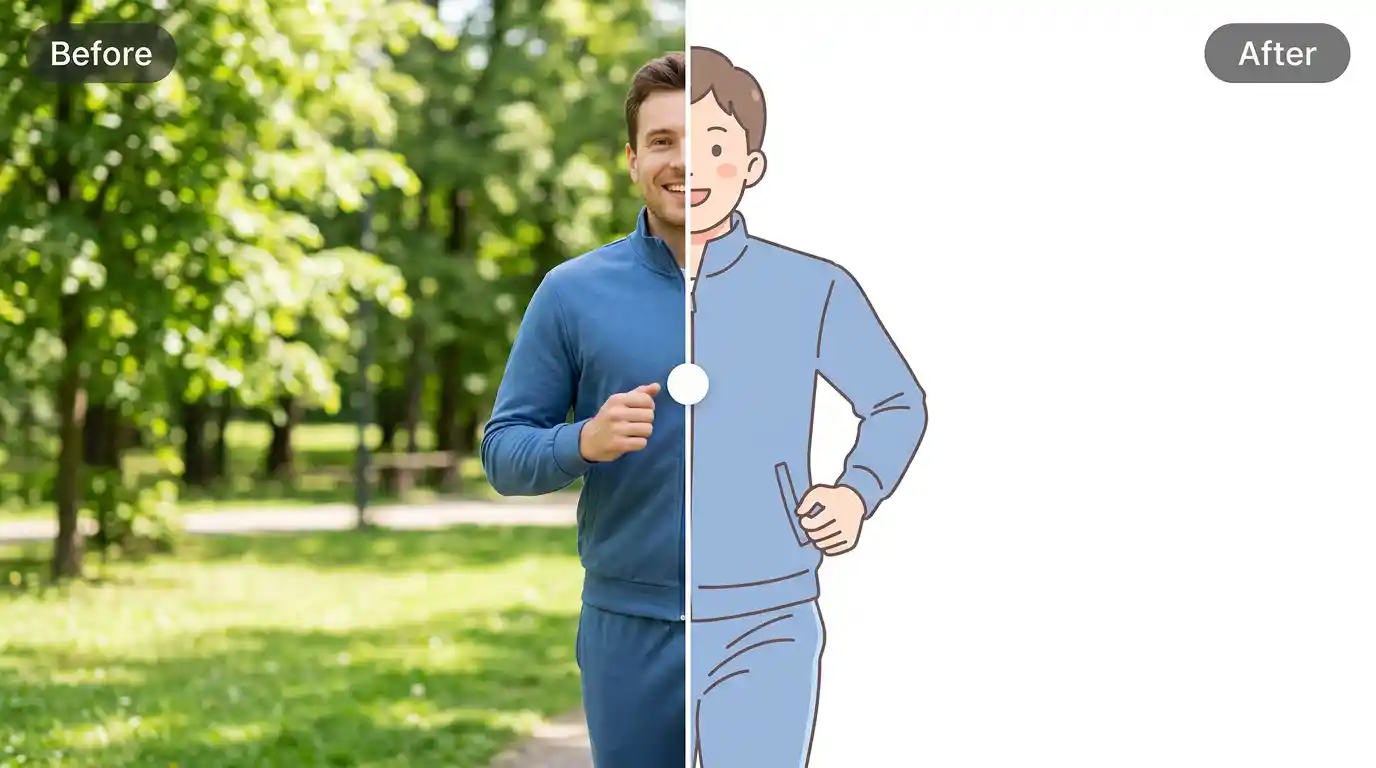
Photo to Vector Art
Photo to Vector Art
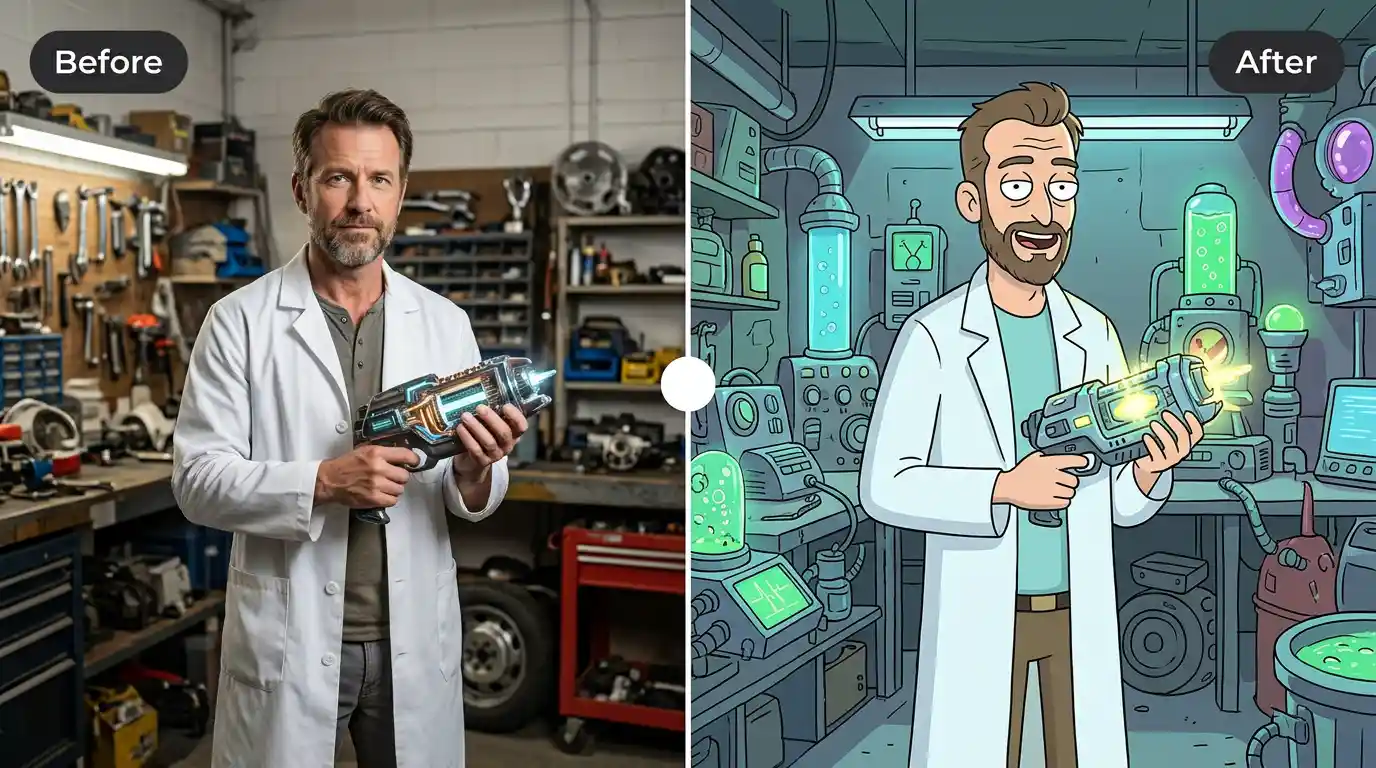
Sci-Fi Cartoon Filter
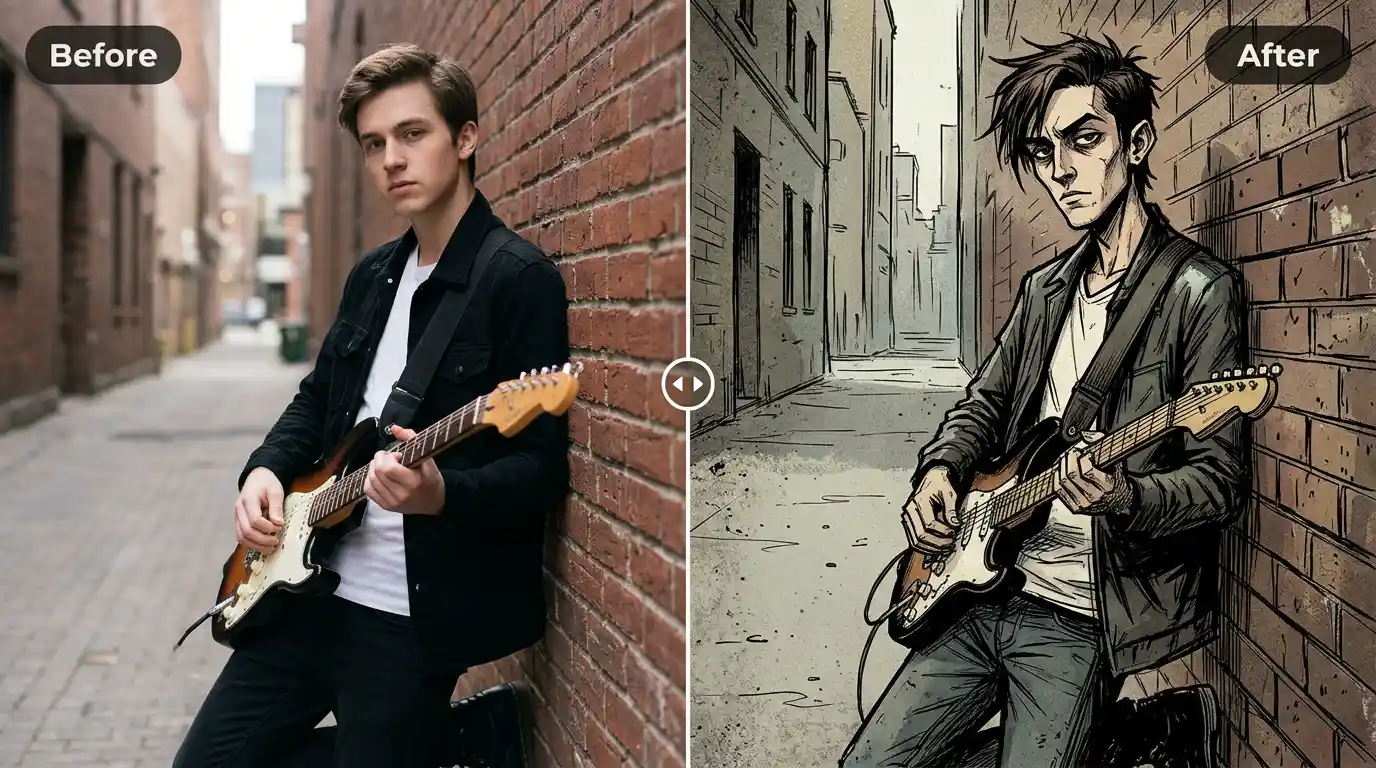
Grunge Cartoon Filter
Crochet Doll Filter
Crochet Doll Filter
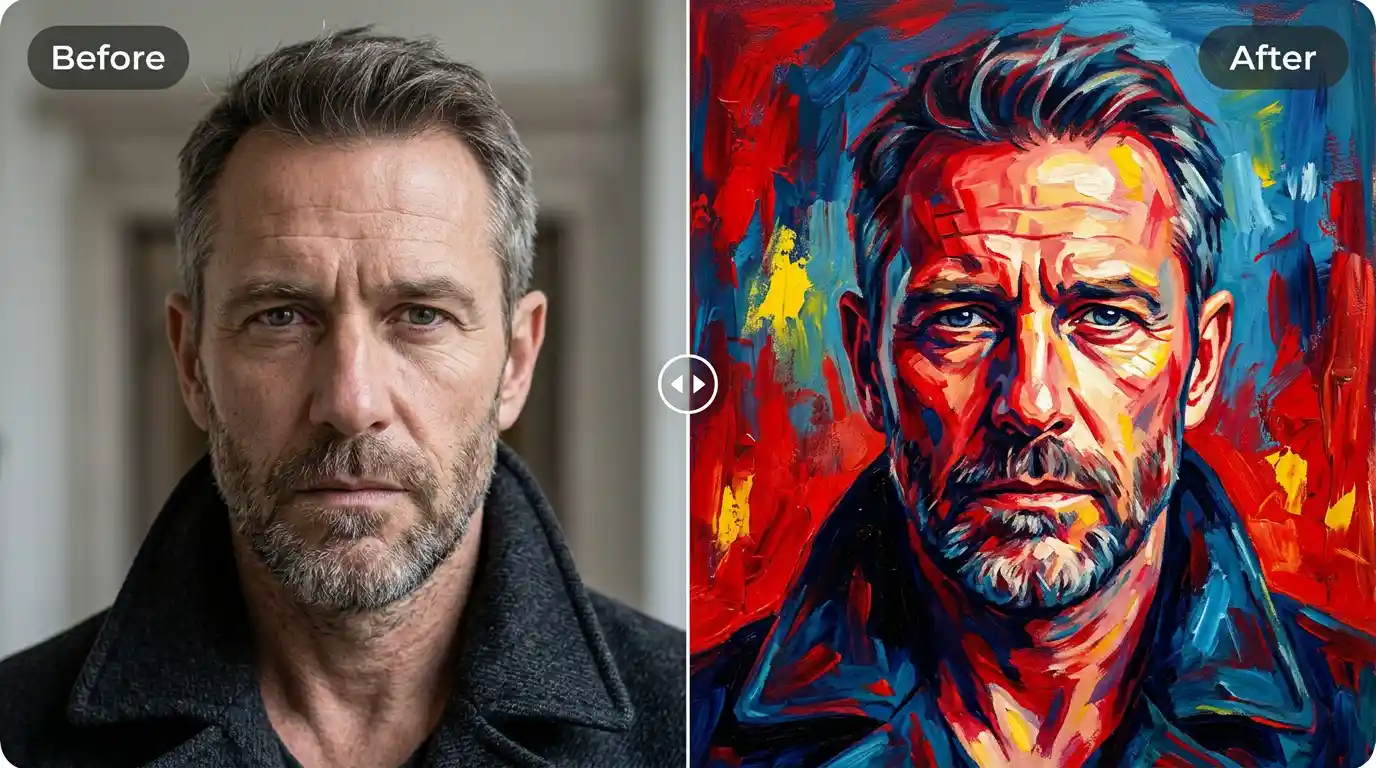
Expressionist Art Filter
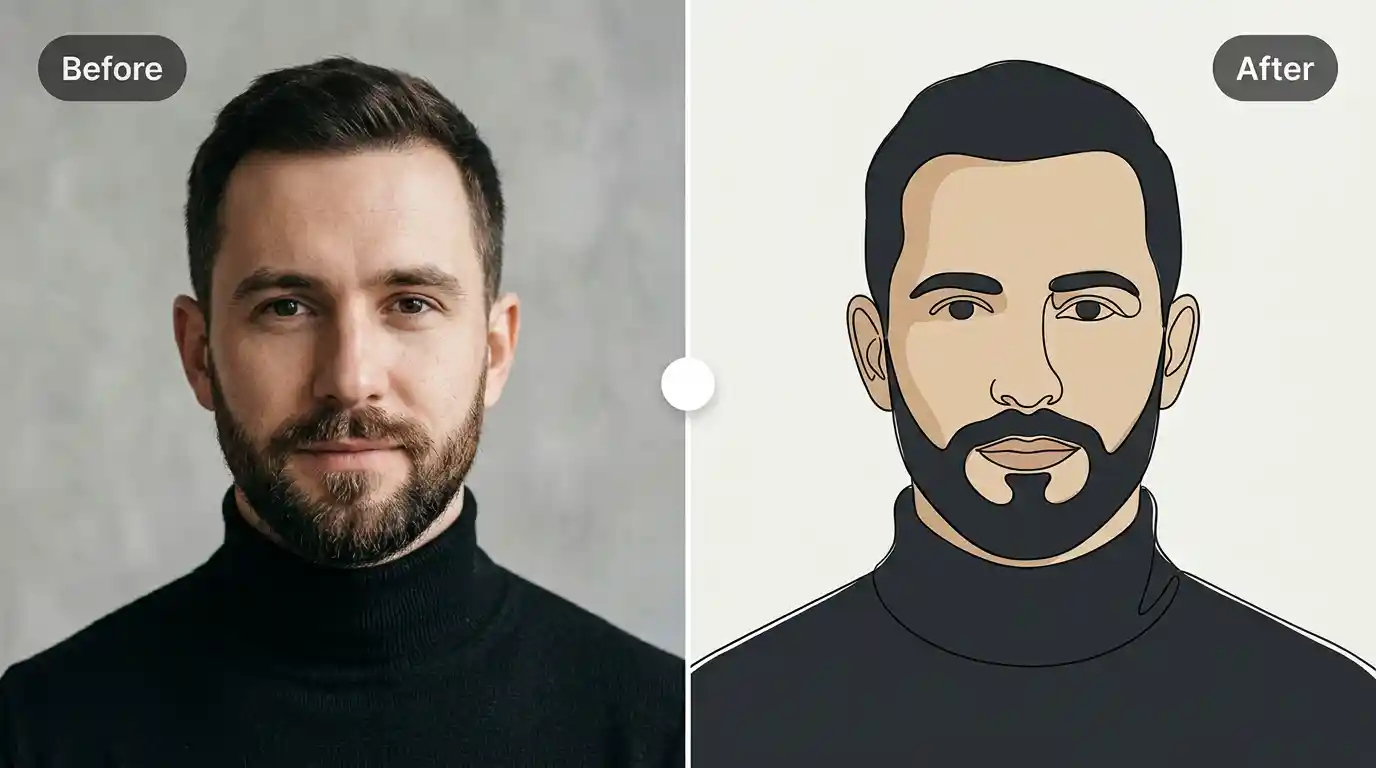
Minimalist Portrait Filter
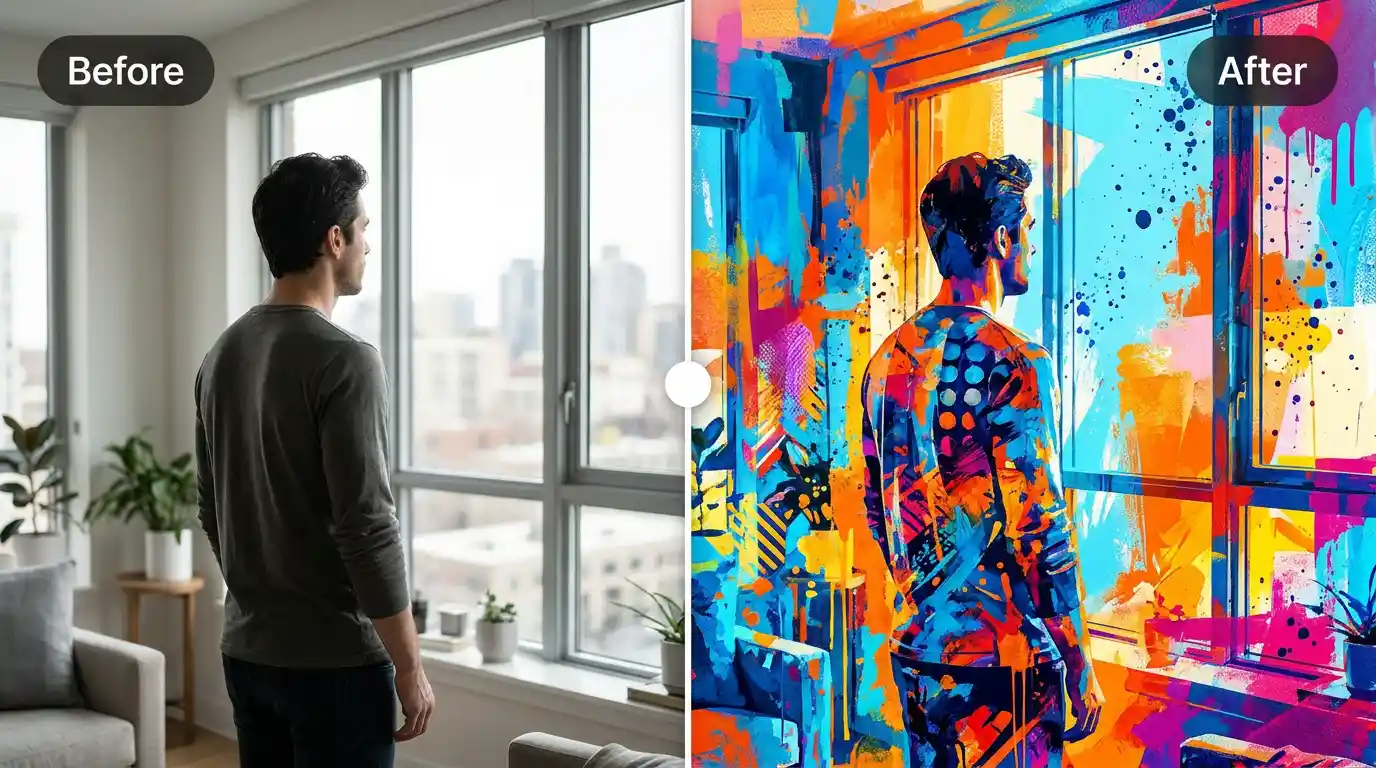
Abstract Art Filter
Abstract Art Filter
AI Aging Filter
AI Aging Filter
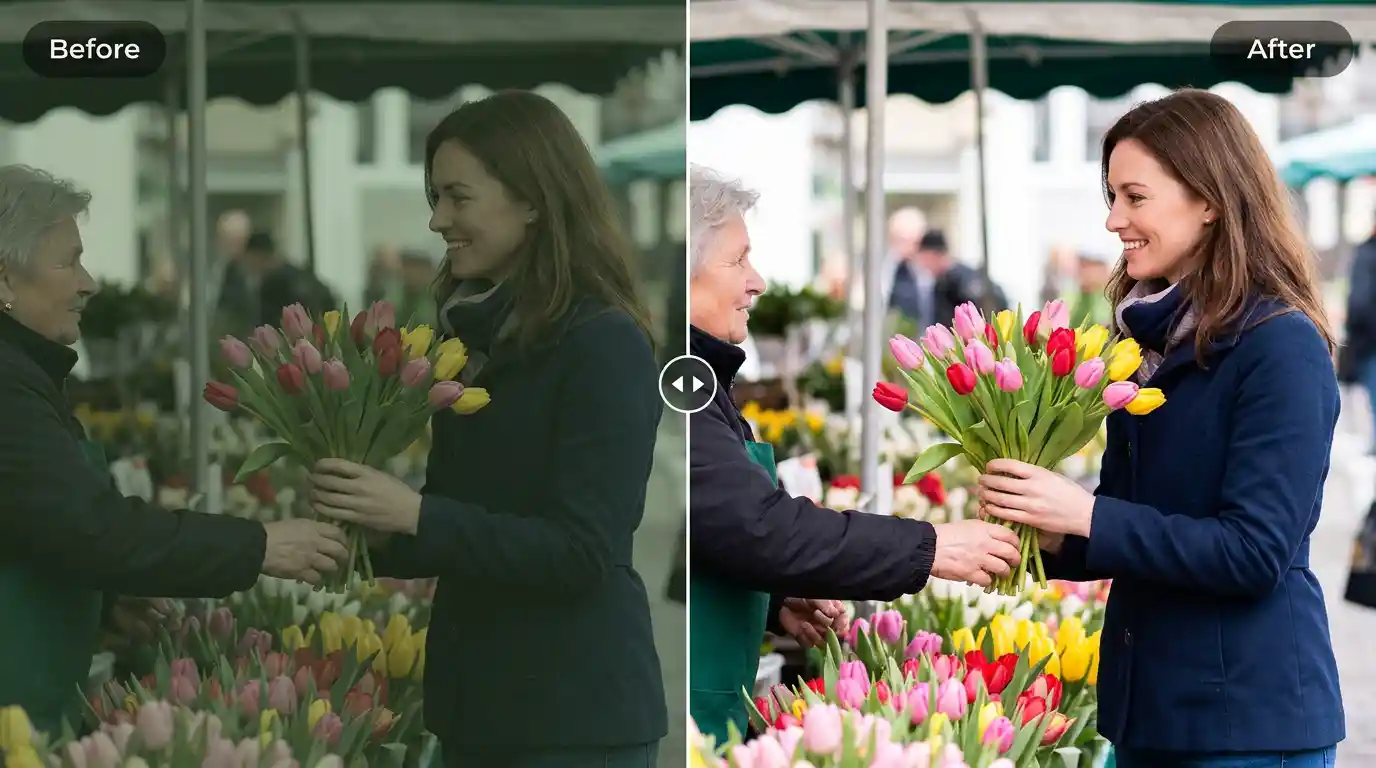
AI Color Correction
AI Color Correction
AI Video Game Filter
AI Clay Filter
AI Clay Filter
Photo to Clipart
Photo to Clipart
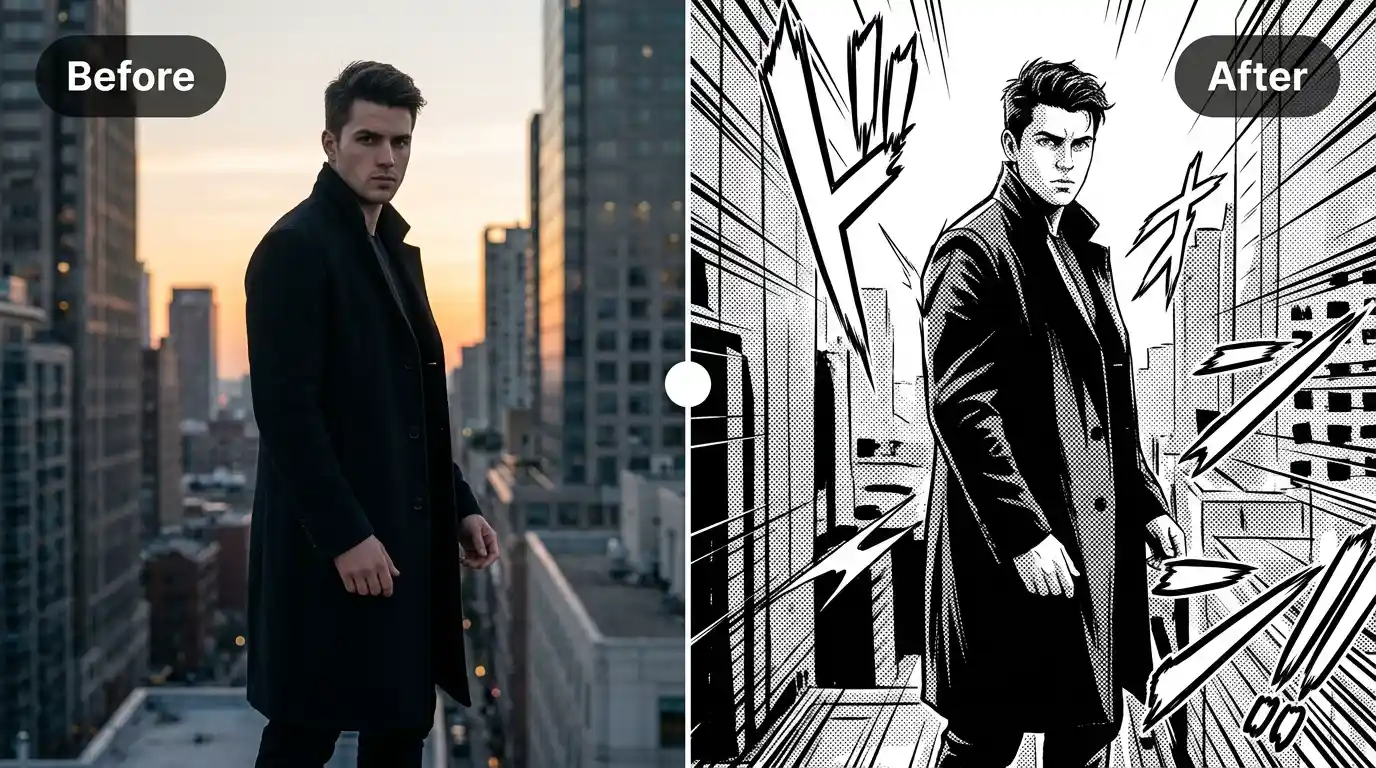
Photo to Manga
Photo to Manga
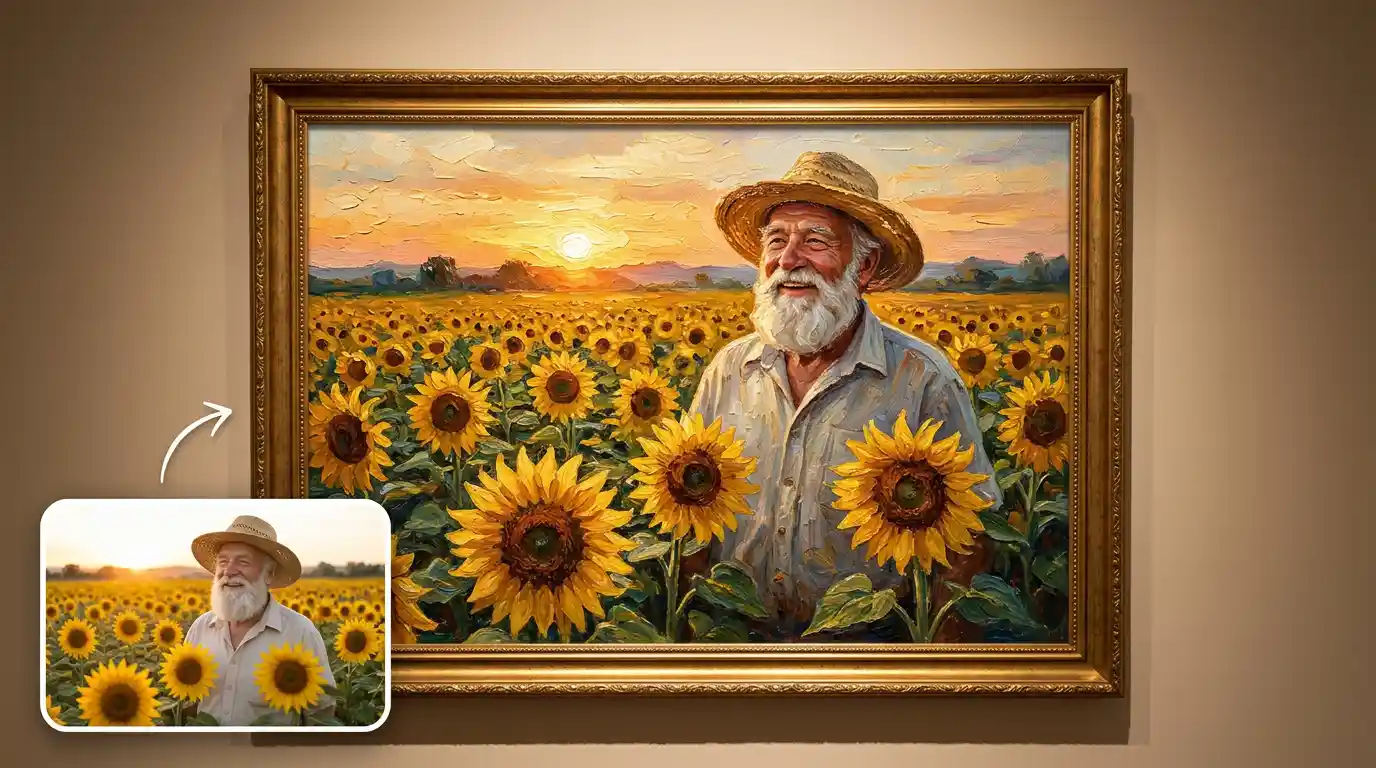
Photo to Oil Painting
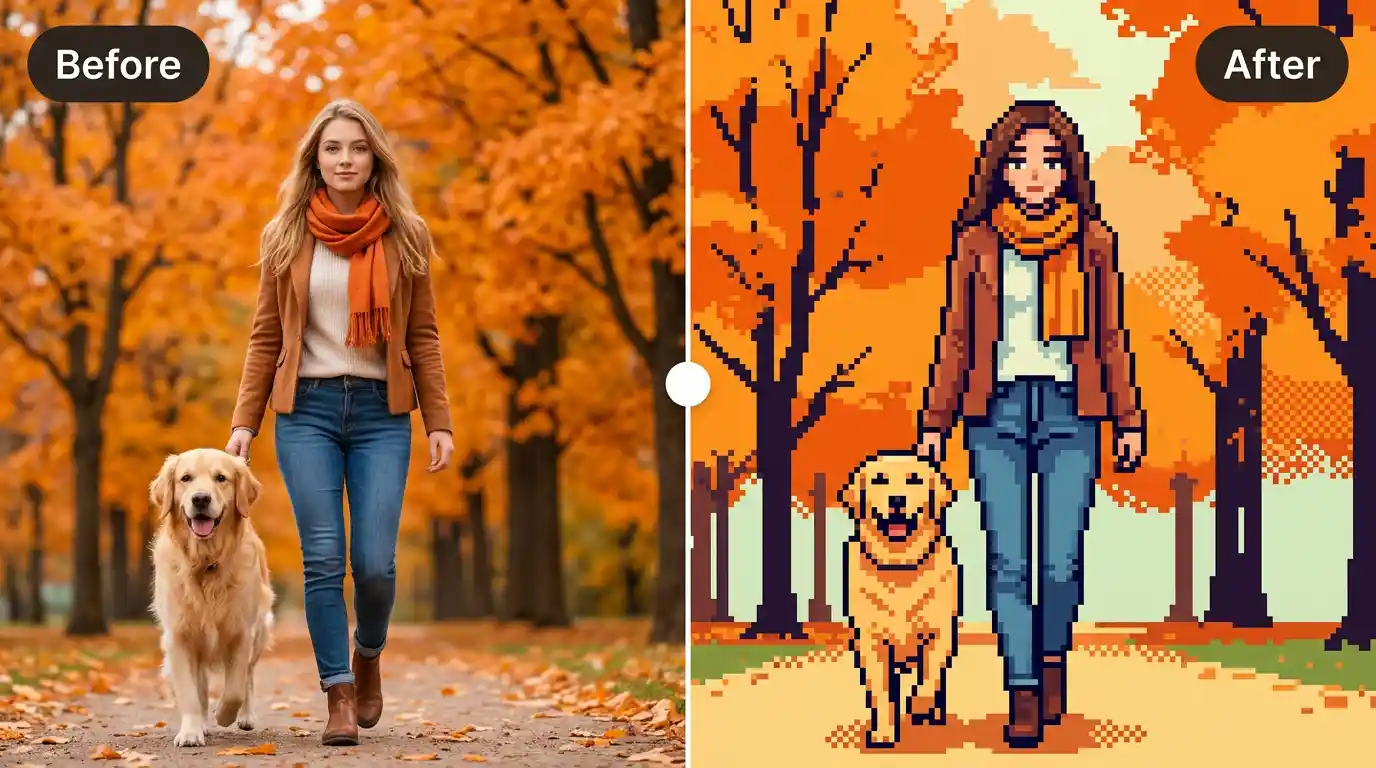
Photo to Pixel Art
Photo to Pixel Art
Comic Strip Filter
Comic Strip Filter
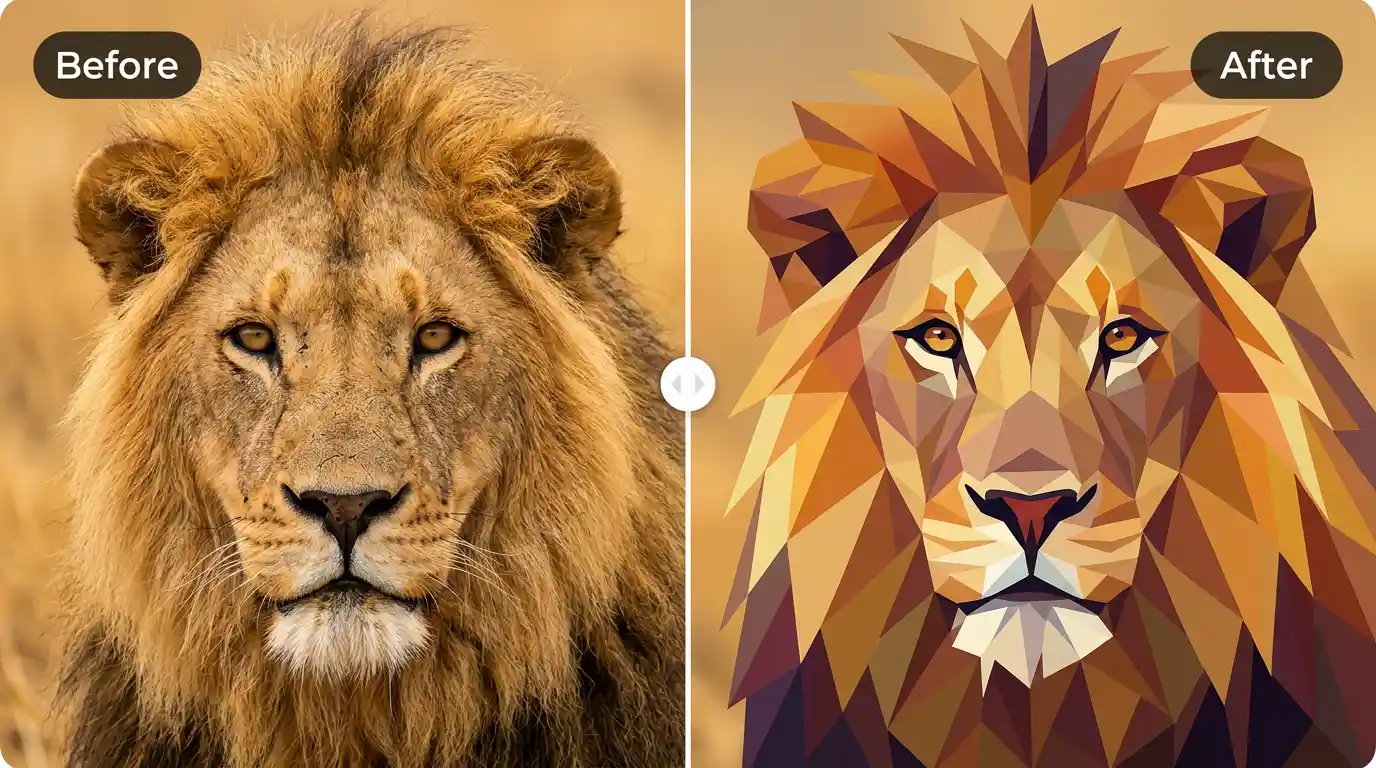
Polygon Art Filter
Polygon Art Filter
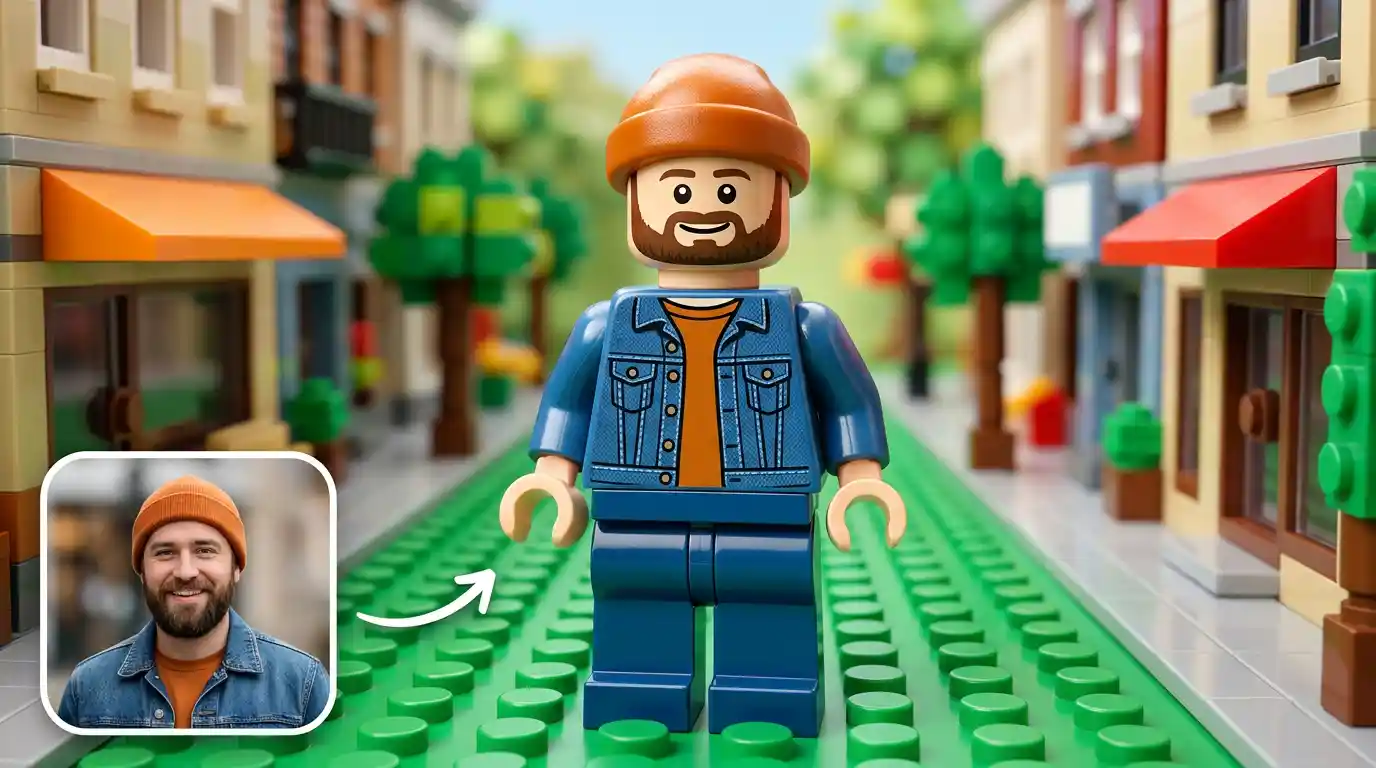
Brick Toy Filter
Brick Toy Filter
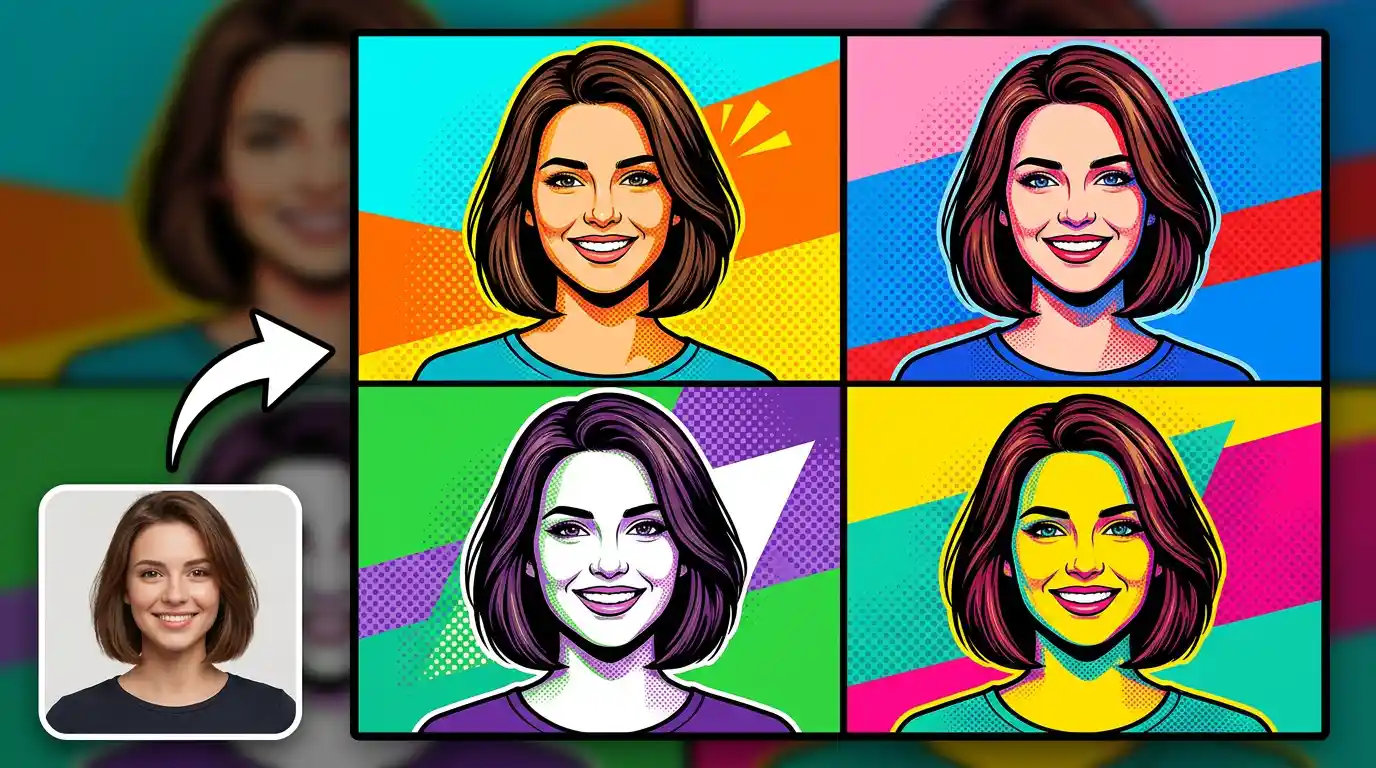
AI Pop Art Filter
AI Pop Art Filter
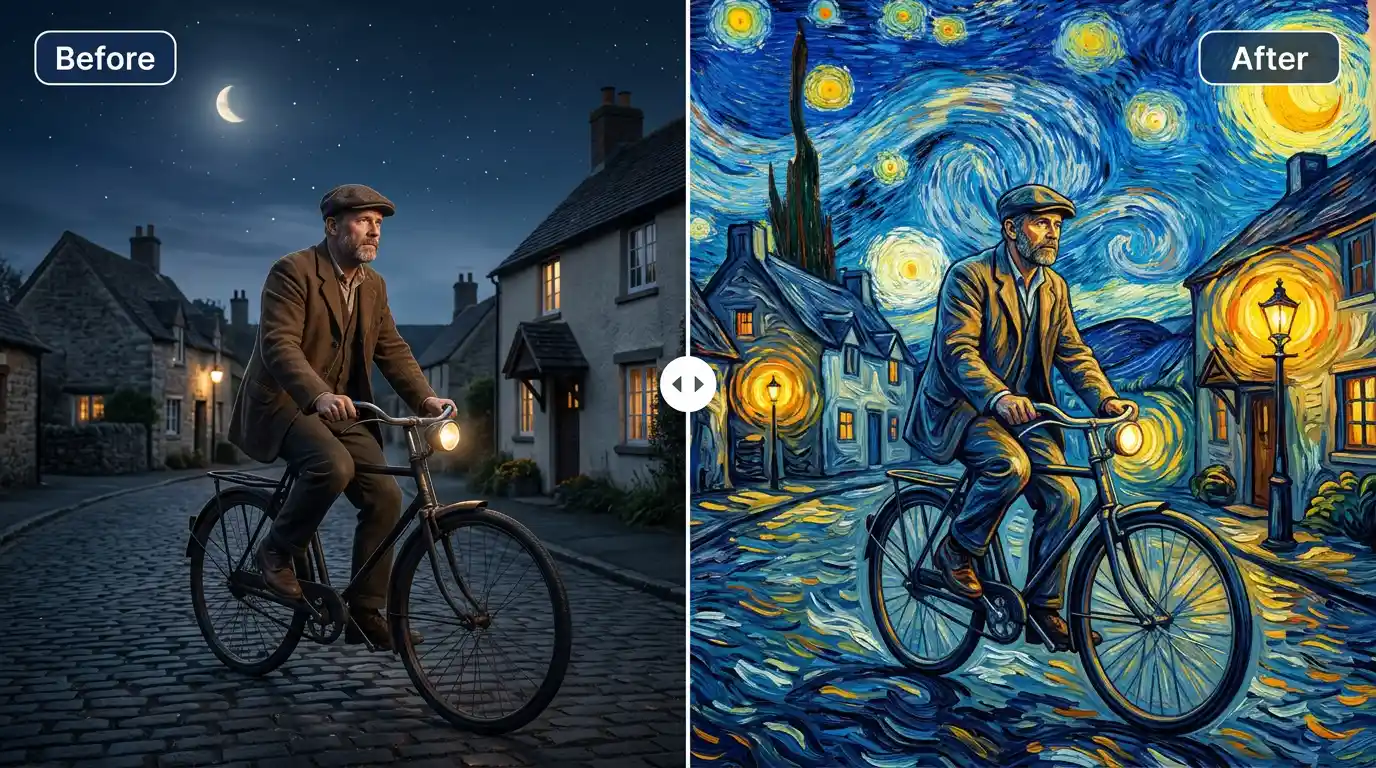
Van Gogh Style Filter
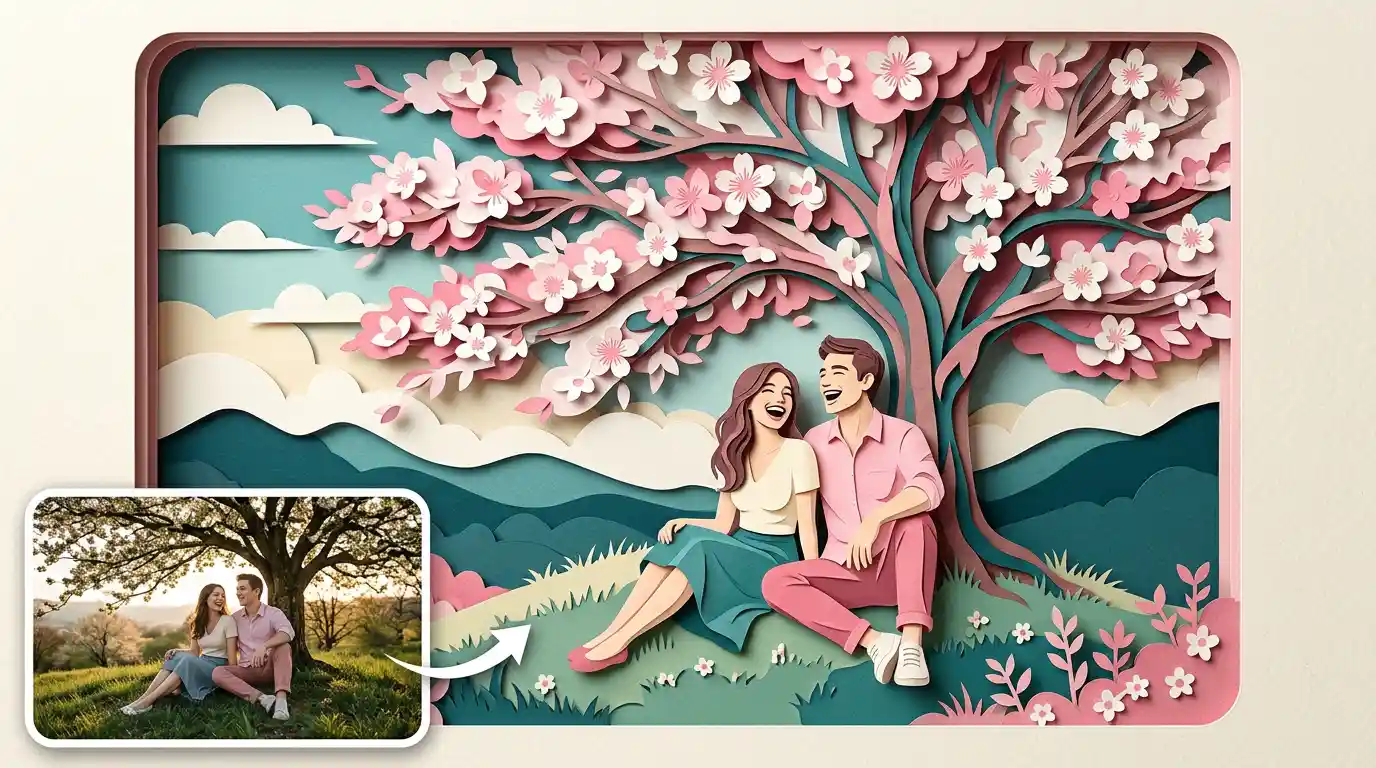
Paper Cut Art Filter
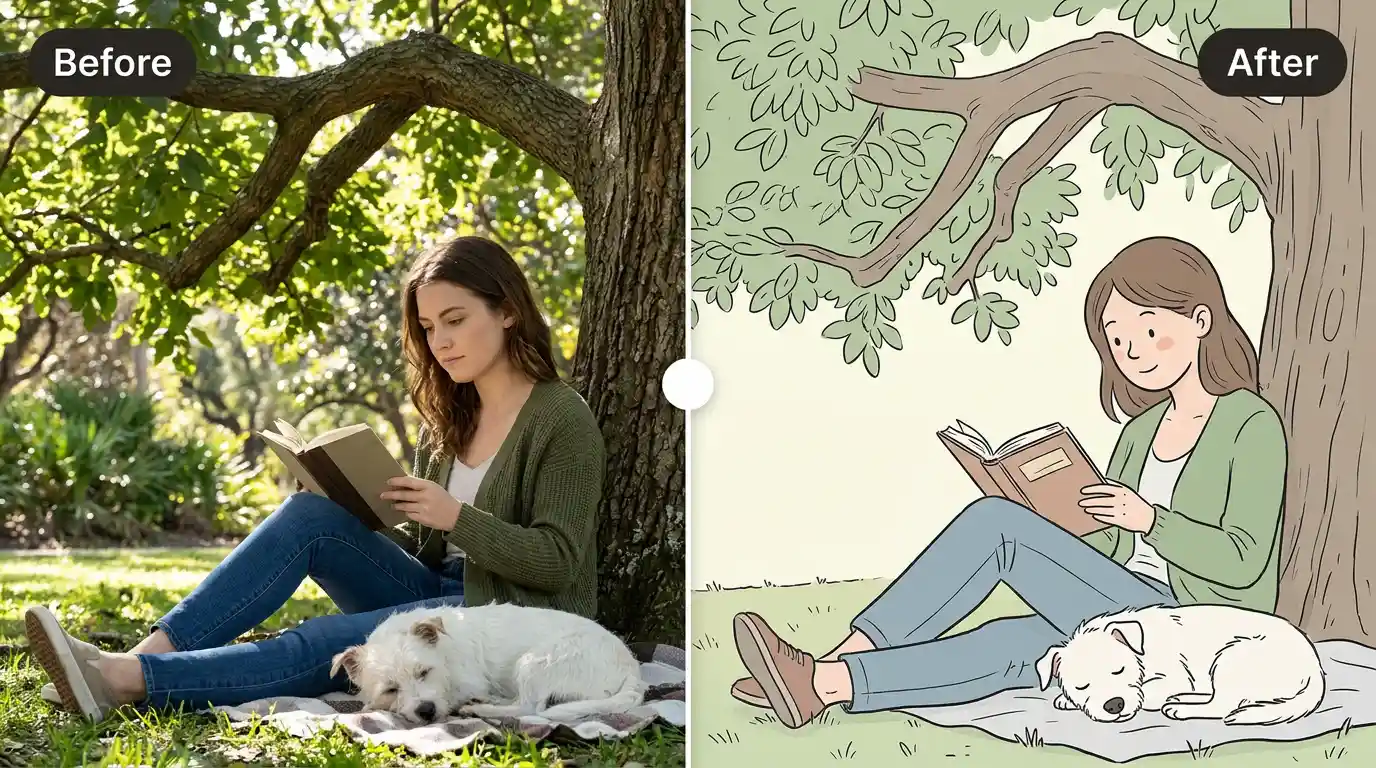
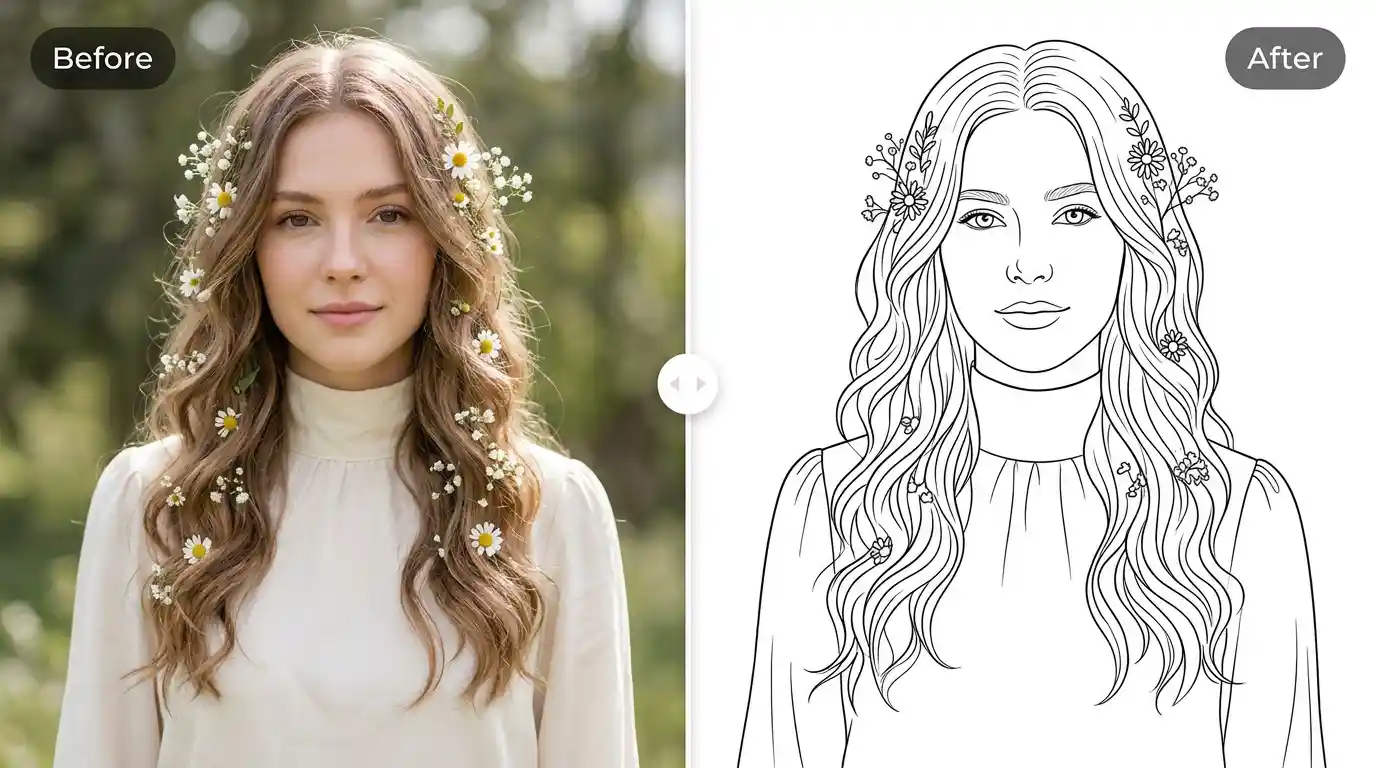
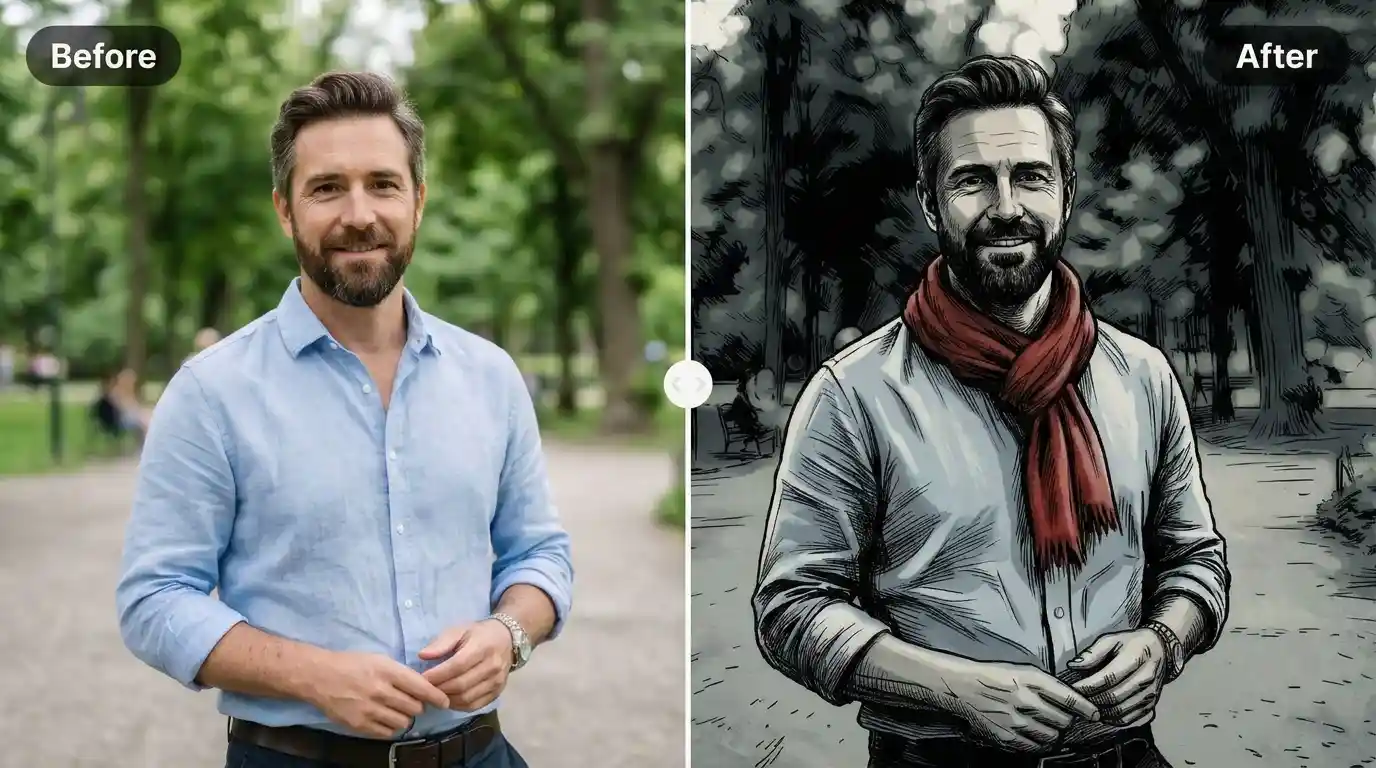
Photo to Line Art
Photo to Line Art
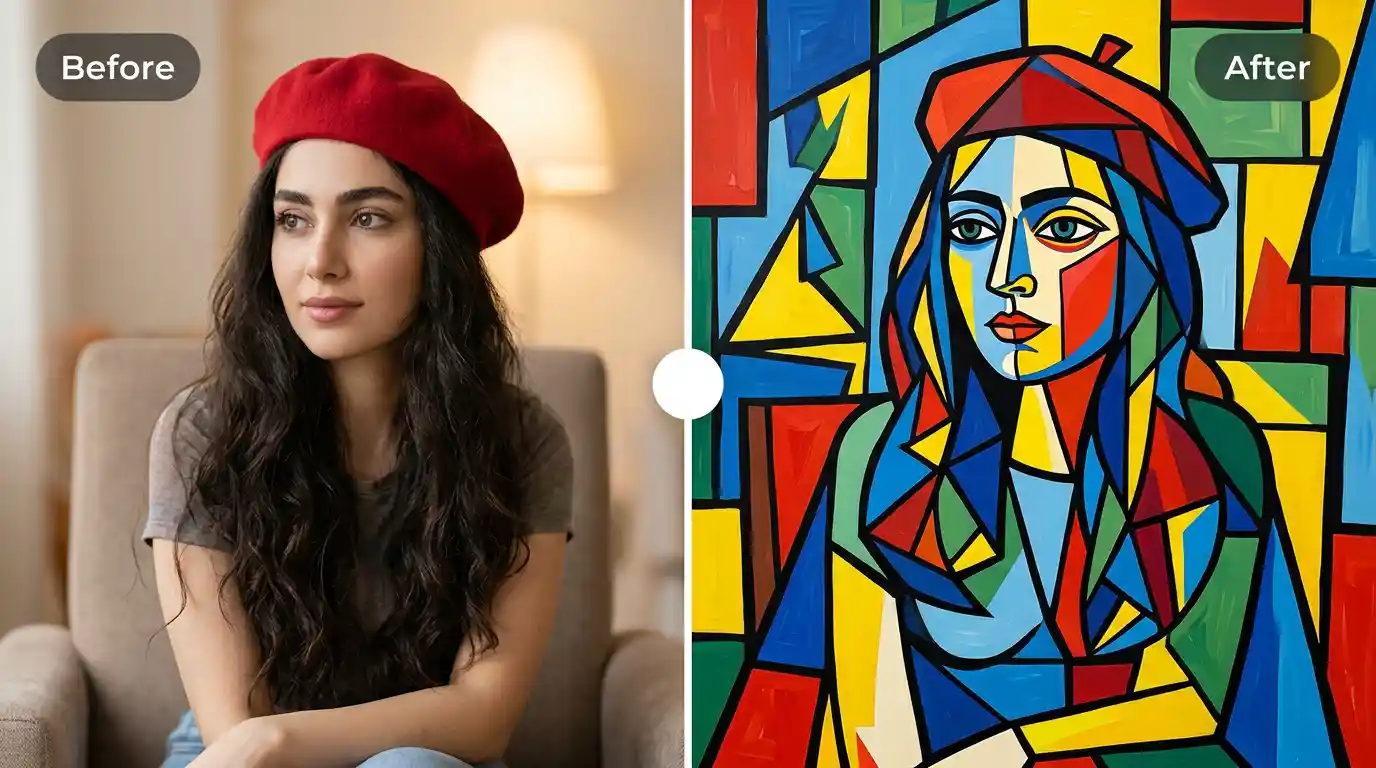
Picasso Style Filter
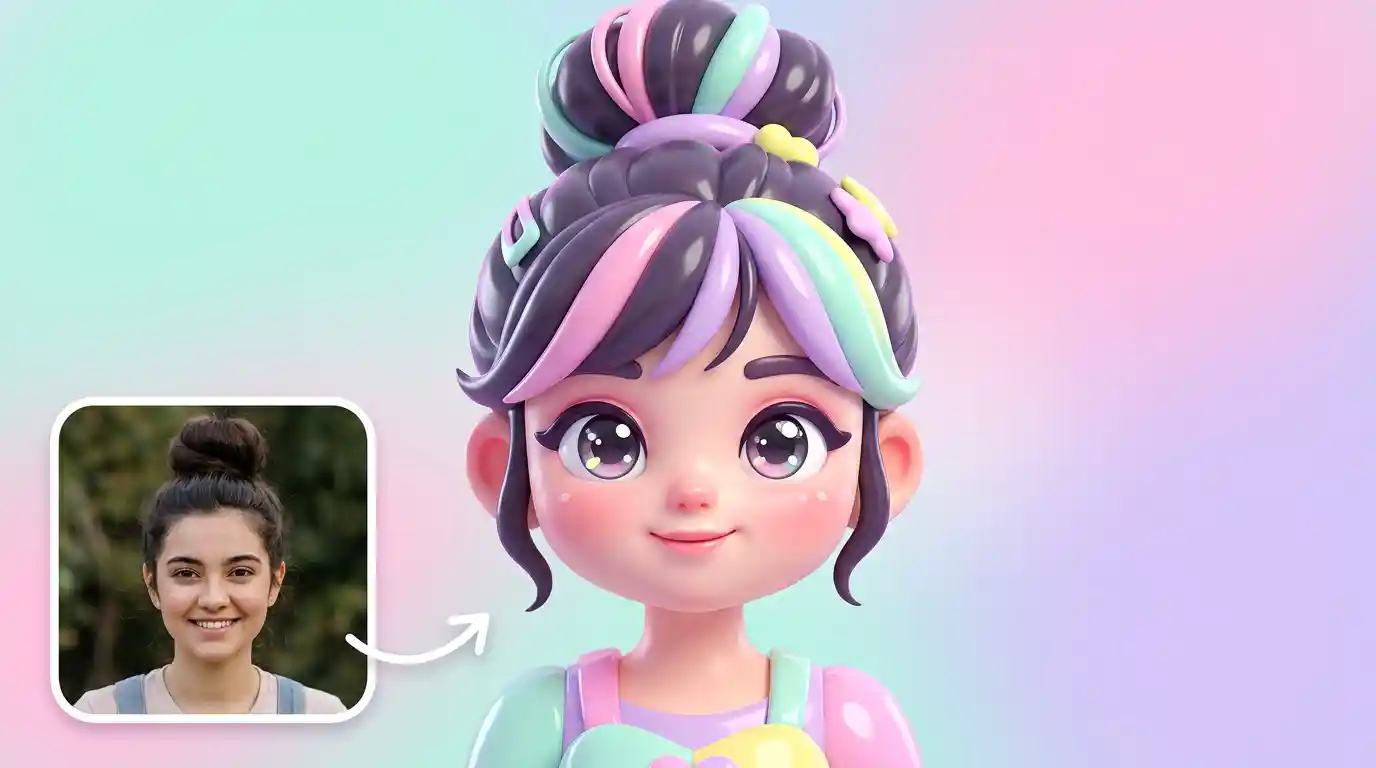
Cute 3D Avatar Filter
Glass Effect Filter
Glass Effect Filter
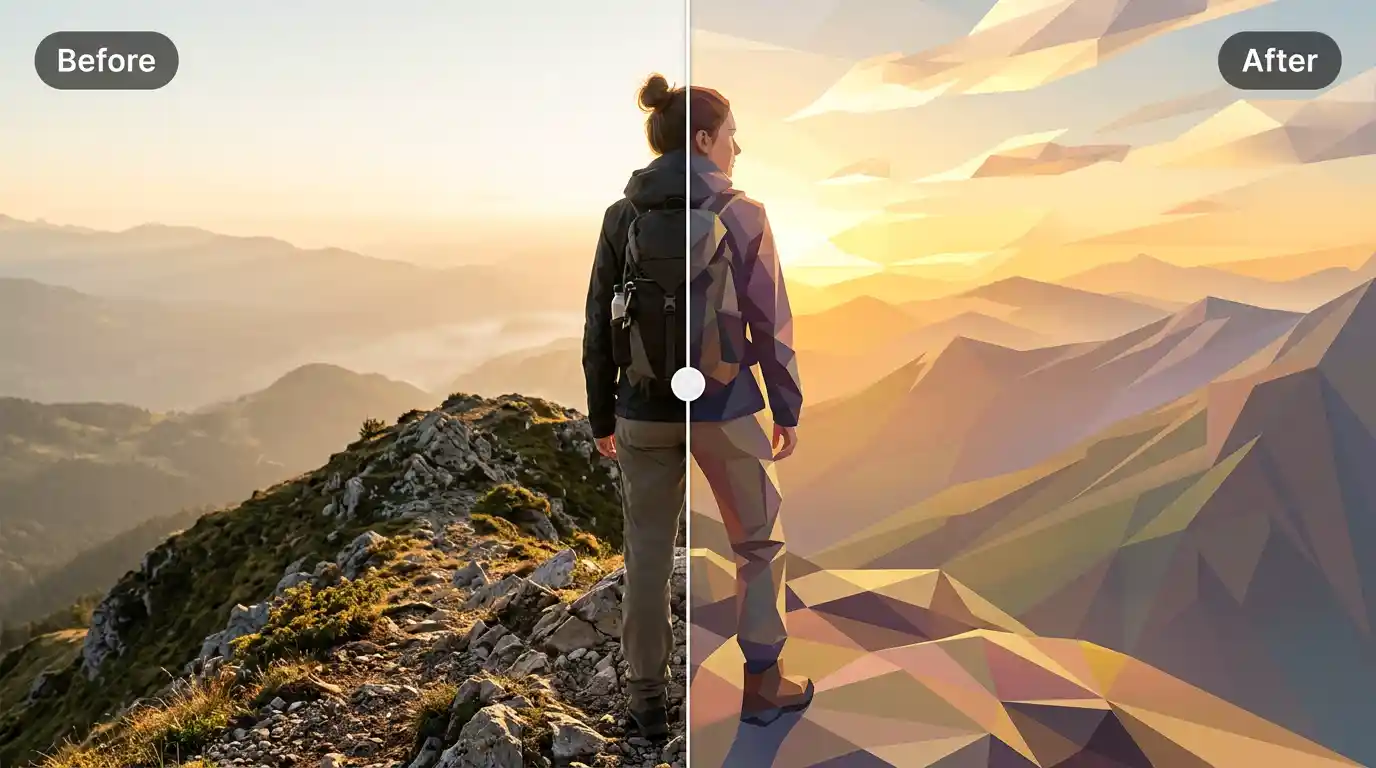
Low Poly Filter
Low Poly Filter
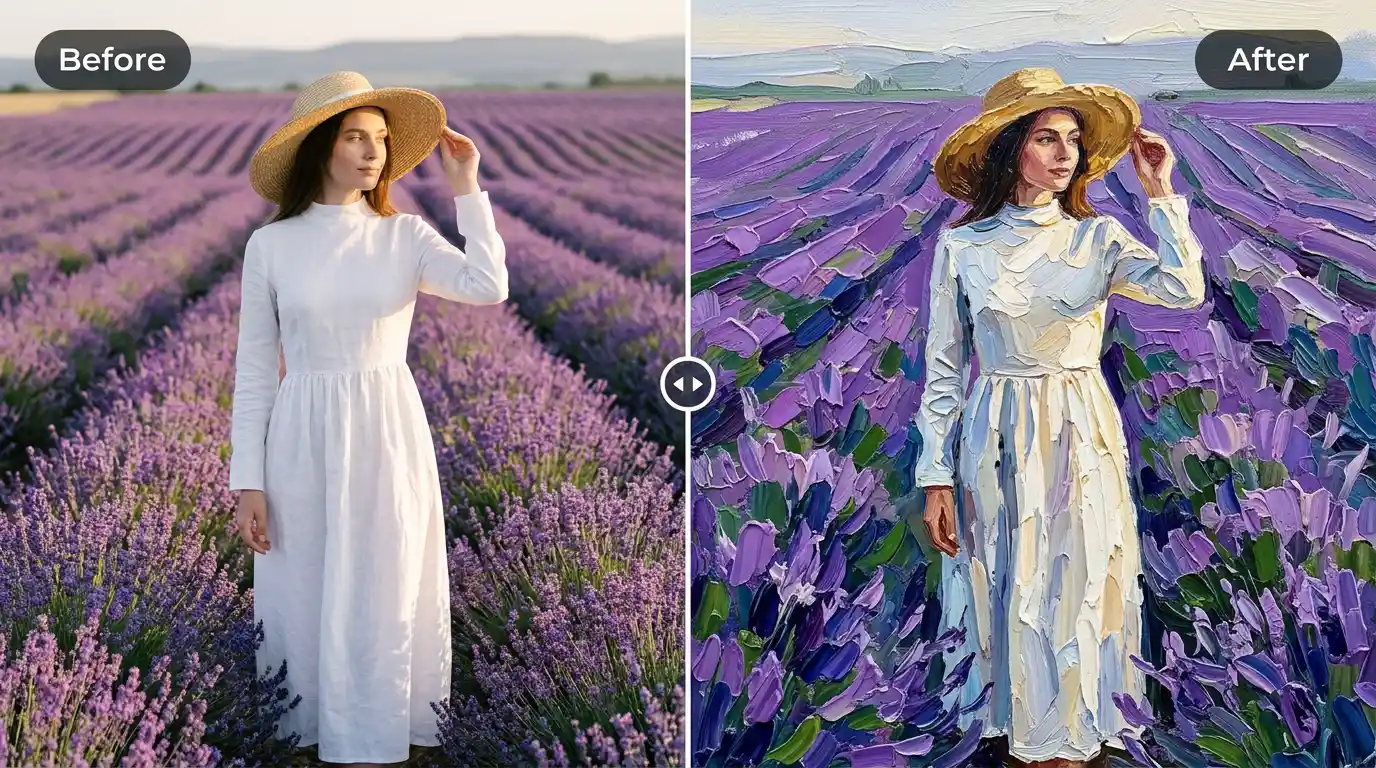
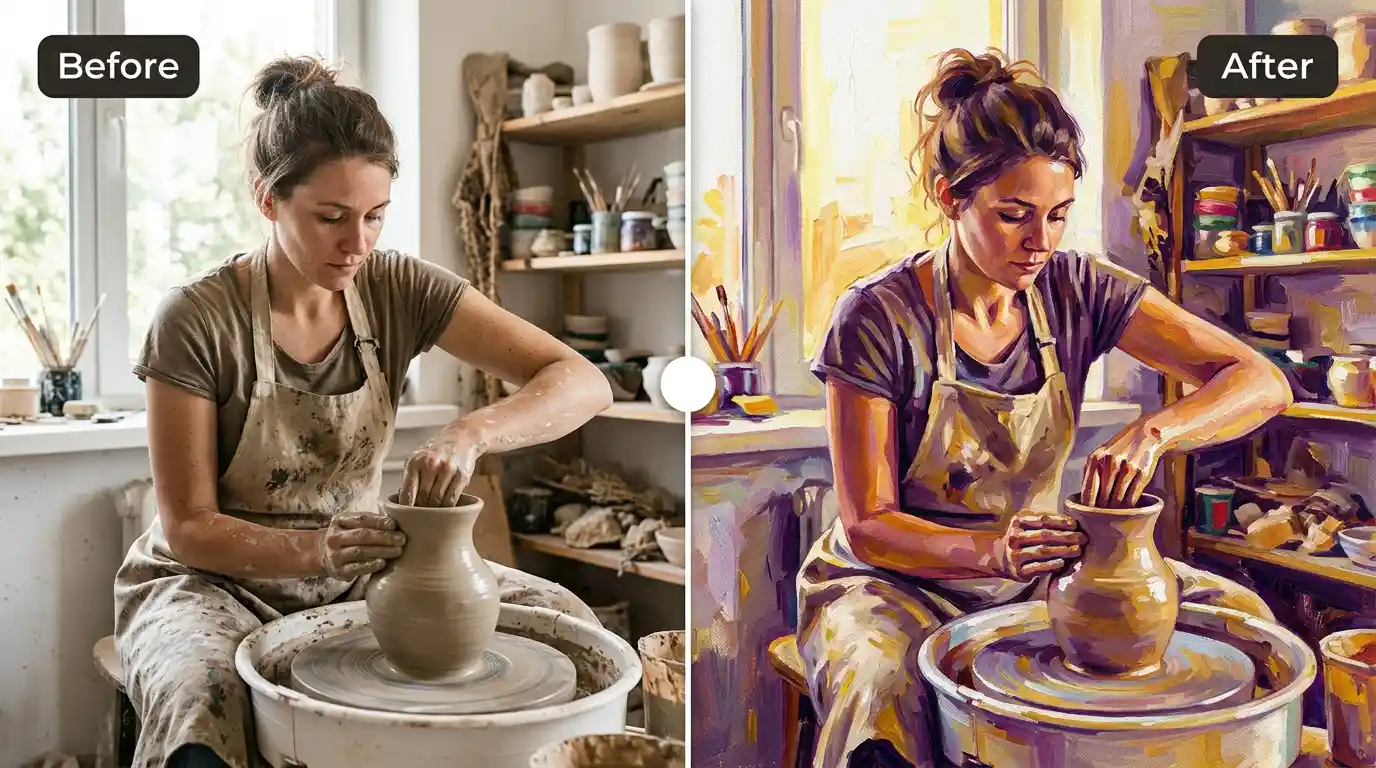
Oil Brush Painting Filter
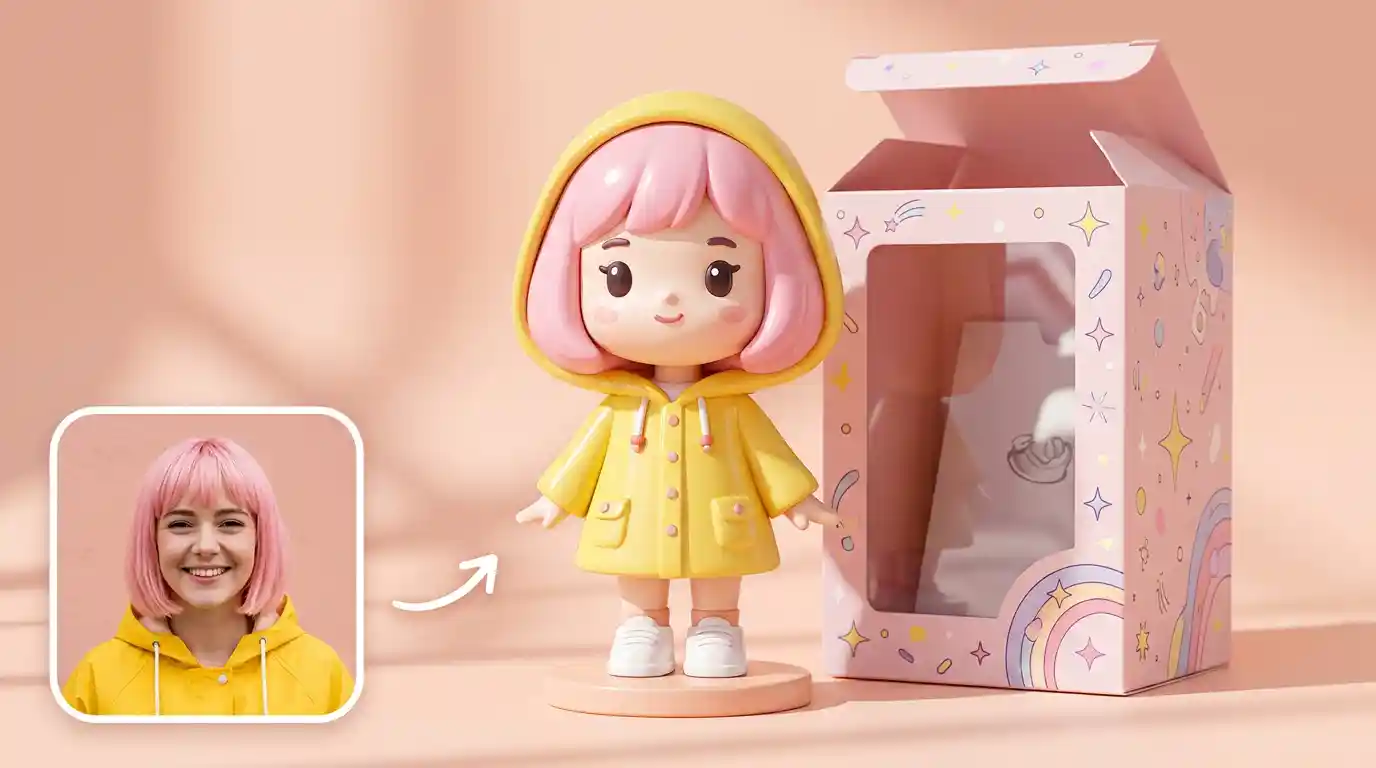
Blind Box Toy Filter
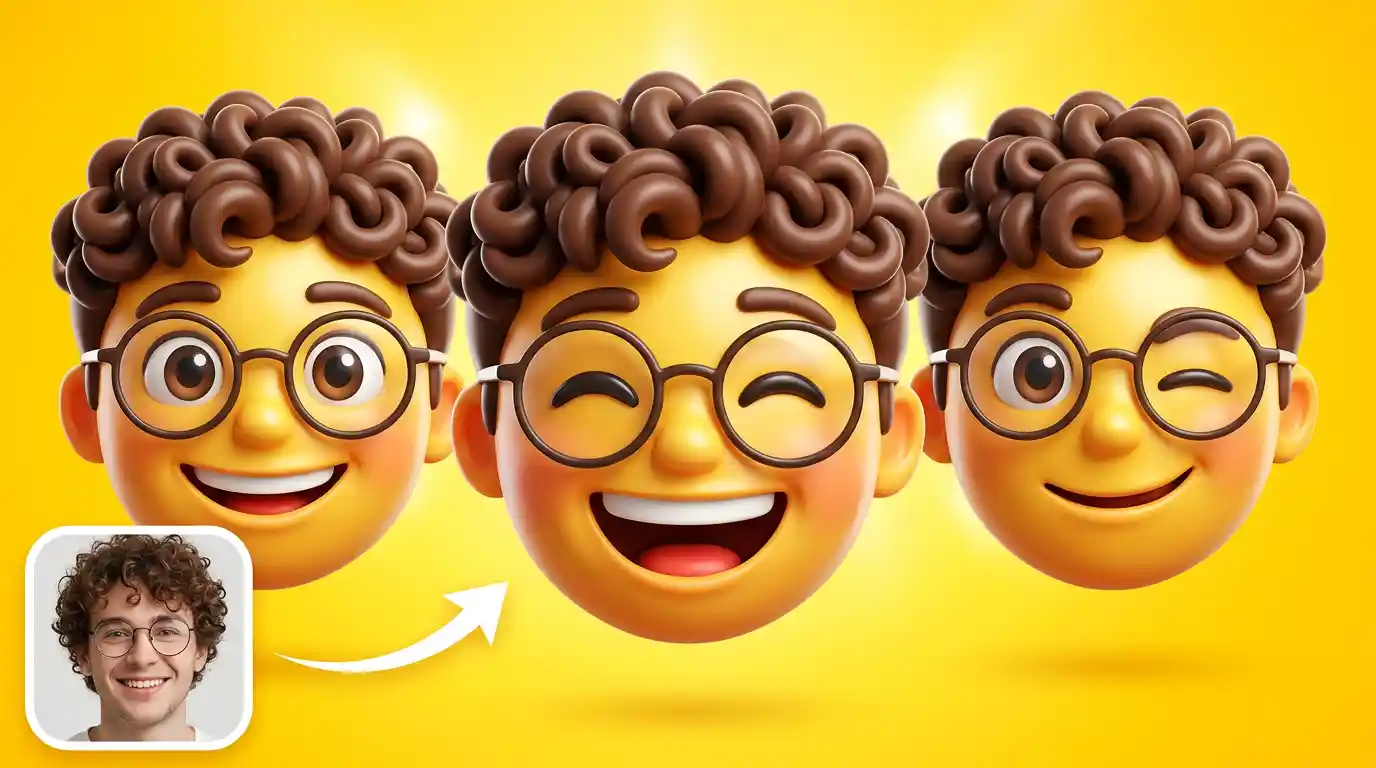
Photo to Emoji
Photo to Emoji
Gothic Cartoon Filter
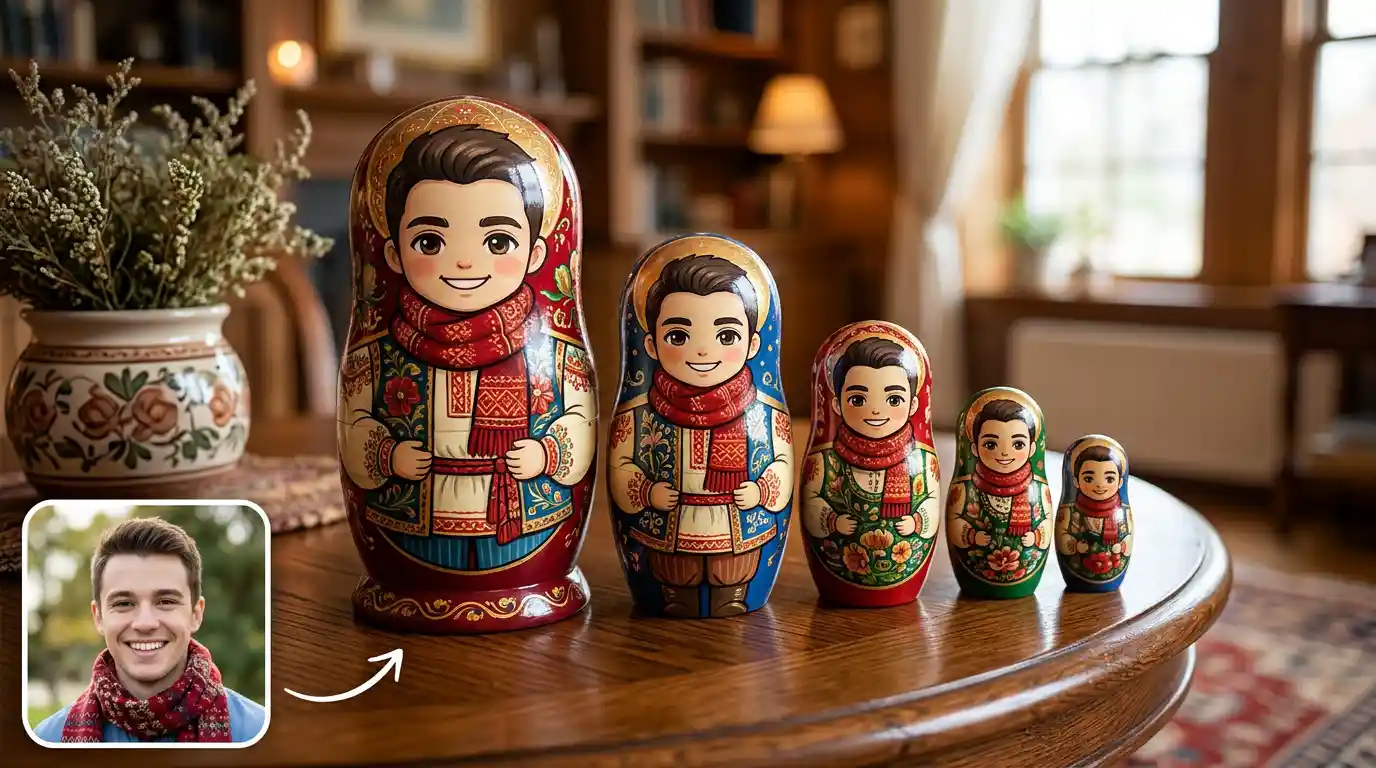
Nesting Doll Filter
Nesting Doll Filter
Impressionist Painting Filter
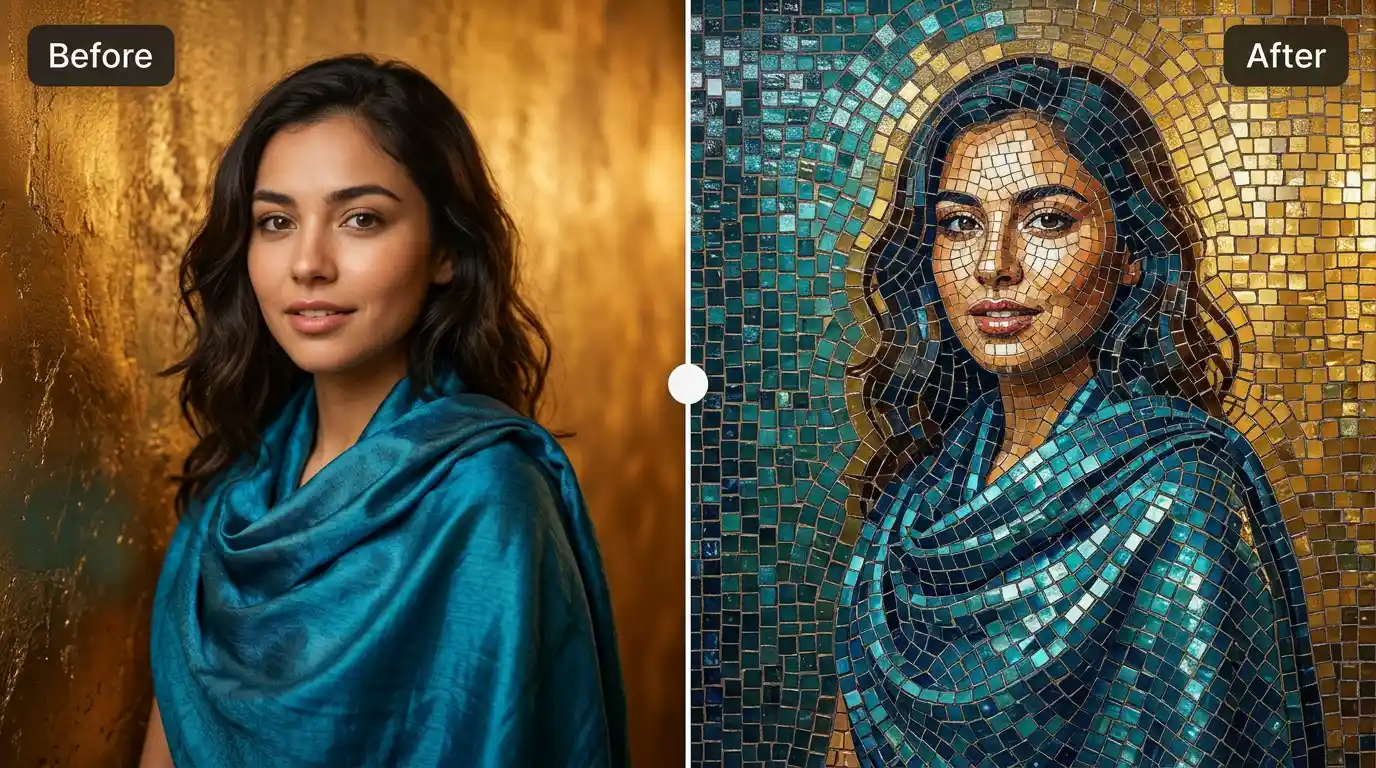
Mosaic Art Filter
Mosaic Art Filter
Acrylic Painting Filter
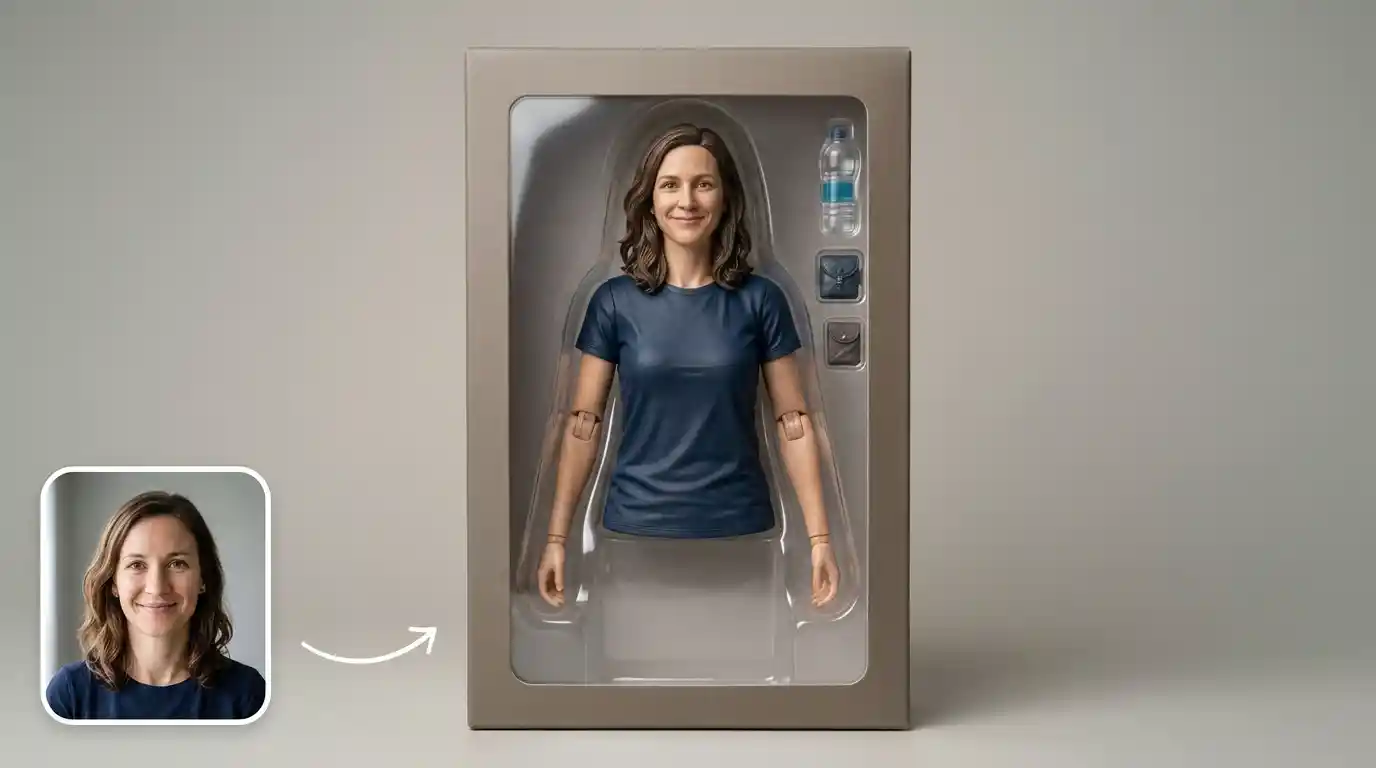
AI Action Figure Generator
Photo to Anime
Photo to Anime
AI 3D Cartoon Filter
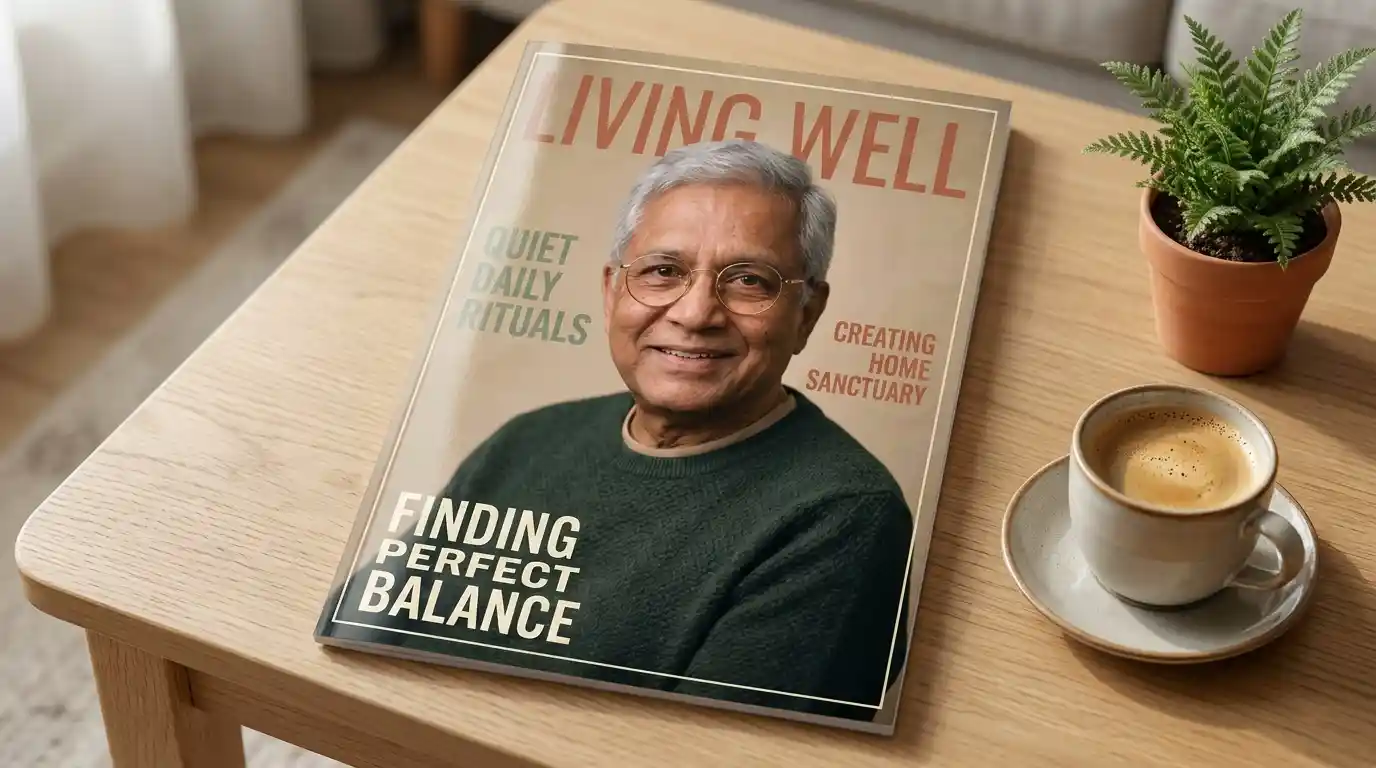
AI Magazine Cover Generator
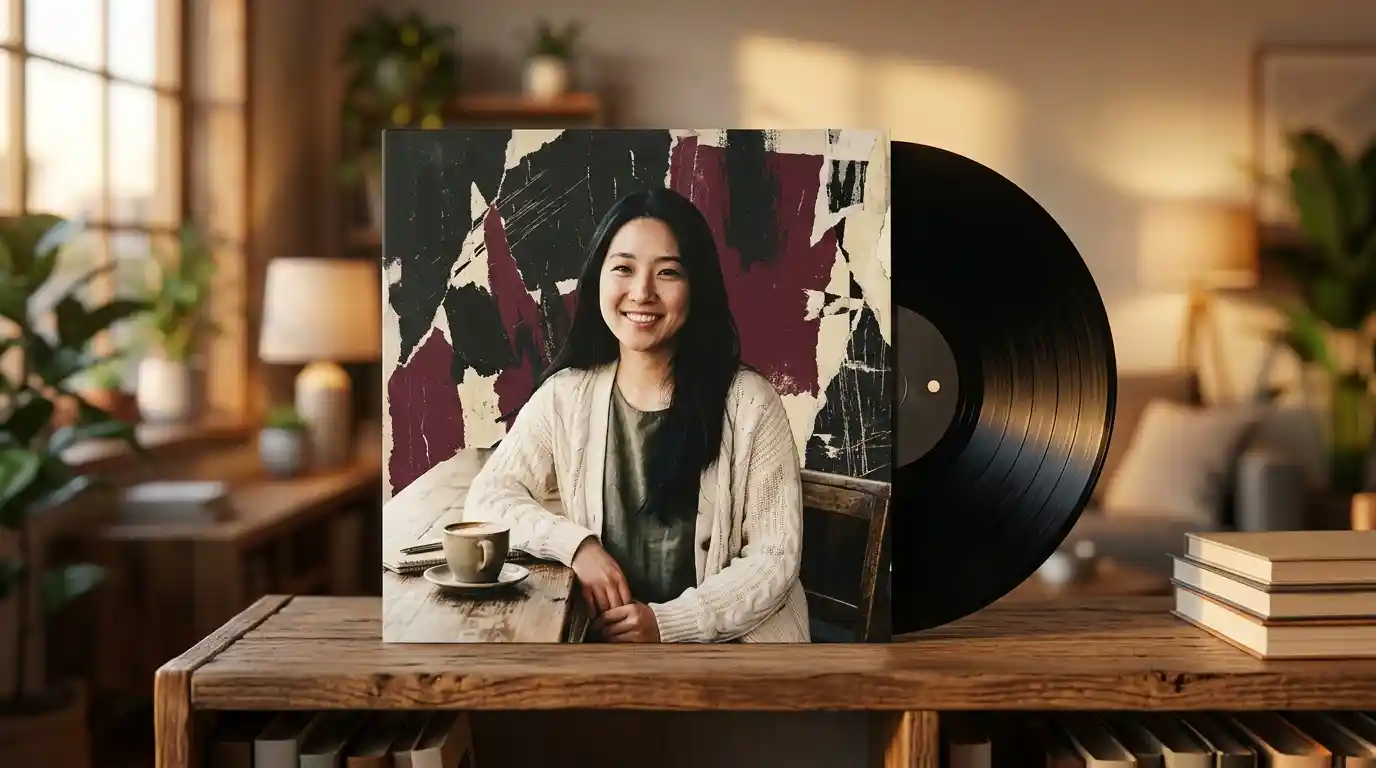
AI Album Cover Generator
AI Comic Book Filter
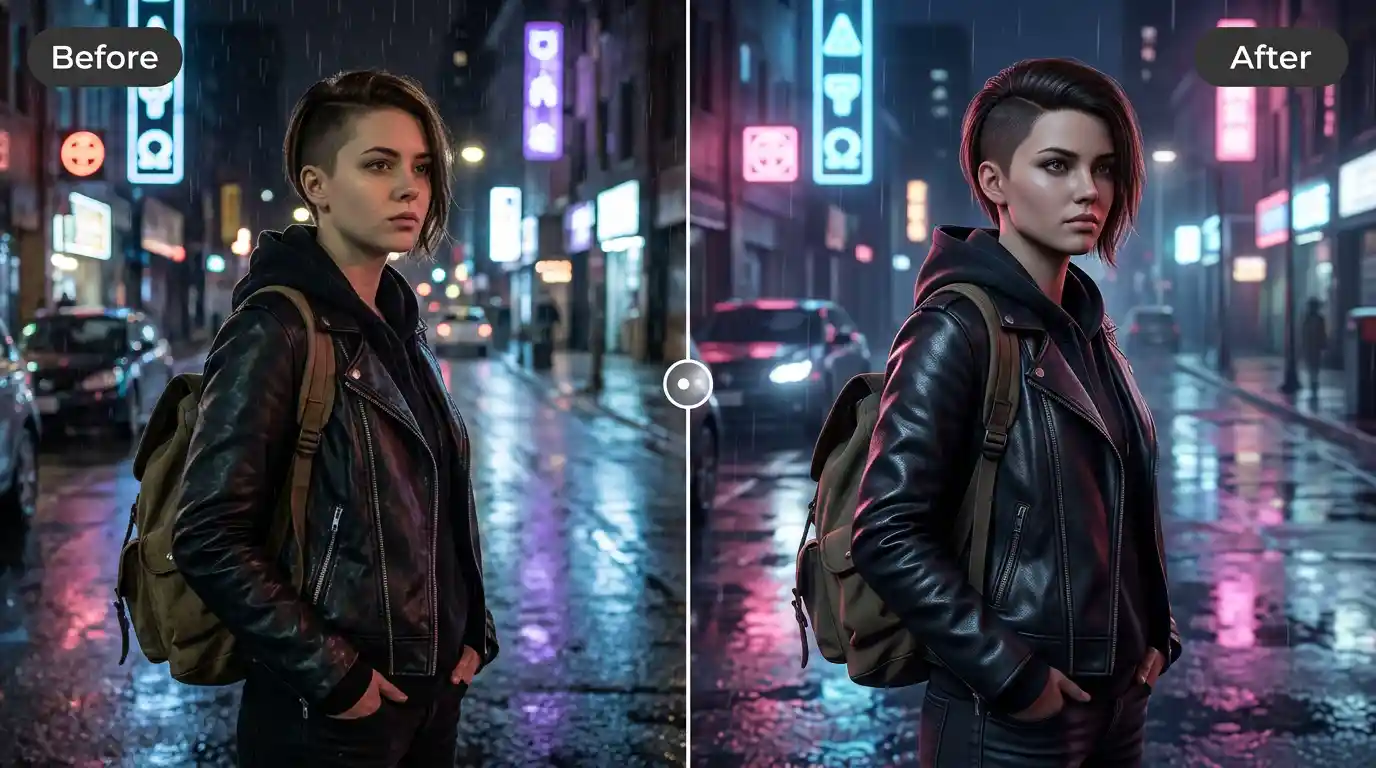
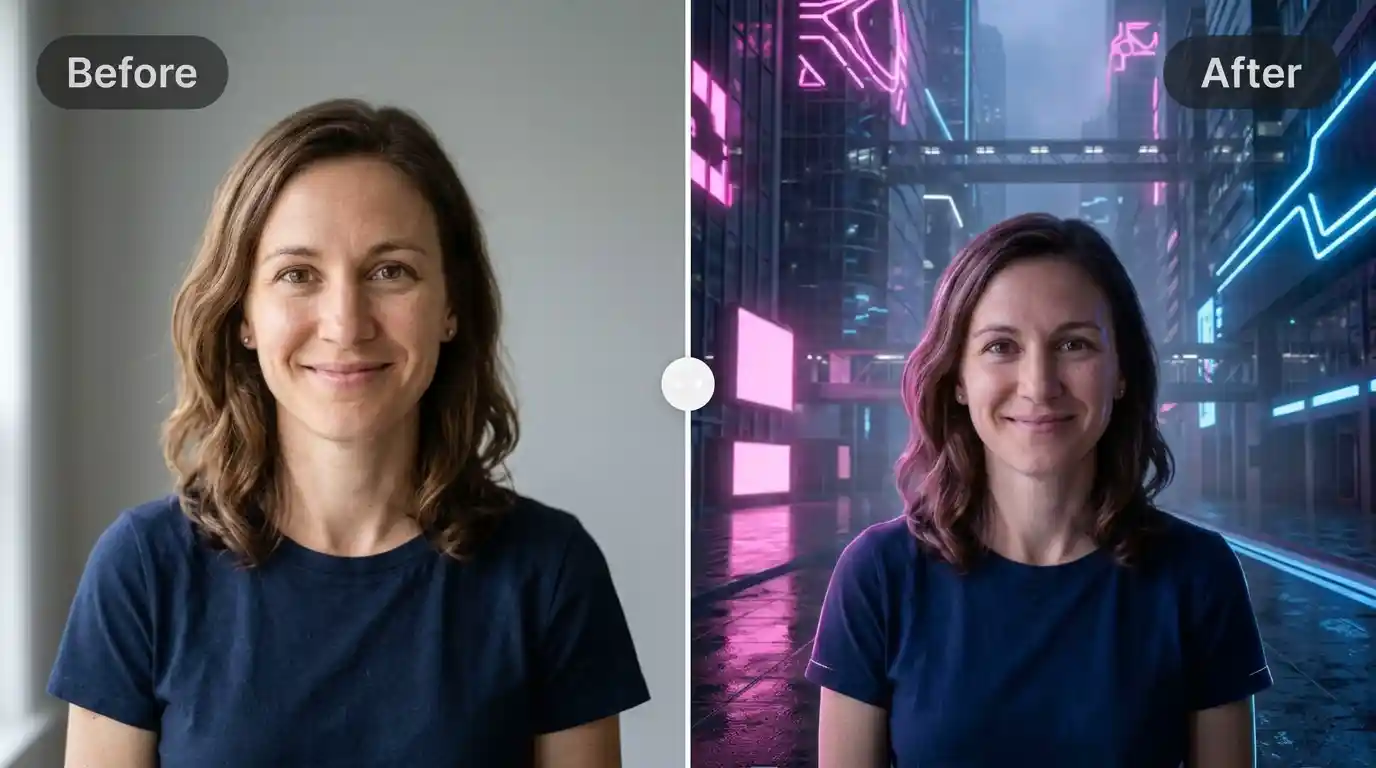
AI Cyberpunk Filter
AI Cyberpunk Filter
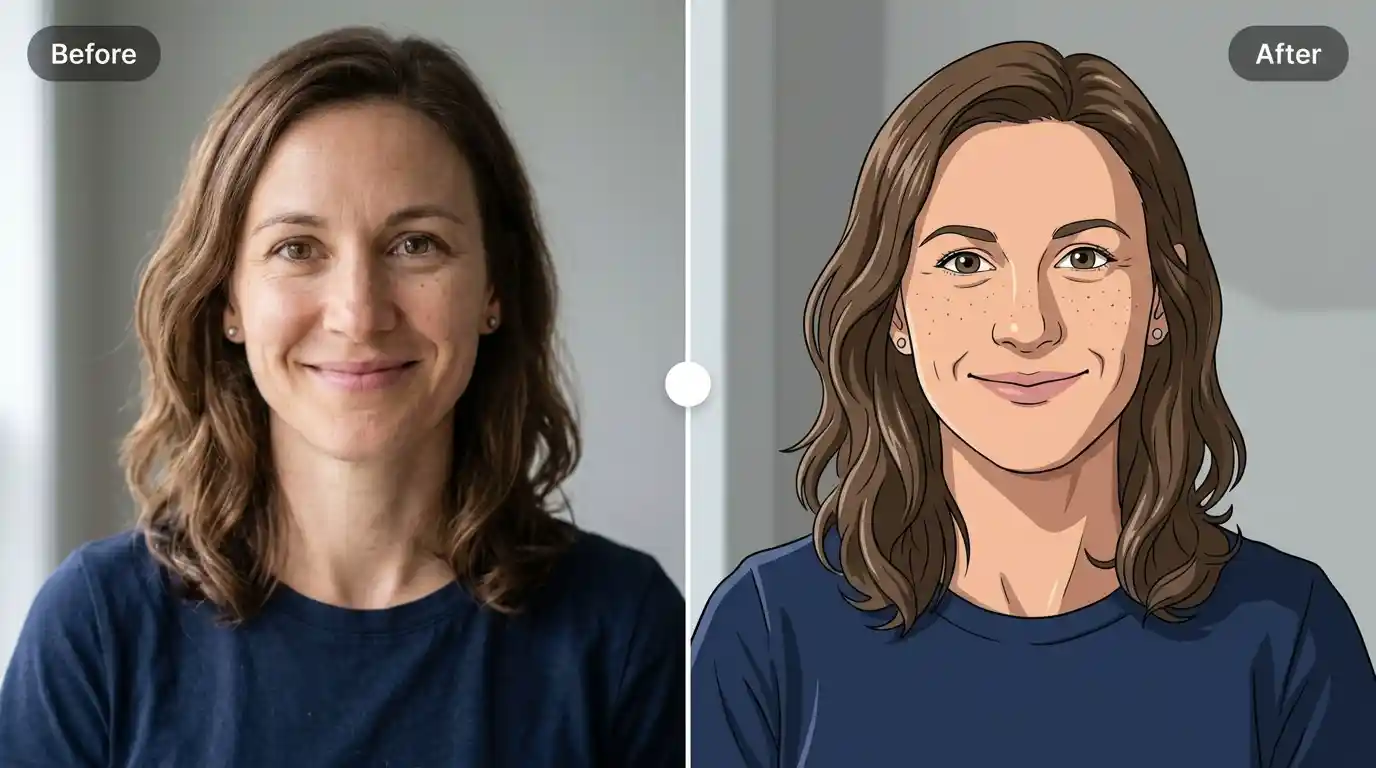
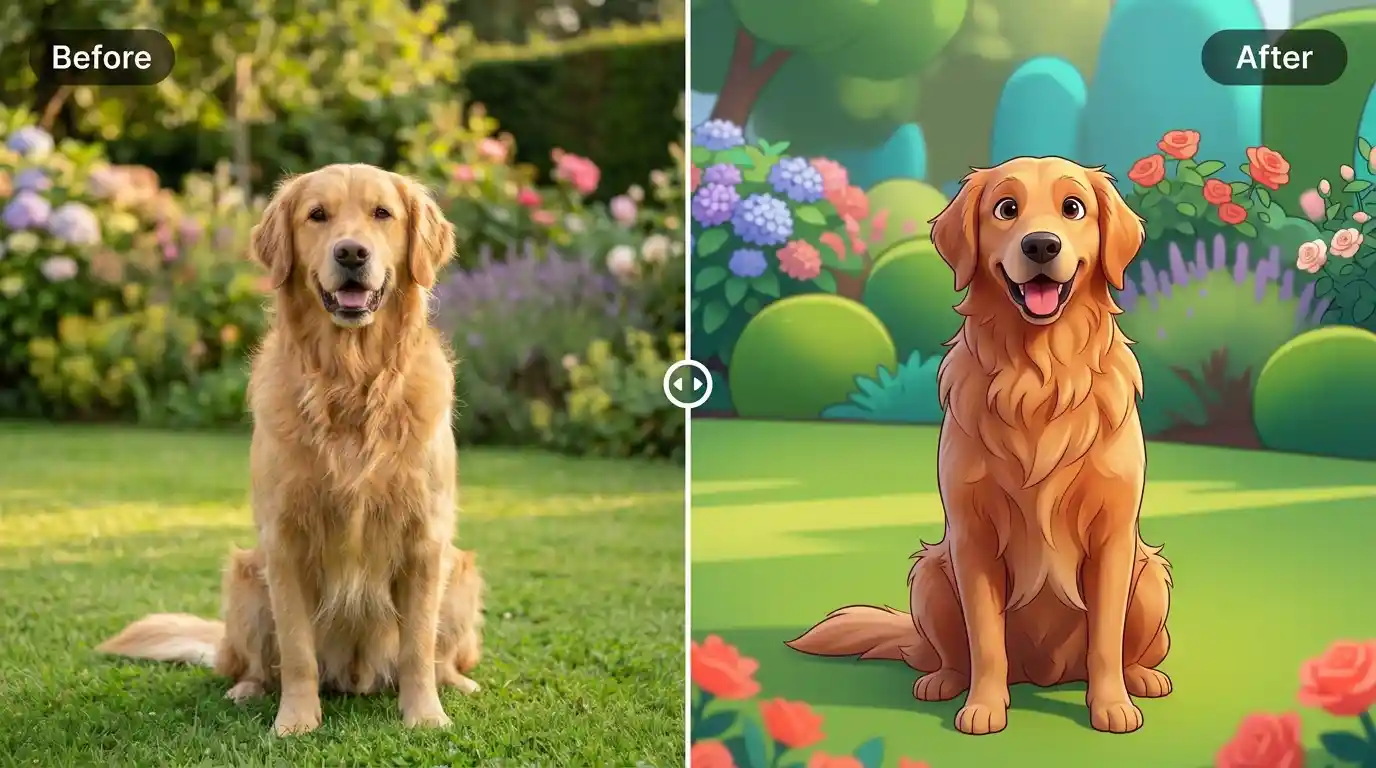
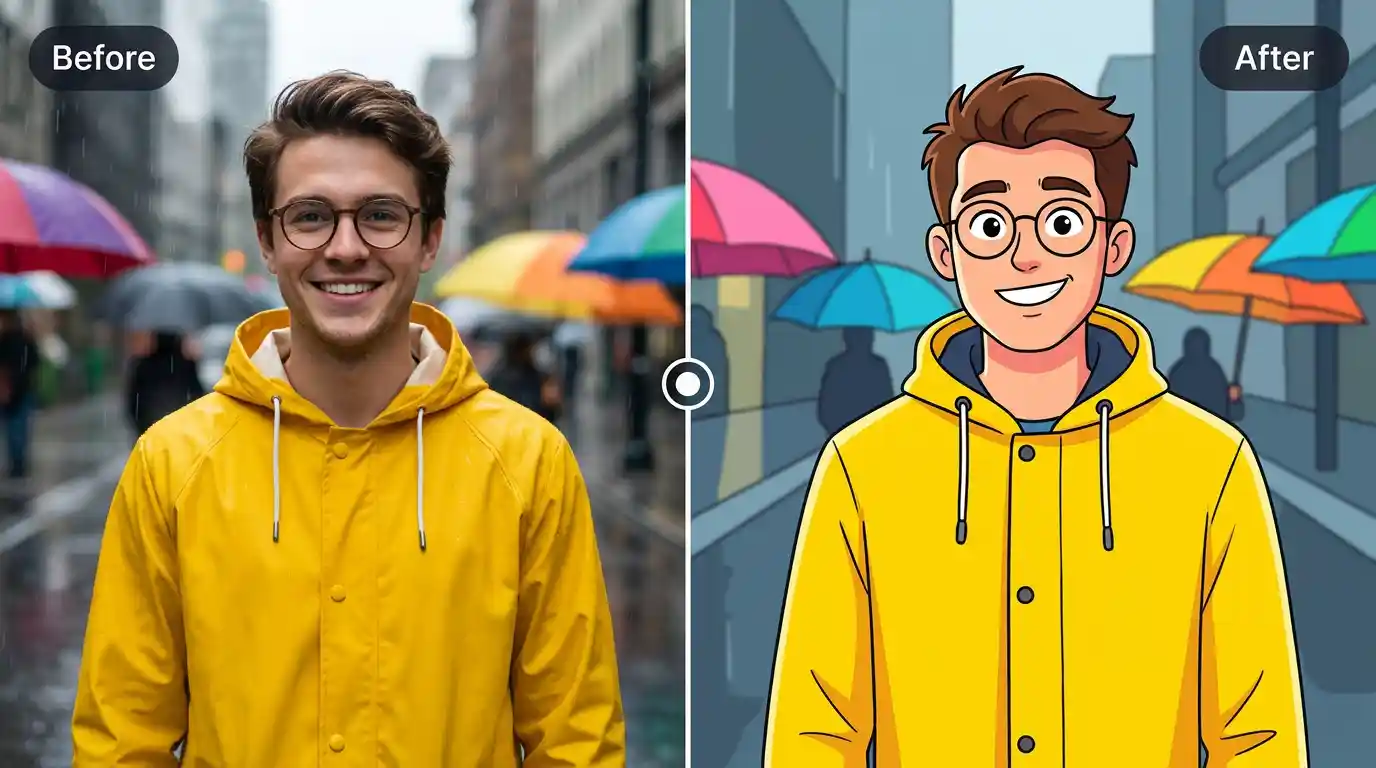
Photo to Cartoon
Photo to Cartoon
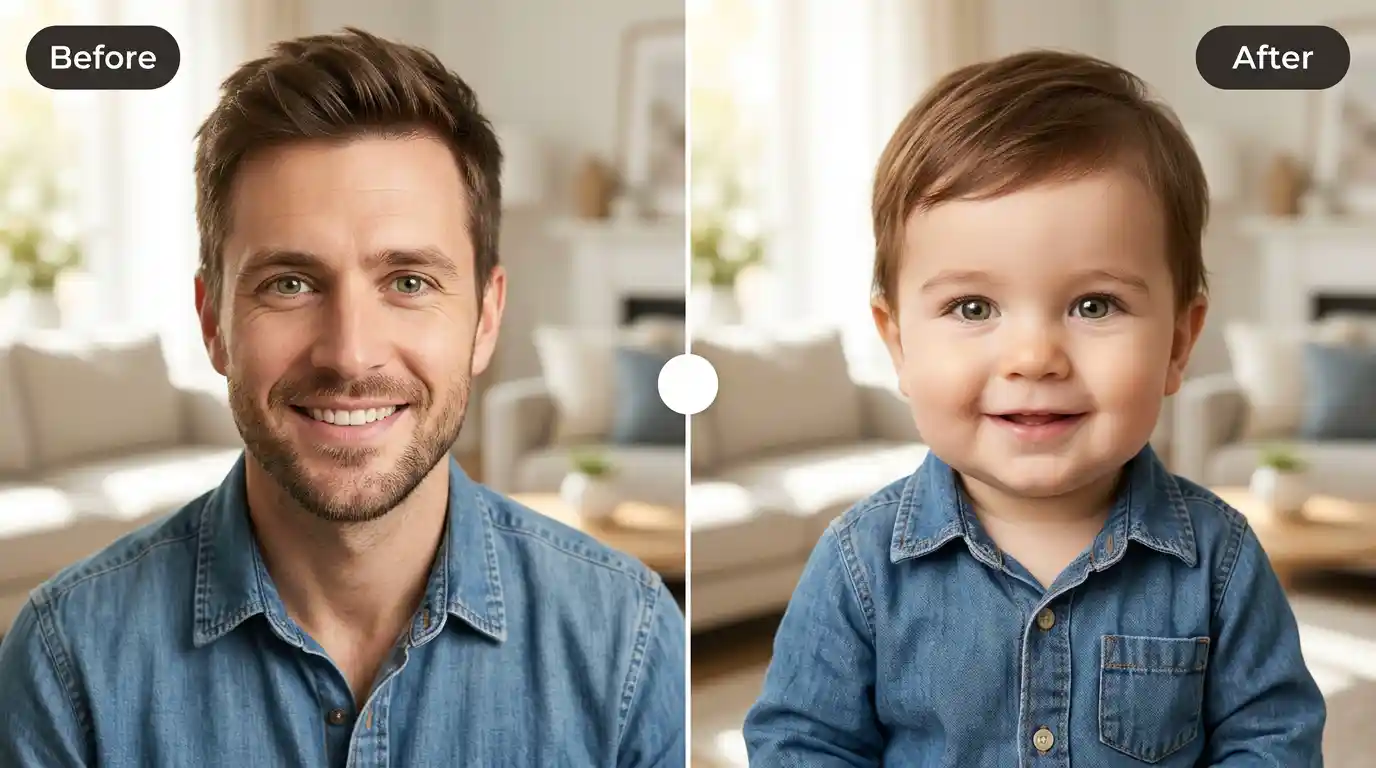
AI Baby Filter
AI Baby Filter
AI Background Changer
Broccoli Haircut Filter
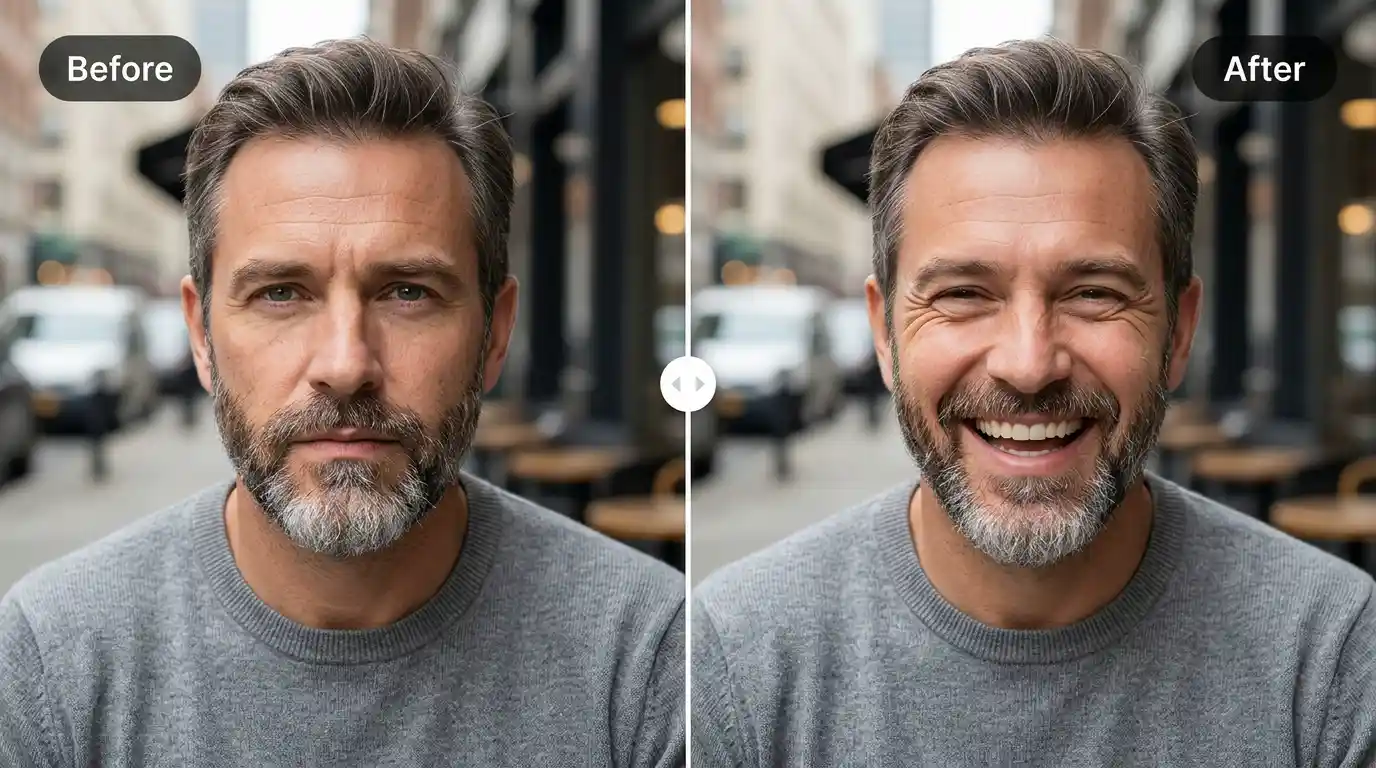
AI Expression Changer
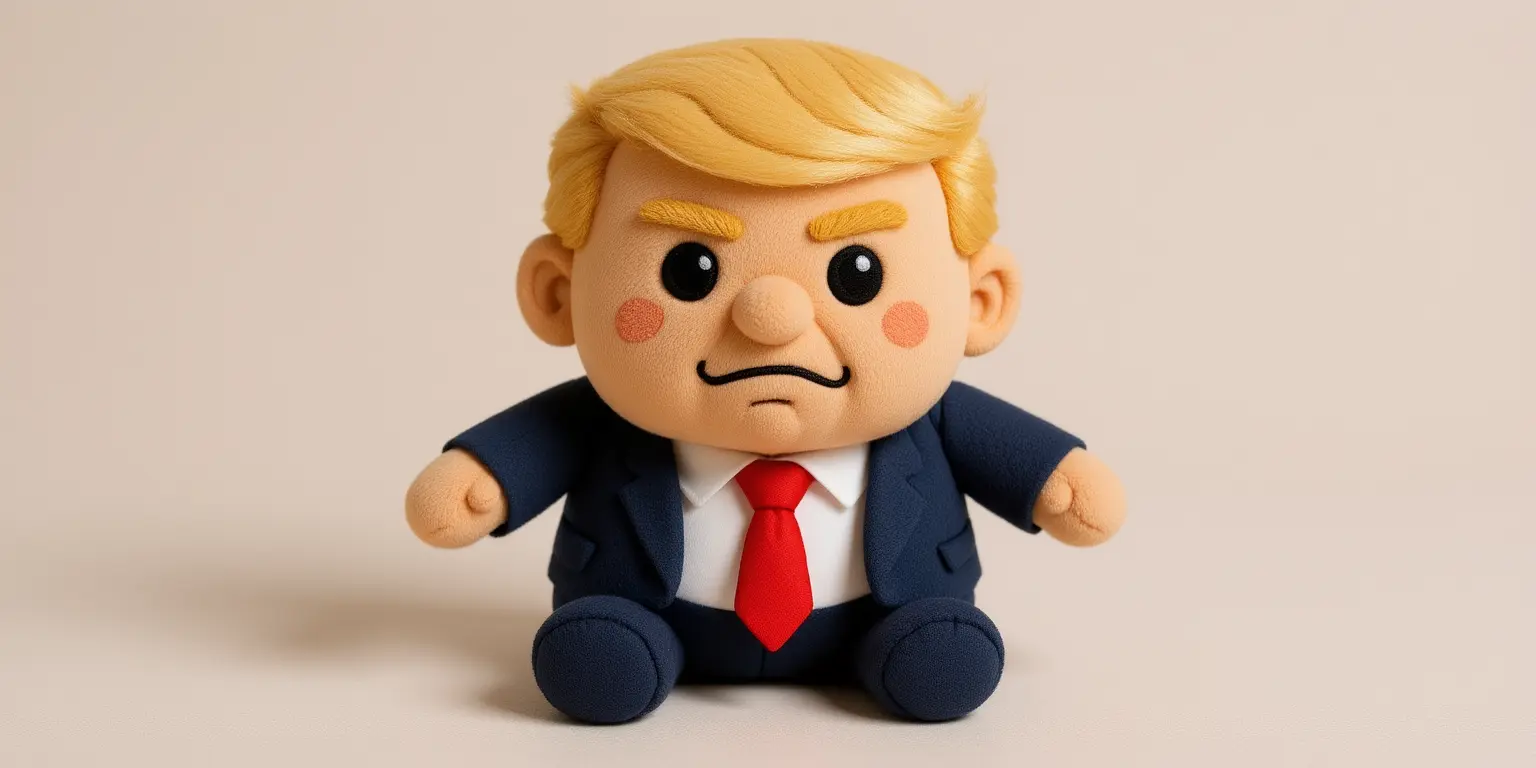
AI Plushie Filter
AI Plushie Filter
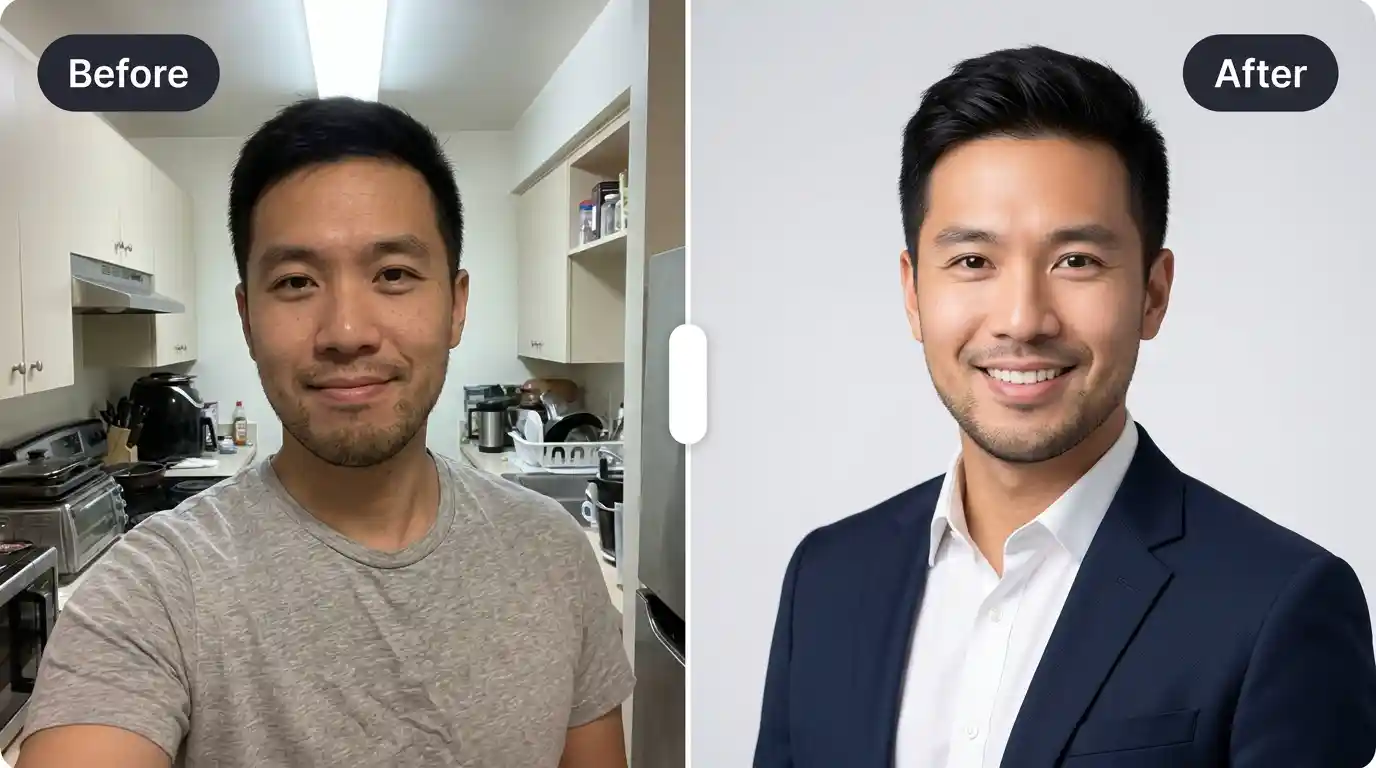
AI Headshot Generator
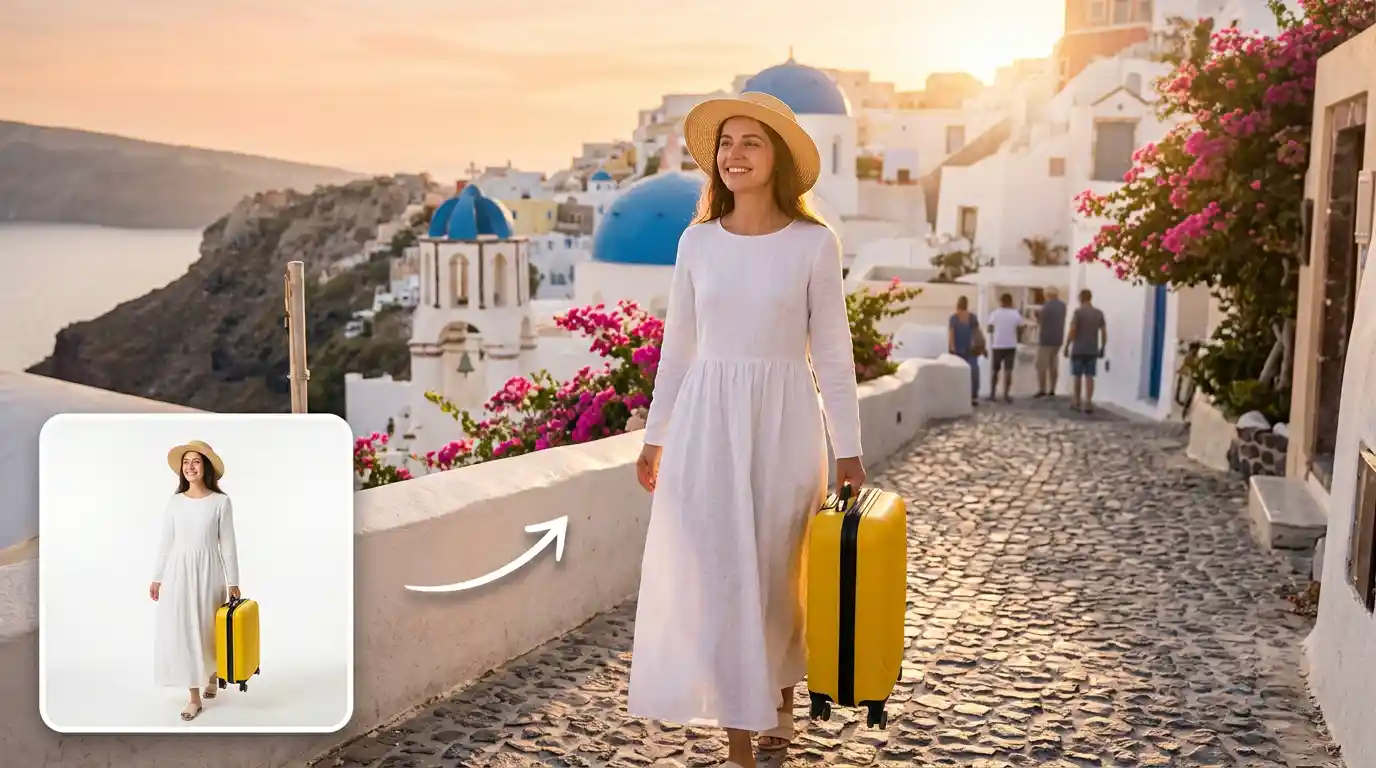
AI Scene Changer
AI Scene Changer
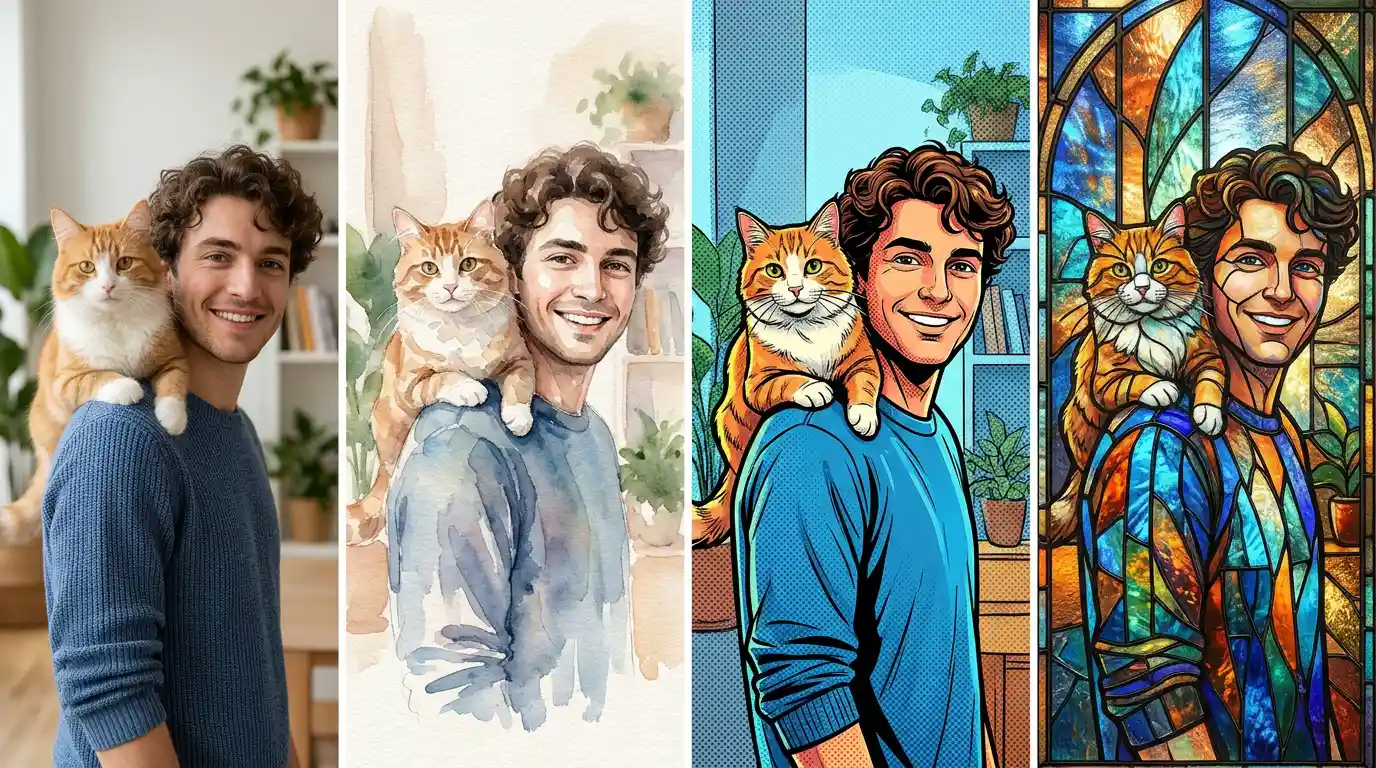
AI Style Transfer
AI Style Transfer
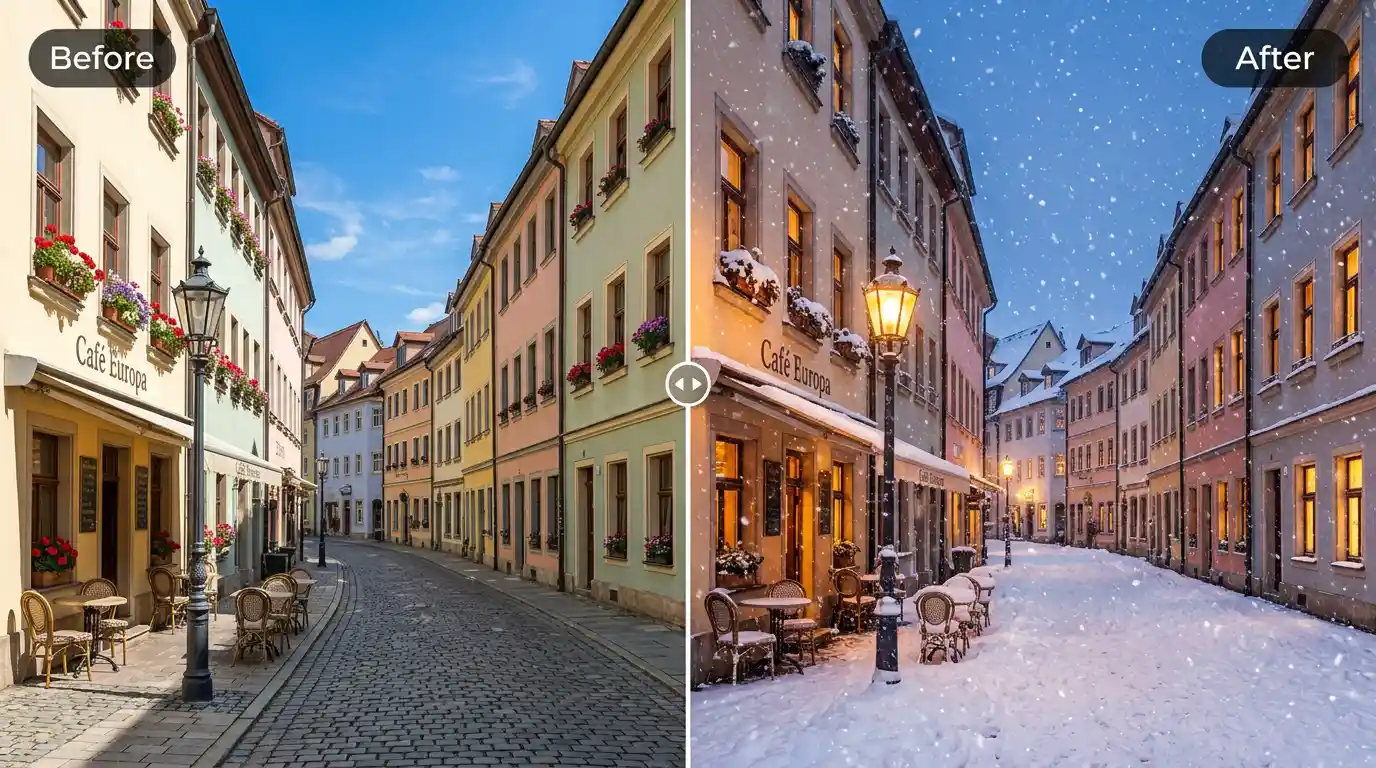
AI Weather Filter
AI Weather Filter
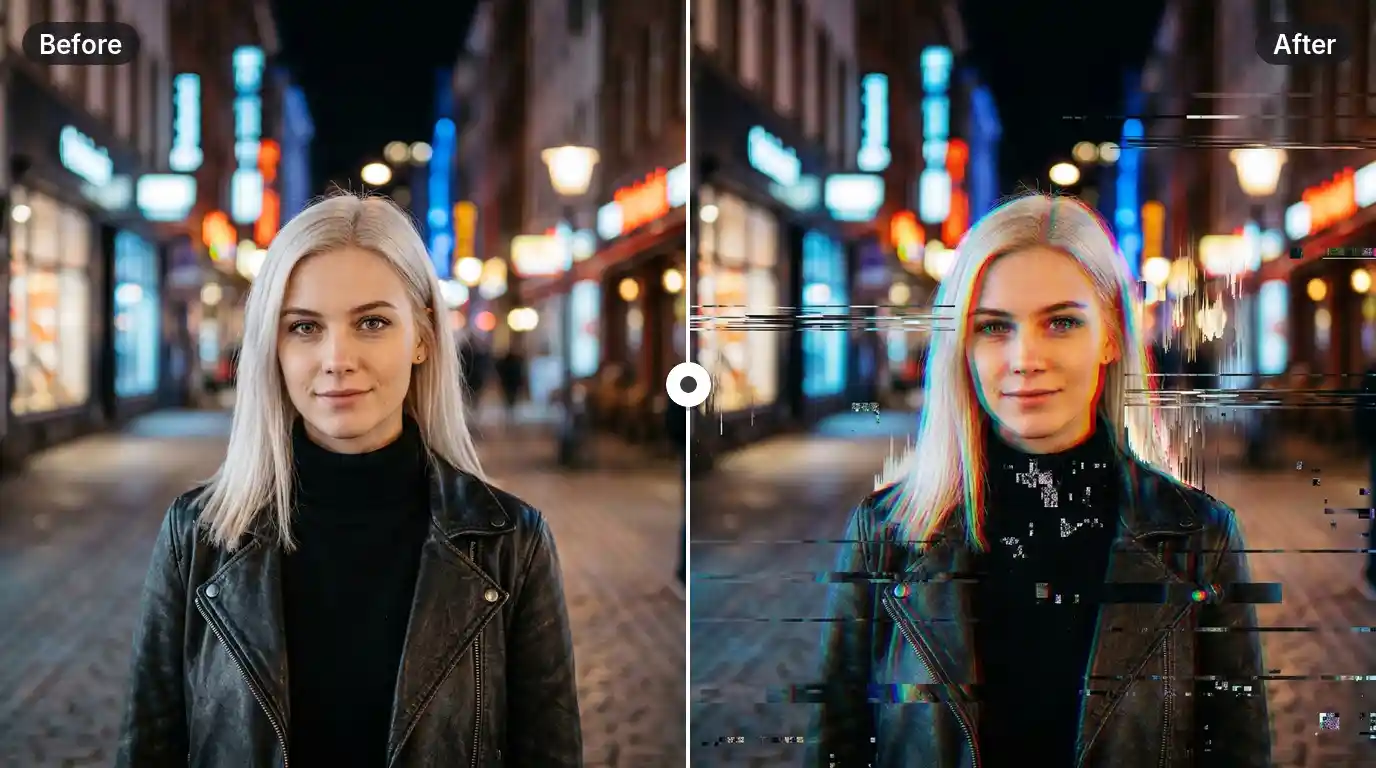
AI Glitch Effect
AI Glitch Effect
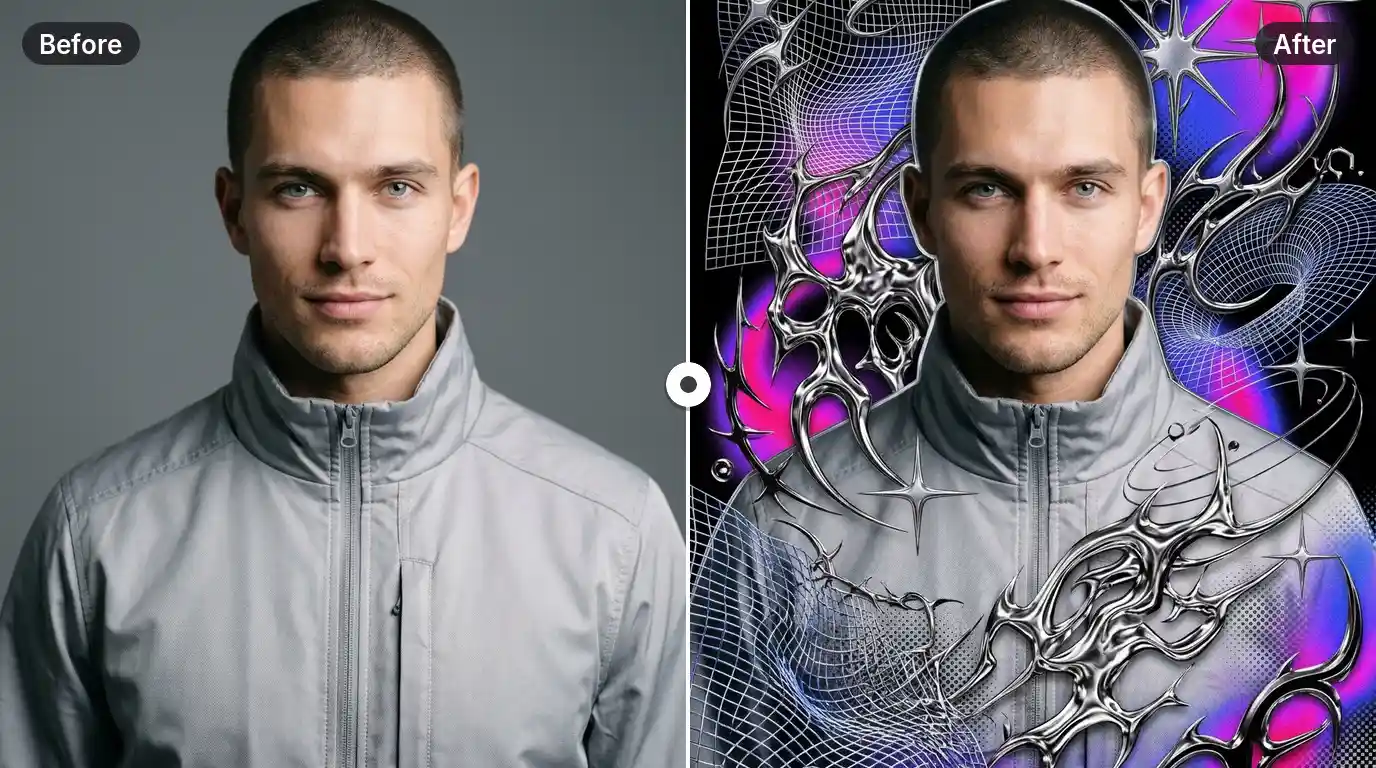
AI Acid Graphics Poster
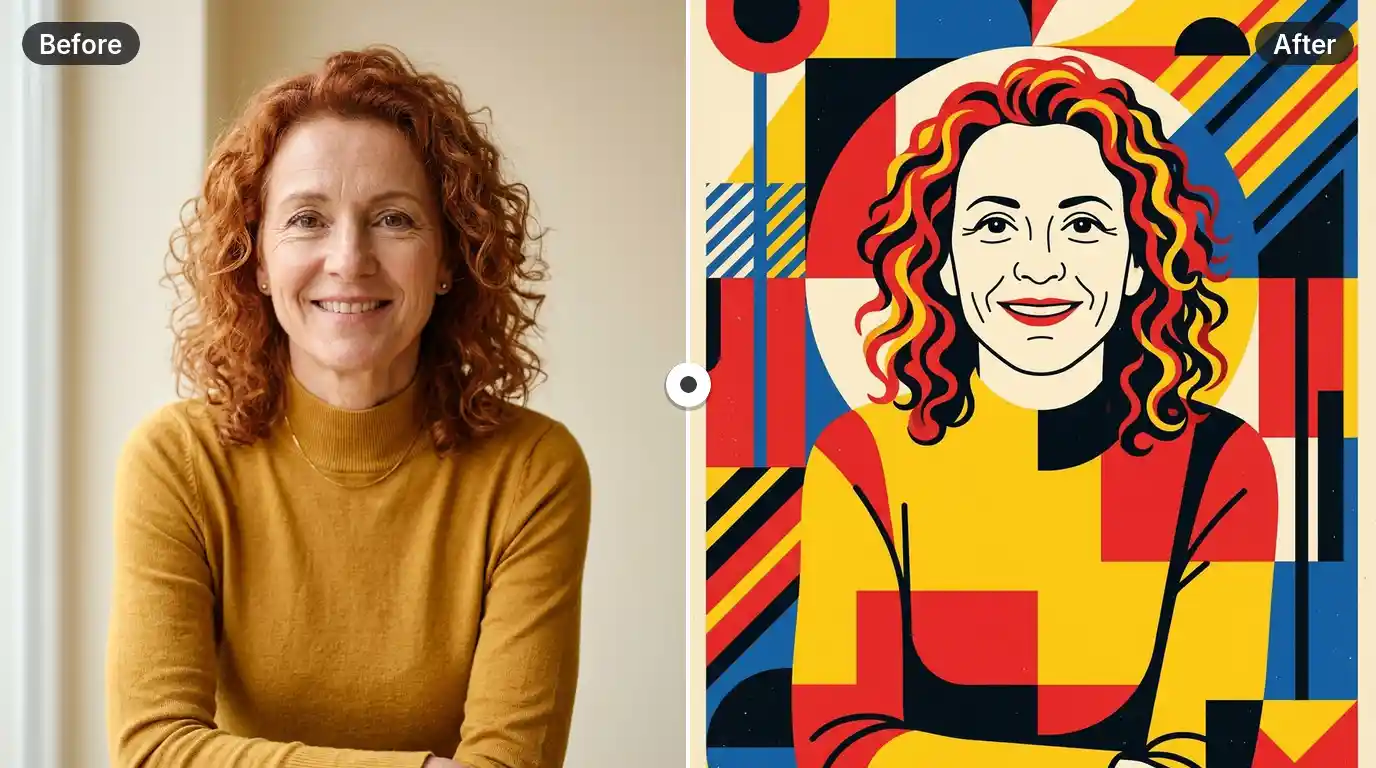
AI Bauhaus Poster
AI Bauhaus Poster

Transform Your Photos with Professional AI Photo Effects

Last verified: January 4, 2026

AI photo effects have changed the game completely, transforming average photos into stunning images in seconds and handling everything from basic touch-ups to complex edits automatically. What once required hours of manual work in Photoshop—applying artistic filters, adjusting lighting, creating HDR effects, or converting images to different styles—now happens with a single click.

Modern AI photo effects offer a creative spectrum, enhancing images with various styles, moods, and visual enhancements to elevate and transform the overall aesthetic. From vintage film looks to futuristic cyberpunk vibes, from watercolor paintings to anime transformations, today's AI can intelligently recognize subjects, backgrounds, and lighting conditions to apply effects that look natural and professional. AI photo effects in 2025 unlock new creative possibilities and democratize advanced editing, making high-quality editing accessible to all skill levels.

Vidofy.ai brings these cutting-edge capabilities directly to your browser. No expensive software licenses, no steep learning curves, no powerful GPU required. Whether you're a content creator building your brand, a marketer crafting eye-catching visuals, or simply someone who wants their photos to look extraordinary, our AI photo effects platform delivers professional results in seconds—completely free to start.

100+ Professional-Grade Effects at Your Fingertips

Access an extensive library of AI-powered photo effects spanning every style and mood. From classic artistic transformations (Oil Painting, Watercolor, Pencil Sketch) to modern digital effects (Glitch, Dispersion, Low Poly), from vintage film looks to futuristic aesthetics. Each effect uses advanced AI to analyze your image and apply transformations that preserve important details while achieving stunning stylistic changes. Adjust intensity with simple sliders to find your perfect balance between subtle enhancement and dramatic transformation.

Intelligent Context-Aware Processing

Our AI doesn't just apply blanket filters—it understands your photo. It automatically detects faces, objects, backgrounds, and lighting conditions to apply effects appropriately. Portrait effects enhance skin tones naturally without over-smoothing. Landscape effects boost skies and scenery while maintaining realistic colors. Artistic effects preserve edge details and important features while transforming style. This intelligent processing ensures every effect looks intentional and professional, not like a random filter slapped on top.

Browser-Based Speed Without Compromise

Process photos in seconds directly in your browser—no downloads, no installations, no expensive hardware required. Our cloud-powered AI handles the heavy computational work, delivering professional results regardless of your device capabilities. Work from your laptop, tablet, or phone with the same quality and speed. Save your favorite effect combinations as presets for instant reapplication. Batch process multiple images to maintain consistent aesthetics across entire photo sets or social media campaigns.

Get Your Result in 3 Simple Steps

Follow these 3 simple steps to complete your task quickly.

1

Step 1: Upload Your Photo

Drag and drop your image or click to browse. Vidofy supports all common formats (JPG, PNG, HEIC, WebP) and handles files up to 50MB. Your photo is processed securely and never stored without permission.
2

Step 2: Choose Your Effect

Browse our categorized effect library or search for specific styles. Preview effects in real-time before applying. Adjust intensity, strength, and specific parameters with intuitive sliders to customize the look to your exact vision.
3

Step 3: Download & Share

Export your transformed image in high resolution without watermarks (free tier). Choose your preferred format and quality settings. Share directly to social platforms or save to your device. Apply the same effect to multiple photos with batch processing.

Frequently Asked Questions

Is Vidofy's AI Photo Effects tool completely free to use?

Yes! Vidofy offers a generous free tier that includes access to all basic photo effects, standard resolution exports, and no watermarks on your images. You can process multiple photos per day without any cost. Premium plans unlock advanced effects, higher resolution exports (up to 4K), batch processing for unlimited images, and priority processing speeds, but the free version is fully functional for most users' needs.

Can I use AI-enhanced photos commercially for my business or client work?

Absolutely. All photos you process through Vidofy with your own uploaded images are yours to use commercially. Free tier users retain full commercial rights to their processed images. This includes using them for product listings, marketing materials, social media advertising, client deliverables, and print sales. We don't claim any ownership of your content—you upload it, you own the results.

What image quality and file sizes does Vidofy support?

Vidofy accepts all common image formats including JPG, PNG, HEIC, WebP, and TIFF. Free users can upload images up to 50MB and export at resolutions up to 4096x4096 pixels. Premium users get increased limits up to 100MB uploads and support for RAW formats (CR2, NEF, ARW). The AI effects work on any resolution, but higher quality inputs naturally produce better results. For best outcomes, upload images at least 1920x1080 pixels.

How long does it take to apply effects to my photos?

Most effects process in 3-8 seconds depending on image size and complexity. Simple filters like vintage or color grading apply almost instantly (2-3 seconds), while complex artistic transformations like oil painting or anime conversion take 5-8 seconds. Premium users get priority processing during peak times. Batch processing handles multiple images sequentially, typically processing 10 photos in under a minute.

Do the AI photo effects work on mobile devices and tablets?

Yes! Vidofy is fully responsive and works seamlessly on iPhone, iPad, Android phones and tablets, and any device with a modern web browser. No app download required—just visit Vidofy.ai from your mobile browser. The interface adapts to touchscreens with easy tap-to-select effects and pinch-to-zoom previews. Processing speed is identical across devices since all computation happens on our cloud servers, not your device.

Can I adjust the intensity of effects or customize them?

Yes! Every effect includes adjustable parameters. Use the intensity slider to control how strongly the effect is applied (from subtle 10% to dramatic 100%). Many effects also include specific customization options—for example, the vintage effect lets you adjust grain amount, color temperature, and vignette strength independently. Save your favorite combinations as custom presets for instant reapplication. This level of control ensures you get exactly the look you want, not a one-size-fits-all filter.