











Transform Your Vision into Stunning Visuals with AI Image Tools
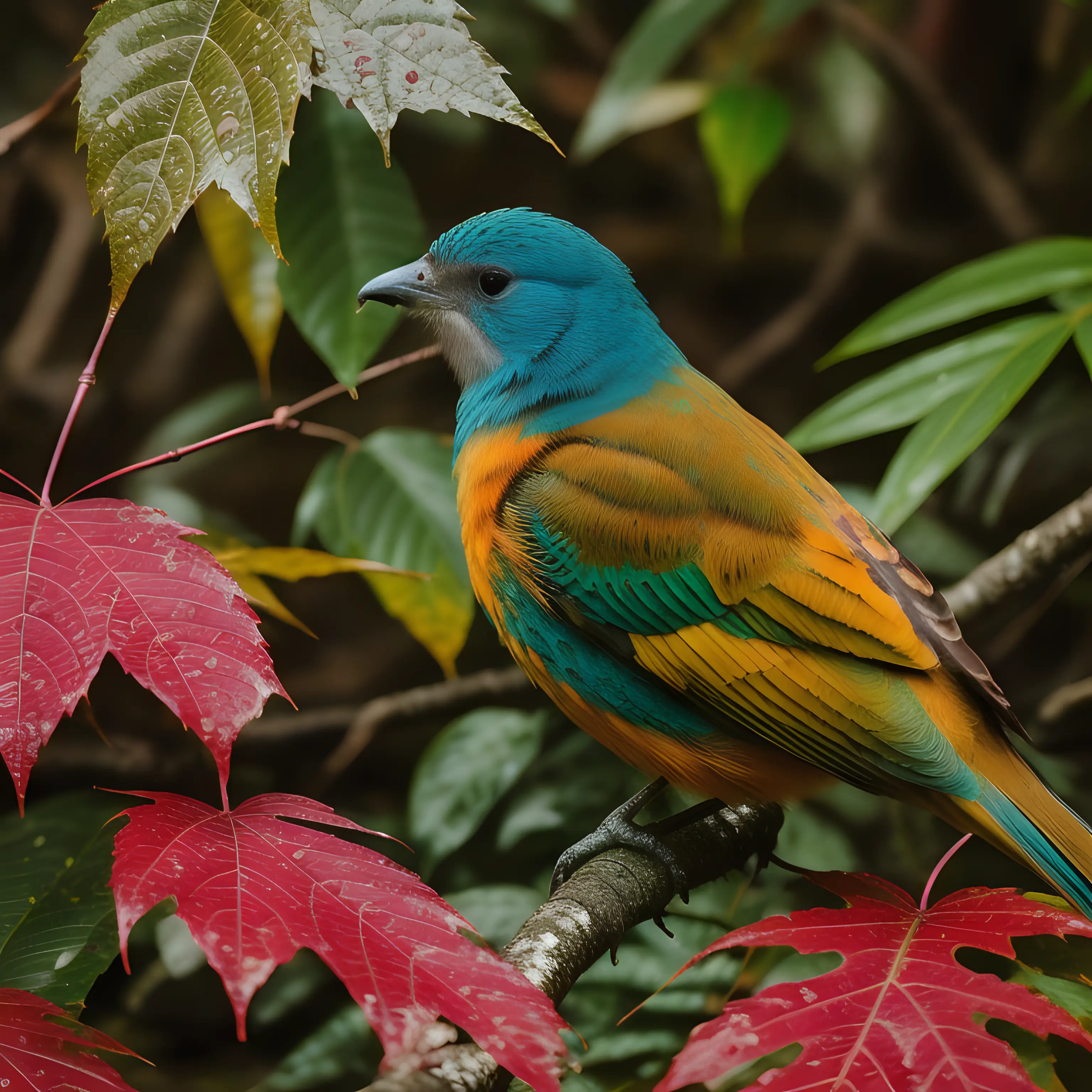
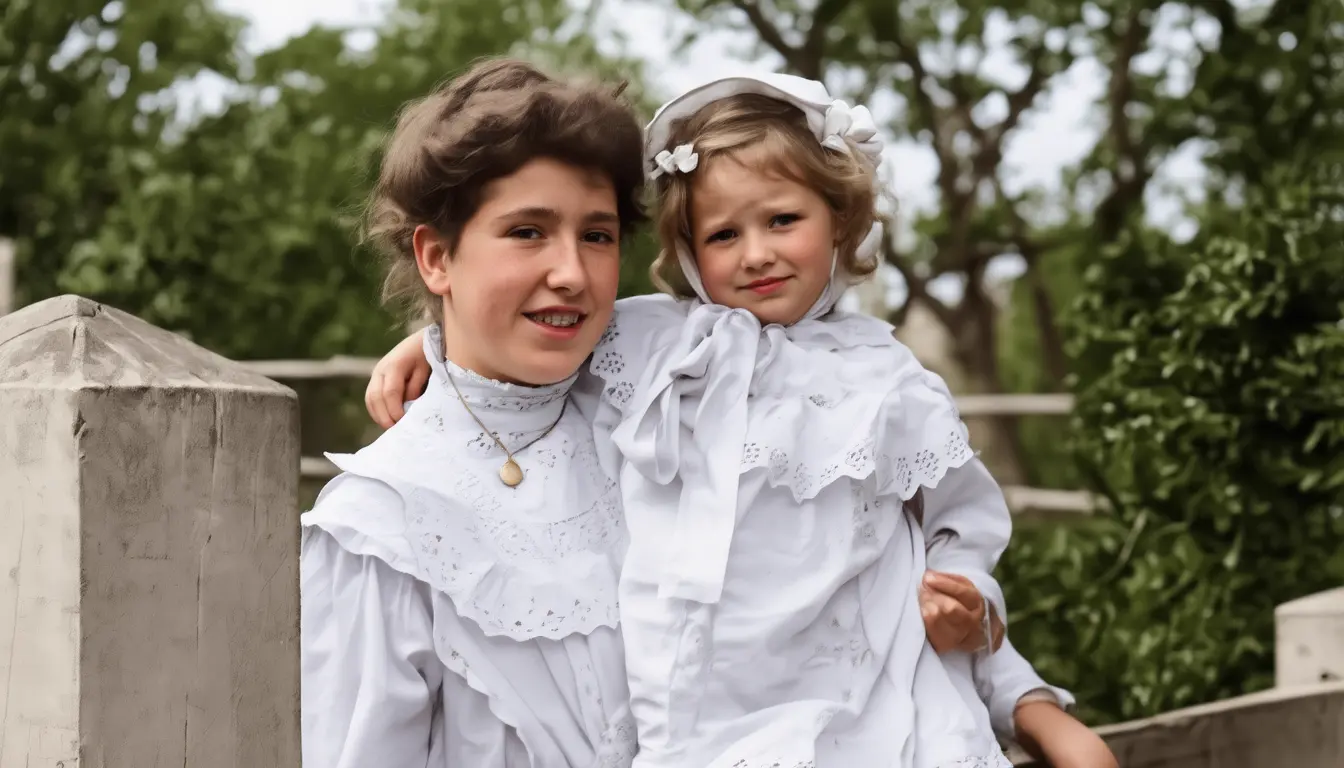
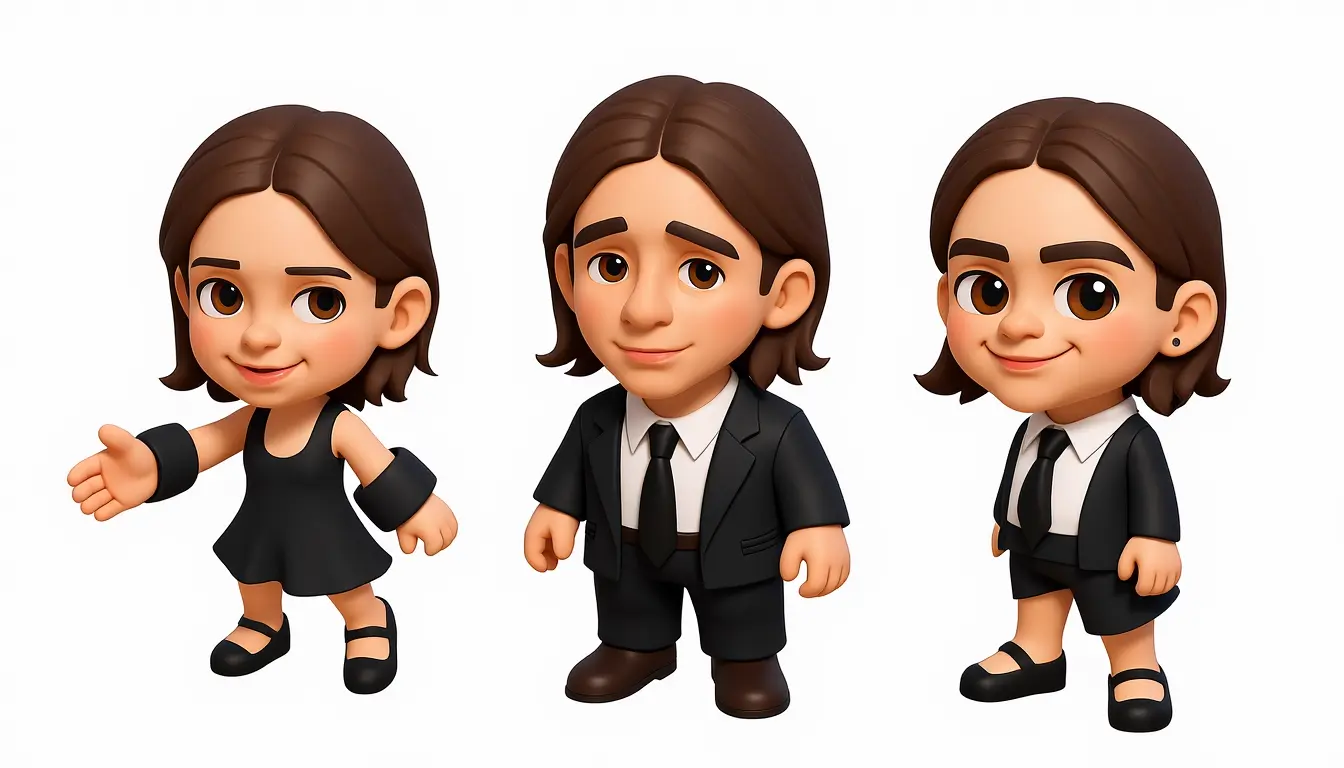
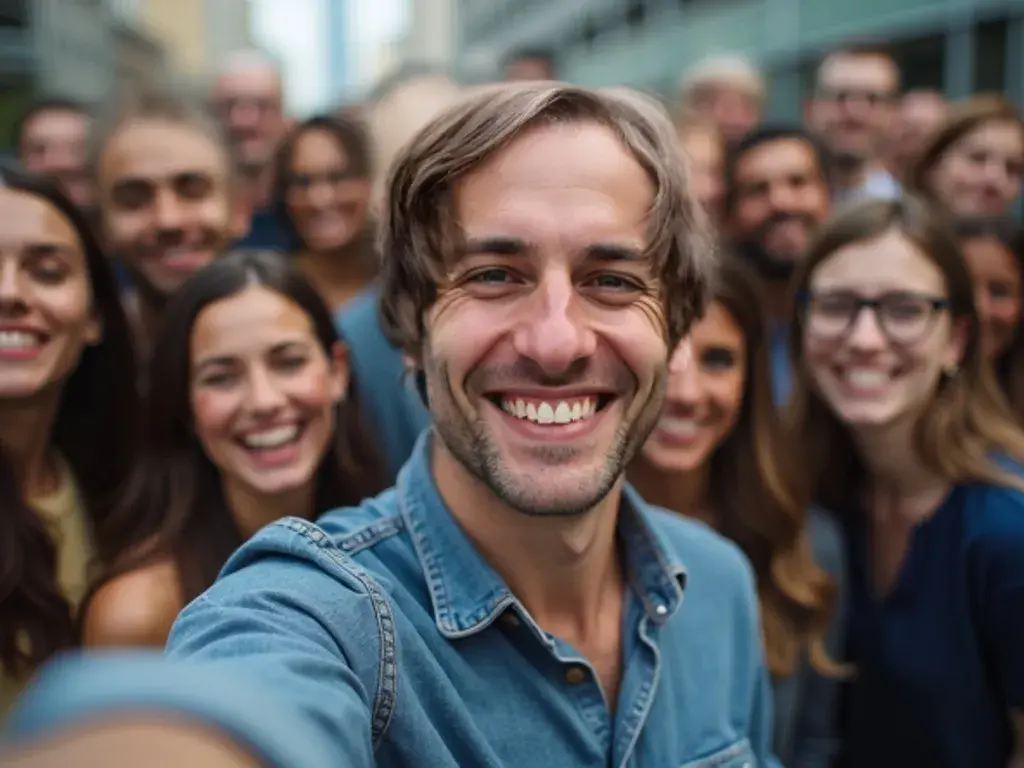
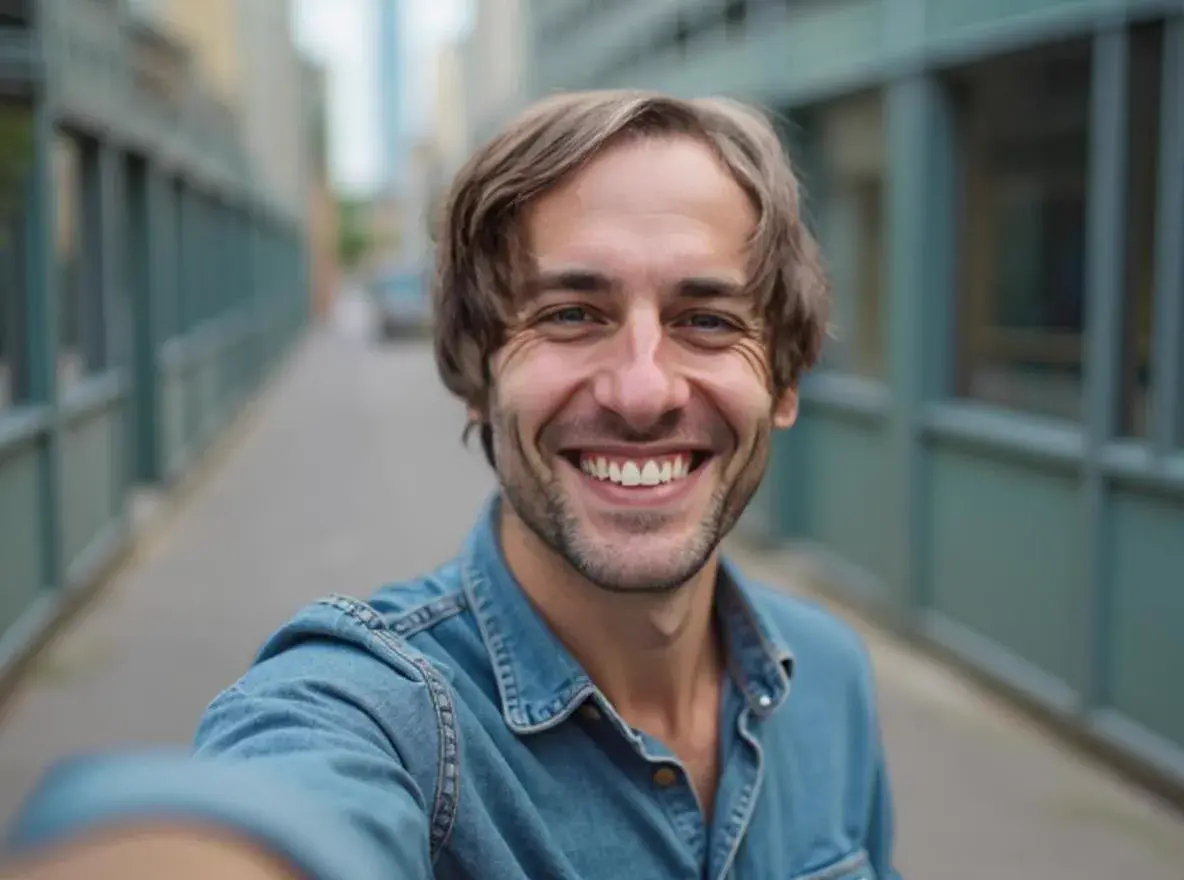
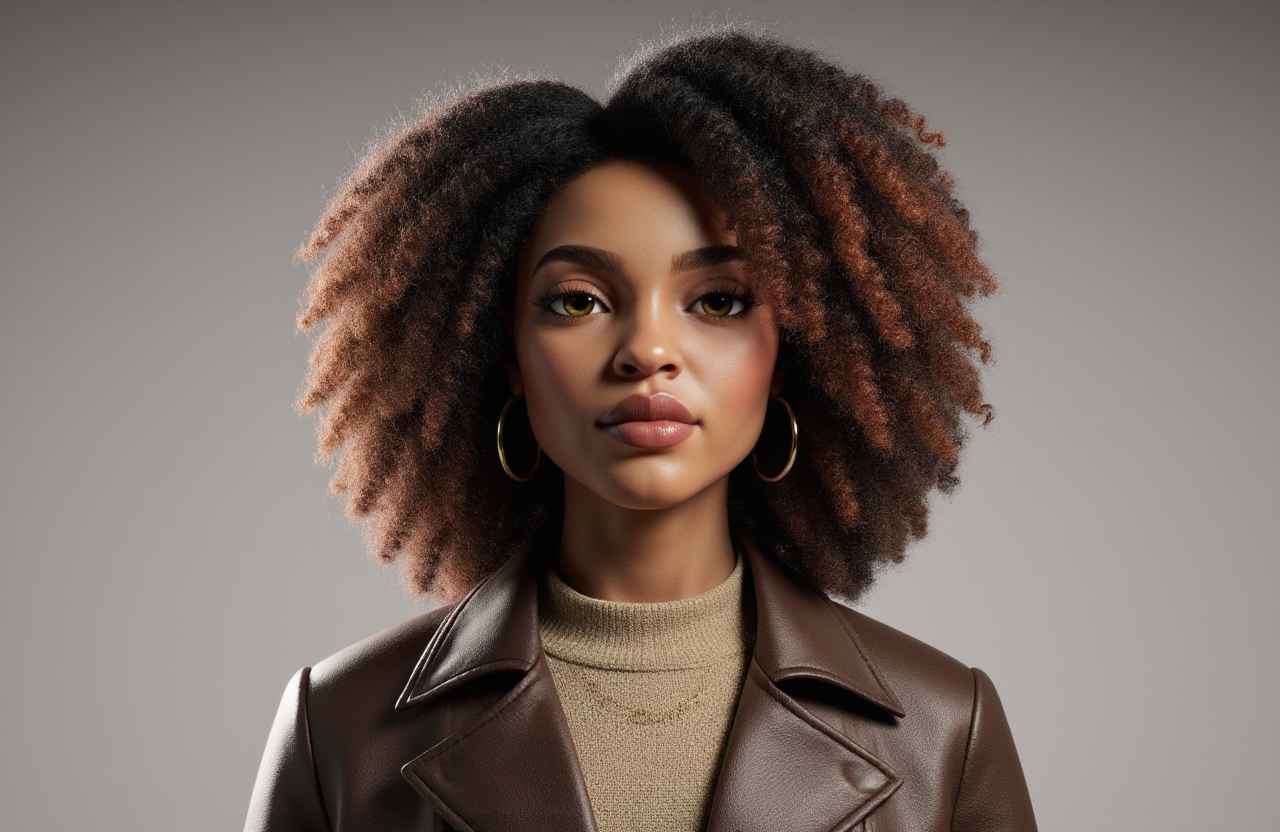
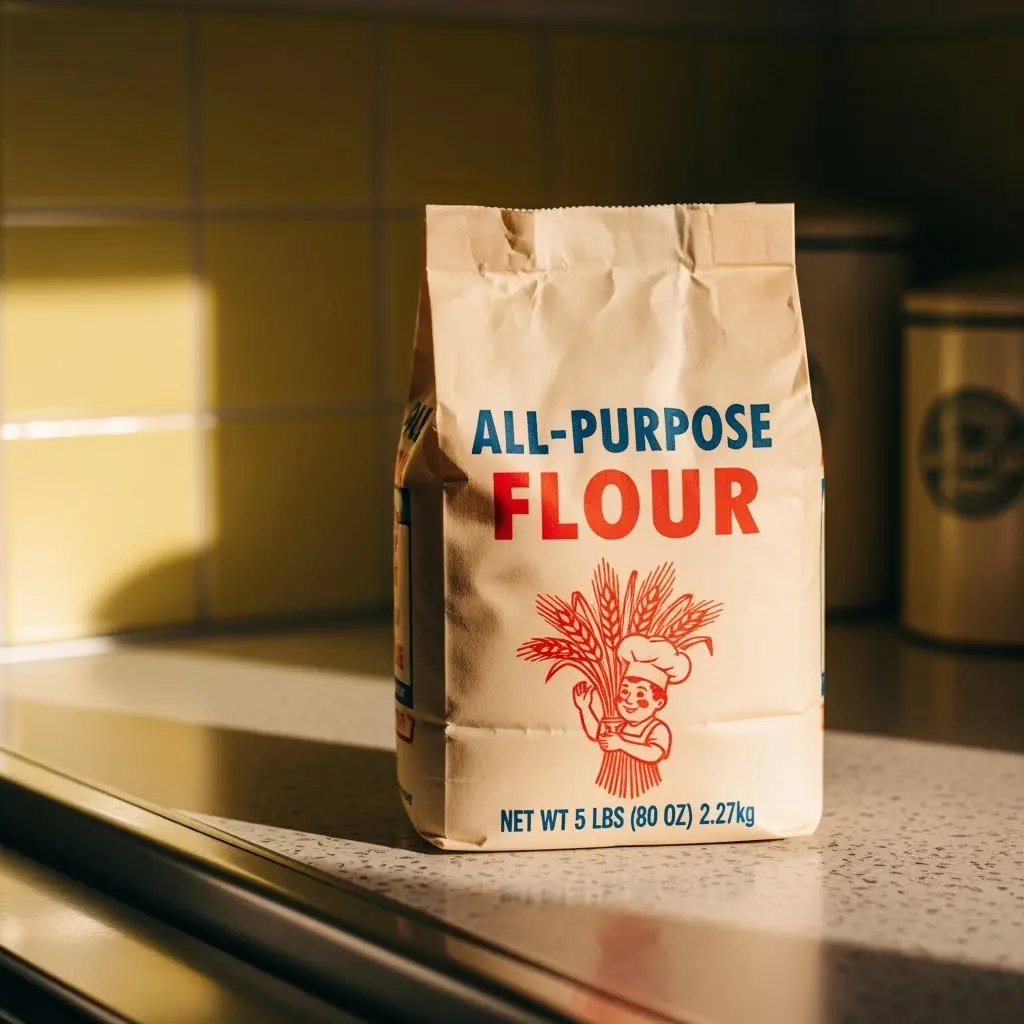
AI Image Tools have revolutionized visual content creation in 2025, empowering creators, marketers, and designers to produce professional-grade imagery in seconds. Whether you're generating photorealistic scenes from text prompts, removing complex backgrounds with pixel-perfect precision, upscaling low-resolution photos to crystal-clear 4K quality, or applying advanced editing techniques—modern AI image technology delivers results that rival traditional photography and design workflows.
Vidofy's AI Image Tools combine the power of state-of-the-art generative models with an intuitive, browser-based interface. No expensive software, no GPU requirements, no steep learning curve. From text-to-image generation with exceptional prompt accuracy to advanced editing features like inpainting, object removal, and style transfer—you get studio-quality results without the studio budget. Our platform handles everything from product photography and marketing visuals to artistic exploration and social media content.
What makes AI Image Tools a game-changer? Speed, accessibility, and creative freedom. Generate multiple variations in seconds, iterate without limits, and achieve consistent, high-quality outputs across all your projects. Whether you're a solo entrepreneur building your brand, a content creator producing daily posts, or a design team scaling visual production—Vidofy puts professional image creation capabilities directly in your hands, completely free to start.
Browser-Based Power, Zero Installation
Free to Start, Unlimited Creativity
Commercial-Ready with Full Usage Rights
Get Your Result in 3 Simple Steps
Follow these 3 simple steps to complete your task quickly.
Step 1: Choose Your Creative Path
Select the AI image tool that matches your goal—generate new images from text prompts, upload existing photos for enhancement, remove backgrounds, upscale resolution, or apply advanced edits. Vidofy's intuitive interface guides you through each workflow with clear options and helpful prompts.
Step 2: Describe or Upload Your Vision
For generation, type your creative description using natural language—our AI understands complex prompts and artistic direction. For editing, simply drag and drop your image. Adjust settings like style, resolution, aspect ratio, or use advanced parameters for precise control. Preview options in real-time.
Step 3: Generate, Refine, and Download
Click generate and watch your vision come to life in seconds. Not perfect? Iterate instantly with refinement tools, generate variations, or make targeted edits. Once satisfied, download your high-resolution image in your preferred format (PNG, JPG, or WEBP) and use it anywhere—no attribution required.
Frequently Asked Questions
Is Vidofy's AI Image Tools really free to use?
Yes! Vidofy offers a generous free tier that includes access to core AI image tools like text-to-image generation, background removal, image upscaling, and basic editing features. You can create and download images without watermarks, no credit card required. Free users get daily credits to explore all features. For higher volume usage, advanced features like 4K resolution, batch processing, and priority generation, premium plans start at affordable monthly rates.
Can I use AI-generated images for commercial projects and client work?
Absolutely! All images created with Vidofy's AI Image Tools come with clear commercial usage rights. You can use your generated and edited images in marketing campaigns, client projects, product listings, social media advertising, print materials, websites, and any other commercial applications. We provide transparent terms so you can create with confidence, whether for personal projects or professional business use.
What image quality and resolution can I expect from the AI tools?
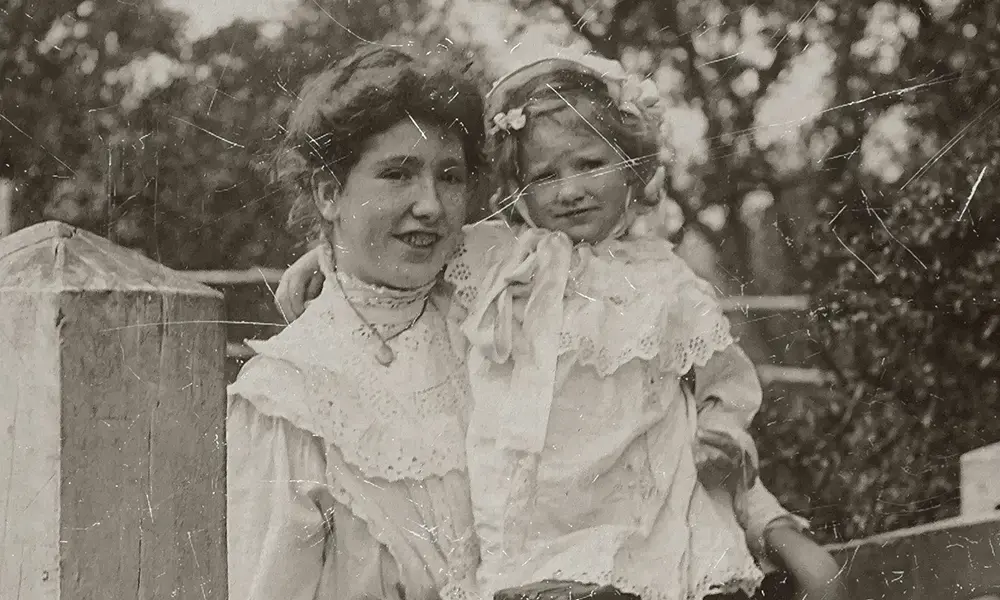
Vidofy's AI Image Tools produce high-quality outputs suitable for professional use. Standard generation supports resolutions up to 1024x1024 pixels, with premium tiers offering up to 4K quality. Our upscaling feature can enhance images up to 16x their original size while preserving sharpness and detail. All outputs use advanced AI models that minimize artifacts, ensure accurate colors, and deliver crisp, print-ready results perfect for web, social media, and physical materials.
Do I need any design experience or technical skills to use these tools?
Not at all! Vidofy is designed for everyone, from complete beginners to professional designers. Our intuitive interface guides you through each process with clear instructions and helpful prompts. For text-to-image generation, simply describe what you want in natural language. For editing tools like background removal or upscaling, just upload your image and click—the AI handles the complex processing automatically. No Photoshop expertise, no coding, no technical knowledge required.
Can I use Vidofy's AI Image Tools on my phone or tablet?
Yes! Vidofy is fully browser-based and works seamlessly across all devices—desktop computers, laptops, tablets, and smartphones. No app installation or software download required. Simply access Vidofy through any modern web browser (Chrome, Safari, Firefox, Edge) and start creating. Your projects automatically sync across devices, so you can begin work on your desktop and finish on your phone while on the go.
How does Vidofy's background removal compare to other tools?
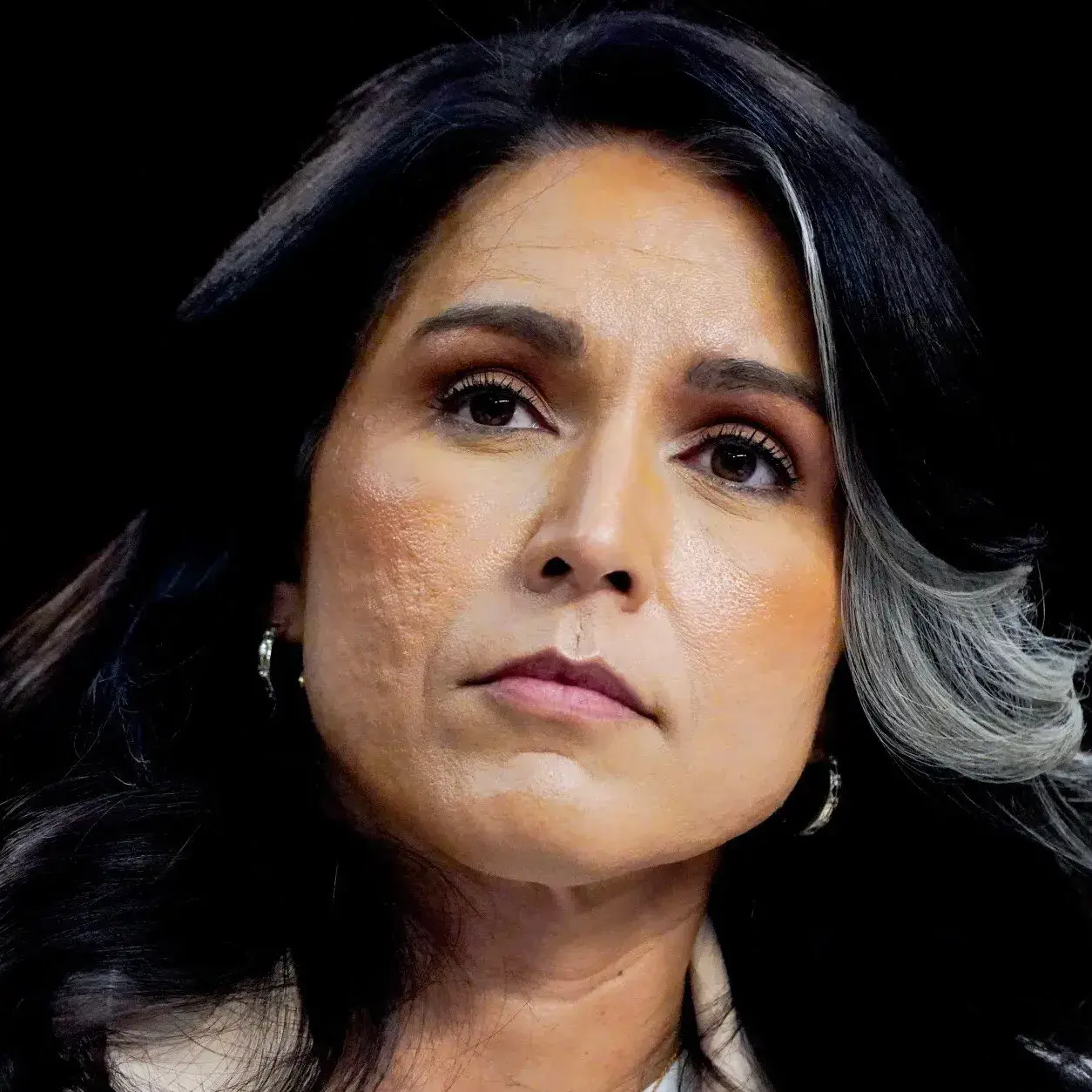
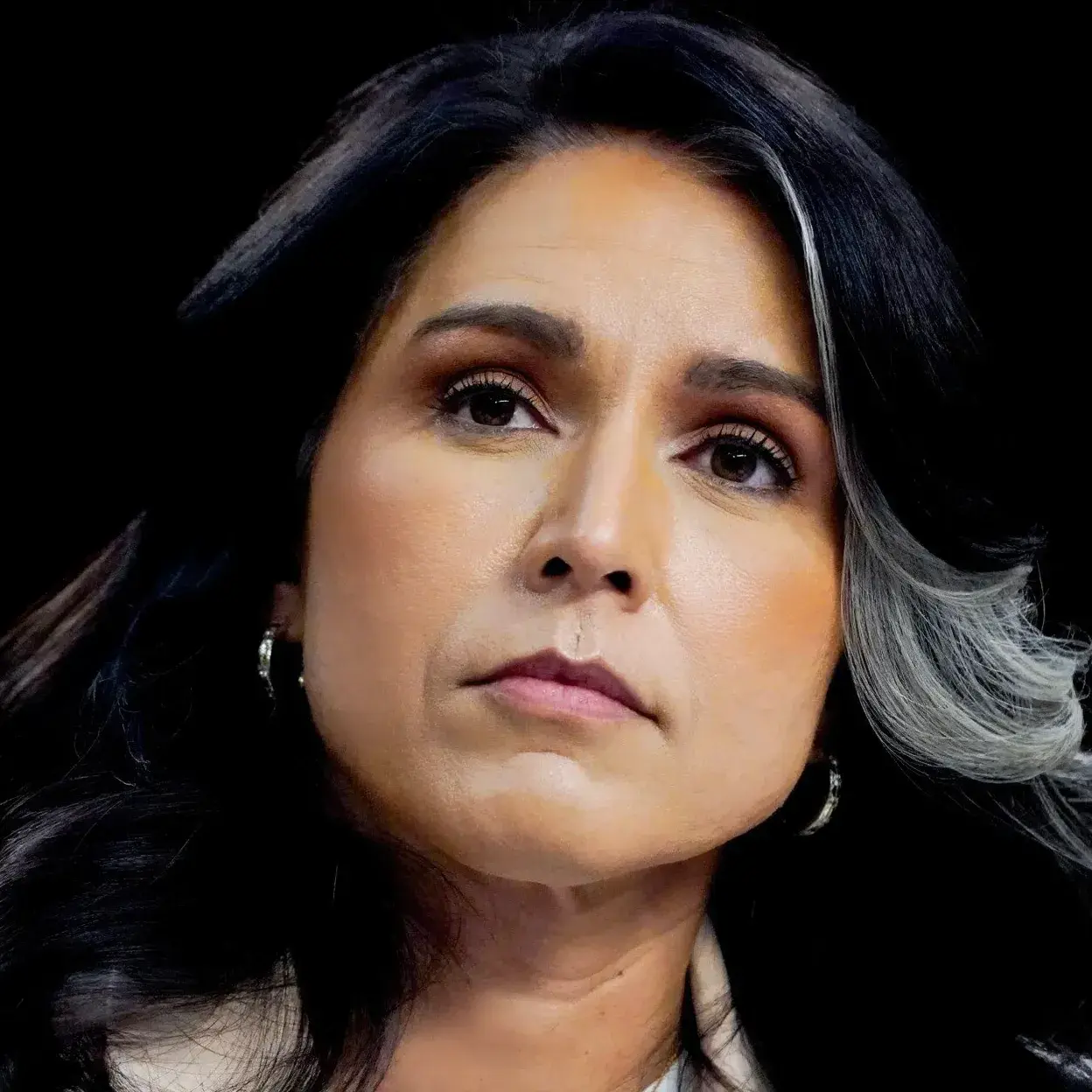
Vidofy's AI-powered background removal uses state-of-the-art algorithms that handle even challenging subjects with exceptional precision. Our technology accurately detects and preserves fine details like hair strands, fur, transparent objects, and complex edges—areas where many tools struggle. The process takes just seconds, supports high-resolution images, and provides manual refinement options if needed. Whether you're working with portraits, products, or complex scenes, you'll get clean, professional cutouts every time.